






 Garantía de entrega






SKU/Artículo: AMZ-B08LYLJH66
HUION
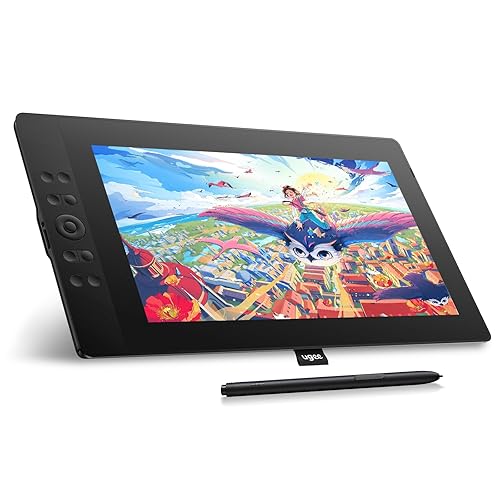
2021 HUION KAMVAS 16 Graphics Drawing Tablet with Full-Laminated Screen Anti-Glare 10 Express Keys Android Support Battery-Free Stylus 8192 Pen Pressure Tilt Adjustable Stand - 15.6 Inch Pen Display
Color:
Black with stand
Detalles del producto
Disponibilidad:
En stock
En stock
Peso con empaque:
1.41 kg
1.41 kg
Devolución:
Sí
Sí
Condición
Nuevo
Nuevo
Producto de:
Amazon
Amazon
Viaja desde
USA
USA
Sobre este producto
- Important Notices: Kindly note that Kamvas 16 is NOT a standalone product. It needs to be connected to a computer/laptop to work. FAQ Q: What is HUION PenTech 3.0 technology? A: The new generation pen uses new model of senor. Senor position is lower from 6mm to 3.5mm. Lower sensor position means quicker respond and reduces the idling distance from 0.8mm to 0.3mm. The pen nib shape is also optimized for better accuracy. With the new PenTech 3.0, the pen now follows every pen movement tightly. Q: Do I need to install a driver when connecting the tablet to an Android phone or tablet? A: No, you don’t need to install a driver. The pen tablet can work without installing any driver into your phone or tablet. Q: How to activate Pen Tablet Mode? A: You can use the HUION Kamvas 16 as a pen tablet without screen. The screen is black, but you can still draw on it and see the strokes on your computer. This mode can not only help to save power, but also help you release the stress of neck and keep in more comfortable position. In case the pen display is off, just connect the pen display to the laptop with a USB cable and power the laptop on. In case the pen display is on, please power it off first and then reinsert the male plug of the USB cable to the pen display. Q: How to set up the left-hand mode on pen display (MacOS)? A: Step 1. Open the driver interface; click the “Work Area” >Select 180°in the “Rotate Set” > click the “OK” or “Apply” button. Step 2. Click the Apple icon at the top left of the computer > Select “System Preferences” > Click “Display” to enter the “Display Setting” > Set the rotation to 180° Step 3. Flip the pen display to use. Warranty Every HUION product comes with a one-year warranty HUION customer service support provides lifetime technical support.
S/ 1,581.03
31% OFF
S/ 1,090.36
IMPORT EASILY
By purchasing this product you can deduct VAT with your RUT number
S/ 1,581.03
31% OFF
S/ 1,090.36
 Llega en 5 a 10 días hábiles
con envío
 Tienes garantía de entrega
Conoce más detalles
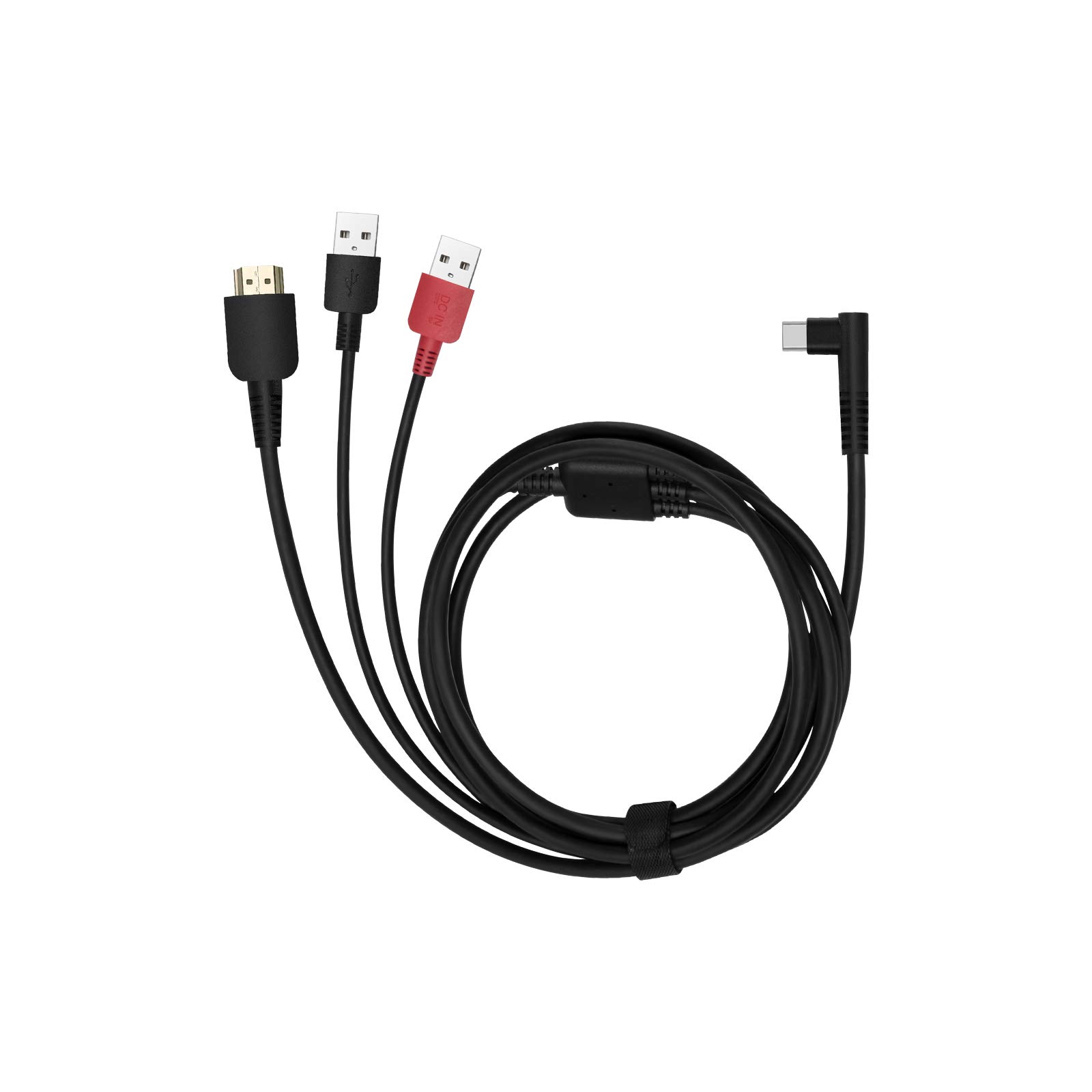
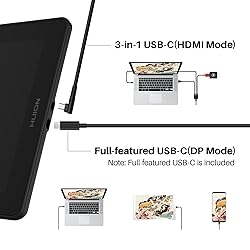
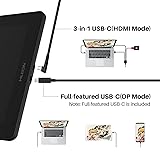
Battery-Free Pen: Kamvas 16 graphics tablet comes with the battery-free PW517 stylus, which is ideal for long painting sessions without worrying about charging. With 8192 levels of pressure sensitivity and ±60° Tilt function, it captures every subtle shift in pressure and angle, giving you pen-like control for shading, and realistic brush effects. Professional-Grade Color: With 178° viewing angle and 5080 LPI resolution, Huion Kamvas 16 (2021) art tablet delivers sharp lines and smooth strokes even when viewed from the side. Its 120% sRGB color gamut volume ensures vibrant, true-to-life colors whether you're editing photos, or coloring comics, bringing every detail to life with professional color accuracy. Anti-Glare Film for Eye Comfort: This anti-glare protective film delivers a true pen-on-paper feel for graphic design and note taking, eliminating glare even in bright studios. It keeps your screen crystal clear, reduces eye strain during long creation, and tackles the common frustration of shiny screens that wash out details - so you can focus on your work, not the glare. Full-Laminated Display: Huion Kamvas 16 (2021) drawing monitor is a fully-laminated drawing display that combines glass and screen into one seamless surface, virtually eliminating parallax for precise cursor tracking—whether you're sketching fine lines in illustration, editing photos in Photoshop, or taking notes during online classes. Programmable Buttons: The 10 customizable shortcut keys on the side let you work faster without reaching for the keyboard—ideal for graphic designers setting shortcuts for brush size, layer switch, or undo/redo, and 3D artists toggling between views, rotating models, or zooming in on details. Ergonomic Adjustable Stand: The included adjustable stand attaches without tools—simply place the monitor on the stand and start drawing. Its ergonomic tilt adjustment lets you find the perfect angle for your neck and wrists, whether you're sketching at a desk, painting in a studio, or presenting work to clients. Easy Setup Cables: Kamvas 16 digital art tablet comes with both a 3-in-1 cable and a full-featured USB-C to USB-C cable, so you can set up in minutes with no extra accessories needed—ideal for beginners setting up their first drawing tablet, or freelancers working from different locations. No messy wires, no complicated setups, express your ideas whenever you want. Portable & Ambidextrous Design: Weighing just 2.78 pounds and 0.47inch thin, Kamvas 16 pen display fits easily into a backpack or laptop sleeve, making it perfect for artists sketching outdoors, or students carrying it to campus. It also supports left-hand mode with a simple driver toggle. Plug-and-Play Monitor: Kamvas 16 drawing tablet for pc is Not a standalone product, it pairs seamlessly with the computer, laptop, or Android device you already use. It doesn’t have a battery to worry about, so you can stay in your creative zone without hunting for chargers.
Compra protegida
Disfruta de una experiencia de compra segura y confiable
![]() Garantía de entrega
Garantía de entrega
Con Tiendamia todas tus compras cuentan con Garantía de Entrega o devolución total de tu dinero.
Compras 100% seguras y garantizadas, para que pidas lo que sueñas y lo recibas del mundo a tu puerta.
Saber más.
Visa

Mastercard

American Express

