











 Garantía de entrega









SKU/Artículo: AMZ-B097NXN7RF
LG
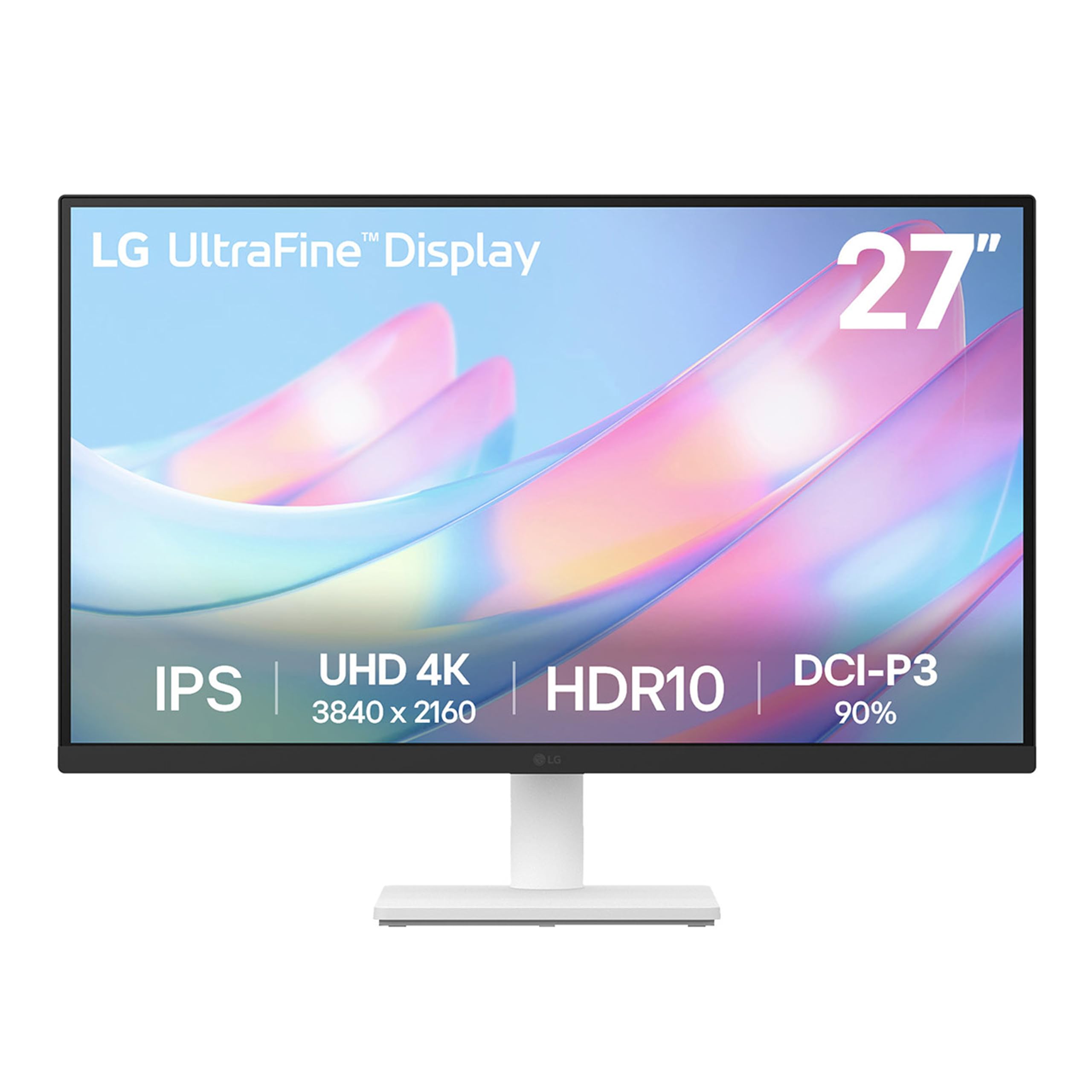
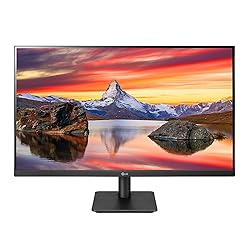
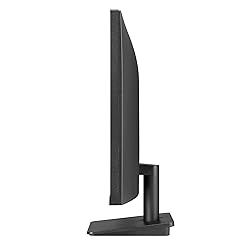
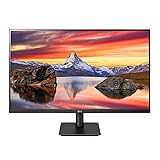
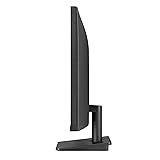
LG 27MP400-B 27” Full HD (FHD) (1920 x 1080) IPS Display with 3-Side Virtually Borderless Design & Mountable Monitor, 75hz, AMD FreeSync and OnScreen Control – Black
Style:
Tilt Stand, 75Hz refresh rate
Size:
27 inch
Detalles del producto
Disponibilidad:
En stock
En stock
Peso con empaque:
3.55 kg
3.55 kg
Devolución:
Sí
Sí
Condición
Nuevo
Nuevo
Producto de:
Amazon
Amazon
Viaja desde
USA
USA
Sobre este producto
- Expand your desktop. Work, watch and play in Full High Definition. LG’s 27 inch Full HD (1920 x 1080) IPS monitor portrays true color, bringing a clear view to your work and lifelike scenes to games, movies, shows and videos.
S/ 1,155.20
55% OFF
S/ 525.09
IMPORT EASILY
By purchasing this product you can deduct VAT with your RUT number
S/ 1,155.20
55% OFF
S/ 525.09
 Llega en 10 a 15 días hábiles
con envío
 Tienes garantía de entrega
Conoce más detalles
Full HD Monitor - Enjoy gaming, movies, shows and videos in Full High Definition. LG's FHD Monitors present amazingly true color performance with an IPS display to give you an experience that wows from virtually any viewing angle. 75Hz Refresh Rate - Stream like you’re the only one watching with an ultra-fast 75Hz refresh rate. Wall Mountable - Running low on desk space? Mount the 27” FHD IPS Monitor for easy viewing. 3-Side Virtually Borderless Design - Stay focused on your work with a virtually borderless screen on three sides. It's an extra-wide, panoramic desktop experience. AMD FreeSync - Ready to rise above the pack? Reduce tearing, stutter and lag with built-in AMD FreeSync for seamless gaming. Designed for an Ideal Desktop - The monitor's uni-body design, with ultra-narrow bezel and tilt adjustment is the ideal screen for a desktop setup. Reader Mode - Watch your monitor for longer periods of time. Reader Mode provides optimal conditions for reading by reducing blue light. OnScreen Control - You can customize the workspace by splitting the display or adjusting basic monitor options with just a few mouse clicks.
Compra protegida
Disfruta de una experiencia de compra segura y confiable
![]() Garantía de entrega
Garantía de entrega
Con Tiendamia todas tus compras cuentan con Garantía de Entrega o devolución total de tu dinero.
Compras 100% seguras y garantizadas, para que pidas lo que sueñas y lo recibas del mundo a tu puerta.
Saber más.
Visa

Mastercard

American Express

