













 Garantía de entrega


SKU/Artículo: AMZ-B0FP2WJQ75
Generic
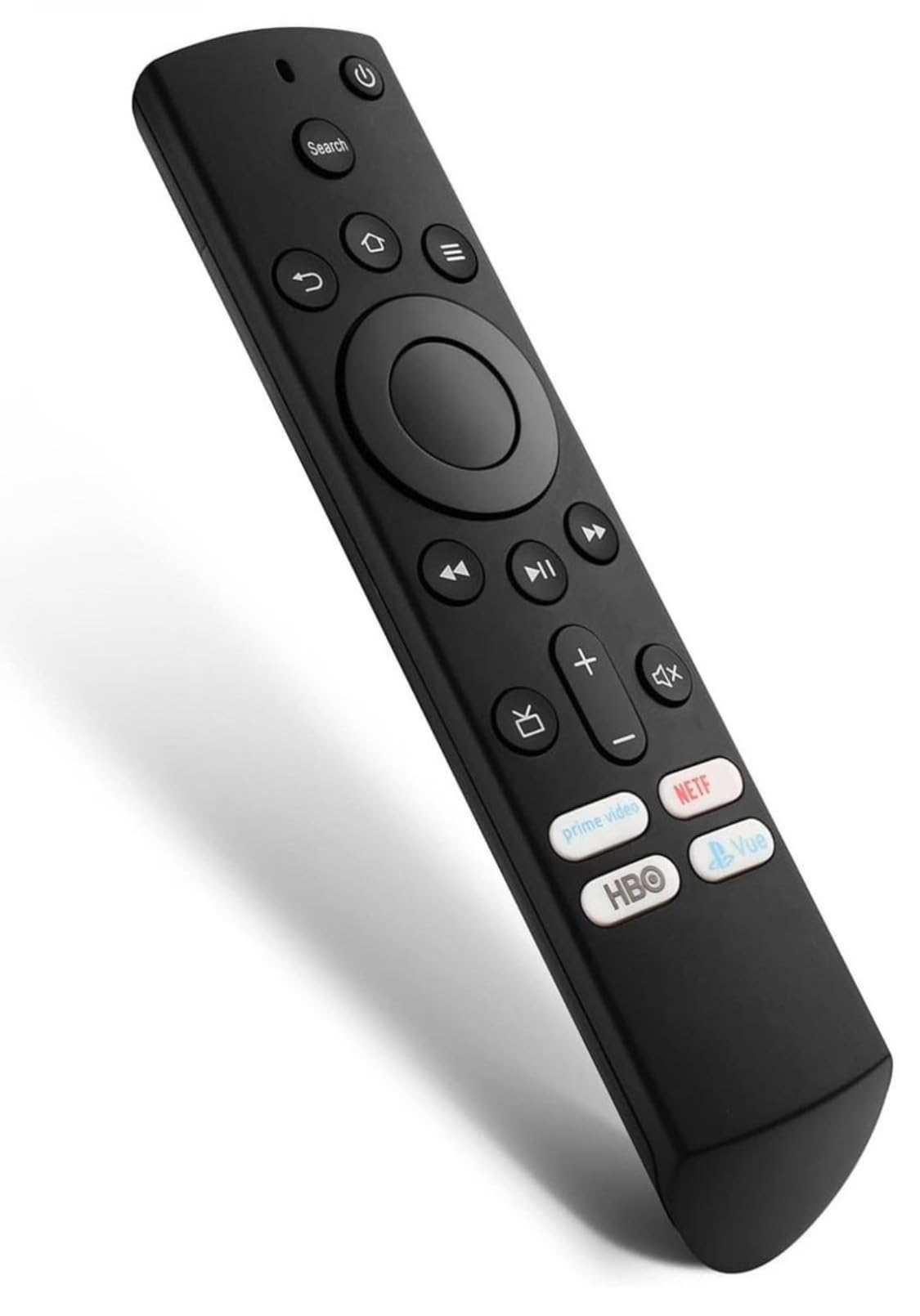
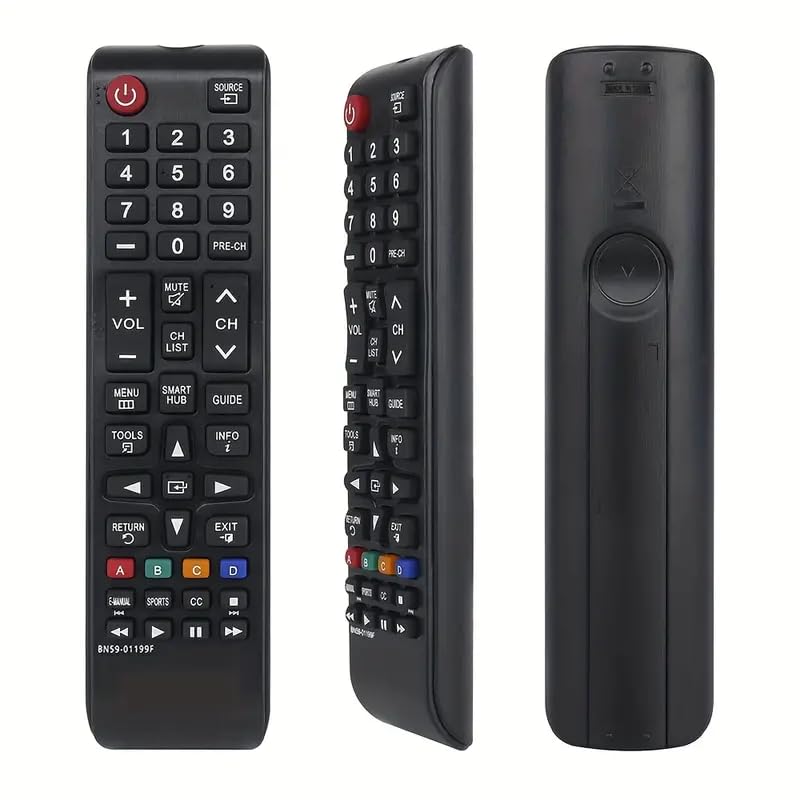
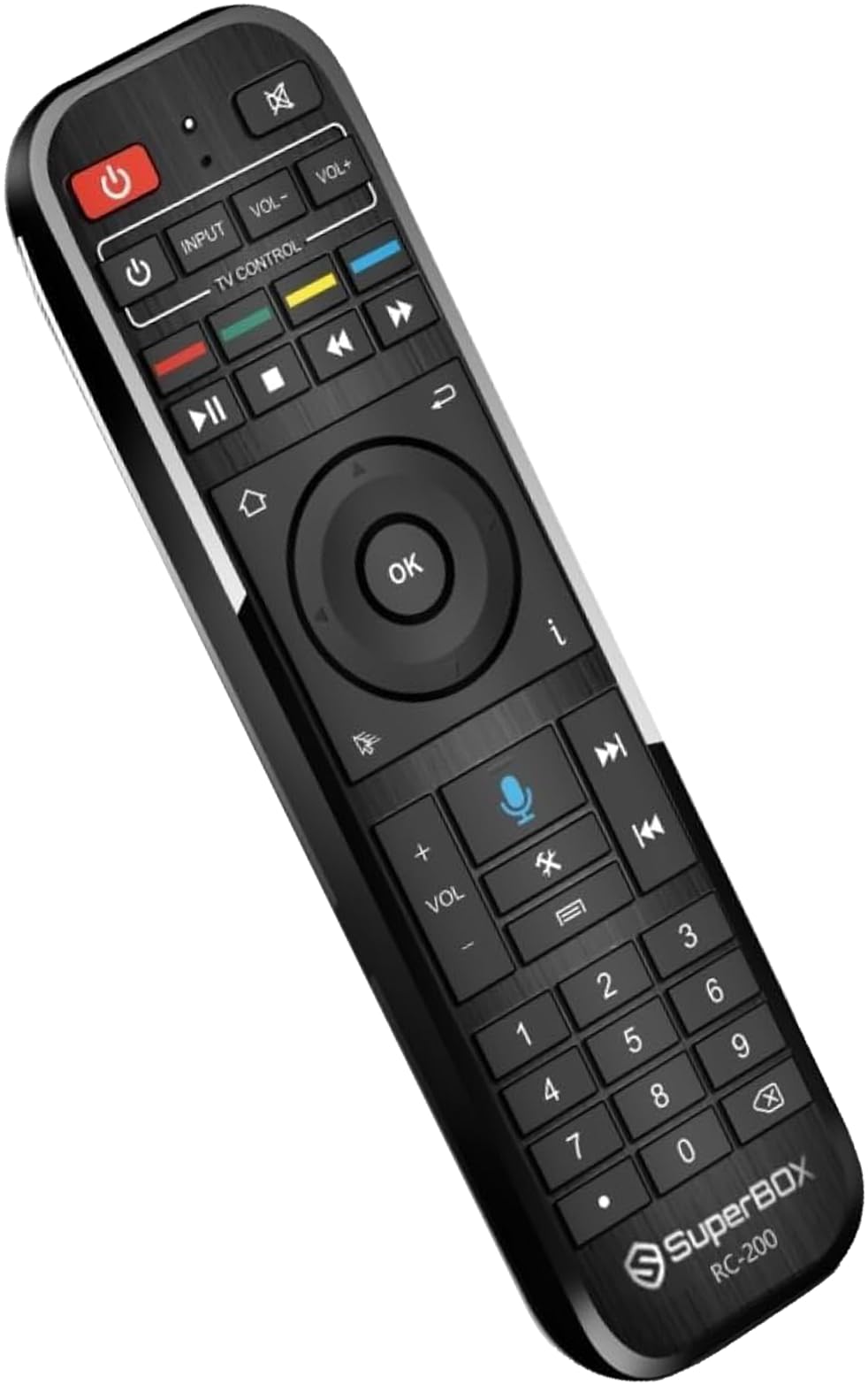
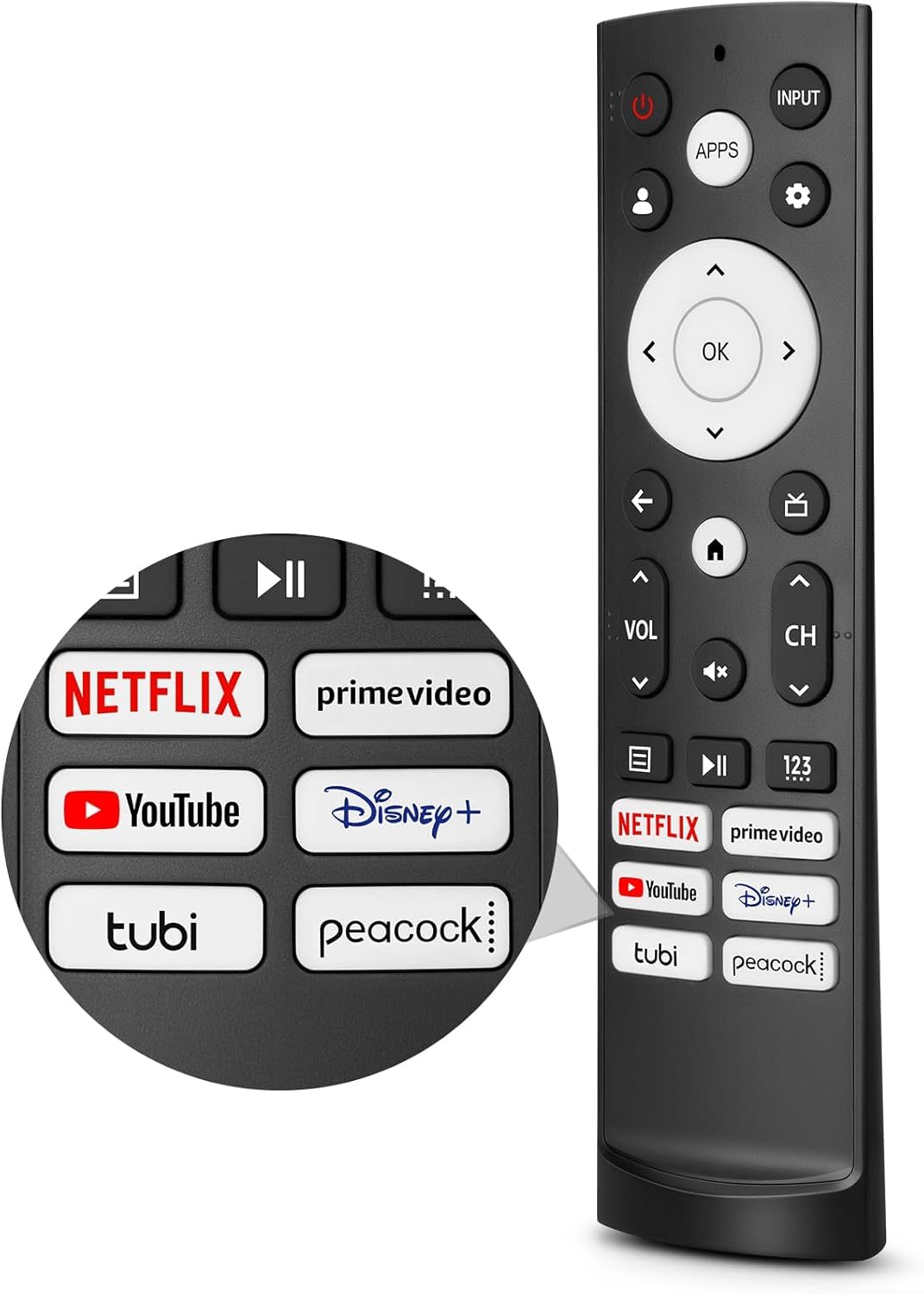
Replacement Remote Control for Bose RC-PWS III Universal Remote Control for Solo TV Sound Systems & CineMate Home Theater Speaker Systems
Detalles del producto
Disponibilidad:
En stock
En stock
Peso con empaque:
0.58 kg
0.58 kg
Devolución:
No
No
Condición
Nuevo
Nuevo
Producto de:
Amazon
Amazon
Viaja desde
USA
USA
Sobre este producto
- Universal Remote
S/ 328.86
55% OFF
S/ 149.48
IMPORT EASILY
By purchasing this product you can deduct VAT with your RUT number
S/ 328.86
55% OFF
S/ 149.48
 Llega en 15 a 25 días hábiles
con envío
 Tienes garantía de entrega
Conoce más detalles
【Compatible Models】Replacement RC-PWS III 714543-1020 Universal Remote Control Compatible with for Bose Solo TV Sound Systems & CineMate Home Theater Speaker Systems. 【Please Note】for Bose audio device default keys: POWER, device key (signal input source switch key), VOL+, VOL-, BASS, TAIK(dialog key) EXiT: lf the current device has a code, send a frame of the current device's code followed by the BOSE audio de -vice's code Brand search mode. 【Pairing Step 1】 Hold down the device key for about 3S and release the indicator after it is steady on.2. Enter the 4-digit brand code and the indicator flashes once.3. Press VOL+/- to switch the previous or next group of codes of the current brand, press the EXlT indicator to blink three times for saving, press the non-Bose audio key, and send the current key code of the current code.(Note: lf no operation is performed in steps 1 and 2 for 30 seconds, all indicators blink three times to exit the search mode.) 【Pairing Step 2】Step 3 Times out The current standby indicator blinks three times to save and exit.One-click shutdown 1. Press the "CPL-SAT" + "TV" button for 10S. The TV/ CPL-SAT indicator blinks for three times at the same ti-me. After setting 3 frames TV electrical source code three frames CPL-SAT electrical source code + BOSE audio el-ectrical source code. Power Supply: 1 x IR remote control (Batteries and Instructions are Not Included). It can solve the problem when your home remote control doesn't work and becomes your backup remote control. Great After-sales Service: We've been working hard to improve the quality and compatibility of our products, as well as providing professional after-sales service. If you have any questions about your order or model, reach out to us directly and we'll get back to you within 12 hours on weekdays.
Compra protegida
Disfruta de una experiencia de compra segura y confiable
![]() Garantía de entrega
Garantía de entrega
Con Tiendamia todas tus compras cuentan con Garantía de Entrega o devolución total de tu dinero.
Compras 100% seguras y garantizadas, para que pidas lo que sueñas y lo recibas del mundo a tu puerta.
Saber más.
Visa

Mastercard

American Express

