




 Garantía de entrega






SKU/Artículo: AMZ-B0FJF1HH87
ZWP
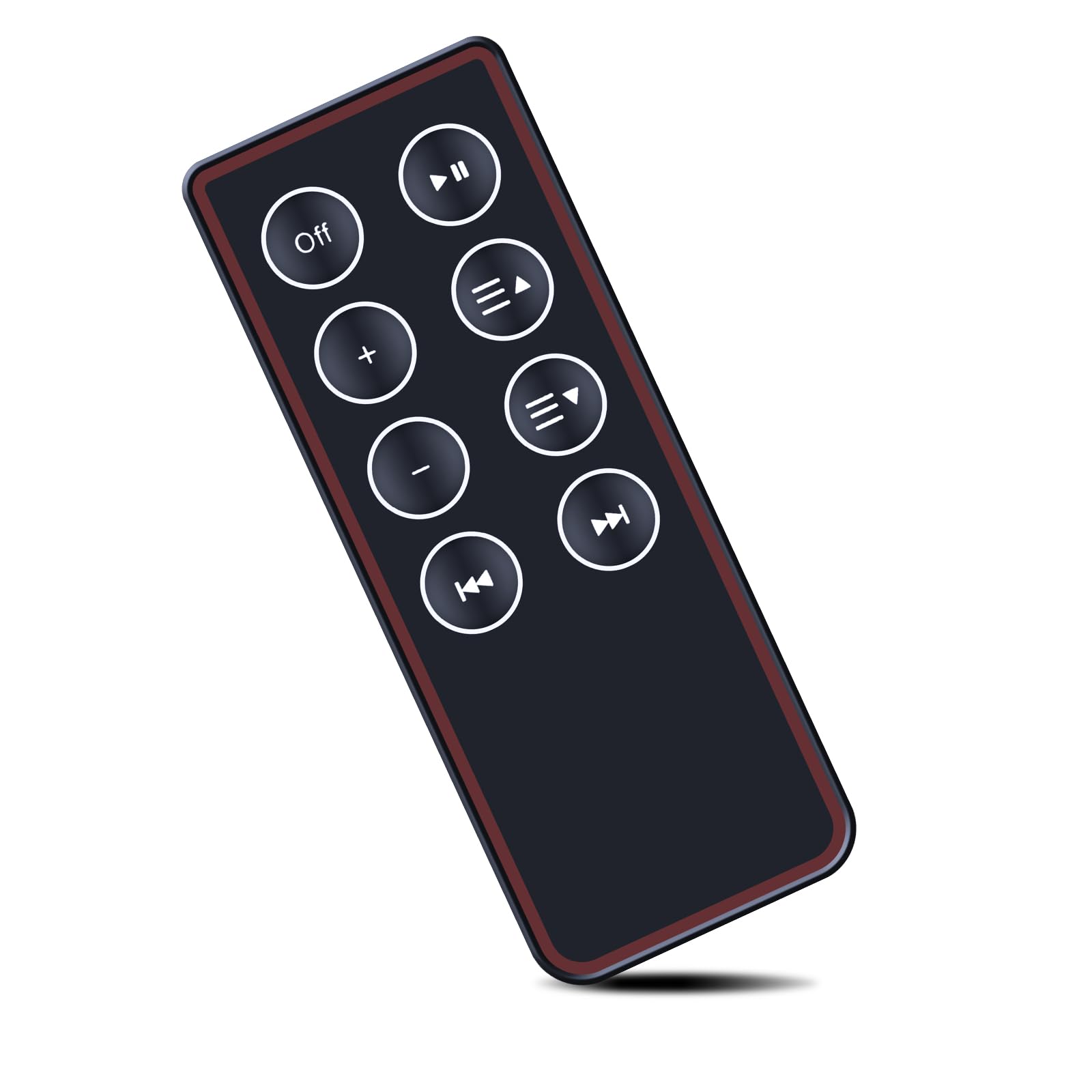
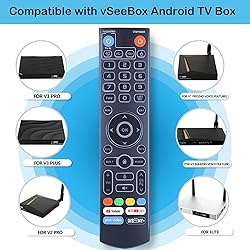
ZWP Backlight V3 Pro Voice Remote Control Replacement for vSeeBox V5 Pro, V1, V1 Pro, V2, V2 Pro, V3 Pro, V3 Plus, V1 Max, Elite, Max
Detalles del producto
Disponibilidad:
En stock
En stock
Peso con empaque:
0.30 kg
0.30 kg
Devolución:
Sí
Sí
Condición
Nuevo
Nuevo
Producto de:
Amazon
Amazon
Viaja desde
USA
USA
Sobre este producto
- How to program: 1.Press and hold (power) Button for 5 seconds.the LED goss from blinking to solid and STB RCU enters Learning Mode. 2.Press the key to be programmed on this RCU. LED begins blinking slowly.The Key is ready to accept programming. 3.Aim the TV RCU towards the front of this RCU(distance less than 3cm) Press the button on the TV RCU. lf the STB RCU is programmed correctly,the LED wil flash 3 times. 4.Repeat steps 2-3 for other keys. 5.Exit Learning Mode by pressing any other button on this RCU.LED turns off.
S/ 150.97
31% OFF
S/ 104.10
IMPORT EASILY
By purchasing this product you can deduct VAT with your RUT number
S/ 150.97
31% OFF
S/ 104.10
 Llega en 5 a 10 días hábiles
con envío
 Tienes garantía de entrega
Conoce más detalles
Compatible with vSeeBox V5 Pro,V1,V1 Pro,V2,V2 Pro, V3 Pro, V3 Plus,V1 Max,Elite,Max(Remote with Backlight ) How to program: 1.Press and hold (power) Button for 5 seconds.the LED goss from blinking to solid and STB RCU enters Learning Mode. 2.Press the key to be programmed on this RCU. LED begins blinking slowly.The Key is ready to accept programming. 3.Aim the TV RCU towards the front of this RCU(distance less than 3cm) Press the button on the TV RCU. lf the STB RCU is programmed correctly,the LED wil flash 3 times. 4.Repeat steps 2-3 for other keys. 5.Exit Learning Mode by pressing any other button on this RCU.LED turns off. Brand new Remote Control Made of high-quality ABS, which is wear-resisting and durable, comfortable hand feeling Package Included:1 x Remote Controller (not include the battery) Any question, Please do not hesitate to contact us before leaving Feedback, We will help you resolve it, Thank you.
Compra protegida
Disfruta de una experiencia de compra segura y confiable
![]() Garantía de entrega
Garantía de entrega
Con Tiendamia todas tus compras cuentan con Garantía de Entrega o devolución total de tu dinero.
Compras 100% seguras y garantizadas, para que pidas lo que sueñas y lo recibas del mundo a tu puerta.
Saber más.
Visa

Mastercard

American Express

