








 Garantía de entrega






SKU/Artículo: AMZ-B0FDZCTFFX
RETROSUN
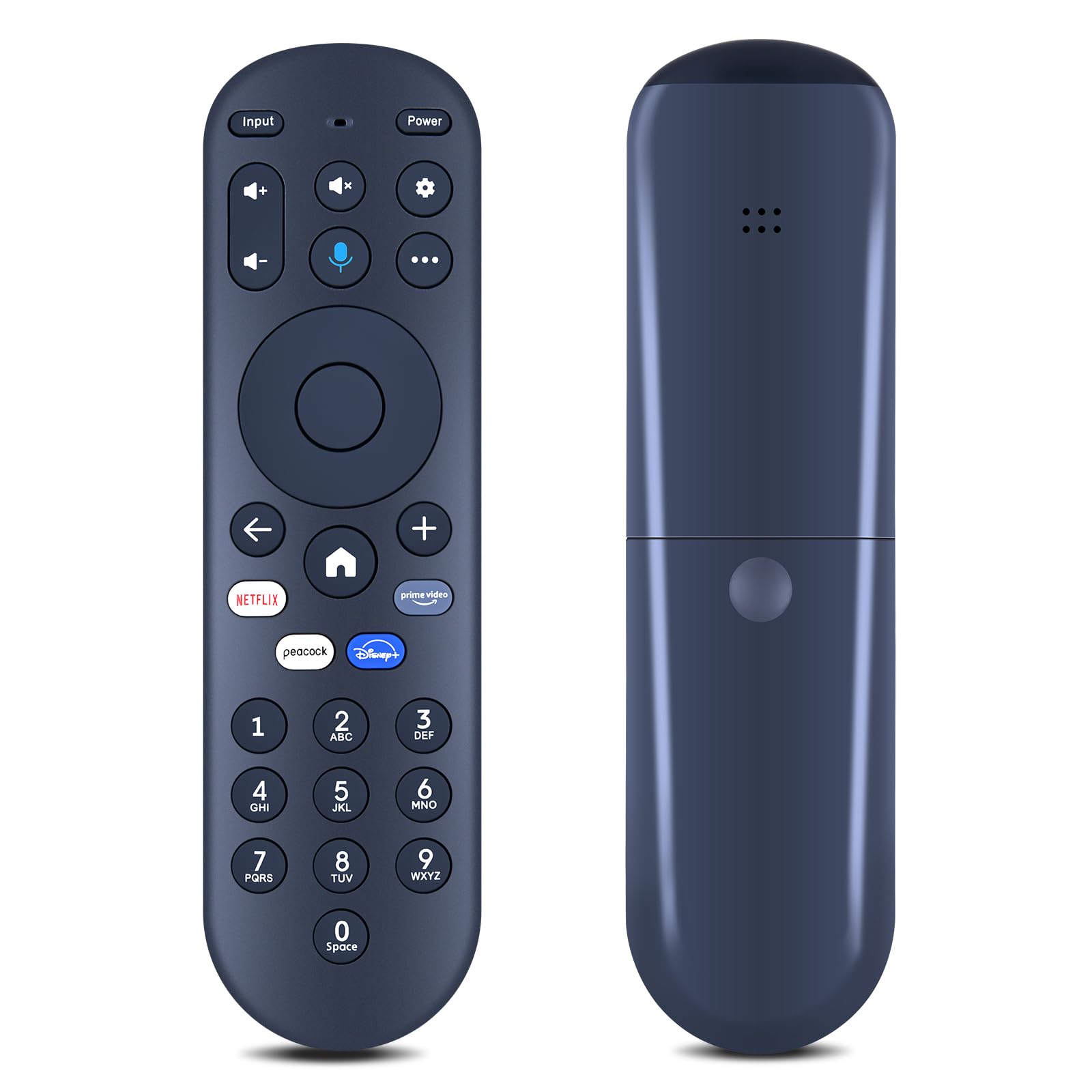
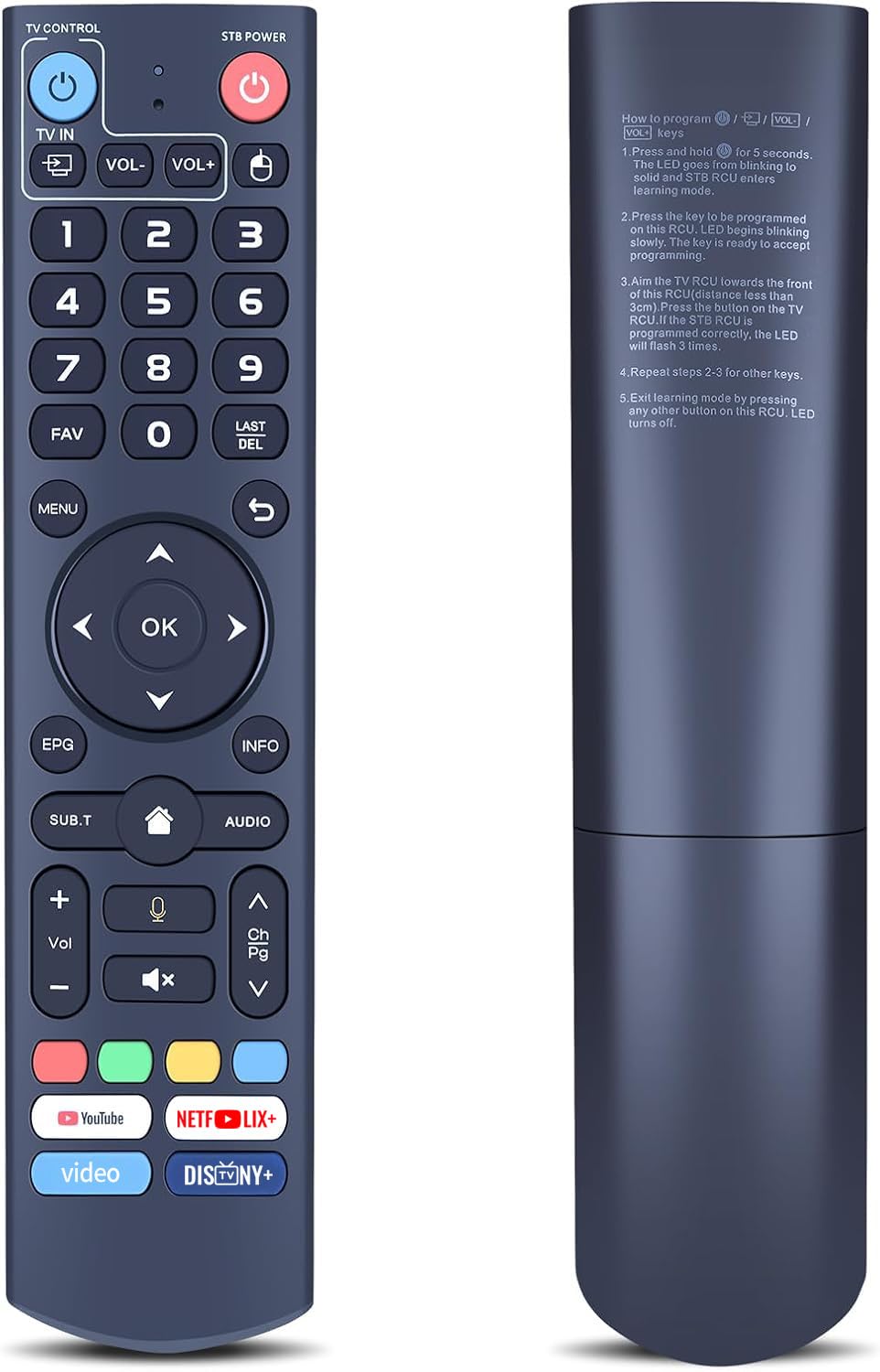
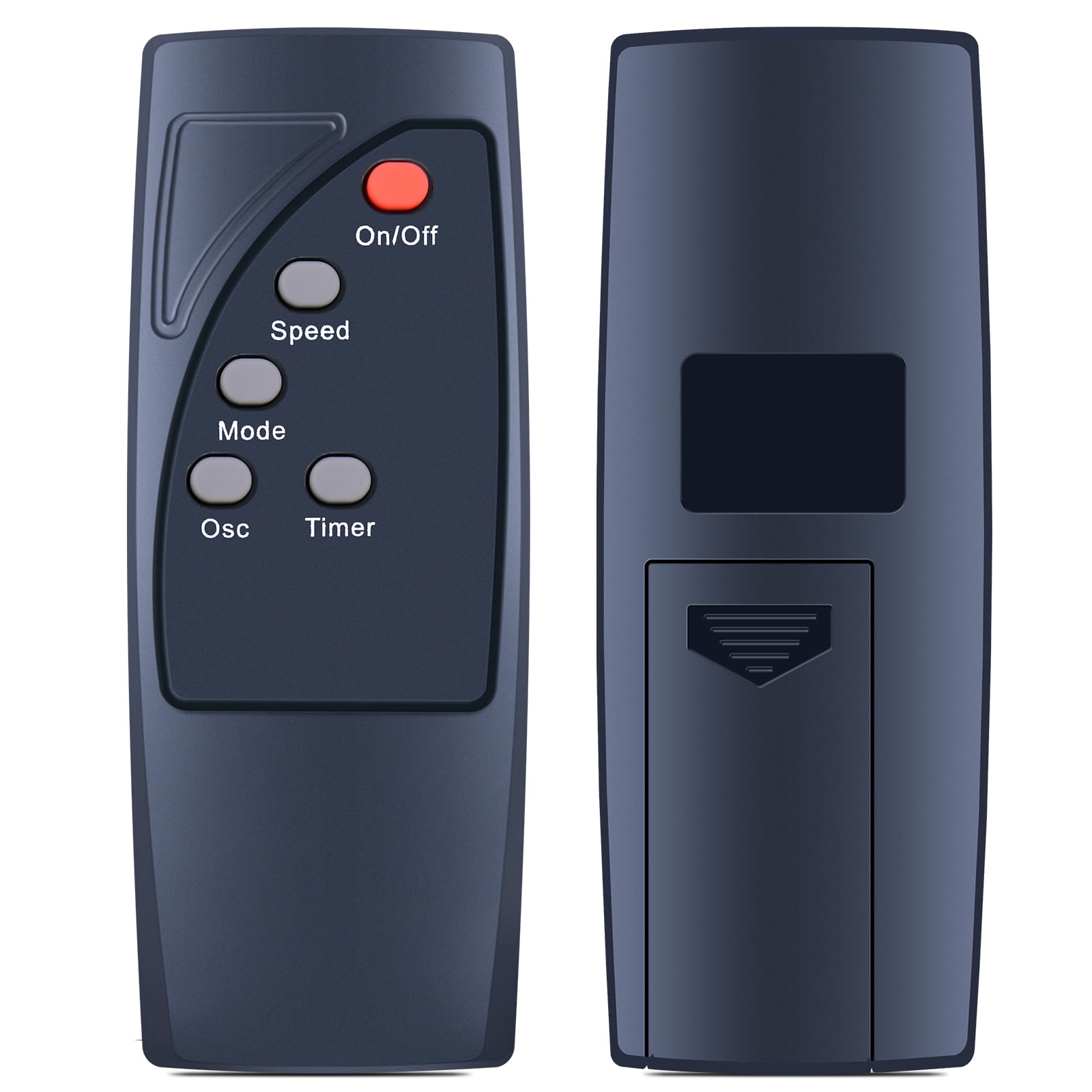
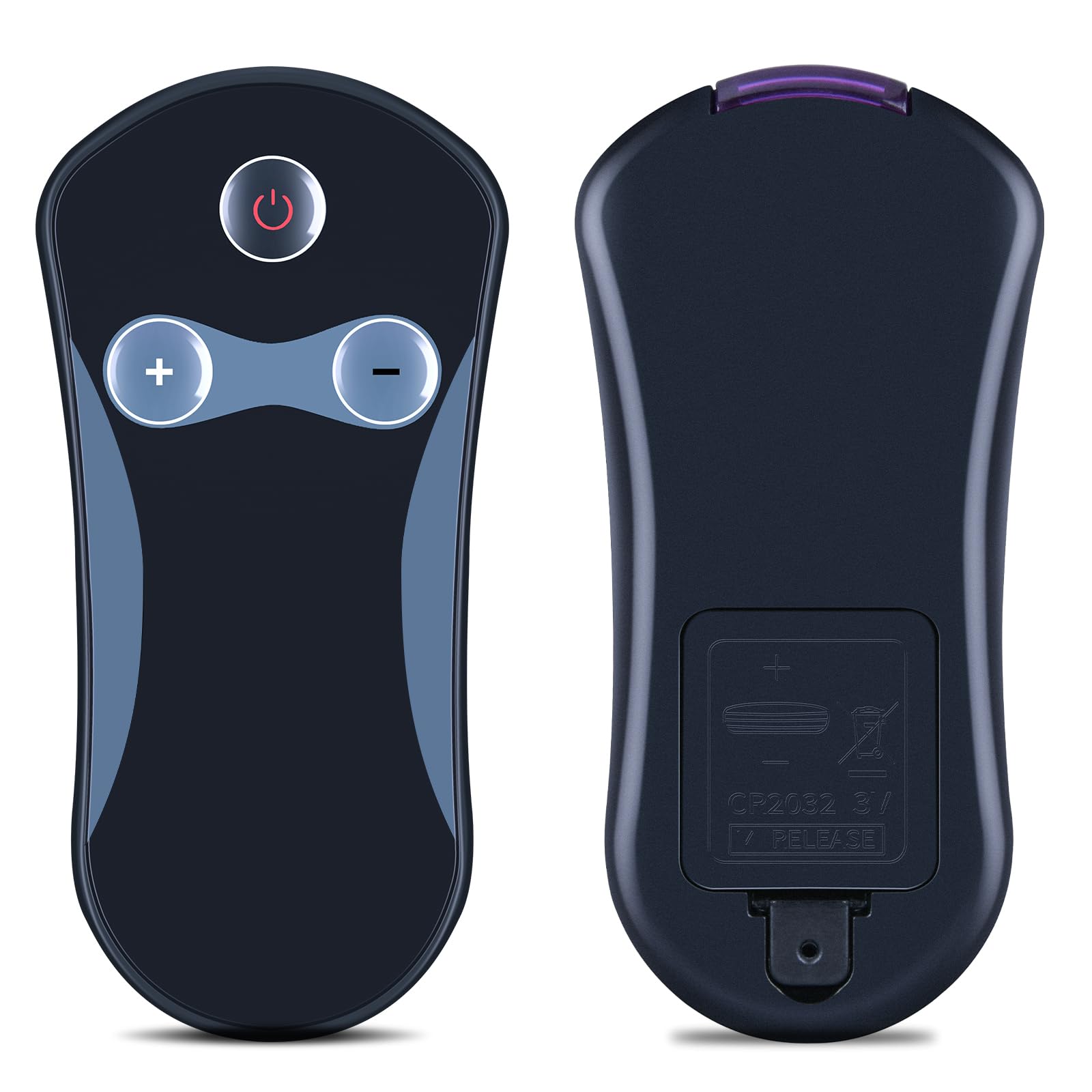
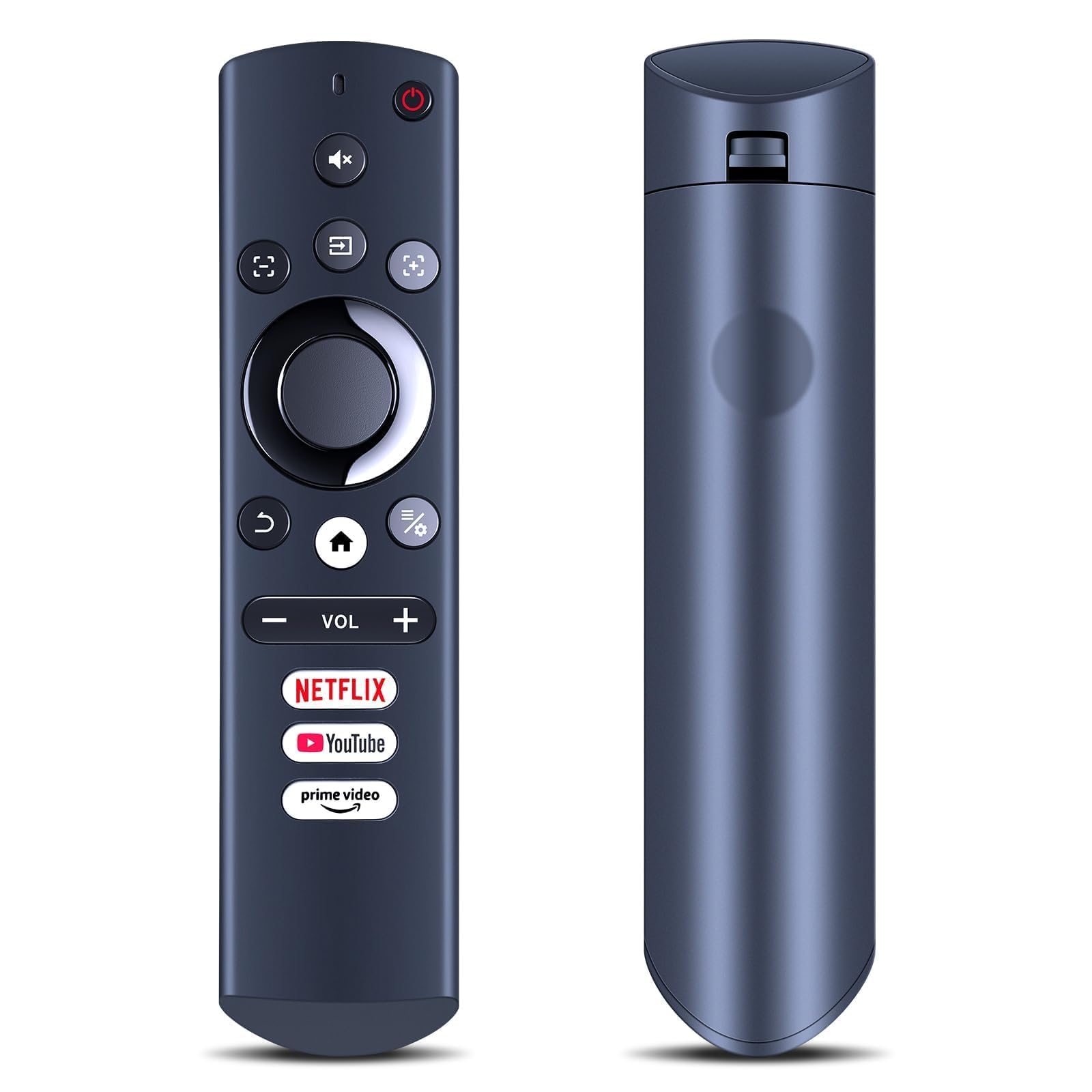
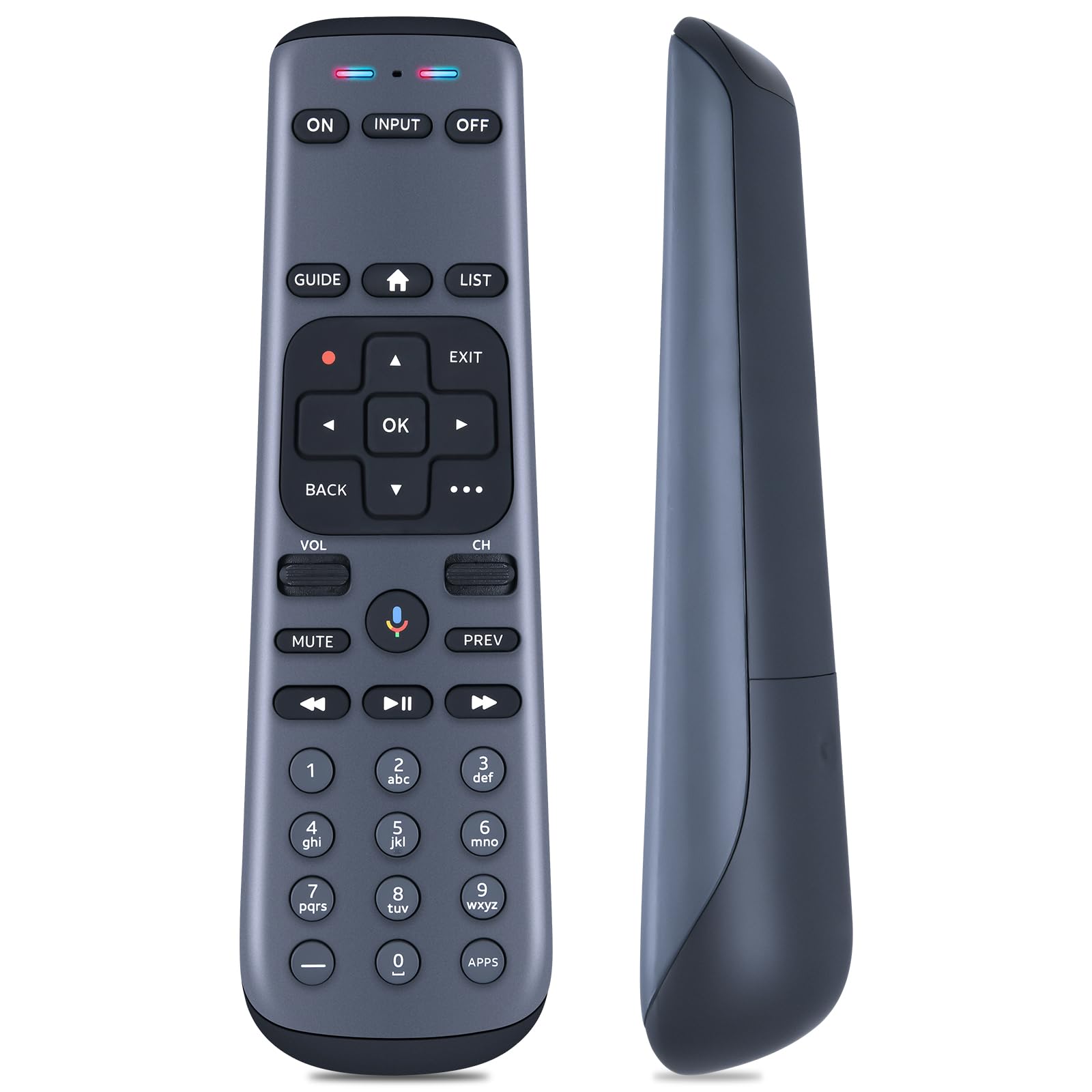
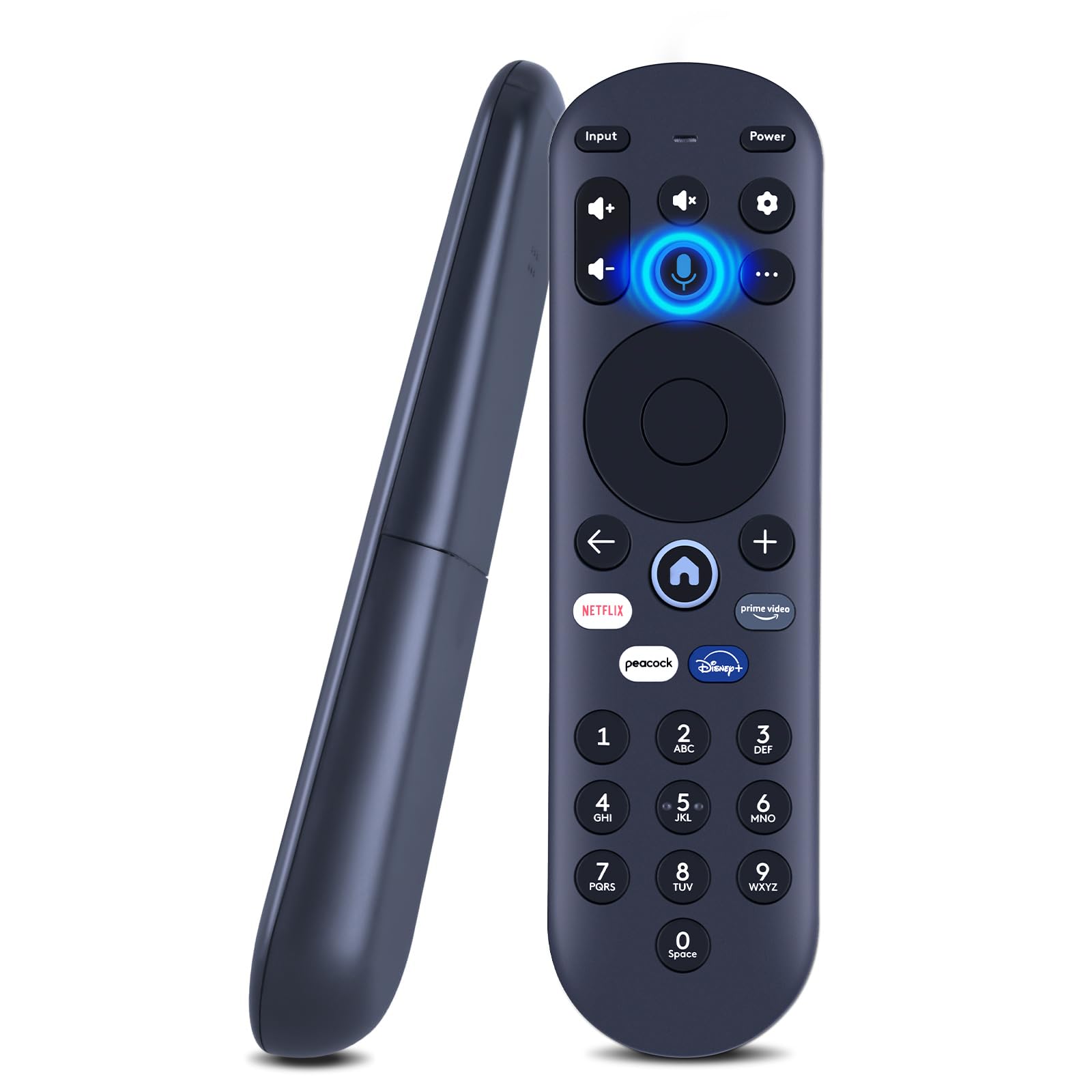
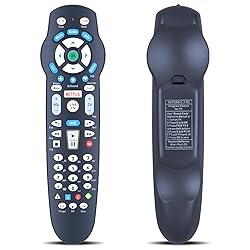
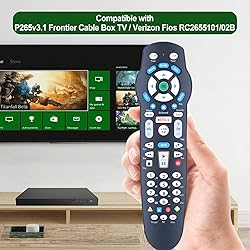
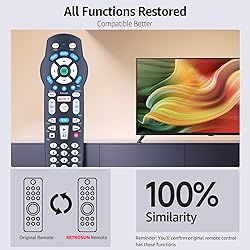
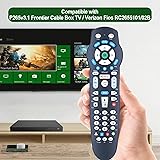
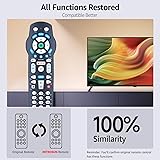
RETROSUN Replacement Remote Control Compatible with Frontier Cable Box TV P265v3.1, for Verizon Fios RC2655101/02B
Model:
CW382
Detalles del producto
Disponibilidad:
En stock
En stock
Peso con empaque:
0.30 kg
0.30 kg
Devolución:
Sí
Sí
Condición
Nuevo
Nuevo
Producto de:
Amazon
Amazon
Viaja desde
USA
USA
Sobre este producto
- RETROSUN Replacement Remote Control Compatible for Frontier Cable Box TV P265v3.1, for Verizon Fios RC2655101/02B.
S/ 160.38
55% OFF
S/ 72.90
IMPORT EASILY
By purchasing this product you can deduct VAT with your RUT number
S/ 160.38
55% OFF
S/ 72.90
 Llega en 5 a 10 días hábiles
con envío
 Tienes garantía de entrega
Conoce más detalles
This replacement remote control compatible for Frontier Cable Box TV P265v3.1, for Verizon Fios RC2655101/02B. Pairing Before use. Program Method: 1) Turn on tv and frontier STB. Make sure you can see live tv. 2) Locate the 3- digit code for your TV brand in the list to the right and circle the correct code. 3) Press and hold the "OK" and "0" keys together. The RED LED on the remote will blink twice and then stay on. 4) Enter the 3-digit TV code for your TV brand using the number pad. The RED LED will blink twice and stay on. 5) Press and release the "CH+" repeatedly until the tv turns off. You can also "back up" by pressing the "CH-" . 6)Test that remote is programmed. If all keys work, press "OK" to save. The RED LED will blink 3 times and turn off. Code Search Method to Program the RC: 1. Turn on tv and the frontier STB. Make sure you can see live television. 2. Press and hold the "OK" and "Live TV" together, then release both. The RED LED will blink twice and then stay on. 3. Press and hold down the "PLAY/PAUSE". 4. The remote will try a new tv code every second, and the RED LED will blink each time a new code is sent. 5. When the TV turns off, stop pressing the "play/pause" right away. 6. You can press the "CH+" or "CH-" to go forward or back one tv code at a time. 7. Test the remote is programmed. If keys all work, press "OK" to save. The RED LED will blink 3 times and then turn off. Note: If you need to replace the battery, please wait until the red LED flashes 5 times quickly before replacing it. Package Content: 1 * Remote Control & Use Manual (2pcs AA Not Included).
Compra protegida
Disfruta de una experiencia de compra segura y confiable
![]() Garantía de entrega
Garantía de entrega
Con Tiendamia todas tus compras cuentan con Garantía de Entrega o devolución total de tu dinero.
Compras 100% seguras y garantizadas, para que pidas lo que sueñas y lo recibas del mundo a tu puerta.
Saber más.
Visa

Mastercard

American Express

