







 Garantía de entrega







SKU/Artículo: AMZ-B0DQ1979Z7
Habit Control
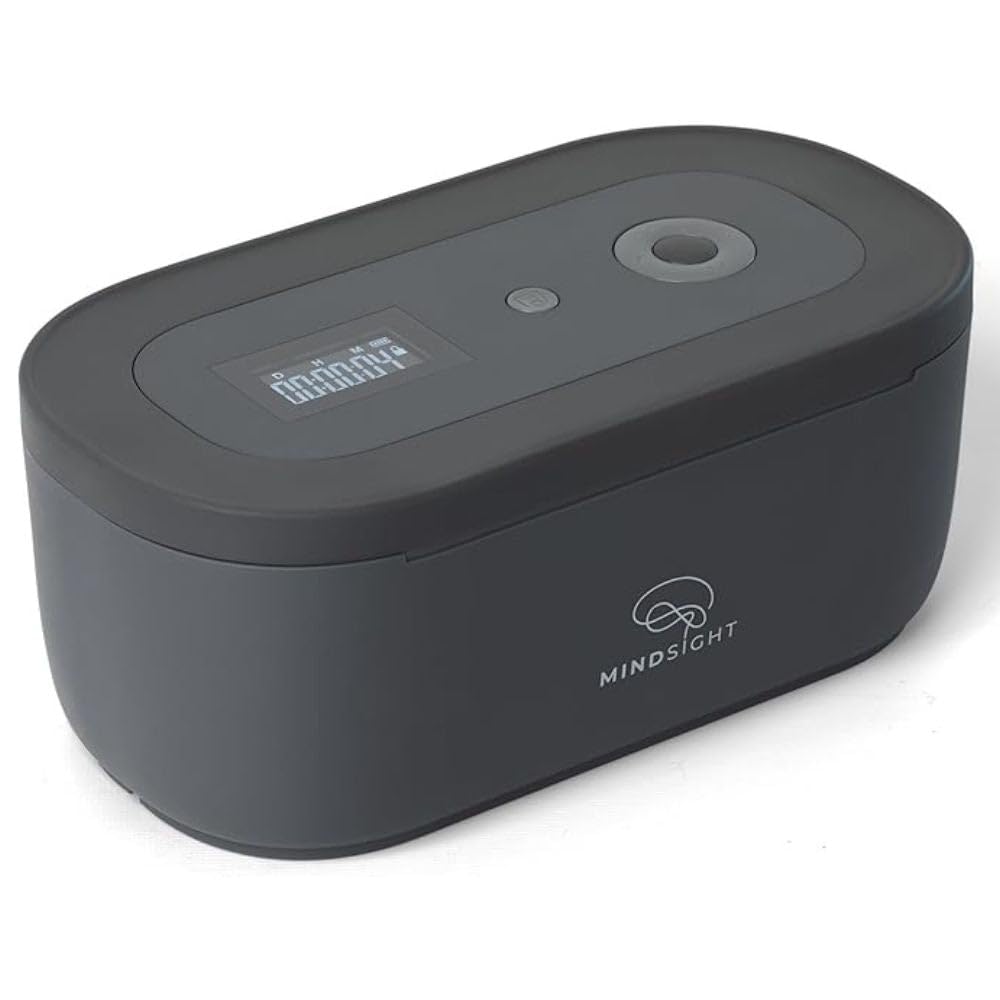
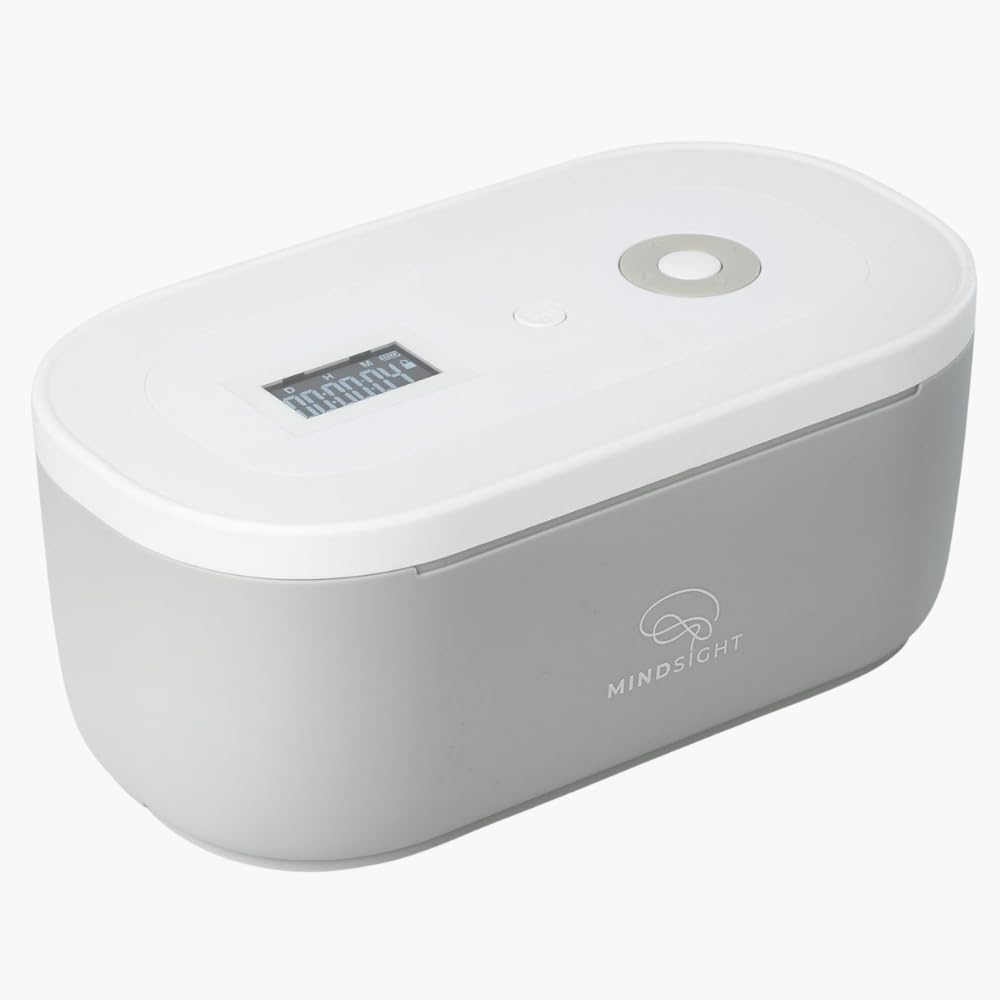
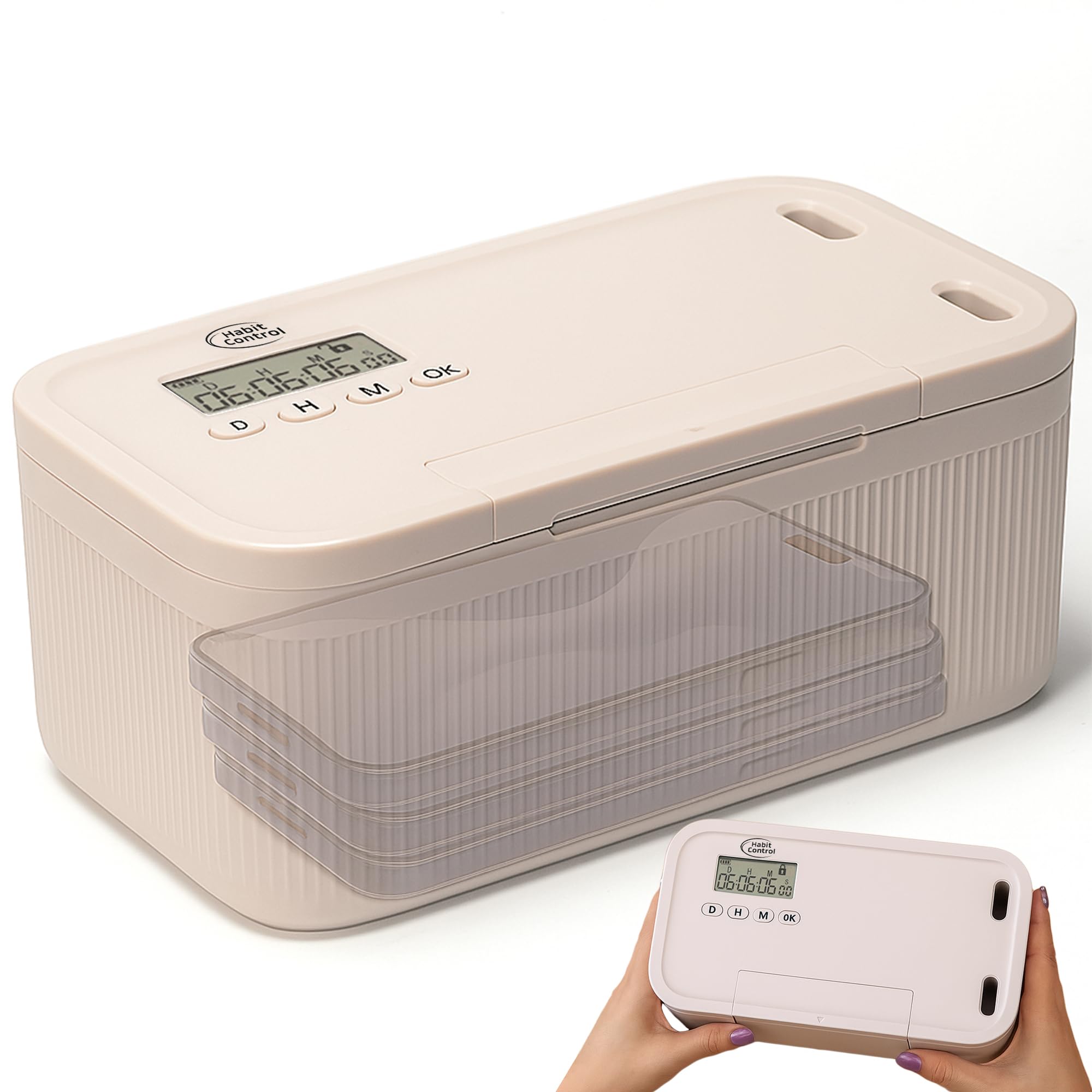
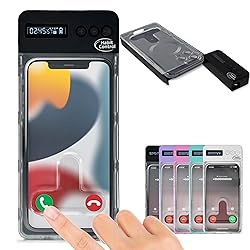
Phone Lockbox with Timer - Phone Safe Box with Timer, Cellphone Jail, Time Locking Container 99 Hours Phone Free Box - Reduce Screen Time, Improve Productivity - Habit Control Lock Box - Black
Color:
Black
Detalles del producto
Disponibilidad:
En stock
En stock
Peso con empaque:
0.30 kg
0.30 kg
Devolución:
Sí
Sí
Condición
Nuevo
Nuevo
Producto de:
Amazon
Amazon
Viaja desde
USA
USA
Sobre este producto
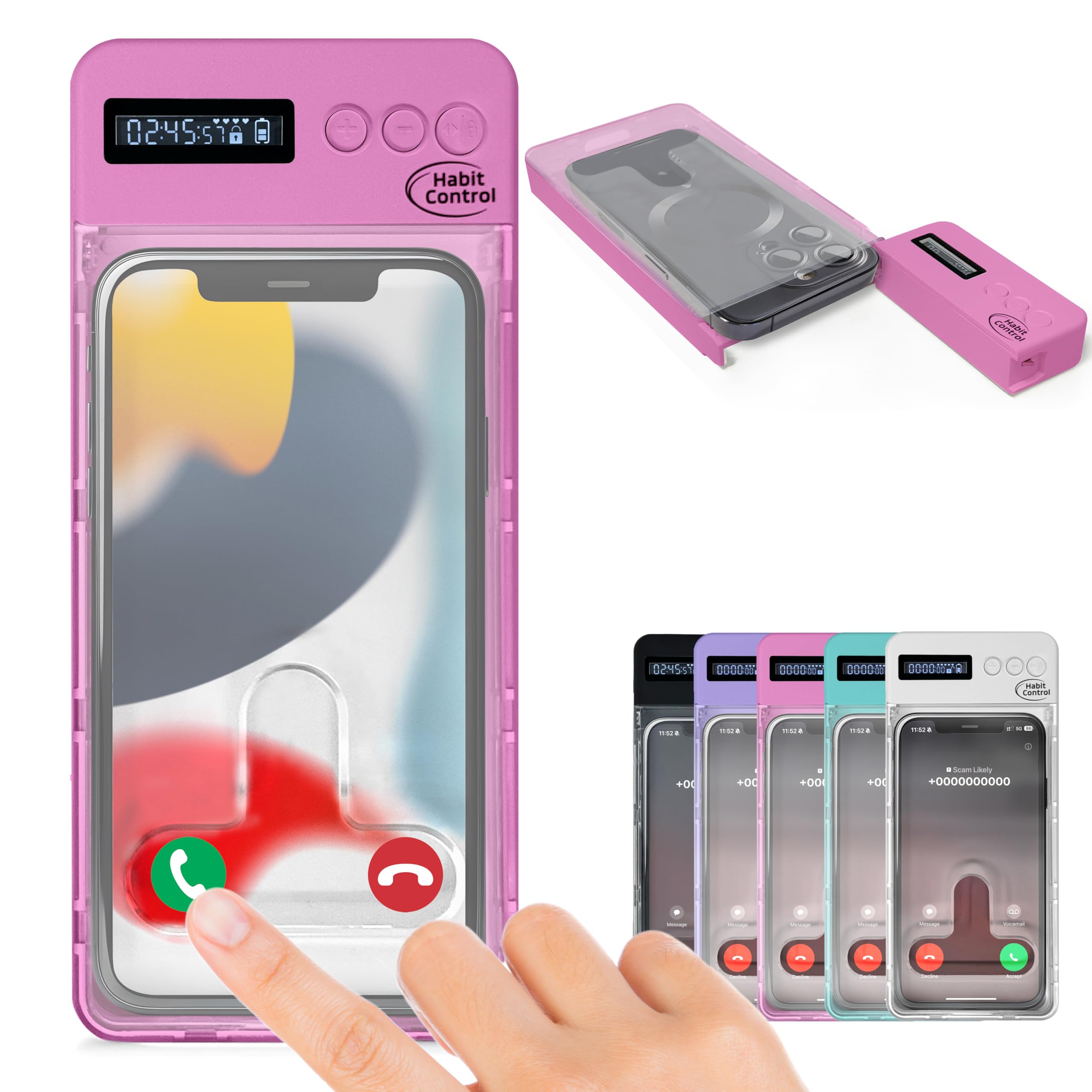
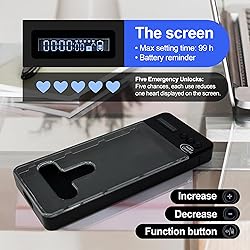
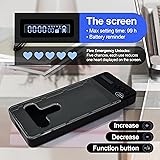
- To avoid disturbances, it is recommended to set your phone to silent or power-off mode before locking it. Open the lid of the lockbox for phone, place your phone inside, and close the lid. Set the desired lock time. Press and hold the function button for 5 seconds to enter the hesitation period. During the hesitation period, press the button to cancel the lock; if there is no operation during the hesitation period, phone locker box will lock and start the countdown. When the set time ends, smart phone lock box will automatically unlock, and the buzzer will sound. At this time, you can open the lid and take out the phone. Instructions of Special Function Operations: Five Emergency Unlocks: Long press the unlock button for five seconds to cancel the timer, resetting the time to zero. (Five chances, each use reduces one heart displayed on the screen). Silent Mode: Long press the "-" button for 5 seconds; the screen will flash, entering silent mode (repeat to exit silent mode). Resetting Before Locking: Before locking, if no operation is performed within 30 seconds after setting the duration, the timer will automatically reset to zero. Time locking container has a built-in rechargeable lithium battery, with a backlit screen that turns off automatically after 15 seconds of inactivity. The backlight will turn on again by pressing any key in the off-screen state. Time Setting: Press the function button. You can switch between three modes (hours, minutes, seconds) by cycling through. In any of these modes, you can use the + or - buttons to set the desired time. Once the timer starts, the set time cannot be canceled or changed.
S/ 104.45
31% OFF
S/ 72.03
IMPORT EASILY
By purchasing this product you can deduct VAT with your RUT number
S/ 104.45
31% OFF
S/ 72.03
 Llega en 5 a 10 días hábiles
con envío
 Tienes garantía de entrega
Conoce más detalles
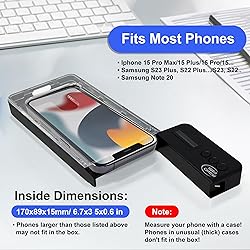
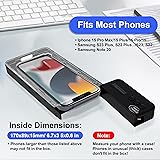
Take Charge of Your Screen Time: Struggling to resist using your phone, even when it’s not necessary? We get it. That’s why our timed lock box for phone was designed to assist you. By placing your device in the lockbox, you can reduce unneeded screen time and focus better on work, studies, and meaningful moments in your life. Compatible with Most Smartphones: Habit Control cell phone jail lock box works with a wide range of devices. The internal dimensions are 170x89x15mm (6.7x3.5x0.6in). Note: Designed to fit phones with slim, compact cases. Maximize Your Focus: Cell phone jail box product offers flexibility with two modes—call reception and full enclosure. To receive calls while locked, position your phone with the screen facing the access port. For complete disconnection, place the screen away from the port. Customize the setup to suit your focus needs. Portable and Handy Design: Weighing only 120g, this small, lightweight time release lock box (external dimensions: 215x94x23mm / 8.5x3.7x1in) is easy to carry in a bag or your child’s backpack. Its sleek and minimalist design makes it a practical and stylish choice for staying focused on the go. Extended Standby Time: Timed lock box small features a timer that can be set for up to 99 hours, with a standby duration of up to 60 days, ensuring long-lasting performance between uses. It also includes 5 emergency unlocks in case you need urgent access to your device(The timer can only be bypassed up to 5 times over the lifetime of the device.) IMPORTANT: If the battery is completely dead, charge for about 20 minutes before opening. The screen may turn on sooner, but the lid needs more power to unlock.
Compra protegida
Disfruta de una experiencia de compra segura y confiable
![]() Garantía de entrega
Garantía de entrega
Con Tiendamia todas tus compras cuentan con Garantía de Entrega o devolución total de tu dinero.
Compras 100% seguras y garantizadas, para que pidas lo que sueñas y lo recibas del mundo a tu puerta.
Saber más.
Visa

Mastercard

American Express

