






 Garantía de entrega






SKU/Artículo: AMZ-B0DPLZNJ2K
Eremolz
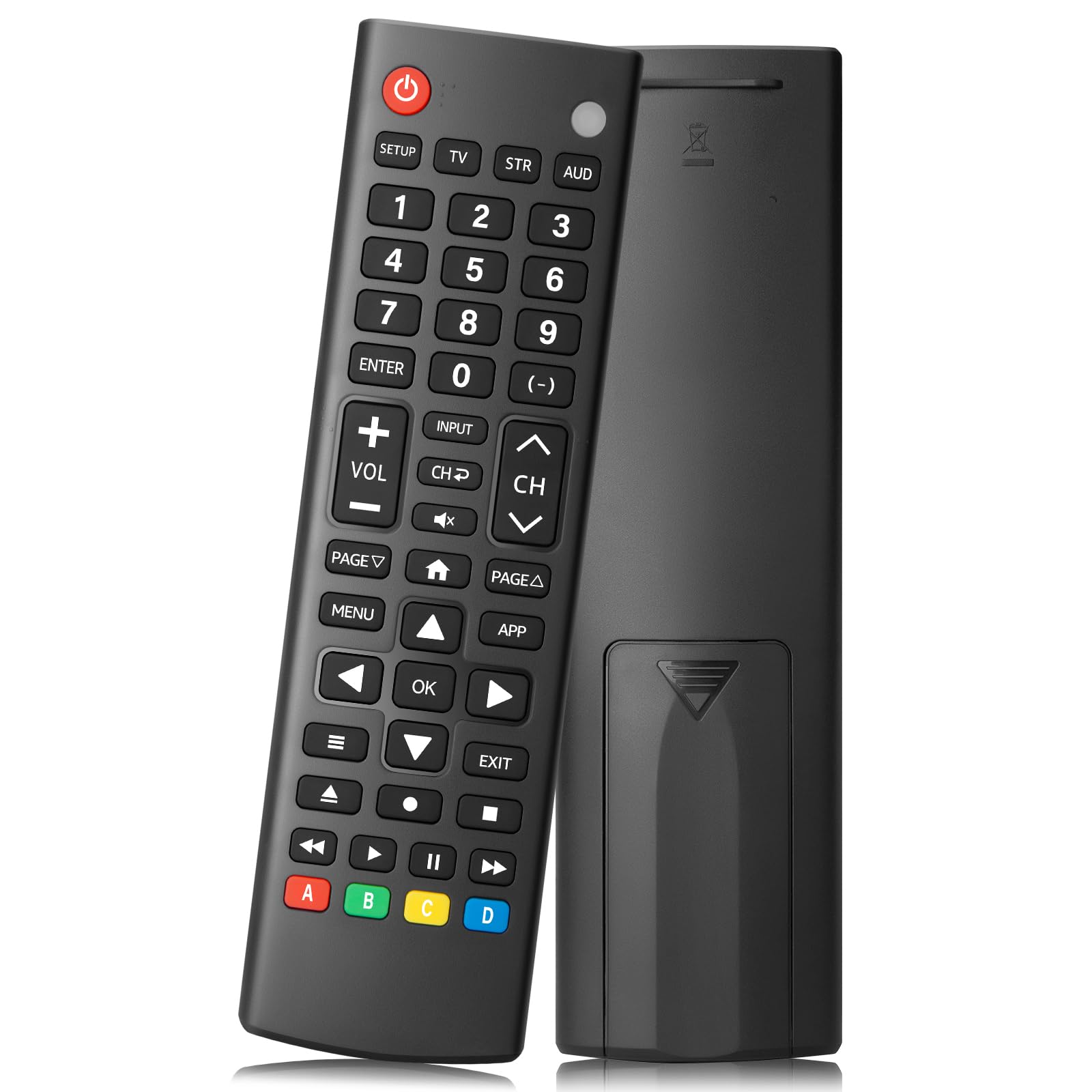
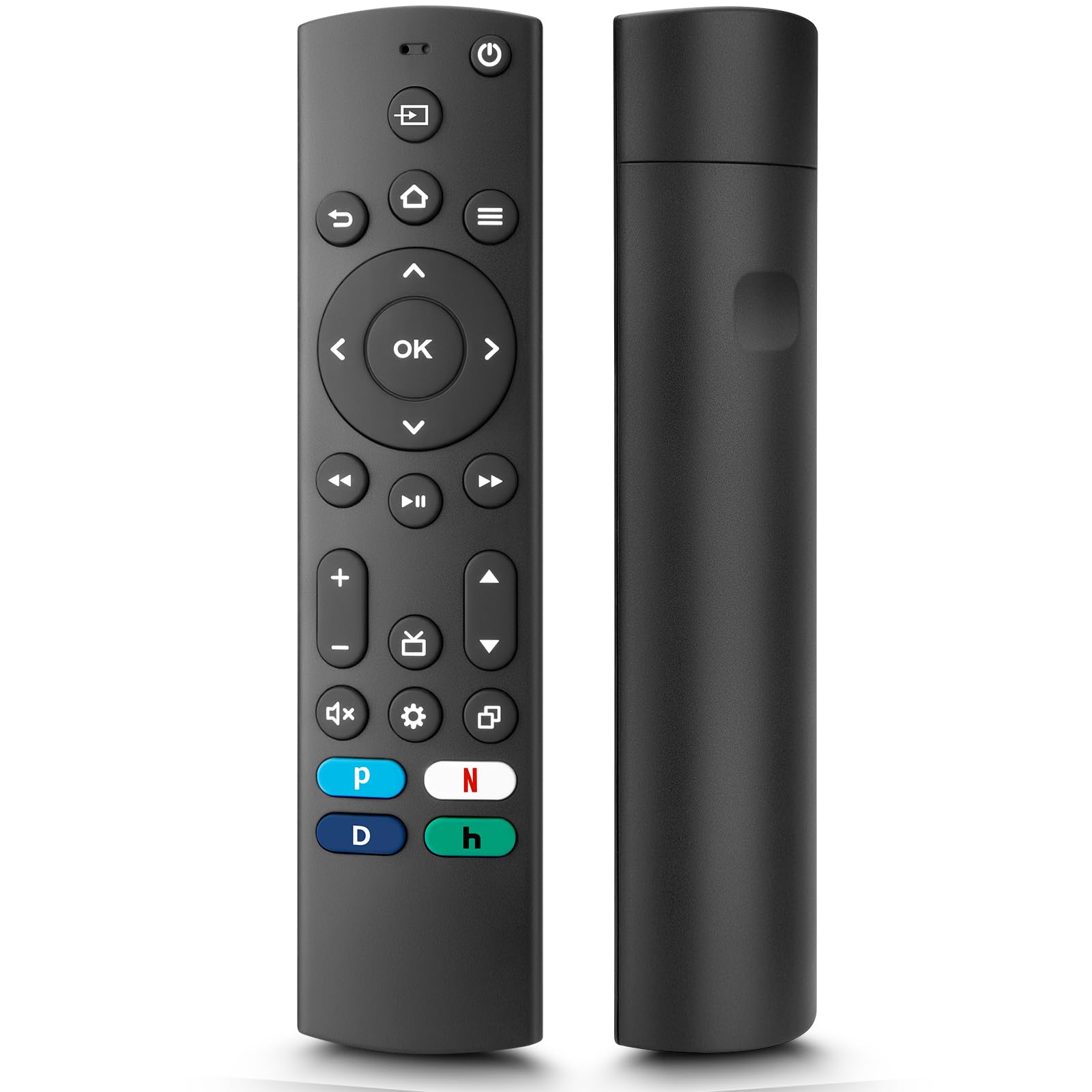
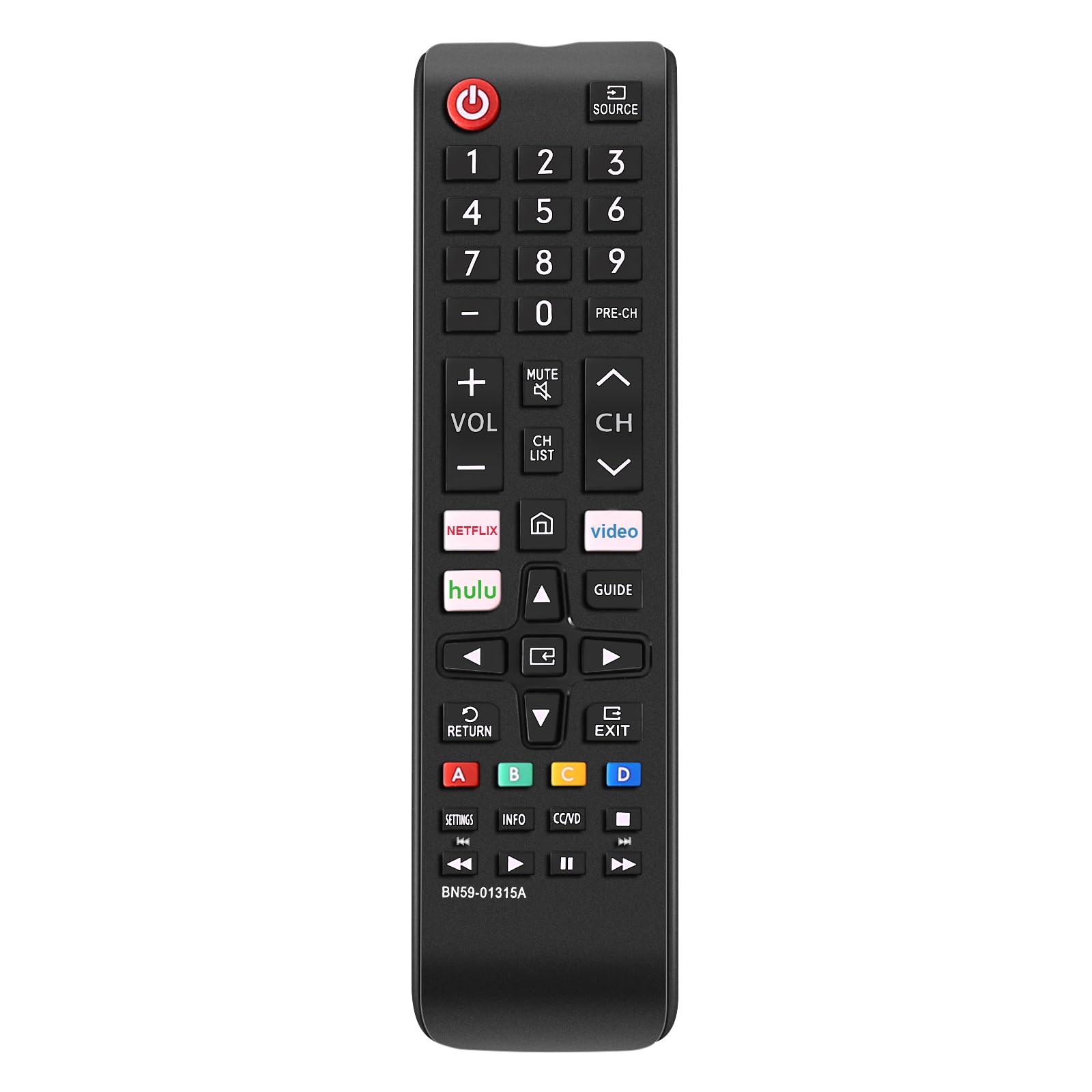
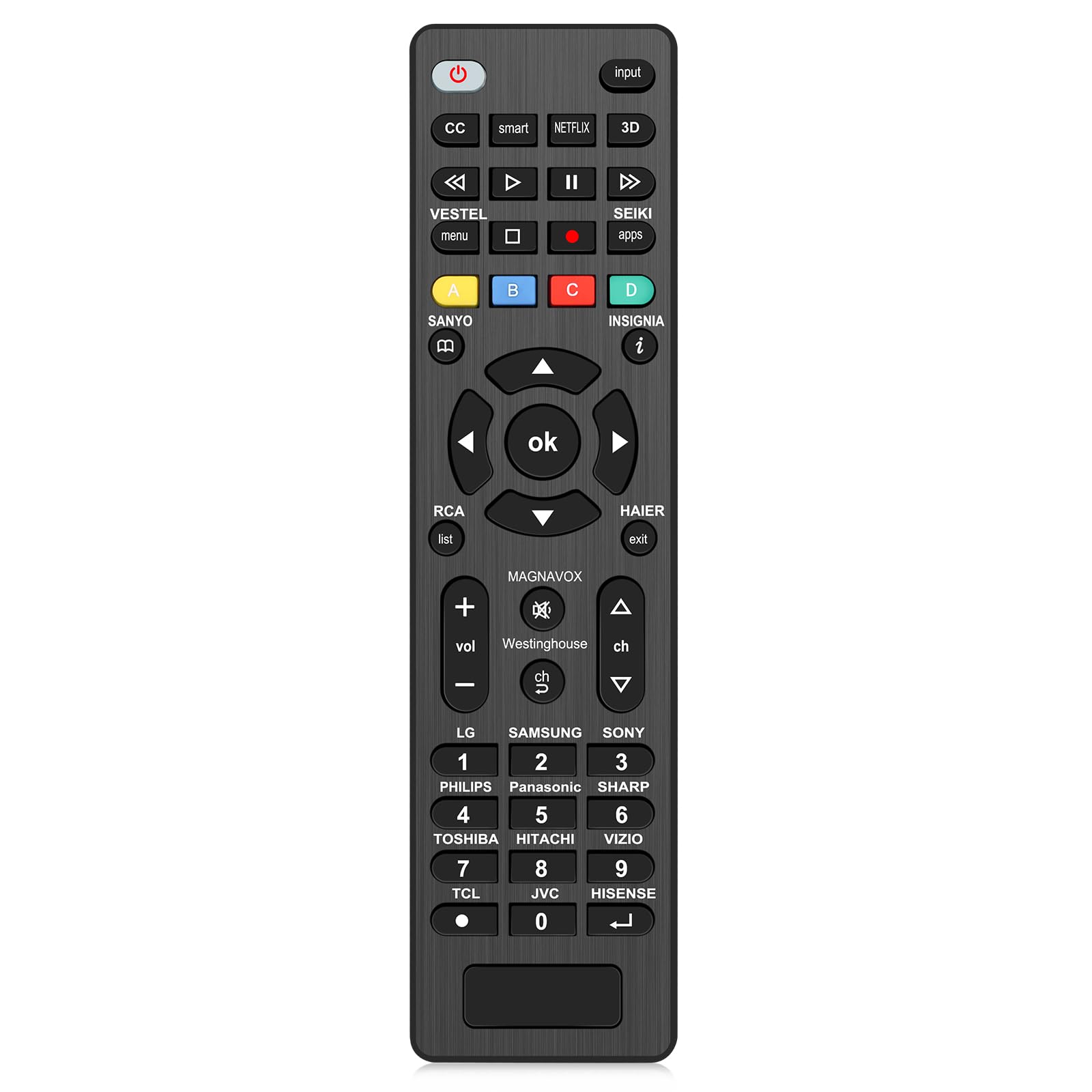
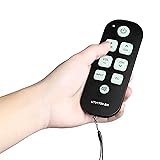
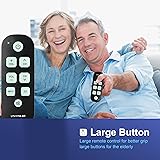
Universal Big Button Backlight TV Learning Remote for Seniors Simple Easy to Use, Compatible with Major TV Brands
Detalles del producto
Disponibilidad:
En stock
En stock
Peso con empaque:
0.30 kg
0.30 kg
Devolución:
Sí
Sí
Condición
Nuevo
Nuevo
Producto de:
Amazon
Amazon
Viaja desde
USA
USA
Sobre este producto
- Universal Big Button Backlight TV Remote for Seniors Simple Easy to Use, Compatible with Major TV Brands
S/ 127.42
55% OFF
S/ 57.91
IMPORT EASILY
By purchasing this product you can deduct VAT with your RUT number
S/ 127.42
55% OFF
S/ 57.91
 Llega en 5 a 10 días hábiles
con envío
 Tienes garantía de entrega
Conoce más detalles
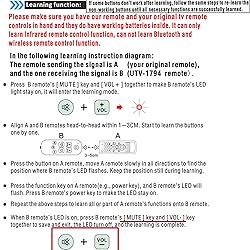
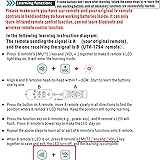
For Channal up and down, Voice up and down function, Equipped with batteries can directly use compatible with LG, SAMSUNG, Panasonic and RCA TVs. For Other Brand, Need Original Remote Control to finish the Learning. Kindly Remind, the final Steps of the Learing should press 📺 [MUTE] key and 📺 [VOL-] key together to save and exit the learning State. This Remote Control Only Works for a Televison TV Remote Control Via Infrared Technology, Not for RF, Bluetooth, Magic Link Remote Controls; Please make sure your device is Infrared Technology before purchasing. Kindly Remind, the final Steps of the Learing should press 📺 [MUTE] key and 📺 [VOL-] key together to save and exit the learning State. Simple Repairing Before Using: 📺 Step 1: Press UTV1794-BR remote's [MUTE] key and [VOL+] together to make UTV1794-BR remote's LED light stay on, it will enter the learning mode. 📺 Step 2: Align Your Original Remote and UTV1794-BR remotes head-to-head within 1~3cm. Start to learn the buttons one by one. 📺 Step 3: Press the button on Your Original remote, move Your Original remote slowly in all directions to find the position where UTV1794-BR remote's LED flashes. Keep the position still during learning. 📺 Step 4: Press the function key on Your Original remote (e.g., power key), and UTV1794-BR remote's LED will flash, Press UTV1794-BR remote's power key to make the LED stay on. 📺 Sept 5: Repeat the above steps to learn all or part of Your Orignal remote's functions onto UTV1794-BR remote.📺 Step 6: When UTV1794-BR remote's LED is on, press UTV1794-BR remote's📺 [MUTE] key and📺 [VOL-] key together to save and exit, the LED turn off, and the learning is complete. 📺 Note: If some buttons don't work after learning, follow the same steps to relearthe non-working buttons until all necessary functions are successfully learned. Please Contact us If You Have Any Difficulty in Setting up The Remote Control. Premium Customer Service: Provide 360 Days Warranty Return Service. All The Customer Service Response within 12 Hours.
Compra protegida
Disfruta de una experiencia de compra segura y confiable
![]() Garantía de entrega
Garantía de entrega
Con Tiendamia todas tus compras cuentan con Garantía de Entrega o devolución total de tu dinero.
Compras 100% seguras y garantizadas, para que pidas lo que sueñas y lo recibas del mundo a tu puerta.
Saber más.
Visa

Mastercard

American Express

