










 Garantía de entrega


SKU/Artículo: AMZ-B0DHNQ4CS5
Phomemo
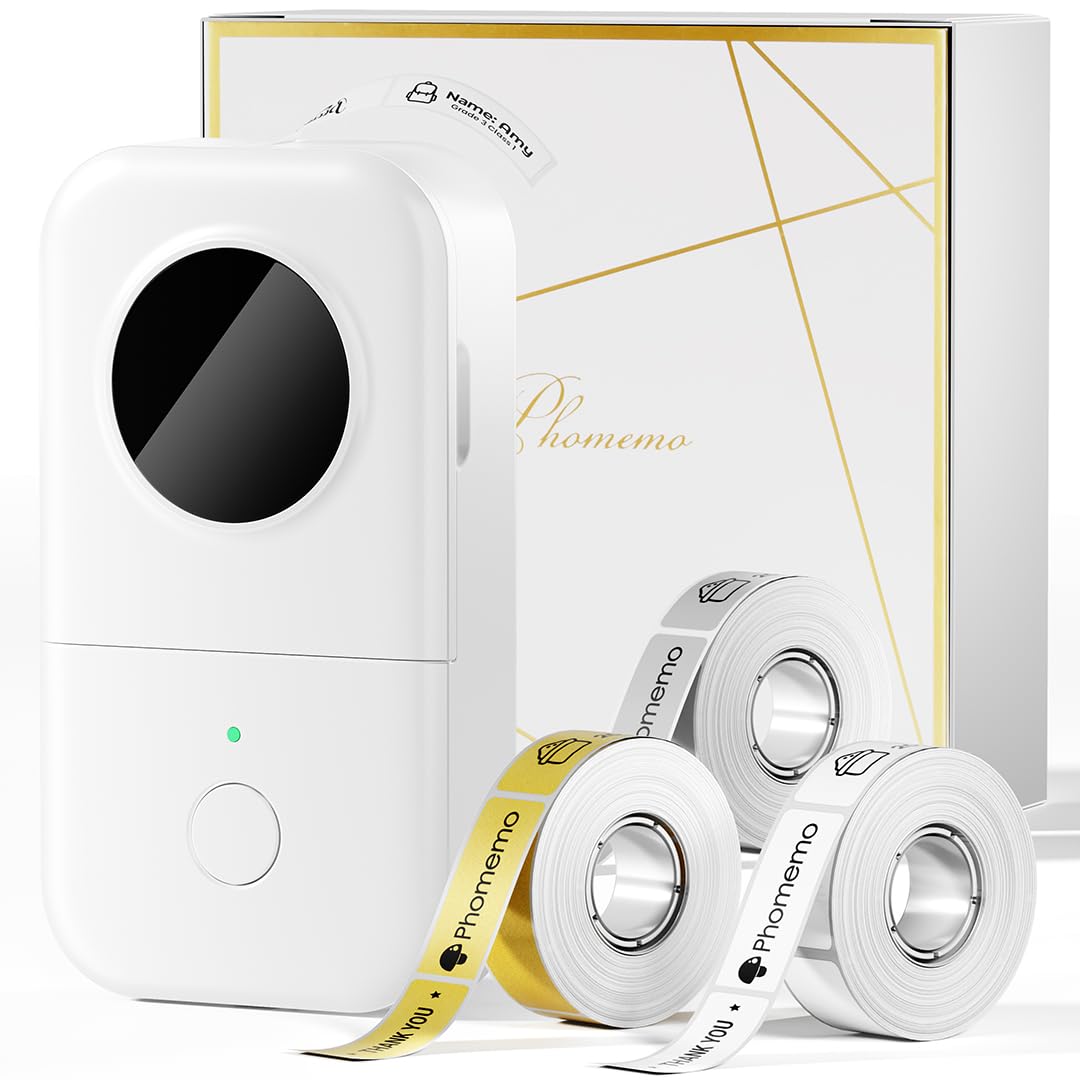
Phomemo M150 Label Maker, Bluetooth Thermal Label Maker Machine with Tape, Upgrade Mini Thermal Label Printer for Barcode, Address, Mailing, Compatible with Phone & PC
Color:
Green
Detalles del producto
Disponibilidad:
En stock
En stock
Peso con empaque:
4.03 kg
4.03 kg
Devolución:
Sí
Sí
Condición
Nuevo
Nuevo
Producto de:
Amazon
Amazon
Viaja desde
USA
USA
Sobre este producto
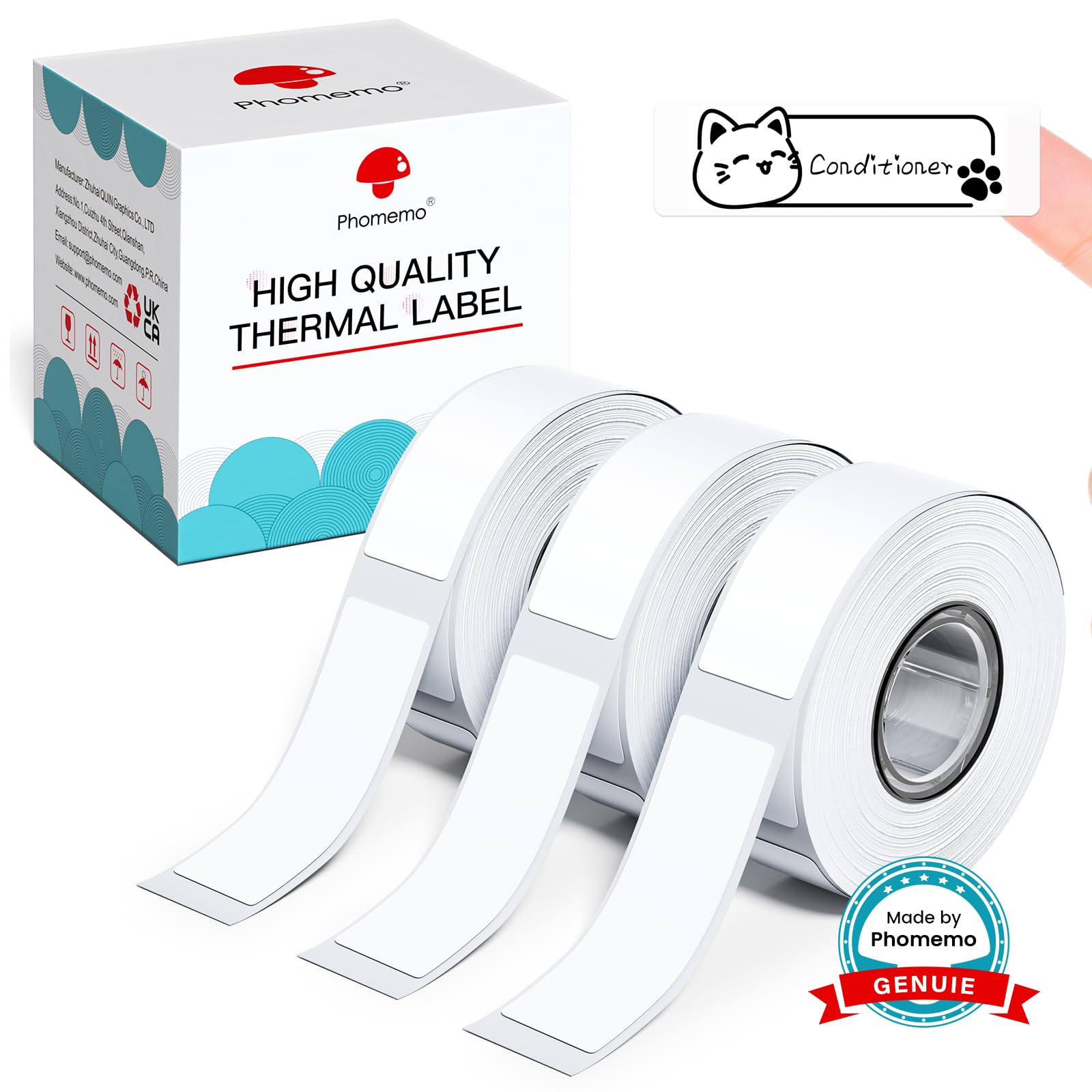
- Phomemo M150 Label MakerInkless & High-Speed: Say goodbye to running out of ink! With printing speeds of 50mm/s, keep your life organized and efficient. Phomemo labels are durable, waterproof, wipeable, tear-resistant, self-adhesive, abrasion-resistant, and BPA-free. Stay organized effortlessly with our long-lasting labels.High High Compability: Phomemo M150 Bluetooth label printer is compatible with both iOS and Android devices. To get started, simply install the Print Master App from the Apple Store or Google Play, turn on the M150 label printer machine, and establish a Bluetooth connection. On the other hand, it is compatible with PC; you will need to download the driver from the official Phomemo website for PC use.Versatile Label Printing:Phomemo M150 label maker offers a wide printing range from 0.8’’ to 2’’ in width, allowing you to create various labels for products, addresses, ingredients, prices, clothing, jewelry, and more. With the ability to print text, pictures, QR codes, and barcodes, this multifunctional device empowers you to customize your labels efficiently. Each purchase includes a pack of 40x30mm labels (230pcs/Roll) for immediate use. Please note that it is not suitable for printing shipping labels.Powerful APP: Phommemo M150 wireless label maker features automatic label paper identification, ensuring seamless printing. With a full charge, it offers up to 4200 sheets labels. The free Print Master APP enhances functionality with scanning, image recognition, batch printing, and serial number capabilities. Additionally, access over 100 fonts, 1000 icons, and 300 templates for personalized label designs.
S/ 191.93
49% OFF
S/ 98.42
IMPORT EASILY
By purchasing this product you can deduct VAT with your RUT number
S/ 191.93
49% OFF
S/ 98.42
 Llega en 5 a 10 días hábiles
con envío
 Tienes garantía de entrega
Conoce más detalles
Phomemo 2025 Label Maker with Tape: Phomemo M150 address label maker can print 4200 thermal labels on a single charge, with a printing speed of 30-50mm per second. It also features an automatic paper rewind function, ensuring the first label is never wasted. Not just a mini label maker, it also serves as a cute retro decoration Printing Width: Phomemo M150 Bluetooth label printer can print thermal labels with a width of 0.78"-1.96" (20-50mm). Phomemo M150 barcode sticker printer can use white, col or, and transparent labels. You can use the functions of Text, Images, Excel, QR Code, and Barcode in the Print Master App to freely create food, address, jars, name, office labels and etc. (Attention: M150 Sticker Maker cannot print 4" x 6" labels! ) Powerful APP - Print Master: Phomemo M150 label maker printer comes with a multifunctional APP. It offers powerful features such as barcode, QR code generation, text input, image capture, voice recognition, PDF and Excel printing, and batch printing. Create various labels from over 400 fonts, 700 templates, and 6000 symbols available Portable & Small: Phomemo M150 Thermal Label Maker is a 2-inch handheld label printer. The product dimensions are 4.96 x 3.46 x 2.56 inches. This portable label printer weighs only 308g, making it effortless to carry around. With the M150 thermal barcode label printer, enjoy the convenience of printing labels anytime, anywhere Strong Compatibility: Phomemo M150 wireless address label maker is compatible with smartphones, tablets (iOS and Android systems), and computers (Windows, macOS, Linux). To use it with a smartphone or tablet, download the “Print Master” App from Google Play or App Store, then print by connecting via Bluetooth. For use with a computer, visit the official website to download drivers and the “Labelife” app, then connect and print using a USB data cable
Compra protegida
Disfruta de una experiencia de compra segura y confiable
![]() Garantía de entrega
Garantía de entrega
Con Tiendamia todas tus compras cuentan con Garantía de Entrega o devolución total de tu dinero.
Compras 100% seguras y garantizadas, para que pidas lo que sueñas y lo recibas del mundo a tu puerta.
Saber más.
Visa

Mastercard

American Express

