









 Garantía de entrega








SKU/Artículo: AMZ-B0DD6JN4CK
Bawanfa Plus
Memory Stick Pro Duo Adapter for iPhone/USB C/PC - 7 in 1 2X SD/ 2X TF/CF/MS/XD Picture Card Reader, Multi Memory Card Reader USB C Lightning OTG Adapter Memory Stick pro Duo Reader for iPhone
Detalles del producto
Disponibilidad:
En stock
En stock
Peso con empaque:
0.30 kg
0.30 kg
Devolución:
No
No
Condición
Nuevo
Nuevo
Producto de:
Amazon
Amazon
Viaja desde
USA
USA
Sobre este producto
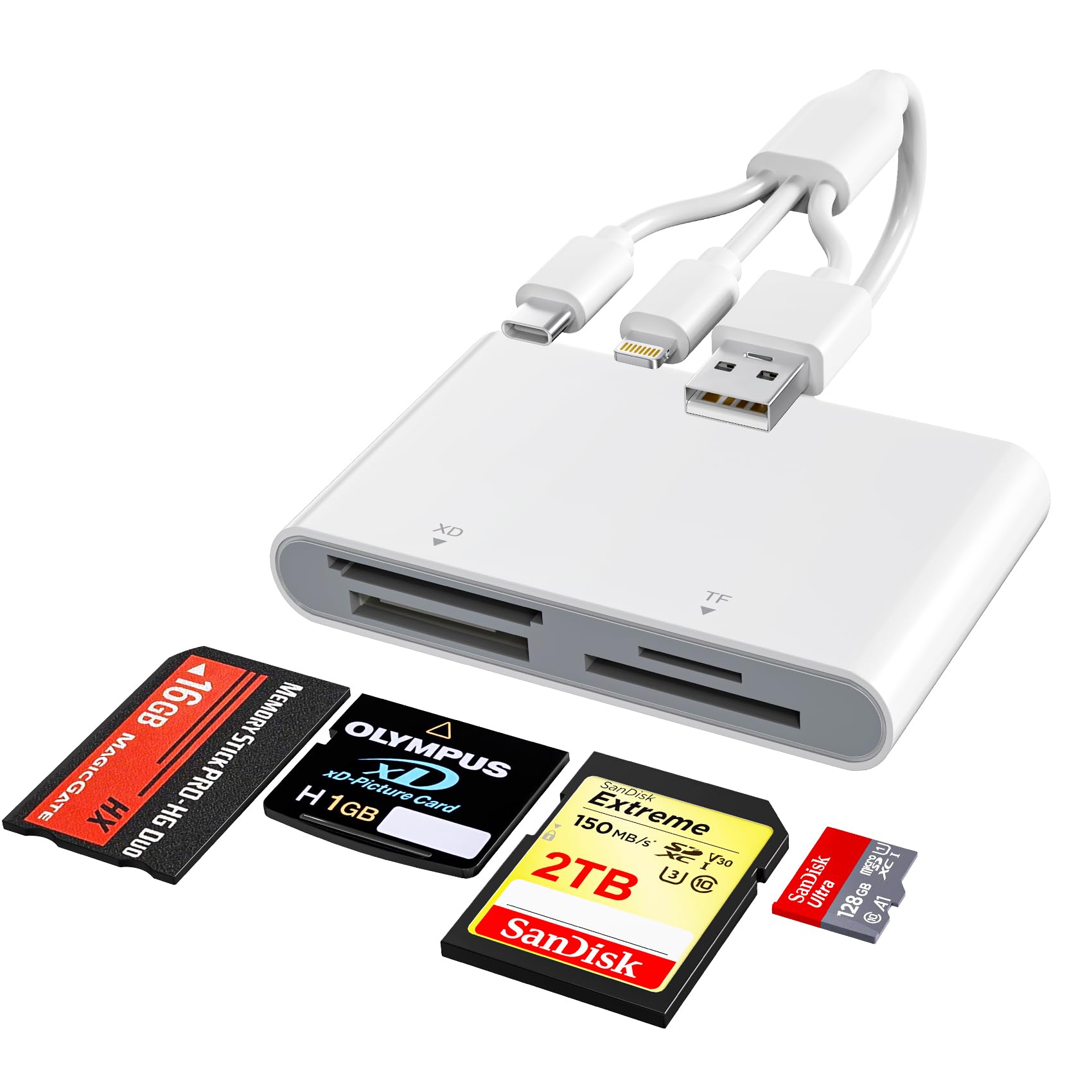
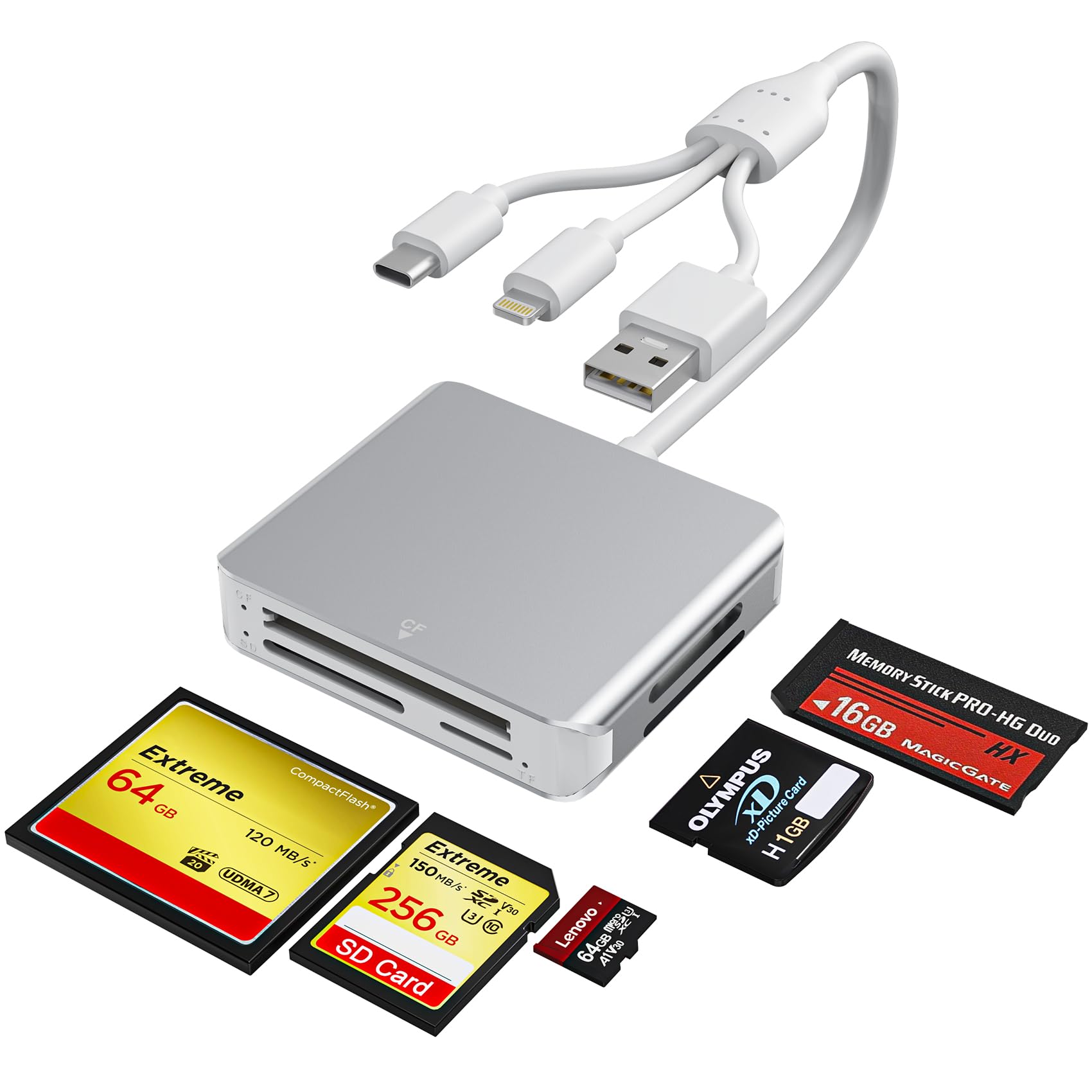
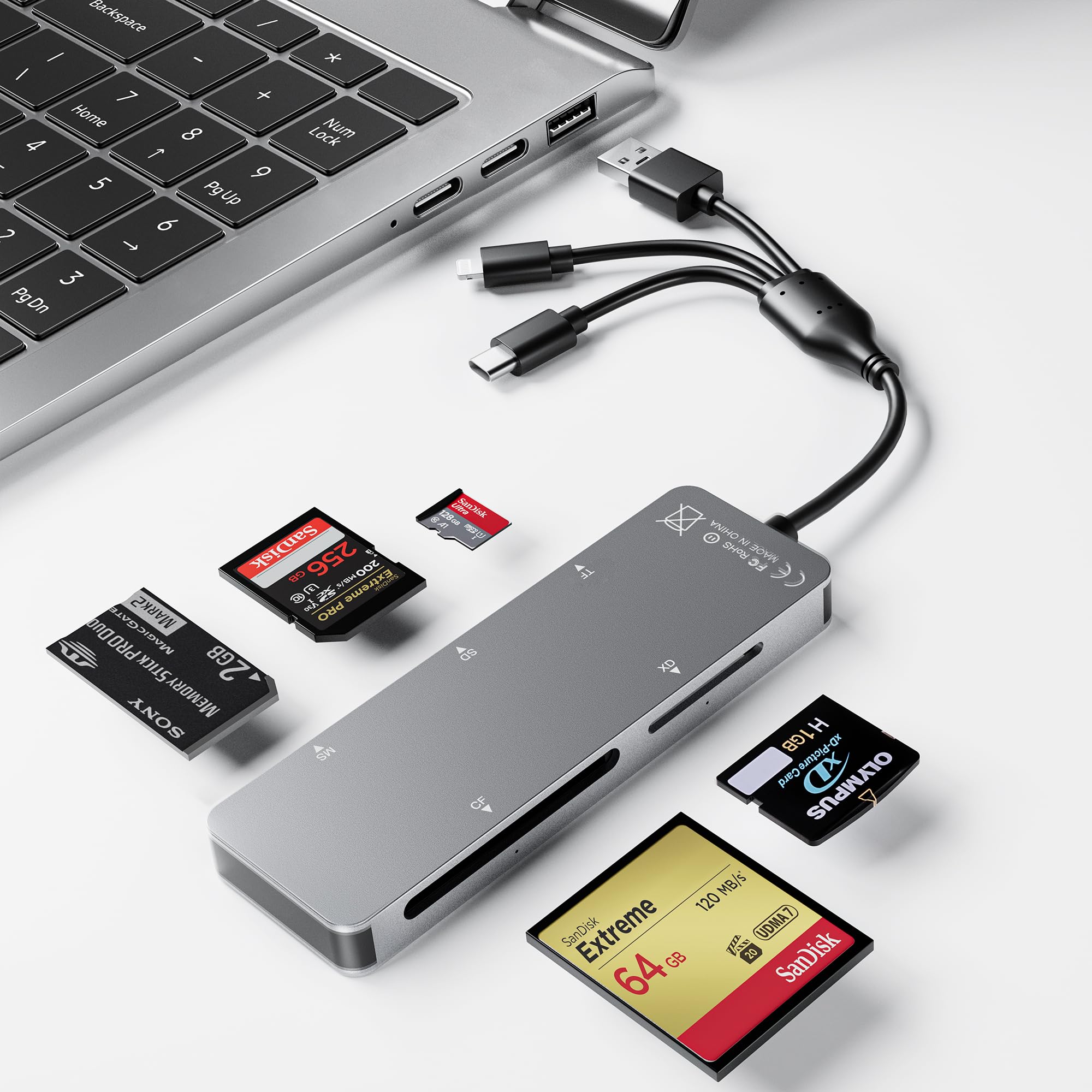
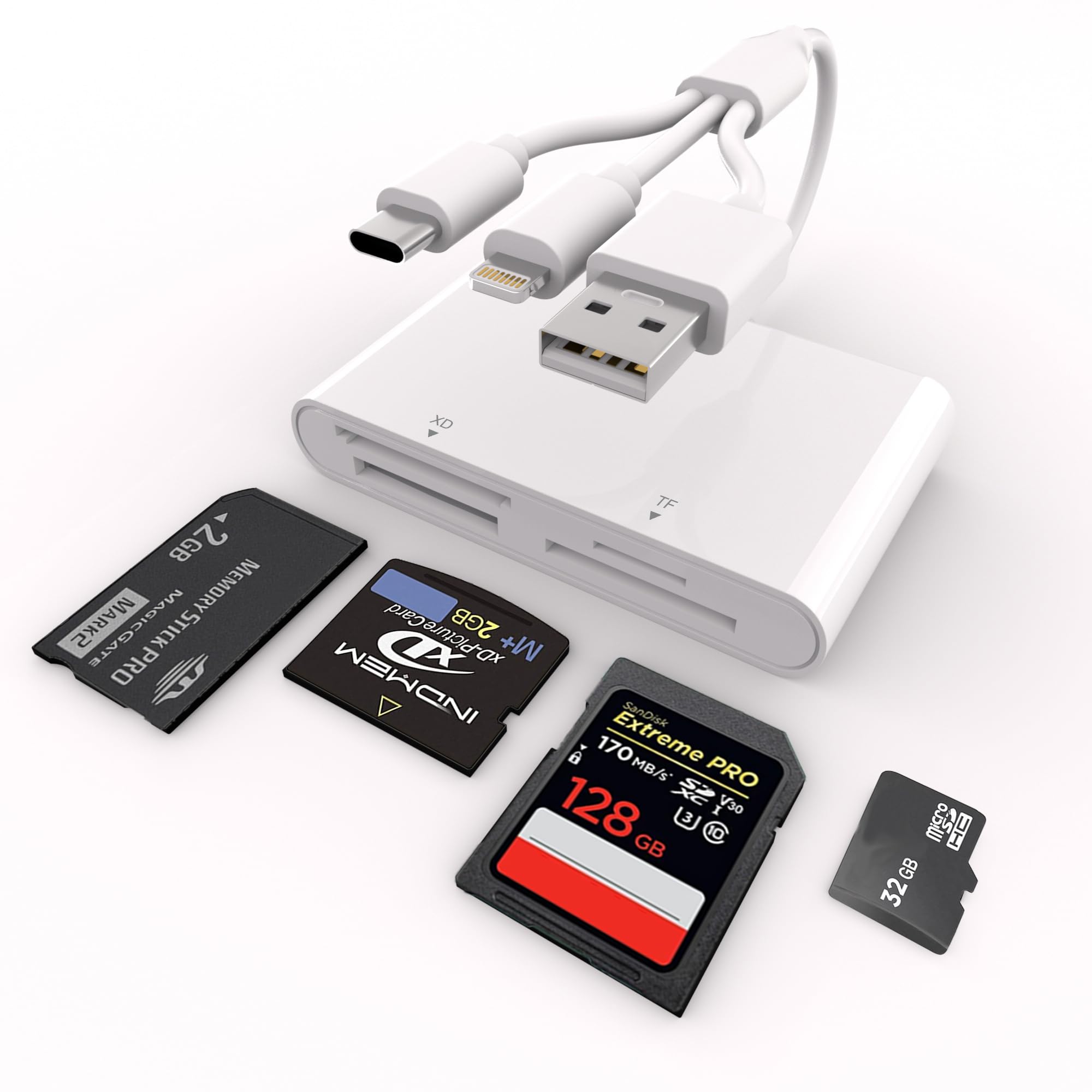
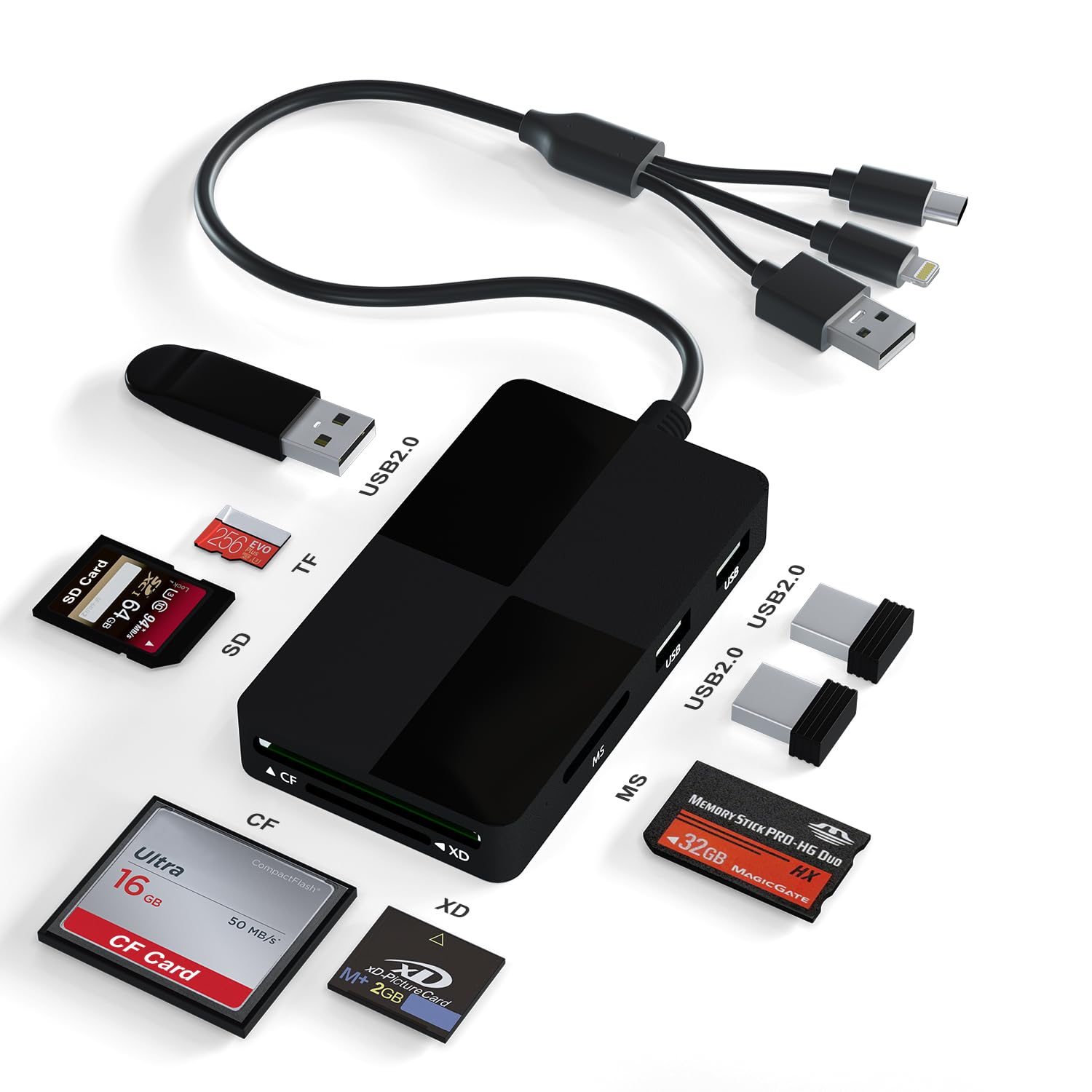
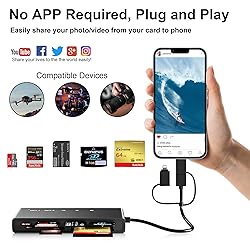
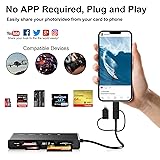
- 7 in 1 Multi-ports Card ReaderWith its 2x SD/ 2x TF/ MS/ CF/ XD card slots, this compact flash card reader supports a wide range of memory card formats, including XD, SDXC, SDHC, SD, CF, MS, Micro SDXC, Micro SDHC, and Micro SD cards. Plug and PlayThe SD card reader doesn't rely on Wi-Fi, a network, or drivers. It allows you to directly plugging the card reader into your Type C / USB A /Lightning device and it is immediately ready for use, easily transfer photo video and file information. Three Data Dable PortsThe memory card adapter features Lightning+USB C+USB A data dable ports suitable for i-Phone/i-Pad computers, etc devices. The 50cm cable leaves more space for the other ports.480Mbps Super Speed TransferWith 480Mbps data transfer, you can transfer your images and videos from your card to the i- Phone /Pad/ Android / computer soon, save a lot of time and improve your work efficiency. OS How to store from phone to memory card? 1.Insert the memory card into the card reader, 2.Then insert the caard reader into the iPhone find the "photos" app 3.Select the picture or video you want to save to the memory card 4.Click the button in the lower left corner Click on "save to files" 5.Find the card reader file and select Save File to complete the operation.(generally data of memory card is on “Untiled” or "NONAME", which is the name of your memory card)OS How to store from memory card to phone? 1.Insert the memory card into the card reader2.Then insert tthe card reader into the iPhone3.Find the "files" app, Click"Untitled"4.Selsct the photo or video you want to import into your iPhhone 5.Select "Save Items" to complete the ooperation *Warm Prompt*This compact flash card reader is equipped with SD/TF/MS/CF/XD card slots. However,due to the limitation of system, only one card can be read at a time. Please do not read two cards at the same time. Please ensure that the memory card has been correctly inserted into the memory card reader.If photos or videos are not transmitted,unplug the reader and memory card and reconnect.(Android phones need to copnfirm that the OTG function or the USB debugging mode of the phone is turned on).When some Android phones are plugged in for the first time, a message may pop up indicating that the format does not match and the USB flash drive needs to be formatted. After formatting, it can be used normally and there is no need to perform this operation again later.
S/ 160.86
55% OFF
S/ 73.11
IMPORT EASILY
By purchasing this product you can deduct VAT with your RUT number
S/ 160.86
55% OFF
S/ 73.11
 Llega en 15 a 25 días hábiles
con envío
 Tienes garantía de entrega
Conoce más detalles
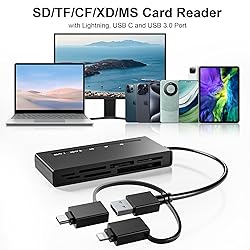
【𝐇ow to save data from memory card to i𝐏hone?】1. Insert the memory card into the card reader. 2. Then insert tthe card reader into the iPhone. 3. Find the "Files" APP, Click"Untitled". 4. Selsct the photo or video you want to import into your iPhhone. 5. Select "Save Items" to complete the ooperation 【𝟑 in 𝟏 𝐃esign 𝐋ightning+𝐔𝐒𝐁 𝐂+𝐔𝐒𝐁𝟑.𝟎】Lightning + USB C + USB A card reader 3 in 1 plug was designed with the idea of simplifying your life. sd card reader for iphone 15, sd card reader for iphone 14 13 12 11, sd card reader for android phone, sd card reader for mac/ pc/ iPad. Provides a more efficient access to laptops, tablets and phones by USB3.0, USB-C or lightning port. No need to carry multiple card reader for different devices. Plug to play 【𝟕 in 𝟏 𝐂ard 𝐑eader】This compact flash card reader is equipped with 2x SD/ 2x TF/ MS/ CF/ XD card slots. Supports XD, SDXC, SDHC, SD, CF, MS, Micro SDXC, Micro SDHC, Micro SD cards etc. The 5 in 1 design is more efficient and convenient, eliminating the need to carry multiple card readers for multiple memory cards 【𝐂ompatible with 𝐌ultiple 𝐃evices】This Universal sd card reader usb c for iPhone 15/ 14/ 13/ 12/ 11/ X / XS/ XR/ 8/ 7, iPad. Type-C for Samsung Galaxy, Google Pixel, Google Nexus 5X 6P, MacBook, Surface, Huawei ect OTG Android phone (When using, it is necessary to ensure that the storage card format is FAT32). Computer and other devices with USB A /USB C/ Lightning port 【𝟓 𝐆bp/s 𝐒uper 𝐒peed 𝐓ransfer】5 Gbp/s data transfer speed, you can transfer your images and videos from your card to the iPhone/ iPad/ Android/ computer more quickly, save a lot of time and improve your work efficiency. Suitable for photographers, studios, and those who need to transfer large files 【𝐏lug and 𝐏lay】The sd card reader for iphone offers multiple interfaces and no extra driver needed, supporting OTG function, directly plugging the card reader into your Type C / USB A / Lightning device and it is immediately ready for use, easily transfer photo video and file information. Compatible with most systems--Mac OS, iOS, Android, Linux, Chrome OS, Windows XP/Vista/7/8/8.1/10,11,etc
Compra protegida
Disfruta de una experiencia de compra segura y confiable
![]() Garantía de entrega
Garantía de entrega
Con Tiendamia todas tus compras cuentan con Garantía de Entrega o devolución total de tu dinero.
Compras 100% seguras y garantizadas, para que pidas lo que sueñas y lo recibas del mundo a tu puerta.
Saber más.
Visa

Mastercard

American Express

