






 Garantía de entrega






SKU/Artículo: AMZ-B0CT53PXYR
DinoFire
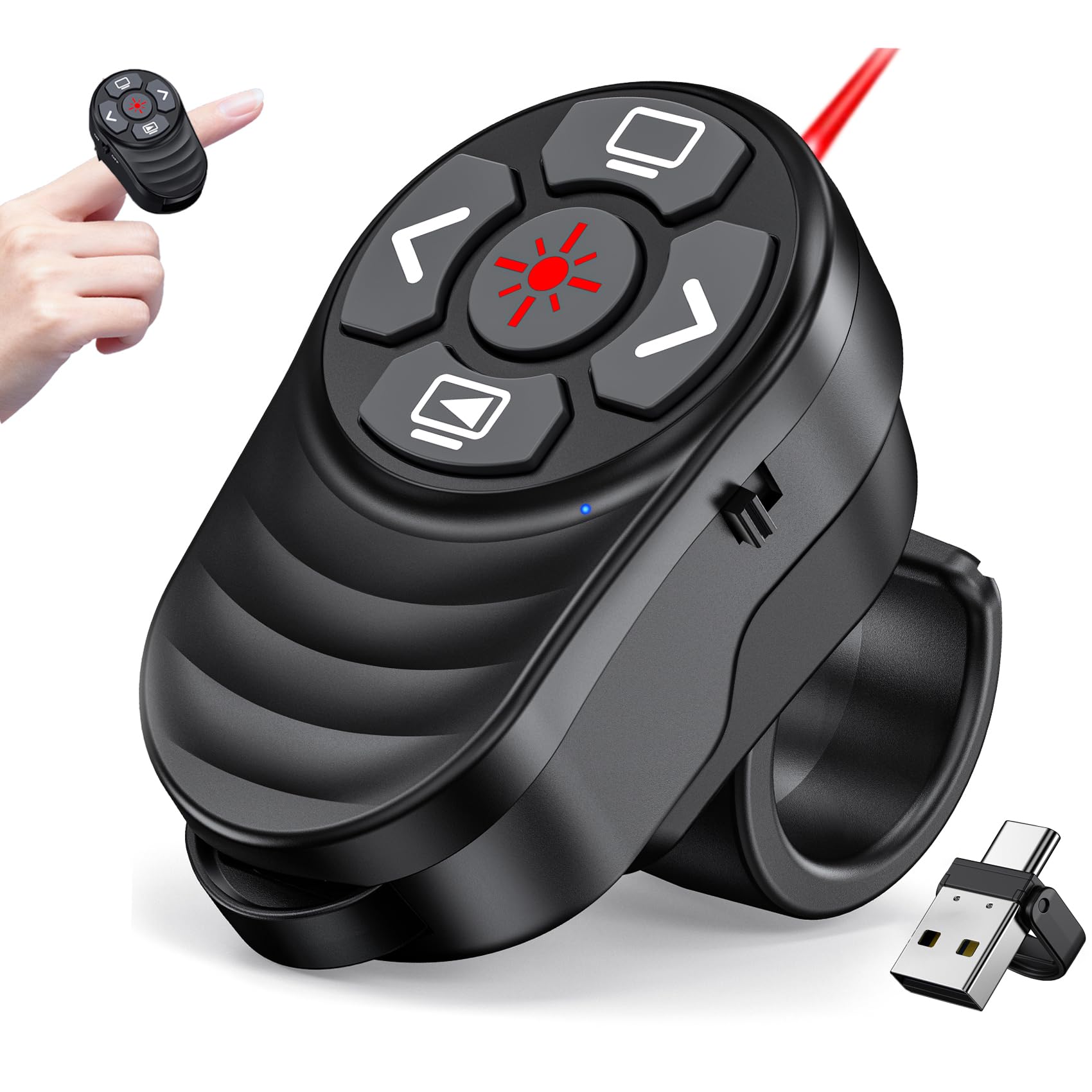
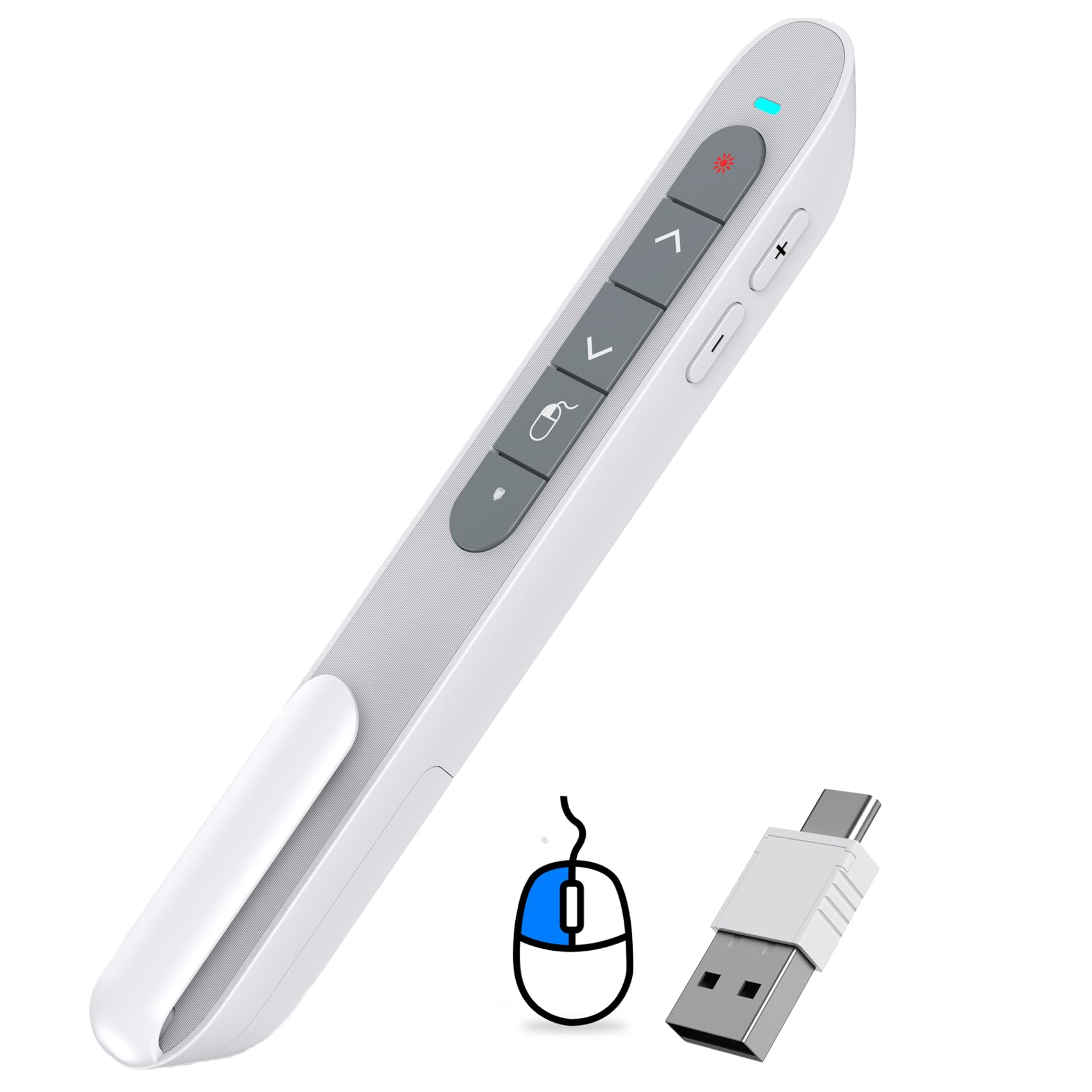
DinoFire USB Type C Wireless Presenter Remote Presentation Clicker,Volume Control PowerPoint Clicker with Red Pointer Long Range PPT Slide Advancer for Mac Laptop PC Computer
Size:
AAA-USB A/C
Detalles del producto
Disponibilidad:
En stock
En stock
Peso con empaque:
0.30 kg
0.30 kg
Devolución:
Sí
Sí
Condición
Nuevo
Nuevo
Producto de:
Amazon
Amazon
Viaja desde
USA
USA
Sobre este producto
- USB Type C Wireless Presenter Remote Presentation Clicker,
S/ 111.84
44% OFF
S/ 62.14
IMPORT EASILY
By purchasing this product you can deduct VAT with your RUT number
S/ 111.84
44% OFF
S/ 62.14
 Llega en 5 a 10 días hábiles
con envío
 Tienes garantía de entrega
Conoce más detalles
【USB-A & USB-C 2 in 1 Presentation Remote】The wireless presenter clicker features both USB-A and USB-C connections, allowing it to suitable for different types of device,such as macbook,laptop,pc 【Functional Clicker for Presentations】The remote control for powerpoint presentations combines the features of page forward/backward, volume control, switch windows, full/black screen, hyperlink. Plug and play,it doesn’t require any drivers.(For Mac users, you may need to complete an simple set-up first) 【Bright Red Light & Long Control Range】The usb c presentation clicker with a bright light is easy to highlight your points and draw audience's attenion (Not recommended for LED, LCD screens).It is a efficient basic presentation essentials to use in class or conference.Wireless Presenter Remote control range: 98-165FT, Red light range: 328F 【Easy to carry】Usb receiver is conveniently stored inside the back of presenter near to compartment, making it easy to carry and avoid to loss when you're done using it.Its compact build, shape and pen clip design allow the ease of carrying on pocket or briefcase slot
Compra protegida
Disfruta de una experiencia de compra segura y confiable
![]() Garantía de entrega
Garantía de entrega
Con Tiendamia todas tus compras cuentan con Garantía de Entrega o devolución total de tu dinero.
Compras 100% seguras y garantizadas, para que pidas lo que sueñas y lo recibas del mundo a tu puerta.
Saber más.
Visa

Mastercard

American Express

