








 Garantía de entrega





SKU/Artículo: AMZ-B0BRY8RG6D
Phomemo
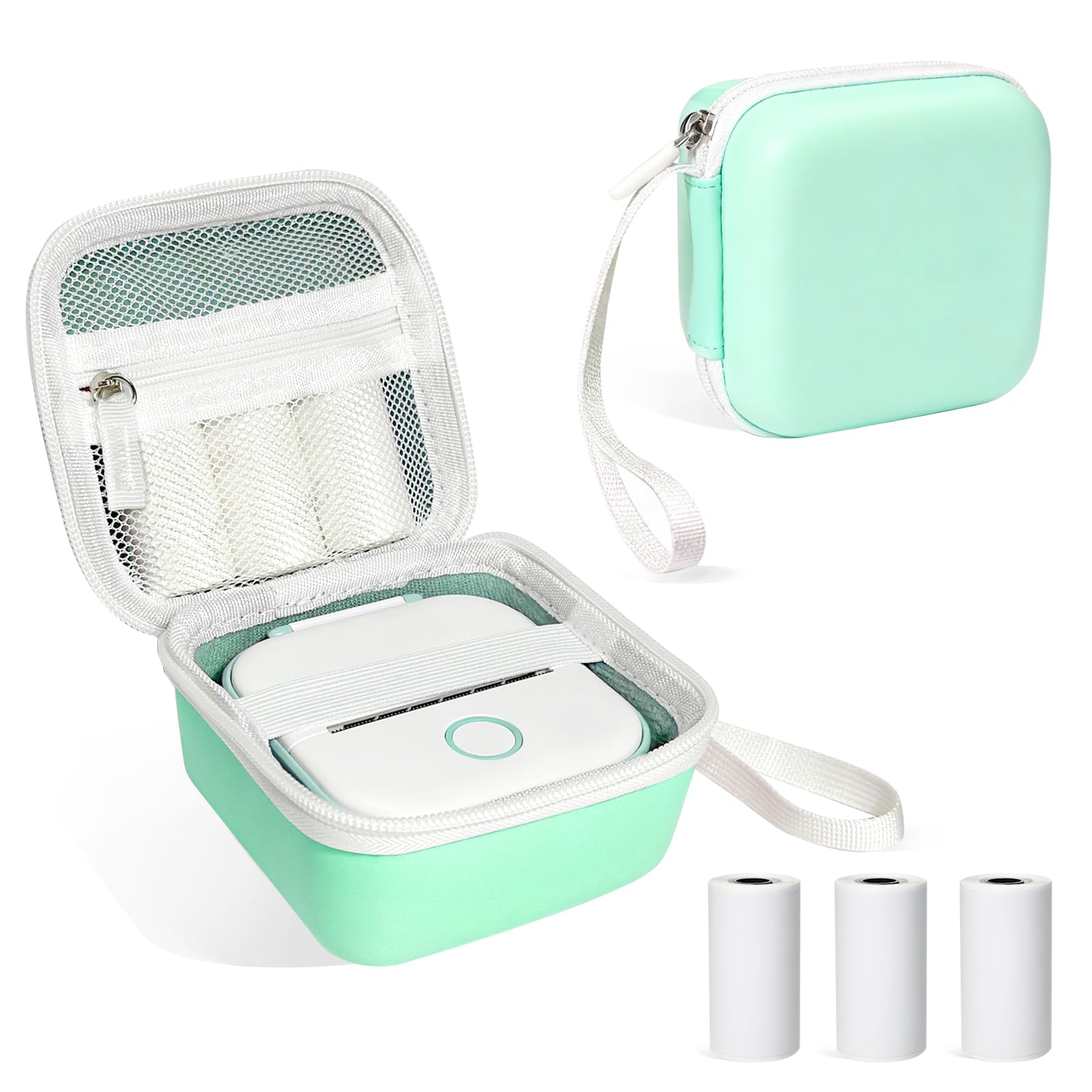
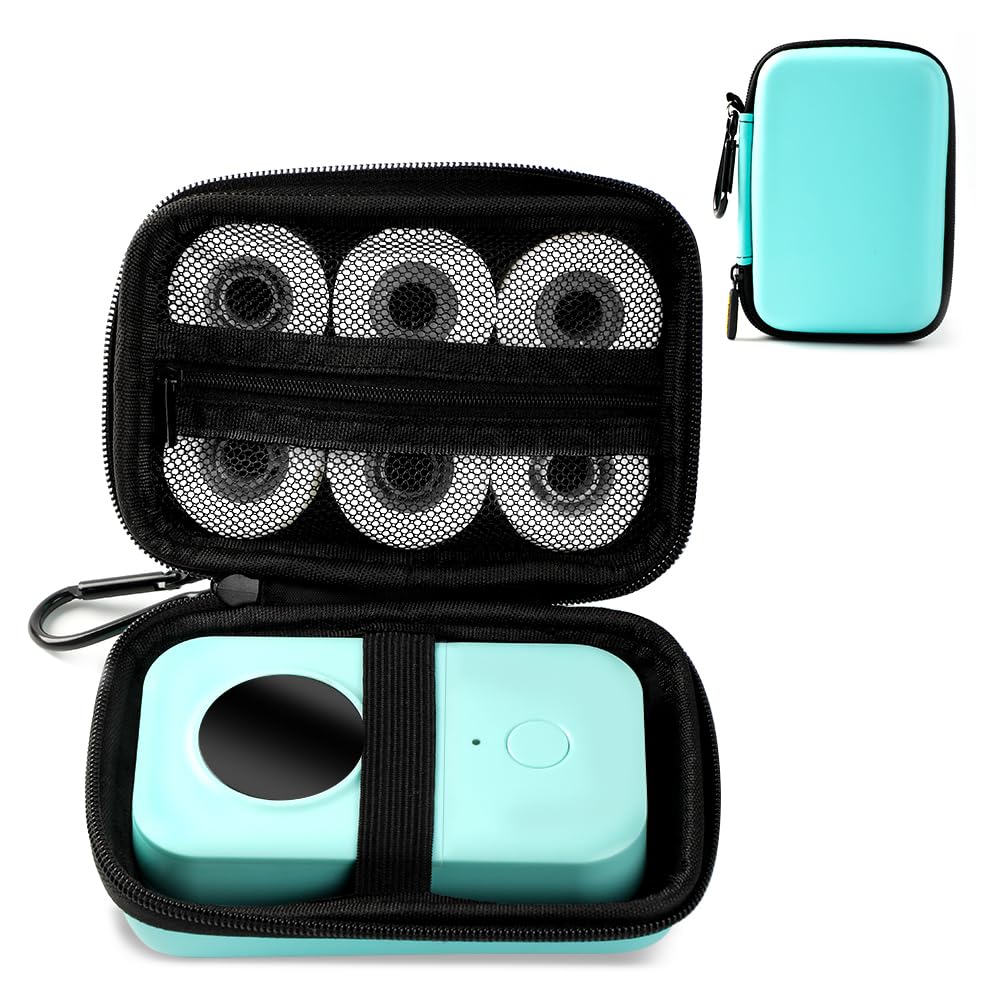
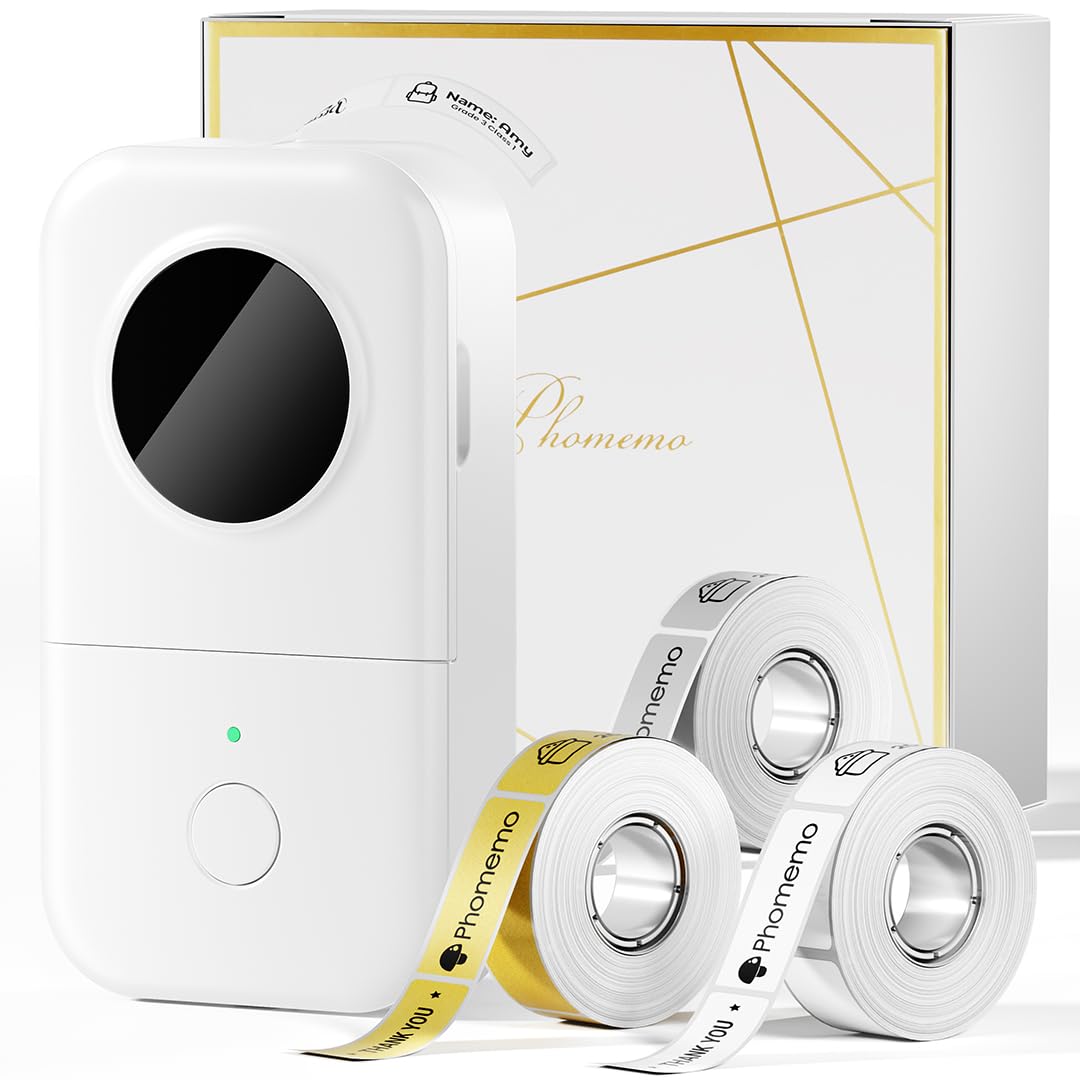
Phomemo M220 Label Maker, 3 Inch Bluetooth Thermal Label Printer for Barcode, Address, Labeling, Mailing, File Folder Label, Label Maker Machine with 3 Rolls of Labels
Color:
Green
Detalles del producto
Disponibilidad:
En stock
En stock
Peso con empaque:
4.03 kg
4.03 kg
Devolución:
No
No
Condición
Nuevo
Nuevo
Producto de:
Amazon
Amazon
Viaja desde
USA
USA
Sobre este producto
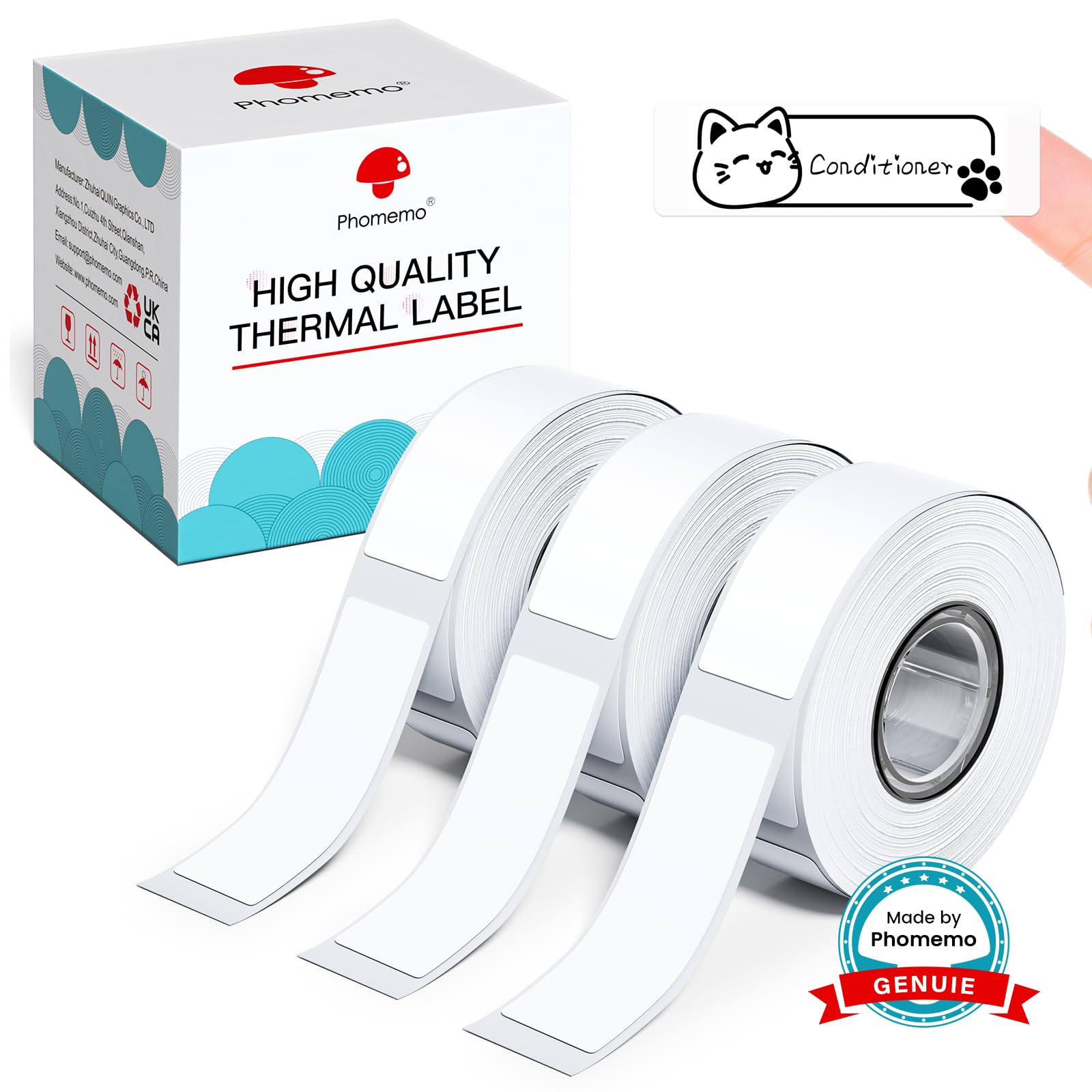
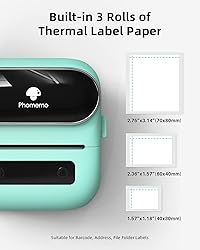
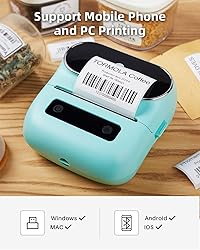
- Our printer comes with three different label sizes to accommodate a variety of applications, including:1 Roll 1.57x1.18 inches label1 Roll 2.36x1.57 inches label1 Roll 2.75x3.14 inches labelThanks to its long-lasting battery life, there's no need to constantly recharge, allowing for extended use on a single charge. Whether you're at home or in the workplace, this portable printer is the perfect solution for all your labeling needs. Say goodbye to ink-related headaches and hello to hassle-free printing with our top-of-the-line thermal printer.The printer itself can't be simpler, there is only two buttons on it. To use the printer, you must have a smartphone (Android or iOS) and download the app. Pairing the printer with the app is simple and only takes a couple of steps. The app is very intuitive, easy to use and super user friendly. For desktop computers download theLabelife software available for both Windows and Mac OS. By using Software, you can customise the text you want to print, you can play around in the app adding borders, pictures, use different font for the text.For Smartphones, First Download Print Master on App store or Google Play, then turn on the Bluetooth of the mobile phone, in the app, connect the label maker machine wirelessly by Bluetooth. Note: It is not connected in the setting of the Smartphone, but only in the app.For PC(Windows 7/8/10/11 & Mac OS 10.0.0 and above, ChromeOS) connection, please connect the printer to your PC with the USB cord included in the package.Please enter Phomemo official website: m220.phomemo.com> Select M220-download drivers and software.
S/ 207.60
31% OFF
S/ 143.18
IMPORT EASILY
By purchasing this product you can deduct VAT with your RUT number
S/ 207.60
31% OFF
S/ 143.18
 Llega en 25 días hábiles o más.
con envío
 Tienes garantía de entrega
Conoce más detalles
Phomemo M220 Label Maker - This is a smart investment for hassle-free label printing. Using advanced thermal printing technology. M220 Wireless Thermal Label Printer eliminates the need for frequent ink, toner, and ribbon replacement. Simply insert thermal paper and use it with low maintenance and usage costs. Perfect for home, small business, office, school, and kitchen use. (Attention: The label maker only support print 0.78'' - 3.14'' width labels, can't print 4 x 6 shipping labels) Long Battery Life - M220 Barcode Label Printer Upgrade 2200 mAh battery provides up to 36 rolls of continuous printing, newly added auto-sleep mode, which can reduce power consumption by 25% and extend the use time by 2-3 hours. High Compatibility - The Phomemo M220 label maker machine boasts excellent compatibility. It supports Bluetooth wireless connectivity to smartphones and tablets and USB wired connectivity to PCs (Windows, macOS, and Chrome, but not Linux). Powerful and Useful App - Phomemo's R&D team create the Print Master APP for you, with a variety of built-in functions. One-click use: text, pictures, barcodes, QR codes, OCR, Form, hundreds of icons, and many pre-made templates for commercial and home use. Improve your efficiency. Widespread Use - M220 Portable Bluetooth Label Maker has an extensive variety of uses and creative possibilities. and Enjoy Labeling Anything Anywhere like: clothing, crafts, retail, jewelry, eBay, etc. Labeling address, barcode, shipping, price, date, ingredients, logos labels for product. Save you a lot of time for handwriting labels, allowing you to focus more on your small businesses. Phone and Tablet Start Printing - Step 1: Download the App 'Print Master'. Step 2: Turn on the M220 label maker and your phone's or tablet's Bluetooth. Step 3: Click the 'Printer' icon in the App to search for the M220 portable label printer, connect it via Bluetooth in the App, select the label size, and edit the content to start printing Laptop/PC Starts Printing - Step 1: Please check your laptop/PC's operating system (OS) and download and install the correct M220 driver and the 'Labelife' app from the Phomemo website. Step 2: Use the USB data cable to connect the M220 label maker to your computer. Step 3: Select the label size, edit the content, and choose M220 from the printer list
Compra protegida
Disfruta de una experiencia de compra segura y confiable
![]() Garantía de entrega
Garantía de entrega
Con Tiendamia todas tus compras cuentan con Garantía de Entrega o devolución total de tu dinero.
Compras 100% seguras y garantizadas, para que pidas lo que sueñas y lo recibas del mundo a tu puerta.
Saber más.
Visa

Mastercard

American Express

