





 Garantía de entrega






SKU/Artículo: AMZ-B09D8LSN5M
LoveRPi
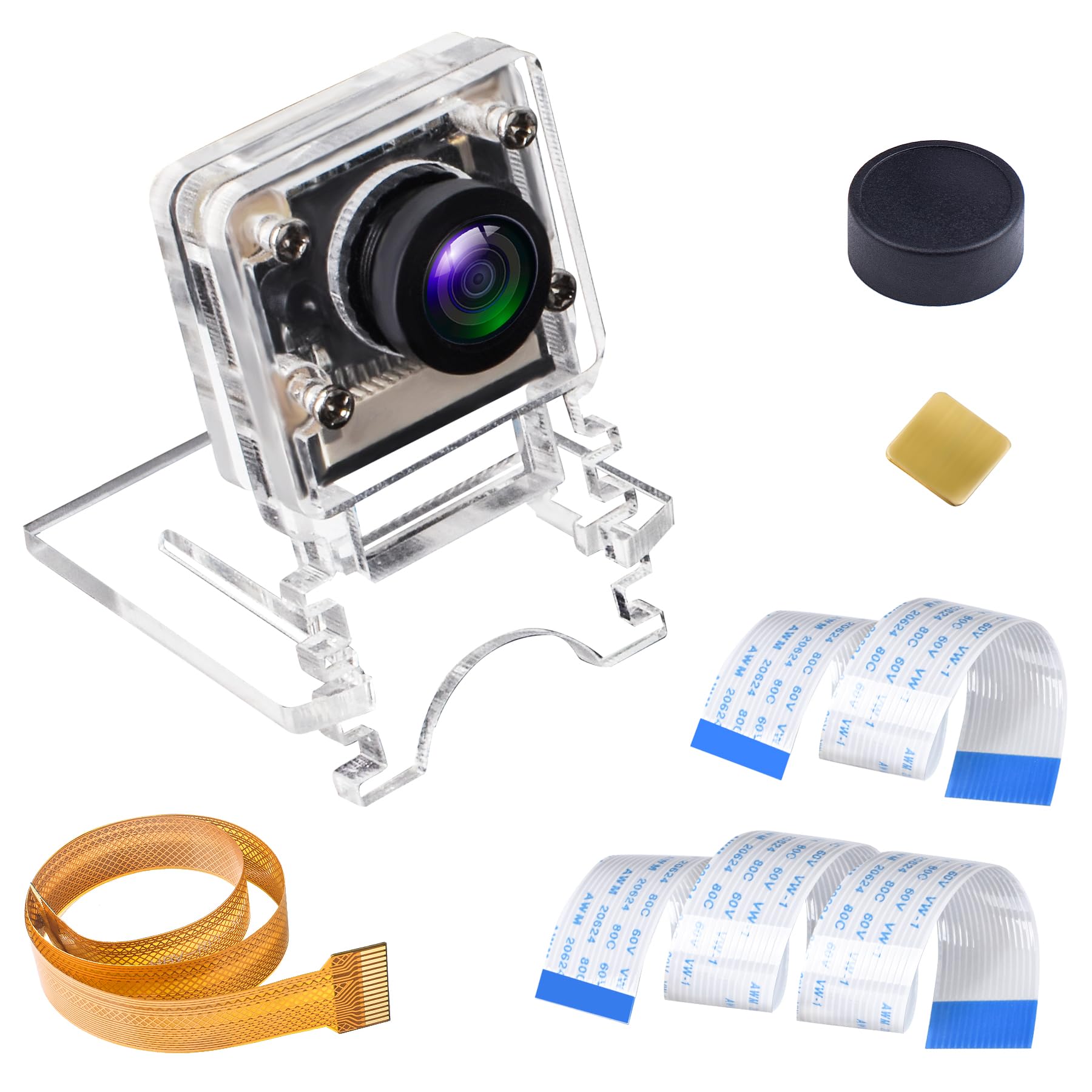
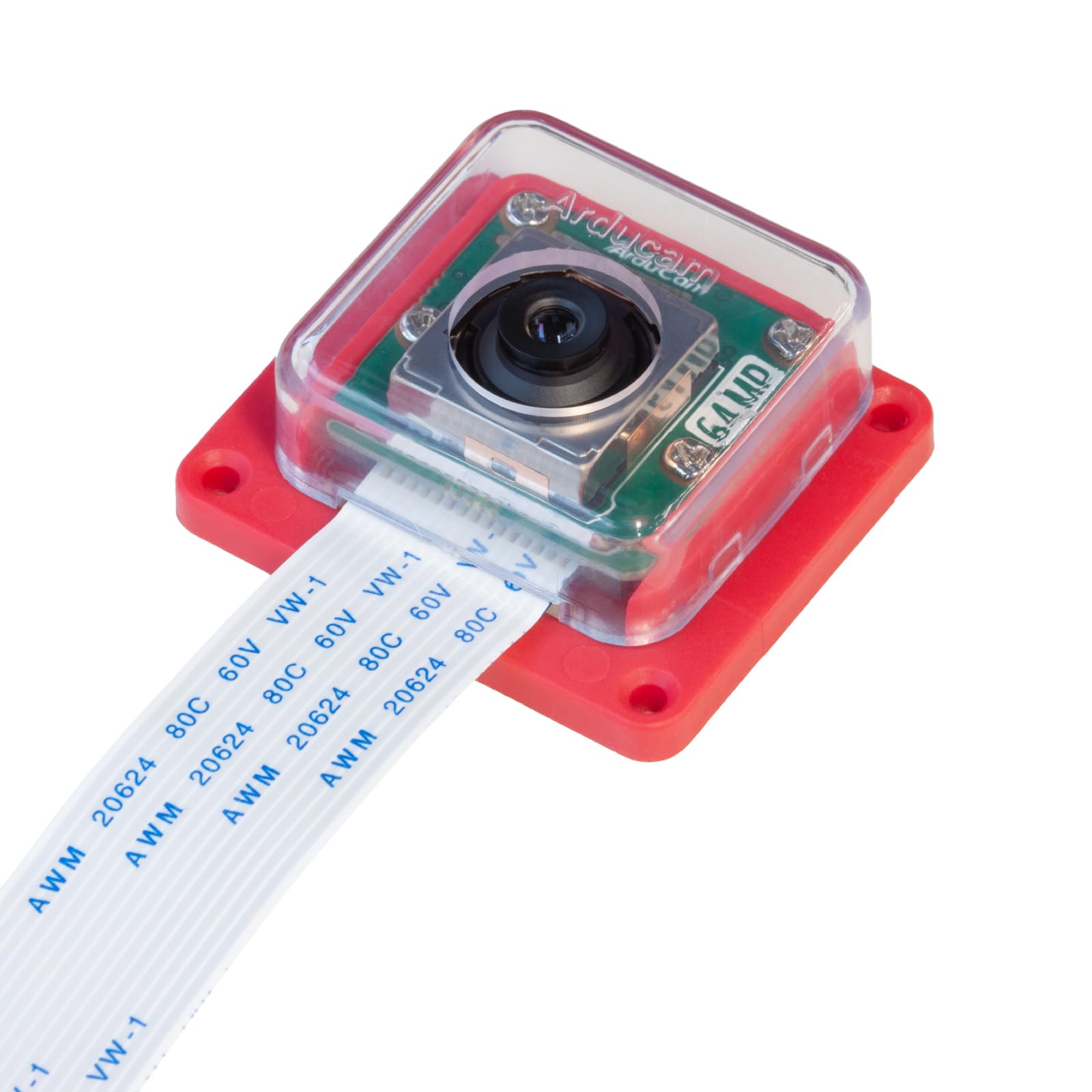
LoveRPi Ultra Wide Angle Camera for Raspberry Pi 4/3/2/Zero W (5MP, 220 FOV)
Size:
5MP
Color:
Ultra Wide Angle (IR Filter)
Detalles del producto
Disponibilidad:
En stock
En stock
Peso con empaque:
0.49 kg
0.49 kg
Devolución:
Sí
Sí
Condición
Nuevo
Nuevo
Producto de:
Amazon
Amazon
Viaja desde
USA
USA
Sobre este producto
- Included ItemsLoveRPi Ultra Wide Angle Camera for Raspberry Pi 4/3/2/Zero W (5MP, 220 FOV)2 Inch PFC Cable Adapter for Raspberry Pi Zero models6 Inch FPC Cable12 Inch FPC CableCompatible ModelsRaspberry Pi 4 Model BRaspberry Pi 3 Model B+Raspberry Pi 3 Model BRaspberry Pi 3 Model A+Raspberry Pi 2 Model BRaspberry Pi 1 Model B+Raspberry Pi 1 Model A+Raspberry Pi Zero WRaspberry Pi Zero
S/ 100.42
44% OFF
S/ 55.78
IMPORT EASILY
By purchasing this product you can deduct VAT with your RUT number
S/ 100.42
44% OFF
S/ 55.78
 Llega en 10 a 15 días hábiles
con envío
 Tienes garantía de entrega
Conoce más detalles
ULTRA WIDE ANGLE 220* CAMERA FOR RASPBERRY PI: Record crystal clear 1080P videos and capture 2592 by 1944 photos with our high performing camera for the Raspberry Pi board family. Equiped with large 1.4 by 1.4 micron sensor pixels, this module is designed for ultra wide angle, low latency, and high quality imaging required for computer vision, streaming media, and remote data acquisition. INTEGRATED IR FILTER: Infrared light is invisible to the naked eye but will cause hue changes to CMOS camera sensors. The integrated filter prevents infrared light from distorting the image hue resulting in color accurate imagery for daytime outdoor applications. AUTOMATIC IMAGE CONTROLS: This module will intelligently adjust white balance, exposure, sensitivity, black levels to optimize for best image quality. Additionally, it has built-in 50Hz/60Hz anti-flickering, lens correction, and defective pixel cancelling functions. SIMPLE INSTALLATION FOR ALL PI MODELS: Two FPC cables of different length for Raspberry Pi 4, Pi 3, Pi 2, Pi B+ are included. PFC cable adapter for Raspberry Pi Zero, Pi Zero W, and Pi 0WH are also included. Open a terminal, type in "sudo raspi-config", select "5 Interfacing Options", select "P1 Camera", select "Enable", and then you will be prompted to reboot. USER UTILITIES: There are two command-line utility "raspistill" and "raspivid" for capture images and videos respectively. There are user-developed open-source GUI applications called PiCameraApp and PiVision available on GitHub. Perfect for Octoprint and other camera applications tailored for the Raspberry Pi.
Compra protegida
Disfruta de una experiencia de compra segura y confiable
![]() Garantía de entrega
Garantía de entrega
Con Tiendamia todas tus compras cuentan con Garantía de Entrega o devolución total de tu dinero.
Compras 100% seguras y garantizadas, para que pidas lo que sueñas y lo recibas del mundo a tu puerta.
Saber más.
Visa

Mastercard

American Express

