











 Garantía de entrega






SKU/Artículo: AMZ-B08NWG54LP
JacobsParts
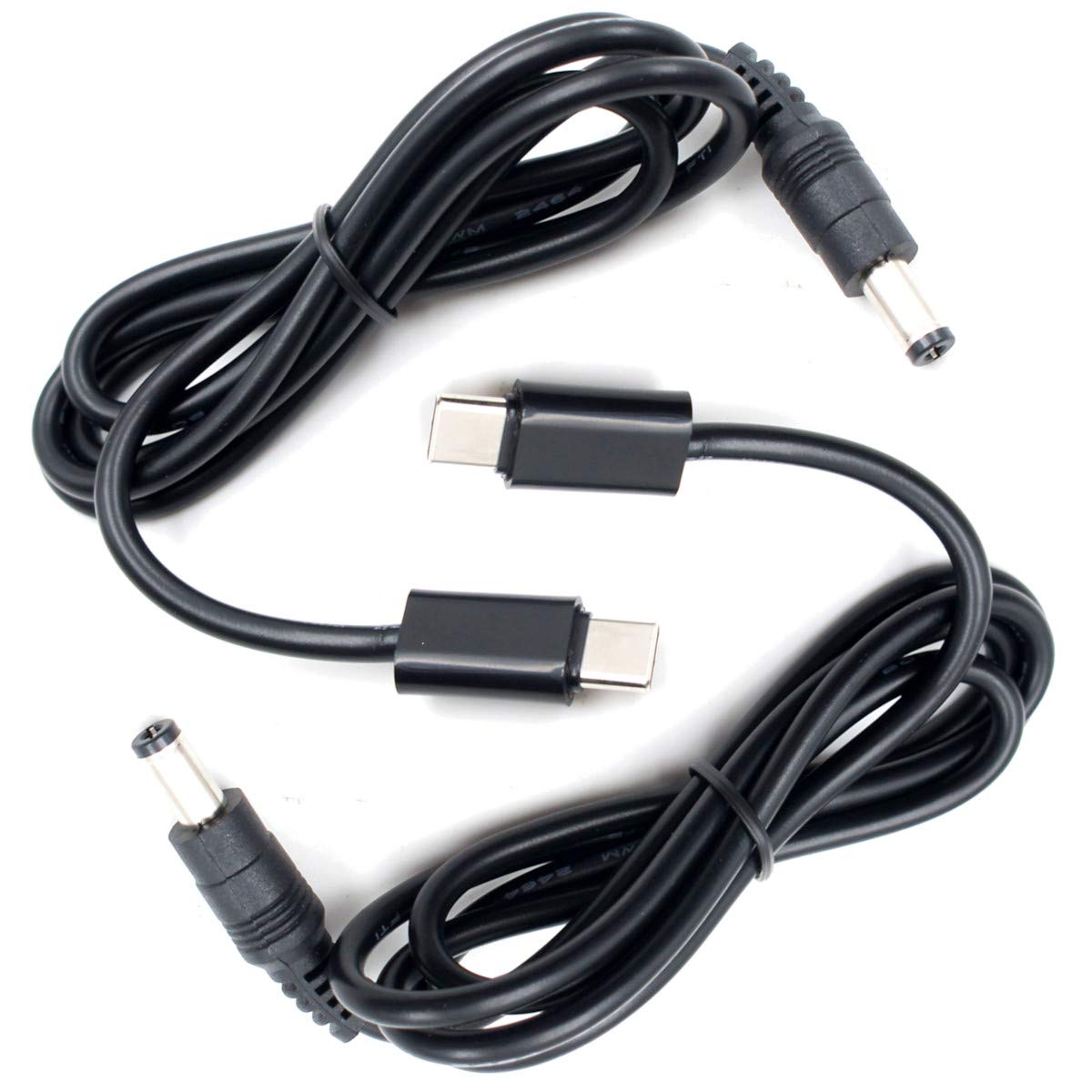
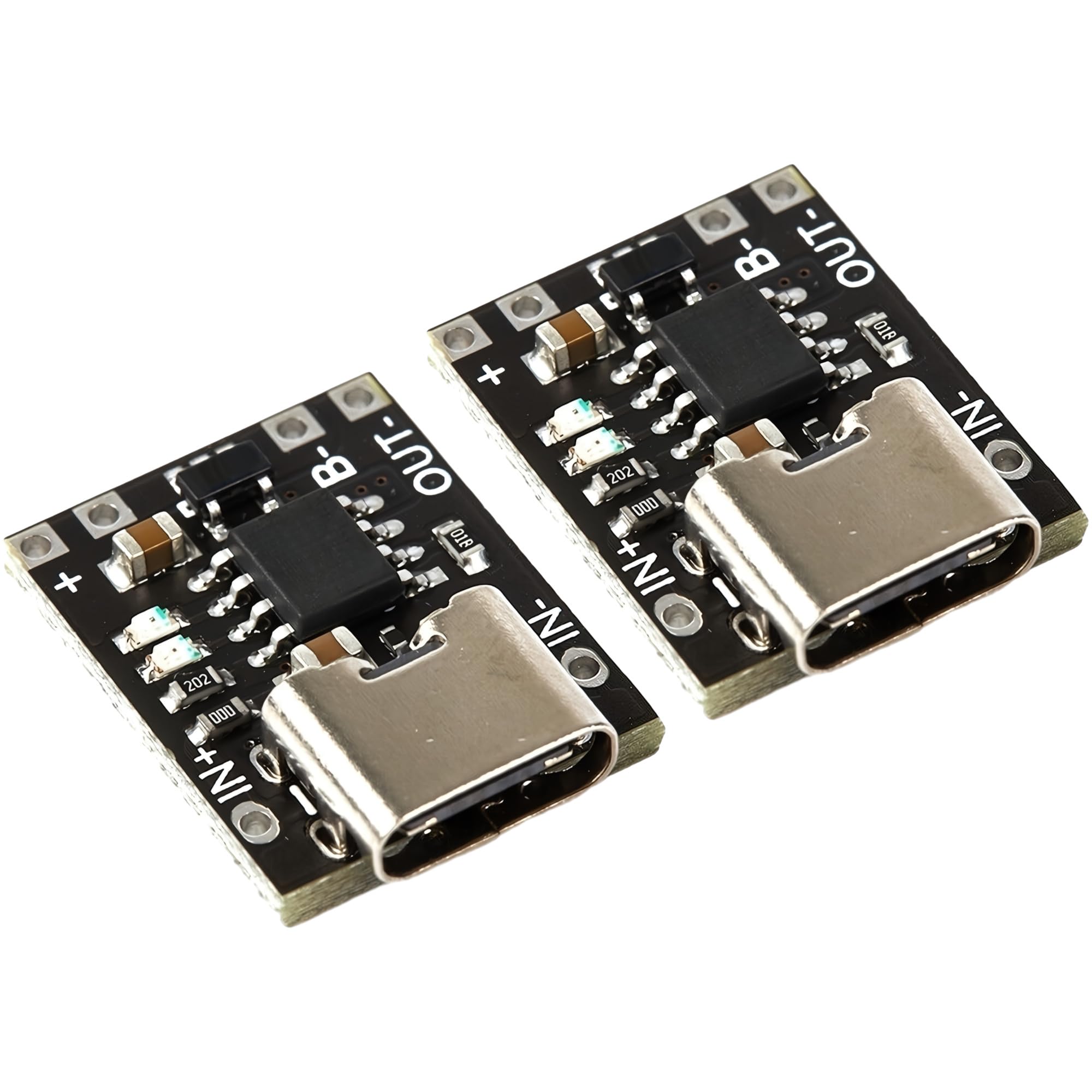
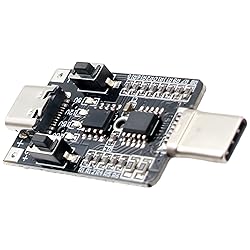
JacobsParts USB C PD DC Voltage Trigger Test Module 9V 12V 20V Adjustable Power 5A 100W E-Mark Type-C
Detalles del producto
Disponibilidad:
En stock
En stock
Peso con empaque:
0.30 kg
0.30 kg
Devolución:
Sí
Sí
Condición
Nuevo
Nuevo
Producto de:
Amazon
Amazon
Viaja desde
USA
USA
Sobre este producto
- Instructions: • USB-C power supply must support the PD protocol • Basic operation: Connect the module to USB-C PD power supply. The LED indicates the current voltage. If no LED is illuminated then it is currently at 5V. While holding S+ press S- to unlock the board. Press S+ to increase voltage. Press S- to decrease voltage. • Reset to 5V: Press and hold the S- button while connecting the module to the power supply • Quick key unlock: After powering on, while holding S+, quick press S- • Quick key lock: After powering on, while holding S-, quick press S+ • Permanent Key Lock: Press and hold the S+ button while connecting the module to the power supply. Press S+ or S- to enable or disable the key lock. If the key lock is enabled, then the voltage cannot be changed until it is unlocked. • Test Mode: Press and hold S- and S+ simultaneously while connecting the module to the power supply. The output voltage will automatically cycle between all supported voltages.
S/ 71.33
31% OFF
S/ 49.19
IMPORT EASILY
By purchasing this product you can deduct VAT with your RUT number
S/ 71.33
31% OFF
S/ 49.19
 Llega en 10 a 15 días hábiles
con envío
 Tienes garantía de entrega
Conoce más detalles
Power all kinds of electronic devices with USB-C PD chargers and power banks • Test power supply capabilities Performs real PD power negotiation • Supports up to 5A / 100W • Has the e-Mark chip necessary to unlock 5A output on 100W power supplies Trigger 5V, 9V, 12V, 15V, or 20V output (not all USB-C power supplies support all voltages) • The module just performs the PD negotiation and passes the output LED voltage indicators • Retains setting after power loss Power supply must be connected to the male end of the module
Compra protegida
Disfruta de una experiencia de compra segura y confiable
![]() Garantía de entrega
Garantía de entrega
Con Tiendamia todas tus compras cuentan con Garantía de Entrega o devolución total de tu dinero.
Compras 100% seguras y garantizadas, para que pidas lo que sueñas y lo recibas del mundo a tu puerta.
Saber más.
Visa

Mastercard

American Express

