







 Garantía de entrega



SKU/Artículo: AMZ-B07HP9VDYH
Audiovox
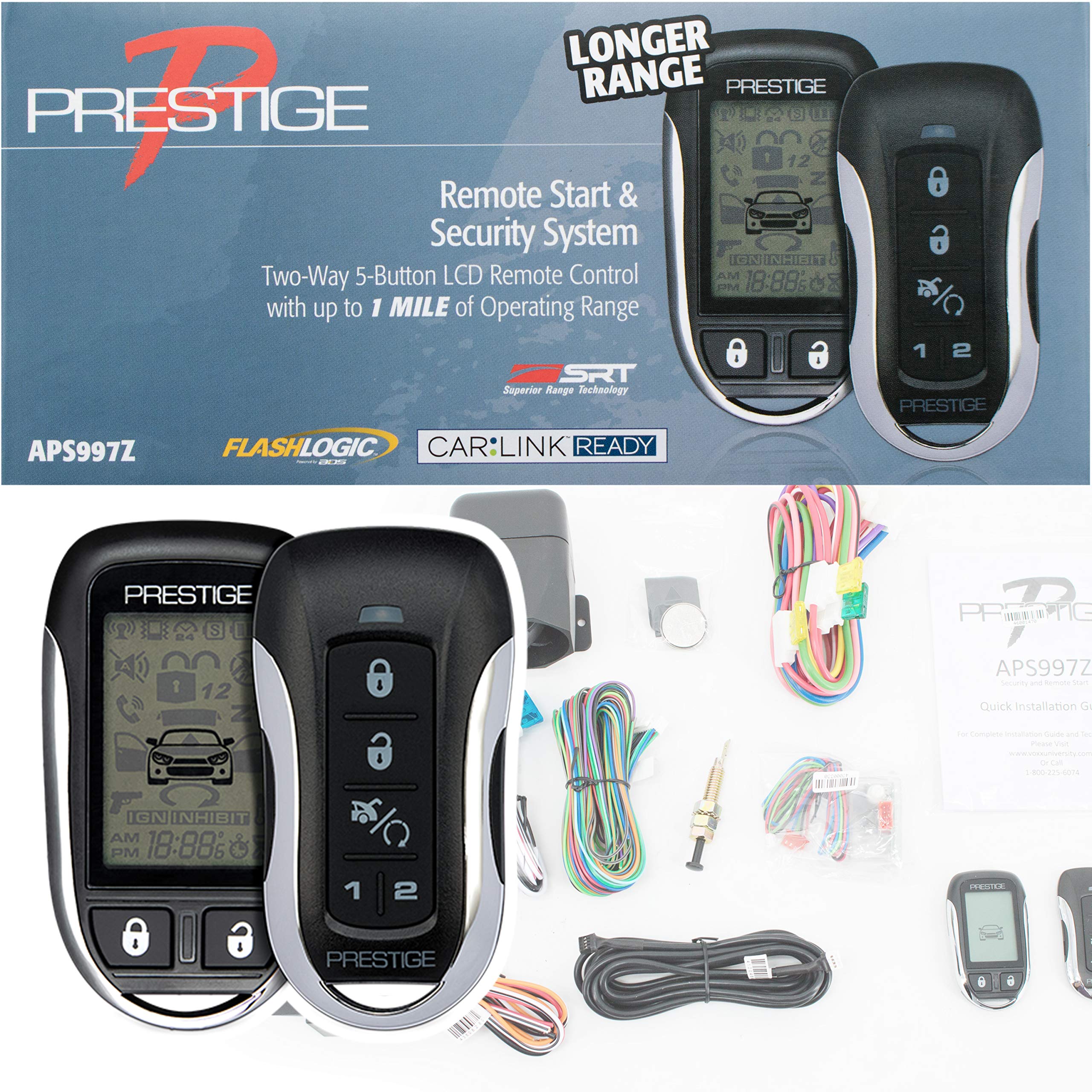
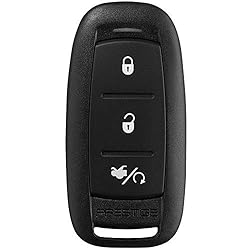
Audiovox Prestige 3 Button Type 20
Detalles del producto
Disponibilidad:
En stock
En stock
Peso con empaque:
0.30 kg
0.30 kg
Devolución:
Sí
Sí
Condición
Nuevo
Nuevo
Producto de:
Amazon
Amazon
Viaja desde
USA
USA
Sobre este producto
- Prestige 173BP 1-Way Remote. FCC ID: ELVATNC. PROGRAMMING GUIDE: To Auto Program a remote control: 1. Cycle the vehicle's ignition to ON. 2. Press and release the valet/override button three (3) times. The system will beep one (1) time to indicate it has entered remote control programming. 3. Press the #1 button of each remote control you wish to program. The system will beep and flash the parking lights one (1) time to indicate the remote control is programmed successfully. NOTE: The #1 button is the LOCK button on all keyless entry remote controls or the START button on all one (1) button remote controls. 4. Cycle the vehicle's ignition to OFF to exit programming mode, or cycle the ignition key OFF/ON to advance to the next Feature Bank. Notes: The system will store in the memory a maximum of four (4) remote controls. Additional programmed remote controls will delete the oldestprogrammed remote control. The system will accept a maximum of two (2) 2-Way remote controls. During normal operation, the Programmed Transmitter Notification (PTN) function indicates how many remote controls are programmed by flashing the LED a certain number of times when the vehicle ignition is turned on. Deleting All Remotes: 1. Perform steps one (1) and two (2) above. 2. Press and hold the Valet/Override button for five (5) seconds. 3. The system will sound one (1) long beep. This indicates all remotes have been deleted from memory
S/ 239.82
49% OFF
S/ 122.97
IMPORT EASILY
By purchasing this product you can deduct VAT with your RUT number
S/ 239.82
49% OFF
S/ 122.97
 Llega en 5 a 10 días hábiles
con envío
 Tienes garantía de entrega
Conoce más detalles
Prestige 173BP 1-Way Remote FCC ID: ELVATNC 3-Button Type 20 Transmitter Uses CR2032 Battery (1 included inside the remote)
Compra protegida
Disfruta de una experiencia de compra segura y confiable
![]() Garantía de entrega
Garantía de entrega
Con Tiendamia todas tus compras cuentan con Garantía de Entrega o devolución total de tu dinero.
Compras 100% seguras y garantizadas, para que pidas lo que sueñas y lo recibas del mundo a tu puerta.
Saber más.
Visa

Mastercard

American Express

