


.svg)


 Garantía de entrega
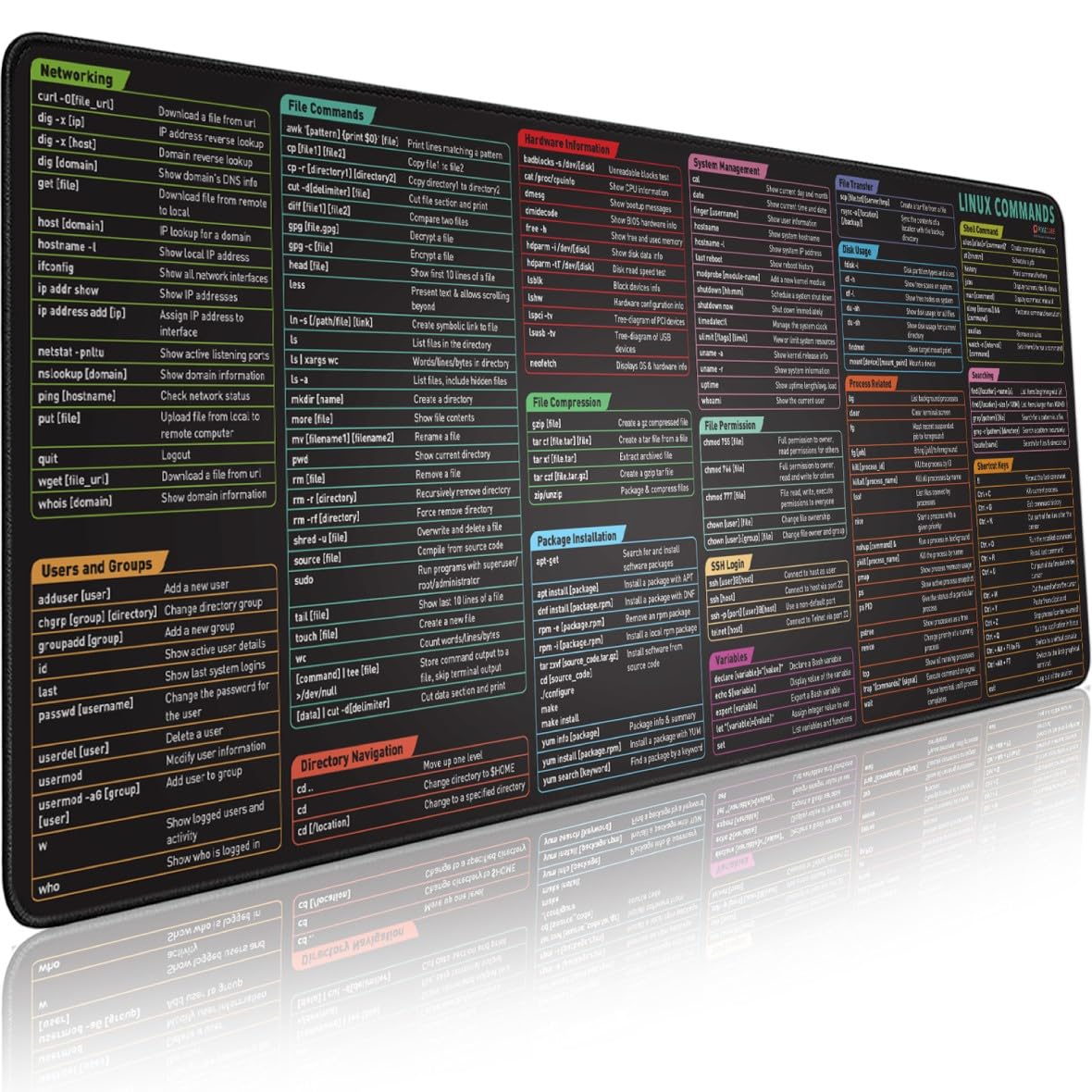

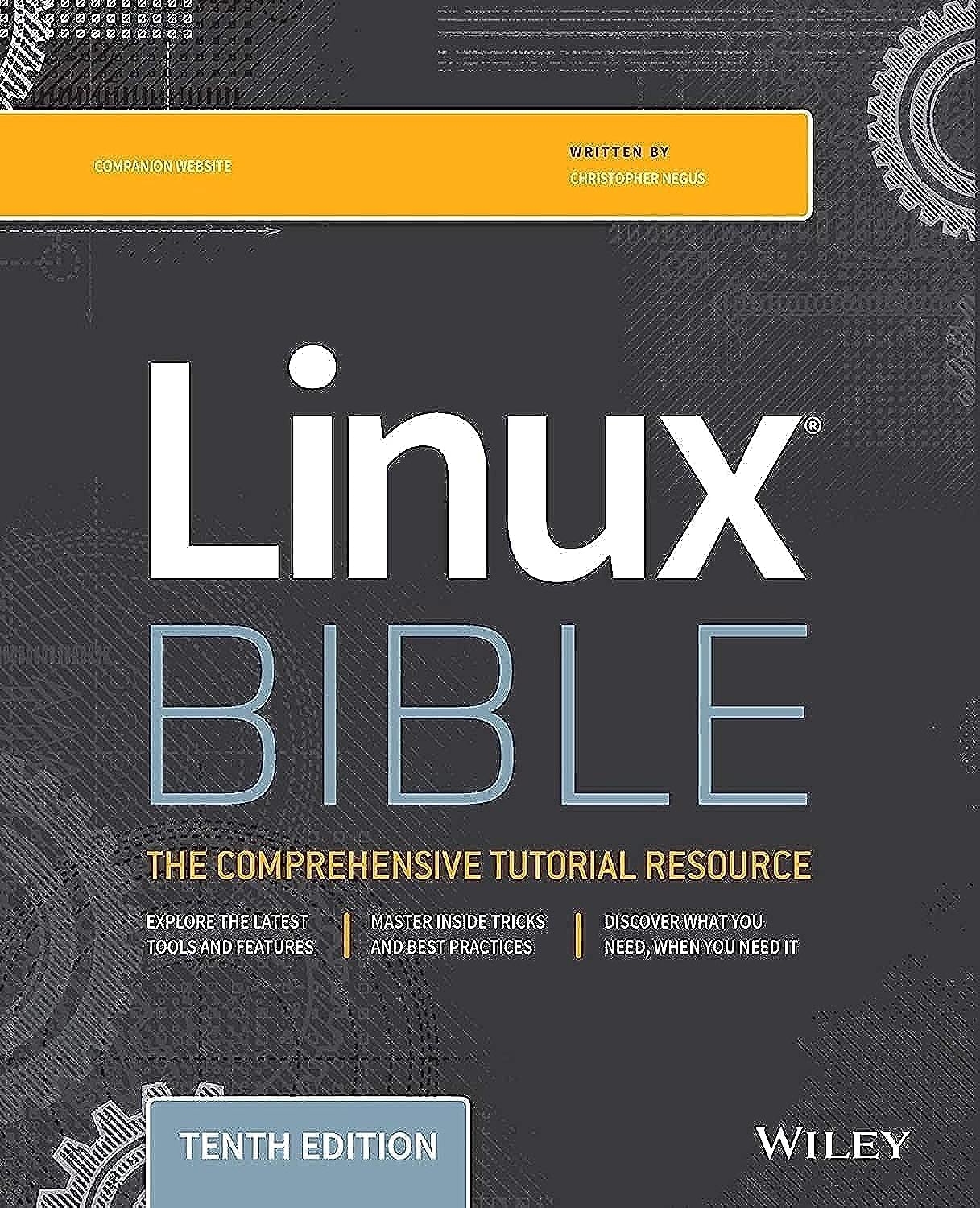


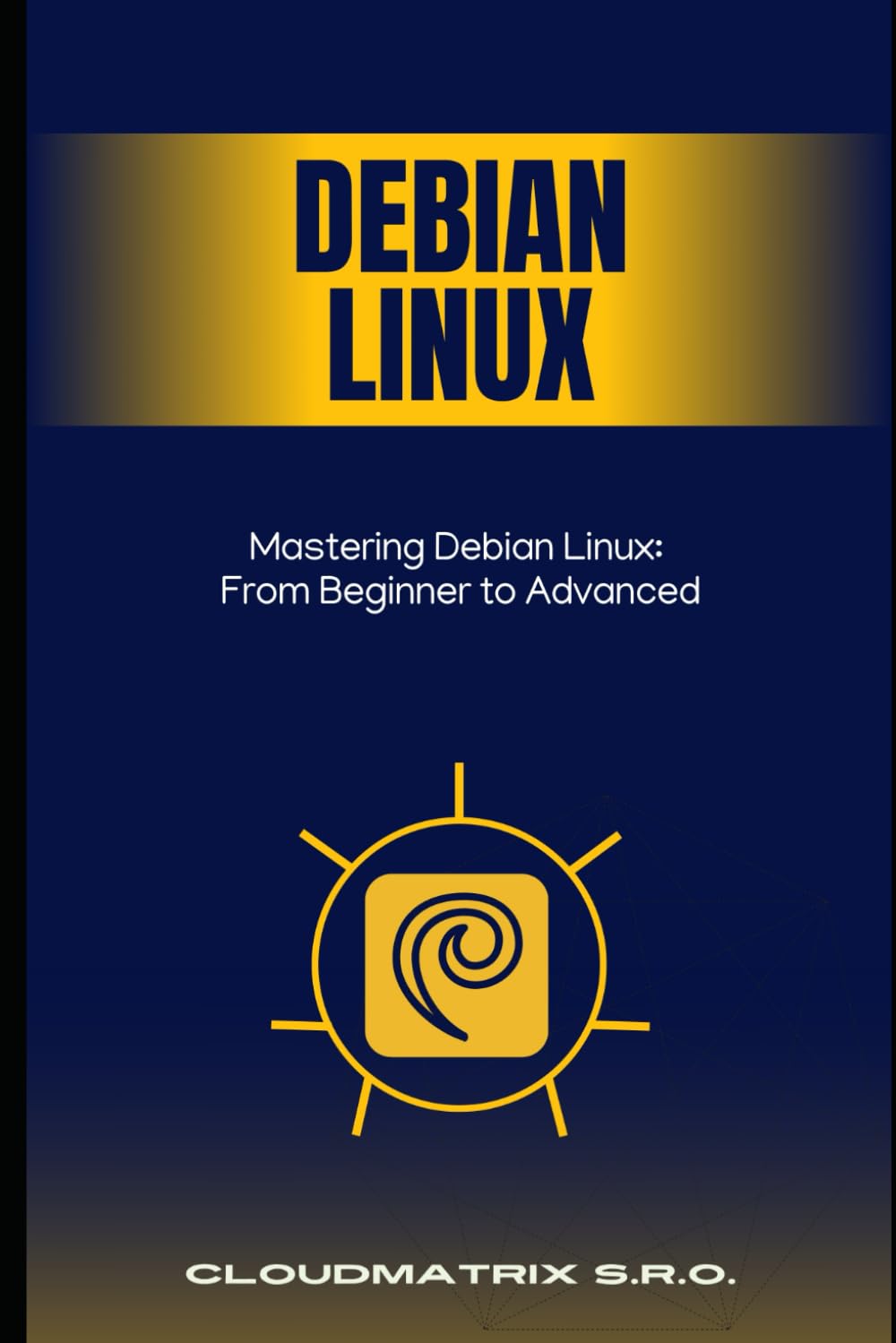




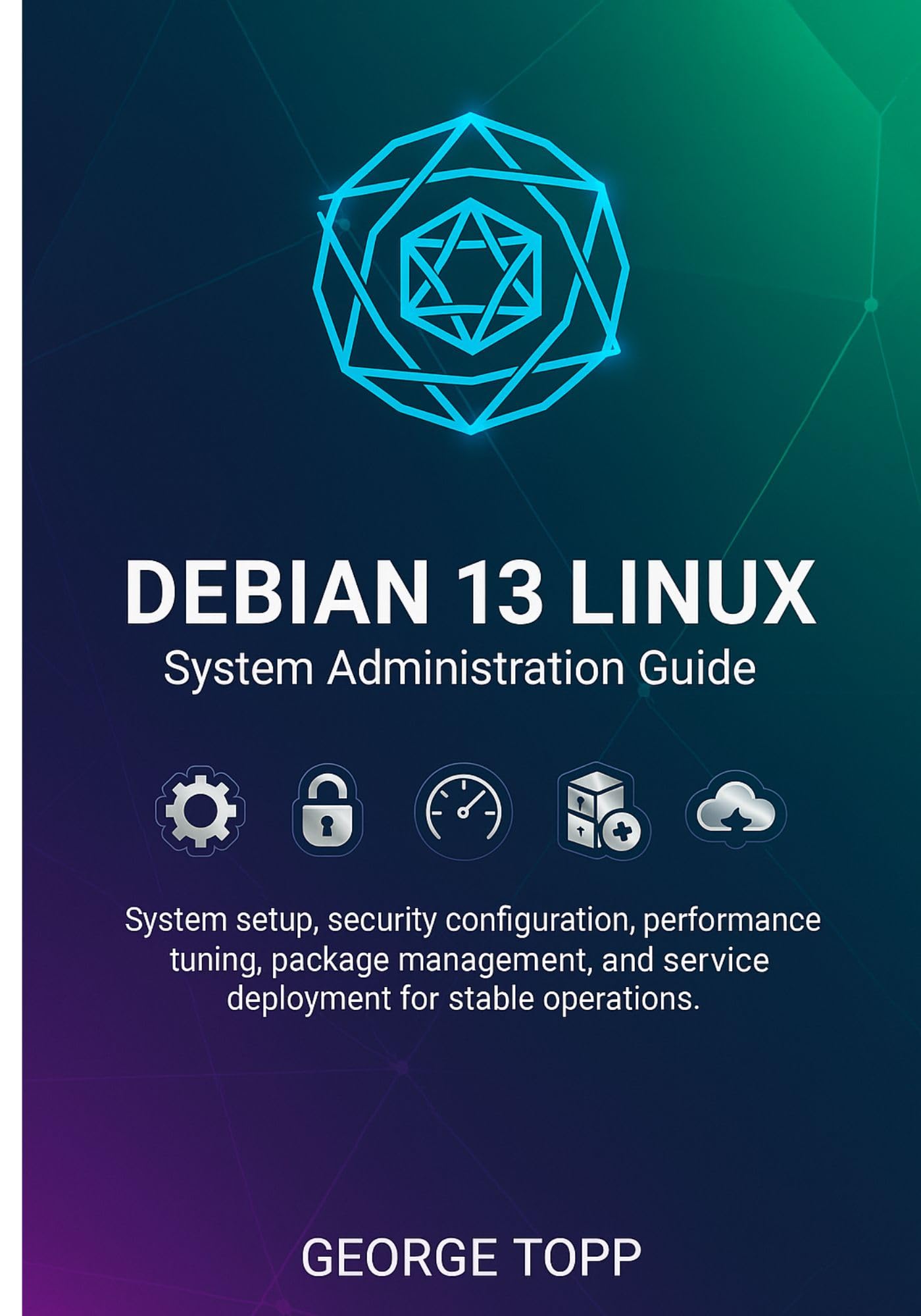



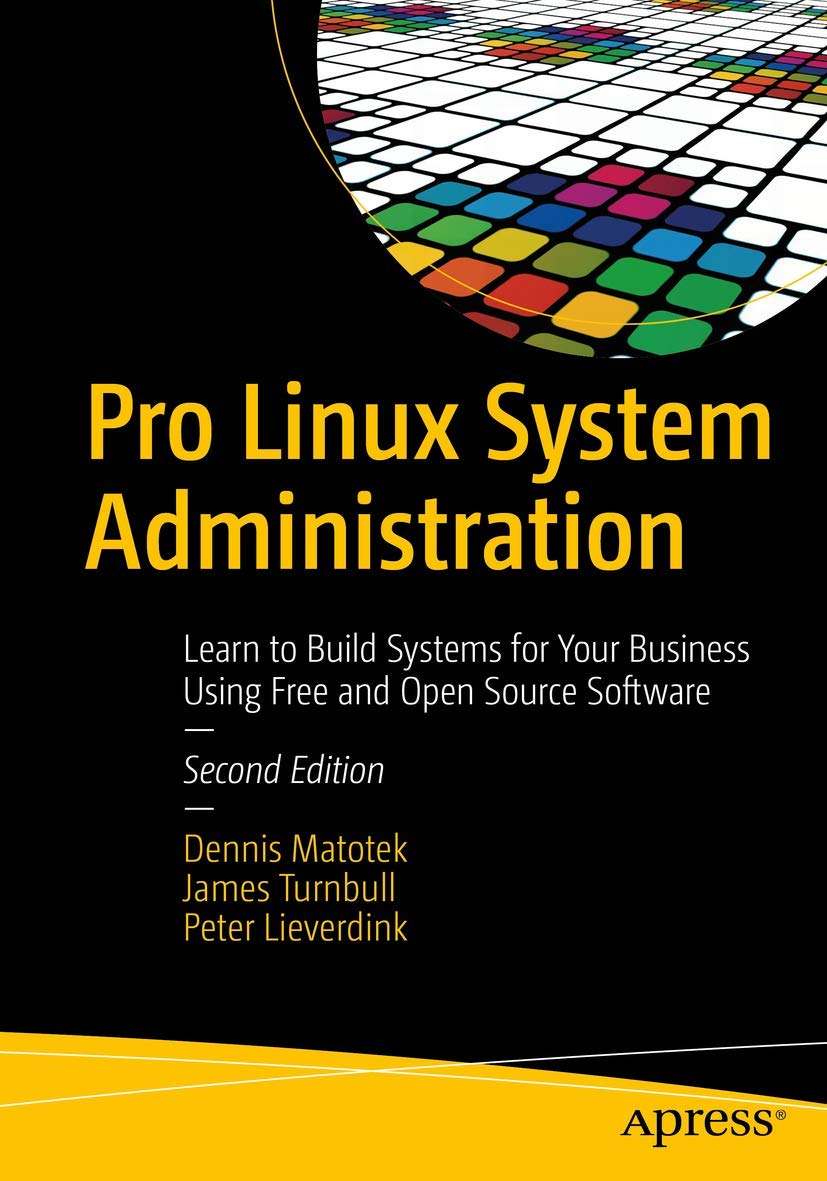

Debian 13 linux System Administration Guide: System setup, security configuration, performance tuning, package management, and service deployment for stable operations
Disponibilidad
Sin stock
Sin stock
Peso con empaque
0.20 kg
0.20 kg
Devolución
No
No
Condición
Nuevo
Nuevo
Producto de
Amazon
Amazon
Sobre este producto
- Plan hardware, storage layout, and networking for Debian 13
- Install with guided and manual partitioning using LVM and RAID
- Configure mirrors, repositories, users, locales, timezones, and basic networking
- Work with systemd units, services, targets, and journals
- Control boot order and dependencies between services
- Configure logging with journald and rsyslog
- Tune CPU, memory, disk I O, and network settings for stable performance
- Lock down SSH with keys, hardened configs, and safe sudo use
- Build host firewalls with nftables
- Apply kernel security parameters with sysctl
- Use intrusion detection, auditing, and a repeatable security baseline
- Use APT for installation, upgrades, and rollbacks
- Manage repositories, components, and pinning
- Configure automatic security updates in a controlled way
- Deploy Nginx or Apache on Debian 13
- Run PostgreSQL and MariaDB with safe defaults
- Add caching with Redis, Memcached, and HTTP caching
- Design backup routines for config, data, and databases, with restore tests
- Set up KVM, storage pools, and virtual networks
- Build cloud ready images with cloud init and guest agents
- Deploy Debian on AWS, Google Cloud, and Azure using metadata and user data
- Run Podman rootless containers and Docker
- Build efficient OCI images with multi stage builds
- Orchestrate multi container apps with Docker Compose or Podman Compose
- Apply security measures such as reduced privileges and read only filesystems
- Write Bash automation scripts with safe defaults and logging
- Use Ansible playbooks and roles for system state as code
- Schedule tasks with cron, at, and systemd timers
- Build provisioning workflows with cloud init, Ansible, and golden images
- Track CPU, memory, disk, and network metrics
- Install Prometheus and exporters for host and service metrics
- Build Grafana dashboards and useful alert rules
- Troubleshoot boot issues, network failures, package conflicts, service crashes, and hardware faults
- Plan upgrades from Debian 11 and 12 to Debian 13
- Reduce risk with backups, staging, and rollback planning
- Validate systems after upgrades with focused checks
- Use a command reference, config guide, security baseline, and error index for daily work
- Focused on Debian 13 linux, not generic Linux
- Plain language, short steps, and direct commands
- Organised by operations themes from installation to hardening, automation, monitoring, and troubleshooting

Producto prohibido
Este producto no está disponible
Este producto viaja
de USA ![]() a tus manos en
a tus manos en
![]()
 a tus manos en

Compra protegida
Disfruta de una experiencia de compra segura y confiable
![]() Garantía de entrega
Garantía de entrega
Con Tiendamia todas tus compras cuentan con Garantía de Entrega o devolución total de tu dinero.
Compras 100% seguras y garantizadas, para que pidas lo que sueñas y lo recibas del mundo a tu puerta.
Tarjetas de Débito y Crédito

Visa

Mastercard

American Express

Dinners

Discover

Alias
Pagos a través de PayPal
Compra procesada en dólares con dinero en cuenta o tarjetas internacionales.

PayPal

 Garantía de entrega