


.svg)


 Garantía de entrega



Gulikit
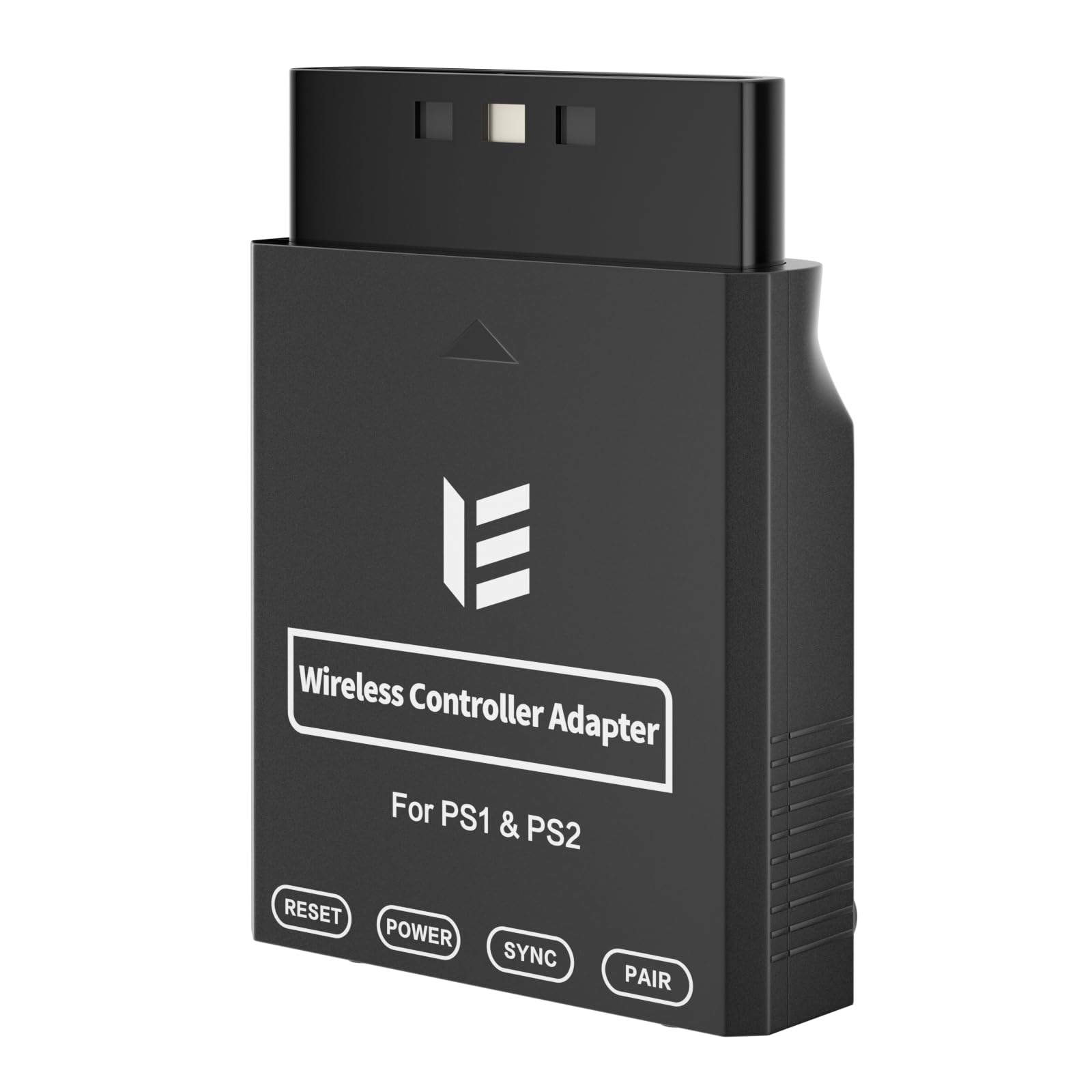
GuliKit Hyperlink 2 Fastest Wireless Adapter for Xbox One/Xbox Series X|S/Elite 2/PS5 Dual Sense/Edge/PS4/Switch Pro Controller-Play on PC & Switch/2 & Android & SteamOS, Plug & Play Converter
Disponibilidad
En stock
En stock
Peso con empaque
0.20 kg
0.20 kg
Devolución
Sí
Sí
Condición
Nuevo
Nuevo
Producto de
Amazon
Amazon
Sobre este producto
- WORLD FASTEST ADAPTER WITH MINIMAL DELAY:Our adapter dongle with HyperLink 2 technology achieves a remarkable 2.95ms latency, significantly reducing delay and enhancing the polling rate. Compared to traditional Bluetooth connections/2.4G dongle connections, HyperLink 2 cuts latency by up to 50%, ensuring instant input registration. This delivers the smoothest gaming experience, making it ideal for fast-paced games.
- WIDE COMPATIBILITY:The controller connector is compatible with a rang of controllers, including for Xbox One Bluetooth, Xbox Series, Xbox Elite Series 2(Not for The Xbox One released betweern 2013 and 2015 & the Xbox Elite wireless controllers which without Bluetooth function), for PS5 Dual Sense Edge, PS5 Dual Sense, PS4 Dual Shock, Switch Pro, GuliKit controller. It supports a variety of platforms, including Windows 7+, Android 9.0+, Switch, Switch 2, and SteamOS 3.4+. (Not for mister fpga) For Switch 2,enable "Wired Pro Controller Connection" in the System Settings.(For use with Steam Deck / AYANEO handhelds / ROG Ally&Ally X / Switch Lite, you need an additional OTG cable or adapter.)
- INSTANT PLUG & PLAY:Unlike other adapters that require extensive setup, our Plug & Play Hyperlink 2 converter makes connecting your controller a breeze. Simply plug it in, no software installation, no driver updates—just instant gaming.
- SUPPORTS MOTION CONTROL & VIBRATION:The adapter enables motion control and vibration features on Switch/Switch 2 (not for PC/Switch Lite) when used for PS4/PS5 controllers, providing a truly dynamic and responsive gaming environment.
- HOW TO USE:1. Turn on the controller and hold the pairing button to enter pairing mode. (For PS4 & PS5 controllers, it is to hold the SHARE and PS logo button until the light flashes quickly to enter the pairing mode. ) 2. Plug the adapter into the USB port, and its indicator will flash rapidly to automatically enter pairing mode. (No button press required) 3. The adapter indicator turns constantly on, and the pairing is successful. NOTE: Please connect in the correct order: first press the power and pairing buttons on the controller, and then insert the adapter into the USB port of PC or consoles.
- Note: The adapter doesn't support XBOX Headphone. The adapter only support one controller at once.
$44,39
49% OFF
$22,77
IMPORT EASILY
By purchasing this product you can deduct VAT with your RUT number
$44,39
49% OFF
$22,77
Envío gratis
Llega en 5 a 12 días hábiles
Con envío
 Tienes garantia de entrega
Este producto viaja
de USA ![]() a tus manos en
a tus manos en
![]()
 a tus manos en


Compra protegida
Disfruta de una experiencia de compra segura y confiable
![]() Garantía de entrega
Garantía de entrega
Con Tiendamia todas tus compras cuentan con Garantía de Entrega o devolución total de tu dinero.
Compras 100% seguras y garantizadas, para que pidas lo que sueñas y lo recibas del mundo a tu puerta.
Tarjetas de Débito y Crédito

Visa

Mastercard

American Express

Dinners

Discover

Alias
Pagos a través de PayPal
Compra procesada en dólares con dinero en cuenta o tarjetas internacionales.

PayPal

