


.svg)


 Garantía de entrega
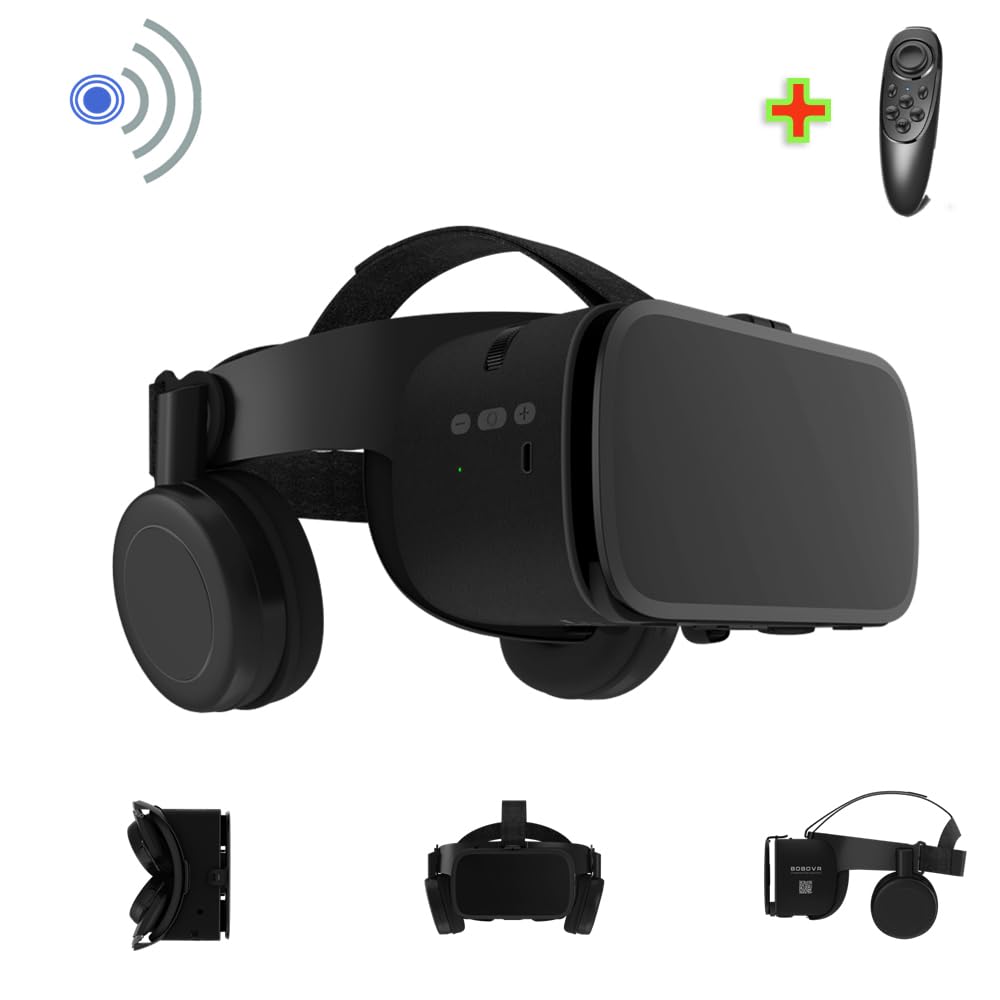
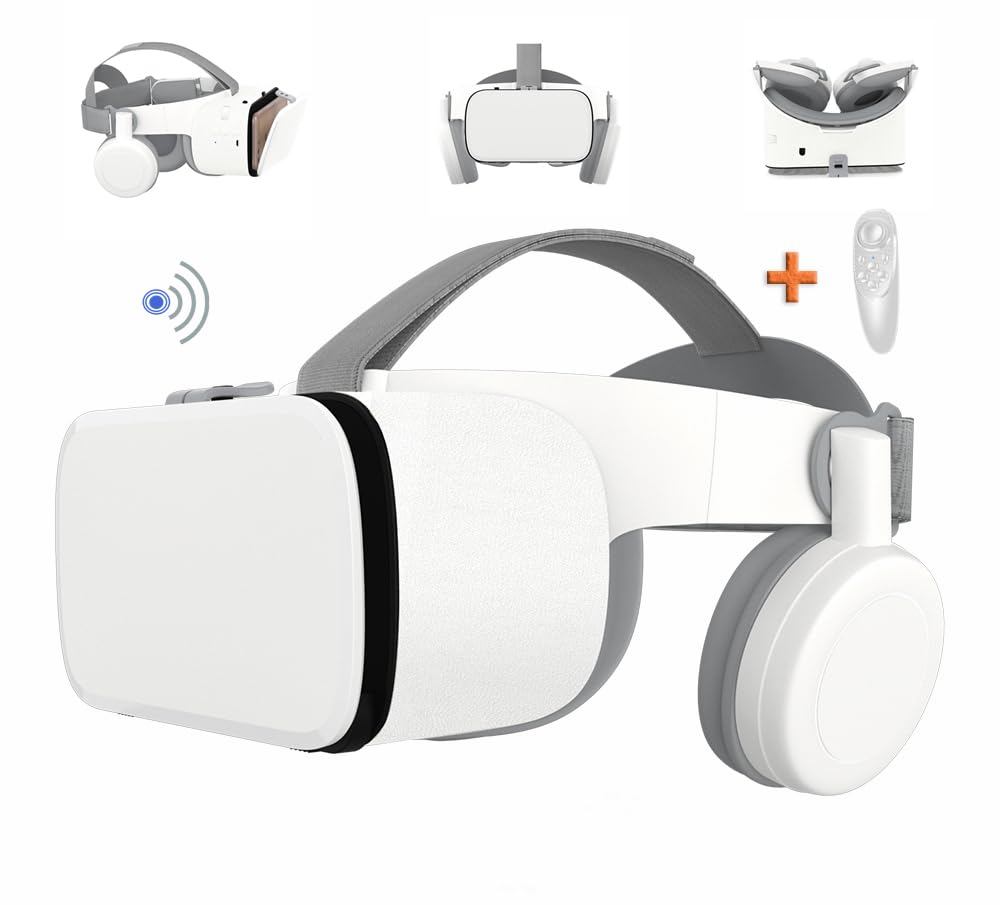


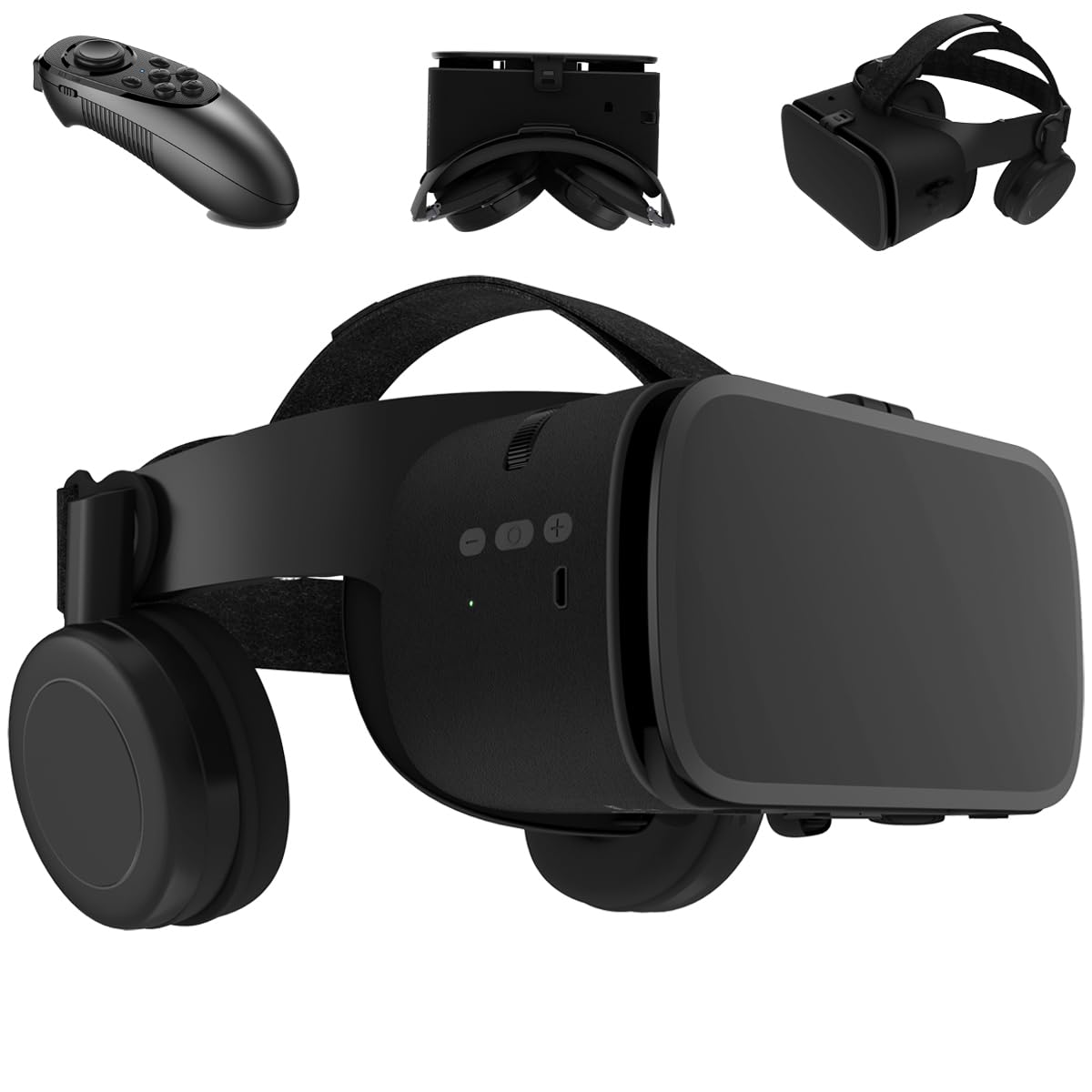
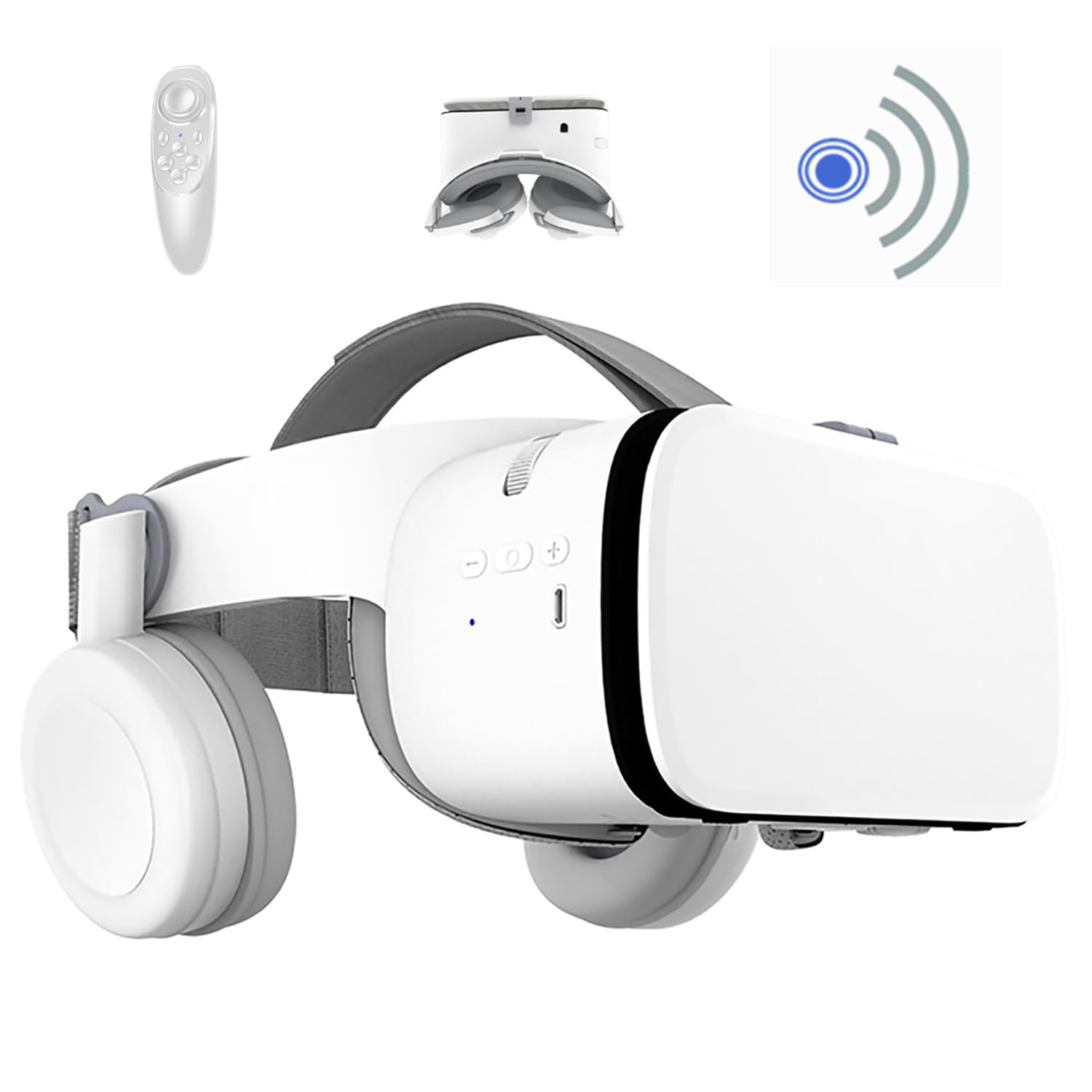




Zybesthao
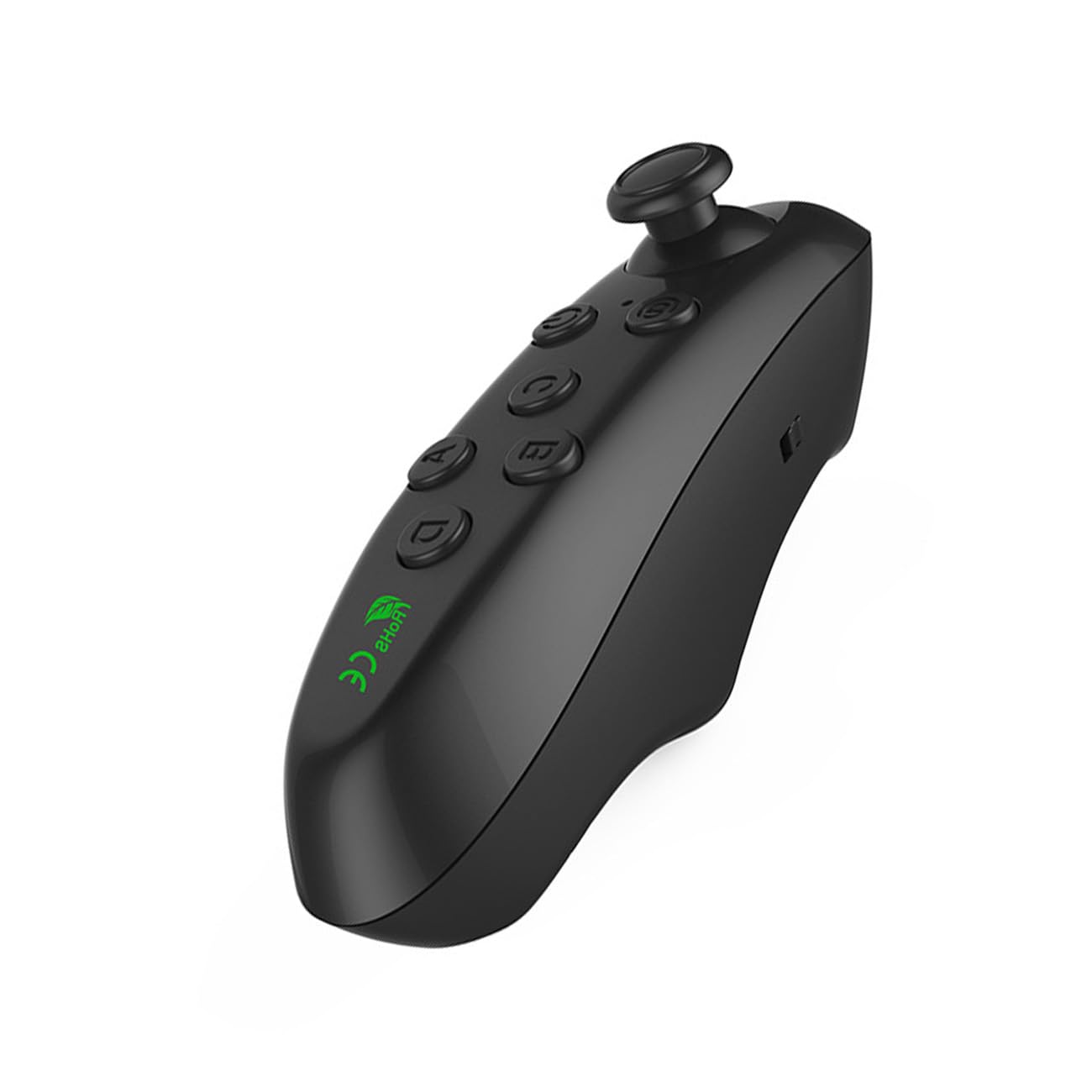
VR Remote Controller for iPhone/iPad/Android Phones to Music Control VR Video, Game, Selfie, Flip E-Book/PPT/Nook Page, Mouse
Disponibilidad
En stock
En stock
Peso con empaque
0.20 kg
0.20 kg
Devolución
Sí
Sí
Condición
Nuevo
Nuevo
Producto de
Amazon
Amazon
Sobre este producto
- 🎮【Wide compatibility】 This remote controller is designed for mobiles VR games ,it is compatible with iOS, Android, Oculus and Windows devices, including Smart Phones, MID, Tablets, Desktops, TV box etc. Compatible with iPhone/iPad/VR/Android phones/tablets/Samsung phones/Sony phones etc. The functions of the joystick remote control in IOS and Android systems are slightly different.
- 😊【Multifunctional】This controller handles can adjust volume, video, music, playback, selfie snapping, e-book page flipping on platforms like Kindle and Nook, and precise mouse-like navigation. In VR games, enjoy full control for immersive adventures. it can slide TikTok, Instagram, and Likee videos, this controller adapts to every entertainment and productivity need, making it your go-to device for endless possibilities.
- 👌【How to use】The remote control is easy to operate, hold on 2 Seconds to turn on, and hold on 5 Seconds to turn off, Simply long-press the [B + Power Button] for 5 seconds, then connect to Bluetooth "MOCUTE-052Fe-AUTO" to activate the automatic mode. Hold down the [Y + Power Button] for 5 seconds to switch to XINPUT Gamepad Mode, then you can enjoy an immersive gaming journey.
- 💕【Note】 This Bluetooth remote controller requires two AAA batteries. The package does not contain batteries; customers need to use their own batteries.

Producto prohibido
Este producto no está disponible
Este producto viaja
de USA ![]() a tus manos en
a tus manos en
![]()
 a tus manos en

Compra protegida
Disfruta de una experiencia de compra segura y confiable
![]() Garantía de entrega
Garantía de entrega
Con Tiendamia todas tus compras cuentan con Garantía de Entrega o devolución total de tu dinero.
Compras 100% seguras y garantizadas, para que pidas lo que sueñas y lo recibas del mundo a tu puerta.
Tarjetas de Débito y Crédito

Visa

Mastercard

American Express

Dinners

Discover

Alias
Pagos a través de PayPal
Compra procesada en dólares con dinero en cuenta o tarjetas internacionales.

PayPal
Conoce más detalles
MAIN INFORMATIONG HOW TO USE 1. Put your AAA batteries on the Bluetooth remote controller, then turn on the controller power according to the mode you need. 2. Turn on Bluetooth on your phone or tablet. 3. After the Bluetooth pairing succeeds, the indicator light goes out, and it can be used normally. 4. According to the manual, switch to the function mode you need. NOTE: Due to the multiple functional modes of this universal wireless controller, its operation is slightly complex. If you have any questions, please feel free to contact us, and we will be very happy to help you solve the problem. Package 1 * Bluetooth remote controller 1 * User Manua

 Garantía de entrega