


.svg)


 Garantía de entrega







Ubay
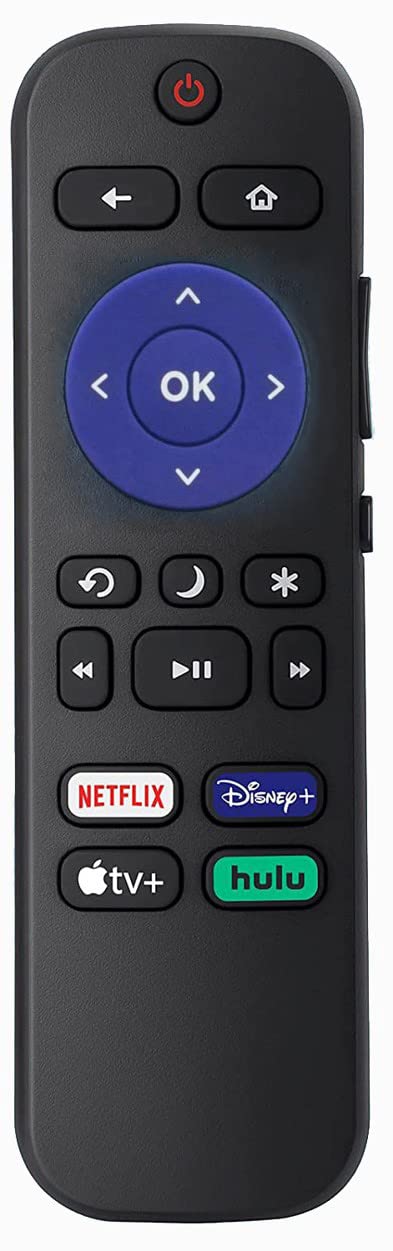
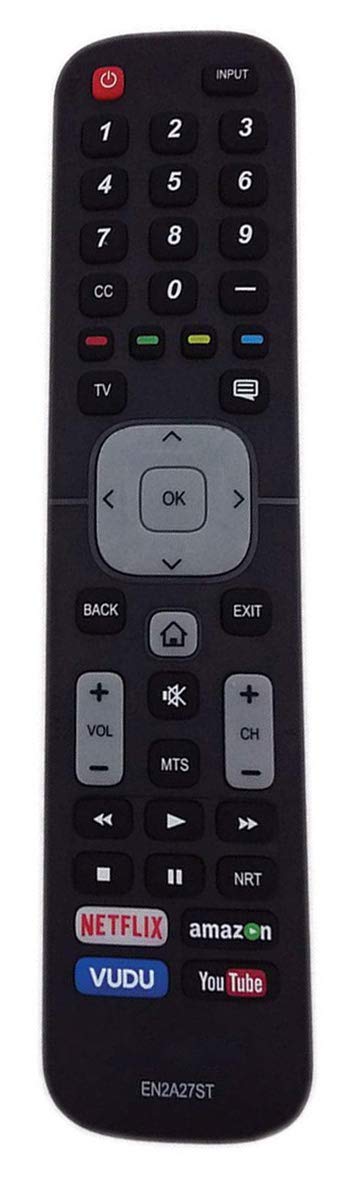
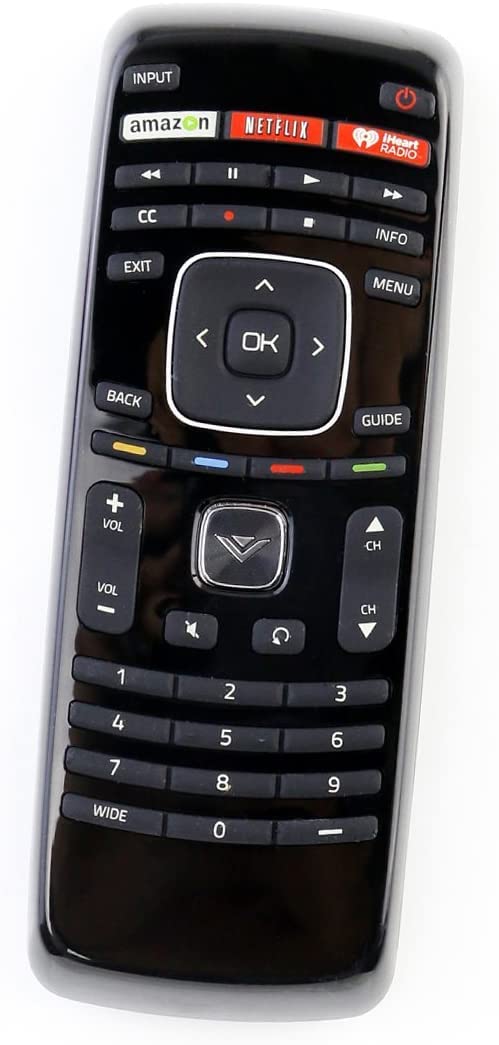
Remote Control Compatible with Sceptre Smart Android TV
Disponibilidad
En stock
En stock
Peso con empaque
0.20 kg
0.20 kg
Devolución
Sí
Sí
Condición
Nuevo
Nuevo
Producto de
Amazon
Amazon
Sobre este producto
- No programing or pairing needed. Put new alkaline batteries, it is ready to use.
- Compatible with Sceptre Smart 4K Android TV Remote
- Easy to use App Navigation: Google Play, Netflix, YouTube, and Vudu buttons
- Package: 1 x Remote Control (battery and manual Not included)
- Compatible with Sceptre A322BV-SRC, A558CV-U and more
- The remote is infrared, you need to point it directly at the TV because infrared signals require a "line of sight" to work.
$18,16
31% OFF
$12,53
IMPORT EASILY
By purchasing this product you can deduct VAT with your RUT number
$18,16
31% OFF
$12,53
Envío gratis
Llega en 5 a 12 días hábiles
Con envío
 Tienes garantia de entrega
Este producto viaja
de USA ![]() a tus manos en
a tus manos en
![]()
 a tus manos en


Compra protegida
Disfruta de una experiencia de compra segura y confiable
![]() Garantía de entrega
Garantía de entrega
Con Tiendamia todas tus compras cuentan con Garantía de Entrega o devolución total de tu dinero.
Compras 100% seguras y garantizadas, para que pidas lo que sueñas y lo recibas del mundo a tu puerta.
Tarjetas de Débito y Crédito

Visa

Mastercard

American Express

Dinners

Discover

Alias
Pagos a través de PayPal
Compra procesada en dólares con dinero en cuenta o tarjetas internacionales.

PayPal
Conoce más detalles
Compatible with Sceptre Android TV UMC and SRC Series Easy to use App Navigation: Google Play, Netflix, YouTube, and Vudu buttons Troubleshooting Steps: If your remote isn’t working, try the following steps to fix your remote: (1). Remove any obstacles from the front of the television Most TV's have the remote sensor in the bottom left or bottom right corner of the television. Make sure there is nothing in front of or blocking the sensors. (2). Try new batteries. Insert new batteries into the remote. Make sure the batteries are correctly installed with the positive and negative ends in the right direction. (3). Power Cycle the remote. To do this: Remove the batteries from the remote. Press every button on the remote at least one (1) time to drain any residual power. This also helps to check for stuck buttons. Re-insert the batteries back into the remote. (4). If this process doesn't work, you may want to power cycle your TV as well. To do so, you'll unplug the TV, press and hold its power button for five seconds, then plug the TV back in and turn it on. Check to see if the remote is now working.

