








 Garantía de entrega



SKU/Artículo: AMZ-B0FHGHQ5FJ
Generic
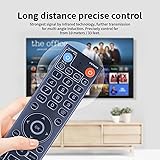
Backlit Replacement Remote Control for vSeeBox V3 Pro & V5 Pro – Bluetooth Voice Command Remote Compatible with vSeeBox V1 Pro, V1 Max, V2 Pro, V3 Plus, Elite
Detalles del producto
Disponibilidad:
En stock
En stock
Peso con empaque:
0.30 kg
0.30 kg
Devolución:
Sí
Sí
Condición
Nuevo
Nuevo
Producto de:
Amazon
Amazon
Viaja desde
USA
USA
Sobre este producto
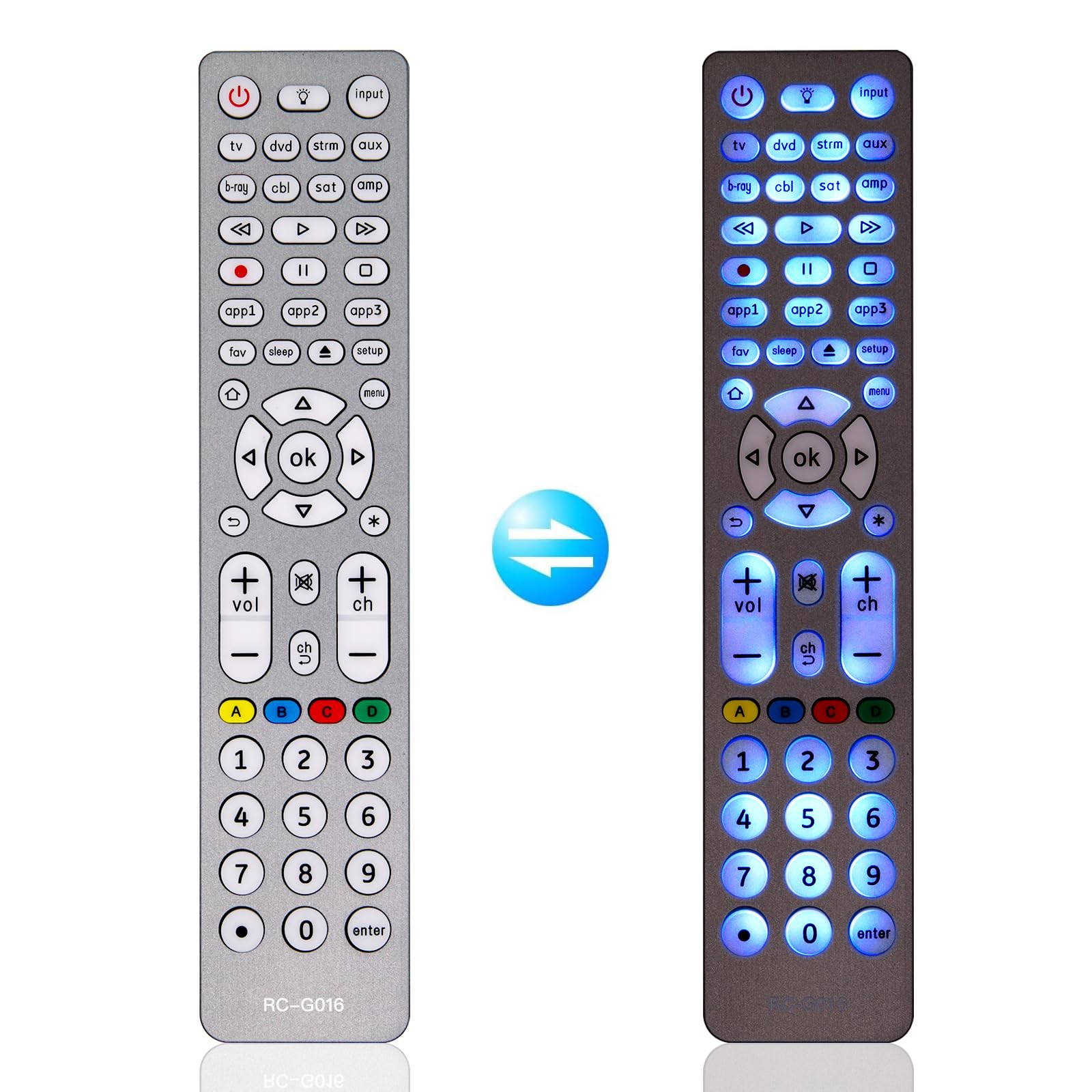
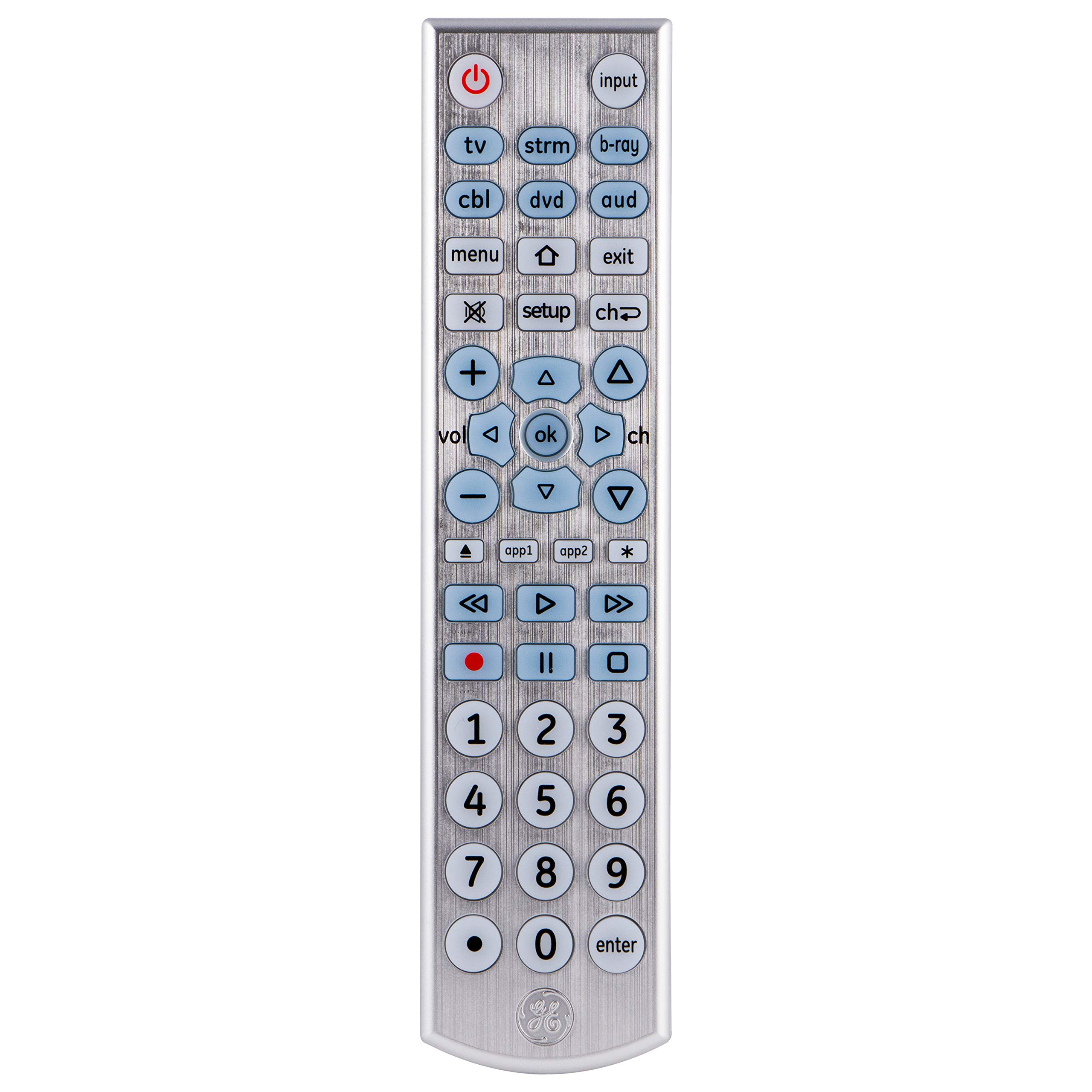
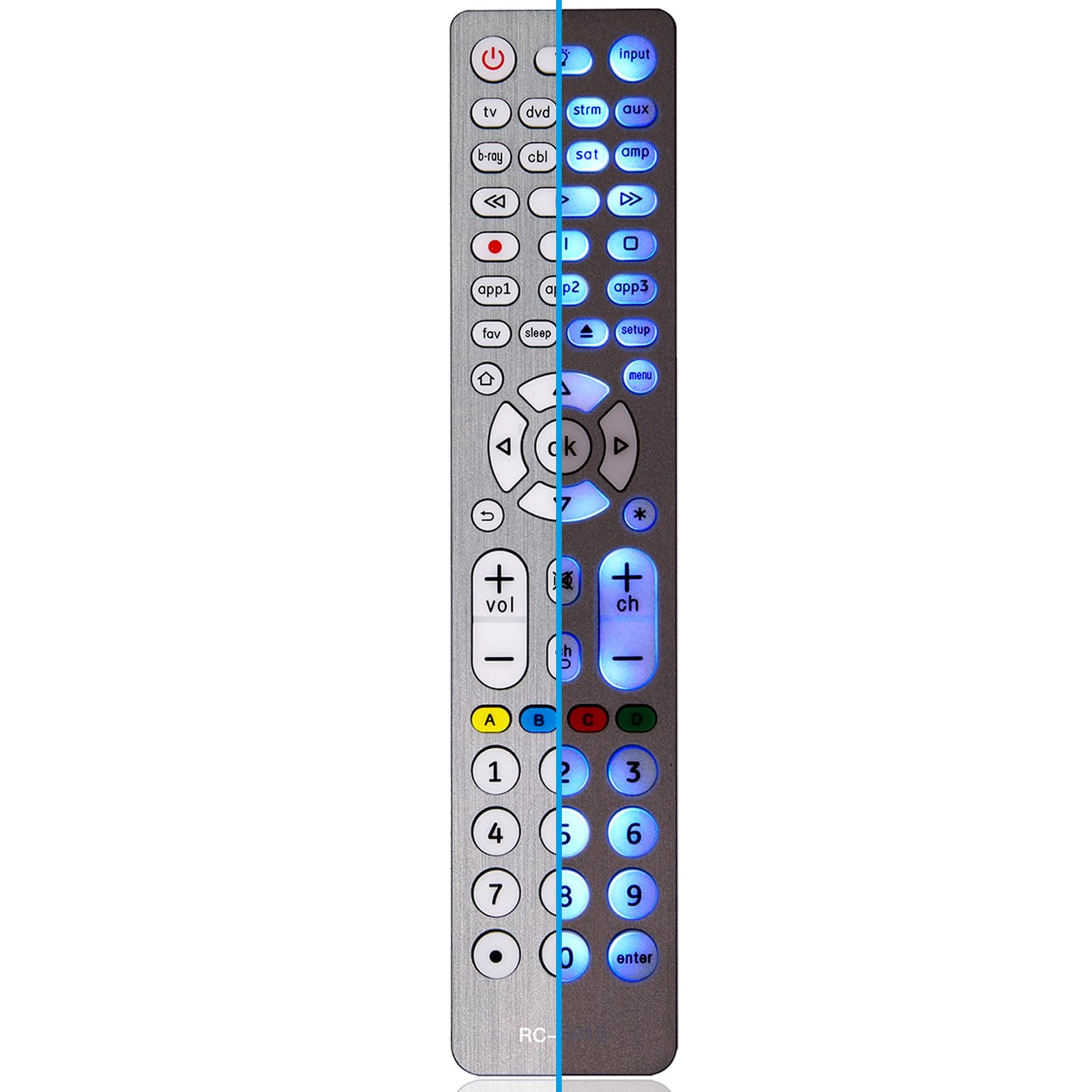
- Easily control your vSeeBox device with this Bluetooth Replacement Remote, compatible with V5 Pro, V3 Pro, V3 Plus, V2 Pro, V1 Pro, V1 Max, and Elite. Enjoy a fast, stable Bluetooth connection and hands-free voice control (on supported models). Backlit buttons make it easy to navigate in low light, perfect for late-night streaming or dim environments. Quick-access hot keys and universal TV control simplify your setup. Switch between V3 and V2 modes to match your device. Designed for comfort with an ergonomic layout and smooth Bluetooth pairing. Powered by 2 AAA batteries (not included) for long-lasting use.
S/ 120.36
44% OFF
S/ 66.86
IMPORT EASILY
By purchasing this product you can deduct VAT with your RUT number
S/ 120.36
44% OFF
S/ 66.86
 Llega en 5 a 10 días hábiles
con envío
 Tienes garantía de entrega
Conoce más detalles
Compatible with vSeeBox Models – Works seamlessly with vSeeBox V5 Pro, V3 Pro, V3 Plus, V2 Pro, V1 Pro, V1 Max, and Elite devices for quick plug-and-play setup. Backlit Buttons for Easy Use in Low Light – Navigate your vSeeBox effortlessly in the dark with illuminated buttons designed for nighttime convenience and enhanced visibility. Bluetooth Remote with Reliable Connectivity – Equipped with advanced Bluetooth technology for fast, stable, and long-range signal performance. Control your vSeeBox device effortlessly from anywhere in the room. Voice Command Functionality – Use voice search and hands-free navigation with built-in voice control (compatible with Google Assistant) on select models. Note: Voice feature not supported on V1 Max, V1 Pro, or V2 Pro. Quick Access Shortcut Keys – Includes four customizable hot keys for instant access to your favorite apps, enhancing user convenience and efficiency. Universal TV Compatibility – Program the remote to control your TV’s power and volume, eliminating the need for multiple remotes. Comfortable and Ergonomic Design – Designed for extended use with a lightweight body, intuitive button layout, and soft-touch feel for easy navigation and control. Dual Mode Functionality – Features V3 and V2 working modes. Hold “5” for 10 seconds to switch modes. Default is V3 mode (for V3 Pro); switch to V2 mode for compatibility with V1 Pro, V2 Pro, Max, and Elite models. Easy Bluetooth Pairing Instructions – For V1 Pro, V2 Pro, Max, and Elite: Hold “OK” + “VOL–” for 5 seconds until LED blinks. Go to System Settings → Bluetooth → Pair New Device → Select “vSeeBox Remote” to connect. Battery Powered for Long-Lasting Use – Uses 2 AAA batteries (not included) to deliver consistent performance and long battery life.
Compra protegida
Disfruta de una experiencia de compra segura y confiable
![]() Garantía de entrega
Garantía de entrega
Con Tiendamia todas tus compras cuentan con Garantía de Entrega o devolución total de tu dinero.
Compras 100% seguras y garantizadas, para que pidas lo que sueñas y lo recibas del mundo a tu puerta.
Saber más.
Visa

Mastercard

American Express

