






 Garantía de entrega


SKU/Artículo: AMZ-B0C9LFDGJY
Phomemo
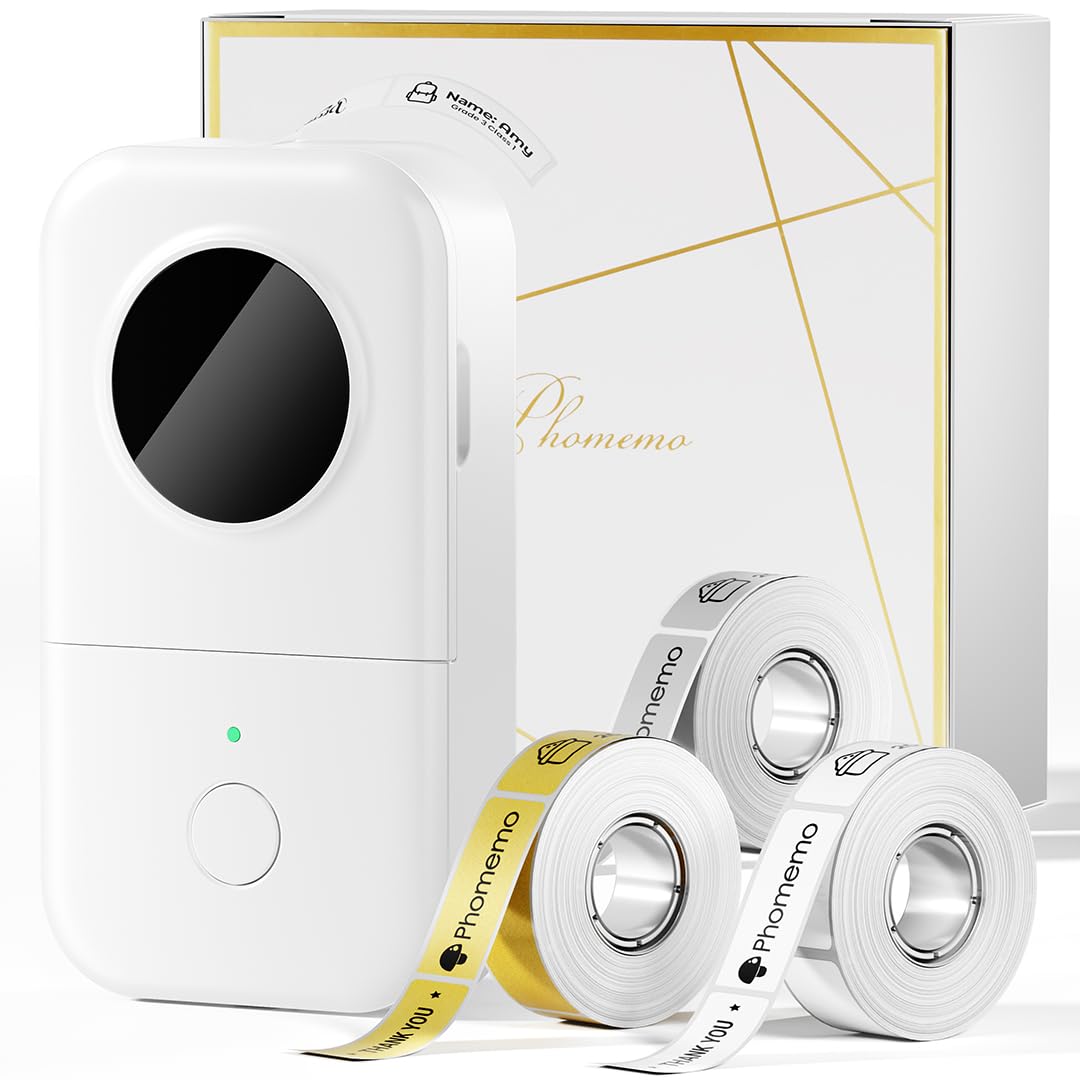
Phomemo M220 Label Maker, Bluetooth Barcode Label Printer, Thermal Sticker Maker Machine for Barcode, Address, Tag Labeling, Compatible with Phone & Laptop
Color:
Grey
Style:
1 Printer + 1 Roll Labels
Detalles del producto
Disponibilidad:
En stock
En stock
Peso con empaque:
0.51 kg
0.51 kg
Devolución:
Sí
Sí
Condición
Nuevo
Nuevo
Producto de:
Amazon
Amazon
Viaja desde
USA
USA
Sobre este producto
- M220 label maker machine grey
S/ 463.59
60% OFF
S/ 185.44
IMPORT EASILY
By purchasing this product you can deduct VAT with your RUT number
S/ 463.59
60% OFF
S/ 185.44
 Llega en 10 a 15 días hábiles
con envío
 Tienes garantía de entrega
Conoce más detalles
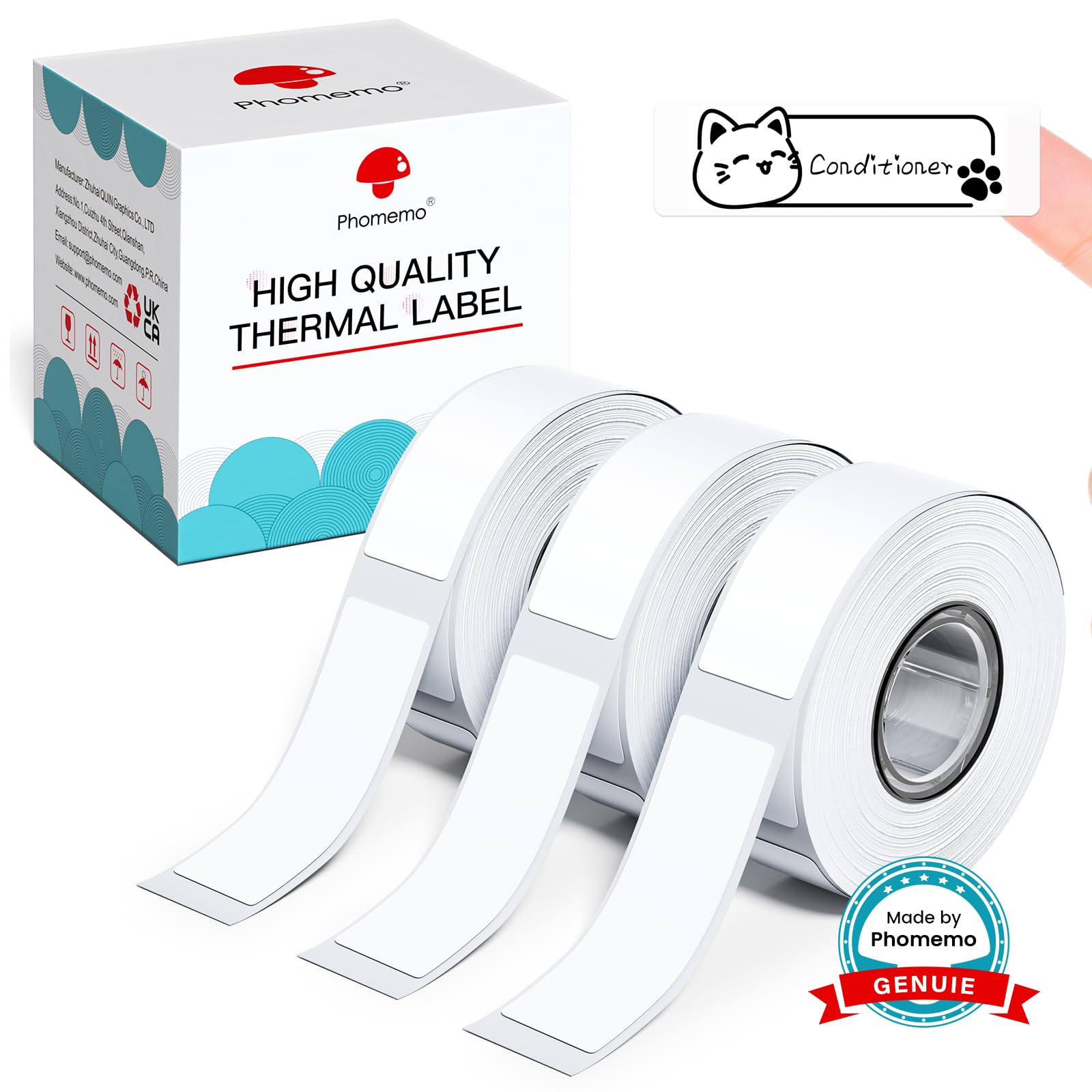
On The Go Label Maker- Phomemo M220 label maker is a small handle label maker printer, could easily slide into pocket, bag to take anywhere and anytime, support print barcode, Qr code, Text, image, address, price tag and more. (Attention: The label maker only support print 0.78'' - 3.14'' width labels, can't print 4 x 6 shipping labels) Wireless Bluetooth Label Makers - One click to connection for Bluetooth on the App "Print master", Phone or tablet edit and preview the labels, Say Goodbye to traditional keyboard label maker that can't preview. High Compatible - M220 label maker not only compatible with Android & iOS Phone and tablet but also compatible with Windows 10/11 and Mac laptop & PC, it is a mobile label maker also a small desktop label printer. Inkless Thermal Printing - The small barcode label printer adopt thermal technology, printing without ink or toner, only use thermal paper could print the labels you need, keeping clear and clean, no ink or toner, saving 80% one year than traditional printer. Why We Need Label Makers - With the help of a label maker, we can print out tags for storage containers and refrigerator drawers, organize the pantry, and identify all of cords, tools, and electronics, Plus, using the m220 label maker could identify children's supplies, kitchen's store and more. Phone and Tablet Start Printing - Step 1: Download the App 'Print Master'. Step 2: Turn on the M220 label maker and your phone's or tablet's Bluetooth. Step 3: Click the 'Printer' icon in the App to search for the M220 portable label printer, connect it via Bluetooth in the App, select the label size, and edit the content to start printing Laptop/PC Starts Printing - Step 1: Please check your laptop/PC's operating system (OS) and download and install the correct M220 driver and the 'Labelife' app from the Phomemo website. Step 2: Use the USB data cable to connect the M220 label maker to your computer. Step 3: Select the label size, edit the content, and choose M220 from the printer list
Compra protegida
Disfruta de una experiencia de compra segura y confiable
![]() Garantía de entrega
Garantía de entrega
Con Tiendamia todas tus compras cuentan con Garantía de Entrega o devolución total de tu dinero.
Compras 100% seguras y garantizadas, para que pidas lo que sueñas y lo recibas del mundo a tu puerta.
Saber más.
Visa

Mastercard

American Express

