




.svg)


 Garantía de entrega






Nadaiin
Portable Printers Wireless for Travel, Bluetooth Thermal Printer Supports 8.5" x 11" US Letter & A4 Size, Inkless Mobile Printer Work with Android iPhone Laptop for Home Office School, Black
Disponibilidad
En stock
En stock
Peso con empaque
0.86 kg
0.86 kg
Devolución
Sí
Sí
Condición
Nuevo
Nuevo
Producto de
Amazon
Amazon
Sobre este producto
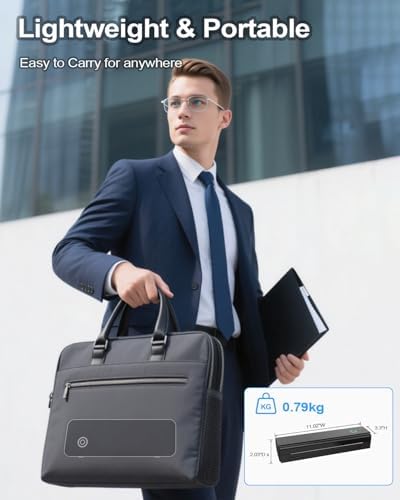
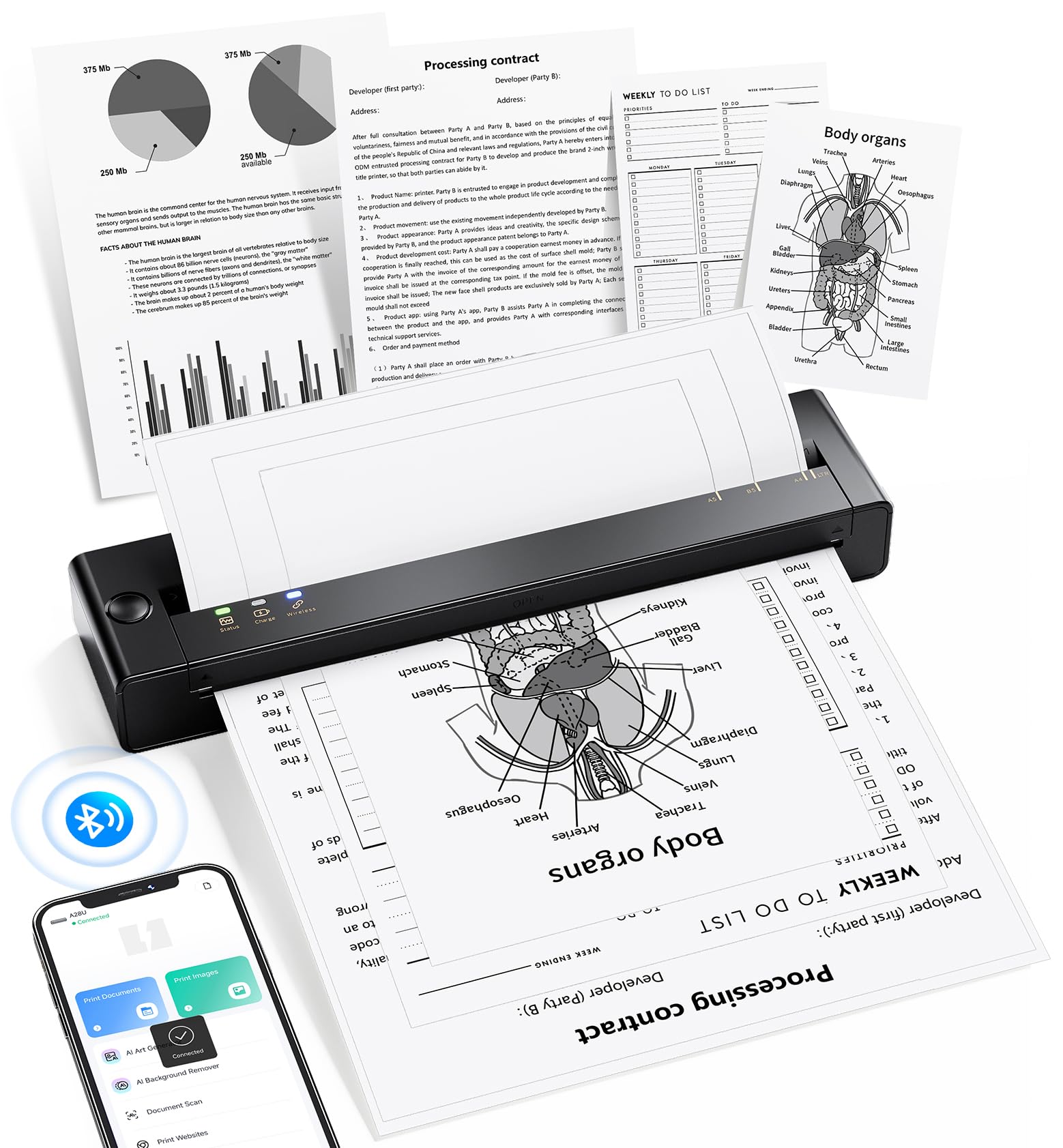
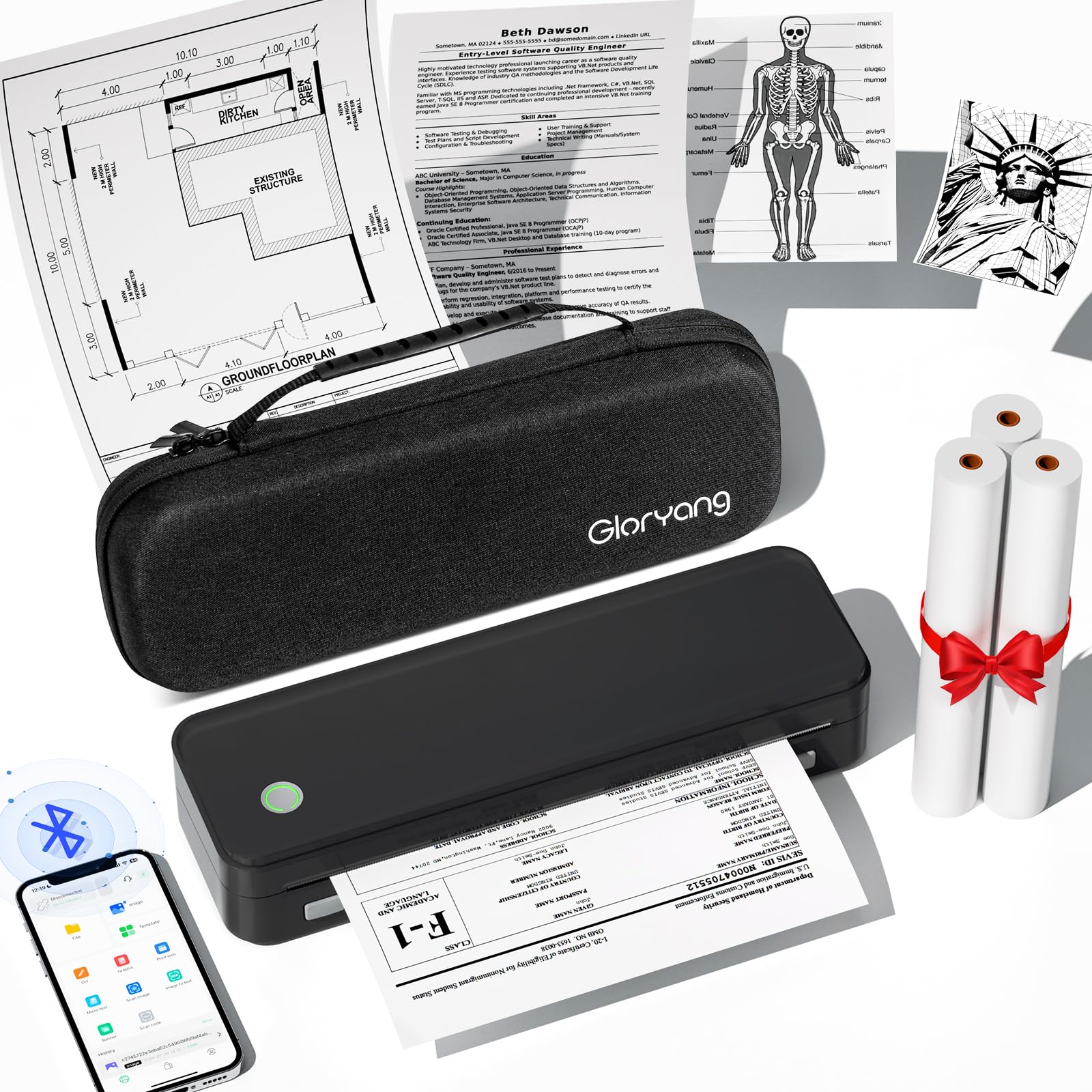
- Portable Printer: With a compact design, the portable thermal printer allows you to fit into backpacks or briefcases easily. This small wireless printer features 2600mAh battery for 2 hours of continuous printing (180 sheets per charge), enabling on-the-go printing of contracts, documents and other thermal tasks
- Inkless Printer: This inkless portable printer uses thermal technology for crisp prints without ink, toner, or ribbons. Eco-friendly and cost-efficient—no clogs or cleaning! (Note: oukse Portable printer is a thermal printer and Only supports black and white printing and thermal paper, Not supports regular copy paper)
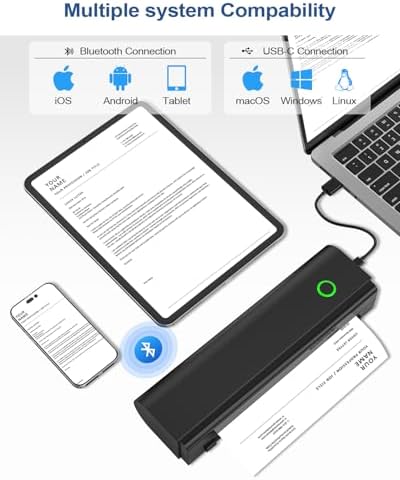
- Wireless Bluetooth Printer: This wireless inkless portable printer can Connect seamlessly via Bluetooth to iPhone Android Phone iPad Tablet or via USB-C Cable to laptop or computer, supporting Android 9.0+/iOS 16+ and above, Windows 7 32-bit, Windows 7 64-bit, Windows 8 64-bit, Windows 10 32-bit, Windows 10 64-bit, Windows 11, Windows ARM, macOS 10.14 and above, Linux, making it accessible to a wide range of users. Note: Computers need to download the driver and print via USB , not for Bluetooth connection
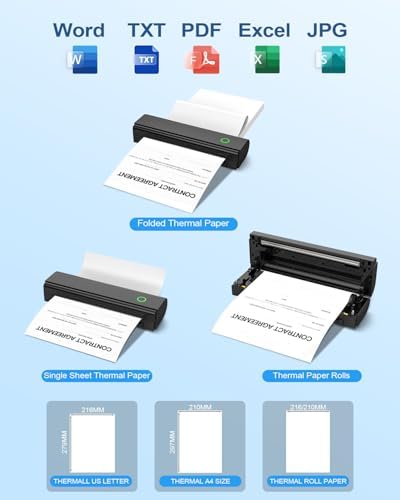
- Versatile Paper Support: oukse N80 travel printer supports two paper sizes (US Letter/A4) and three types (roll/folded/single sheet) thermal paper, meeting to diverse needs like note-taking, exams, documents and DIY projects
- Perfect Gift : the mobile portable printer can Print PDFs, Word files, images, and web from phones. It is perfect for people who work outside, like mobile notaries, truck drivers, business travelers, office workers, teachers and students. An ideal gift and surprise for your families and friends
- How to Print on Phones: 1. Long press the power button to turn on 2. Download NADA PRINT from your app store 3. Enable Bluetooth on your phone and Connect the printer in the NADA App 4. Select N80 Portabel Printer and select the file to start printing
- How to Print on Laptop or Computer: 1. Download and Install the driver for your computer system according to the user manual. 2. Turn on the printer and connect the printer to your laptop or Computer with USB-C Cable. 4. Select N80 Printer and select the file to start printing
$69,49
12% OFF
$61,15
IMPORT EASILY
By purchasing this product you can deduct VAT with your RUT number
$69,49
12% OFF
$61,15
Envío gratis
Llega en 5 a 12 días hábiles
Con envío
 Tienes garantia de entrega
Este producto viaja
de USA ![]() a tus manos en
a tus manos en
![]()
 a tus manos en


Compra protegida
Disfruta de una experiencia de compra segura y confiable
![]() Garantía de entrega
Garantía de entrega
Con Tiendamia todas tus compras cuentan con Garantía de Entrega o devolución total de tu dinero.
Compras 100% seguras y garantizadas, para que pidas lo que sueñas y lo recibas del mundo a tu puerta.
Tarjetas de Débito y Crédito

Visa

Mastercard

American Express

Dinners

Discover

Alias
Pagos a través de PayPal
Compra procesada en dólares con dinero en cuenta o tarjetas internacionales.

PayPal

