


.svg)


 Garantía de entrega






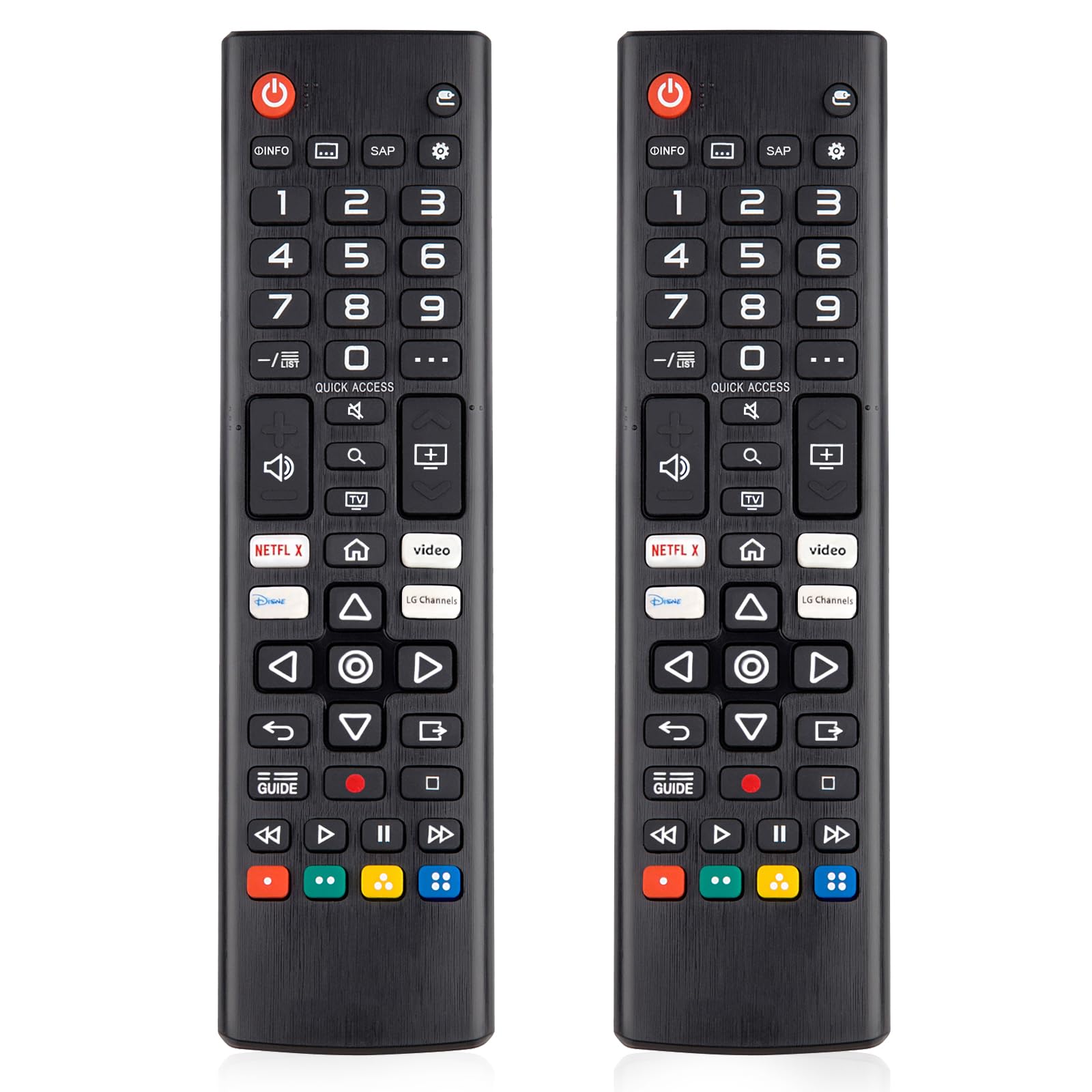

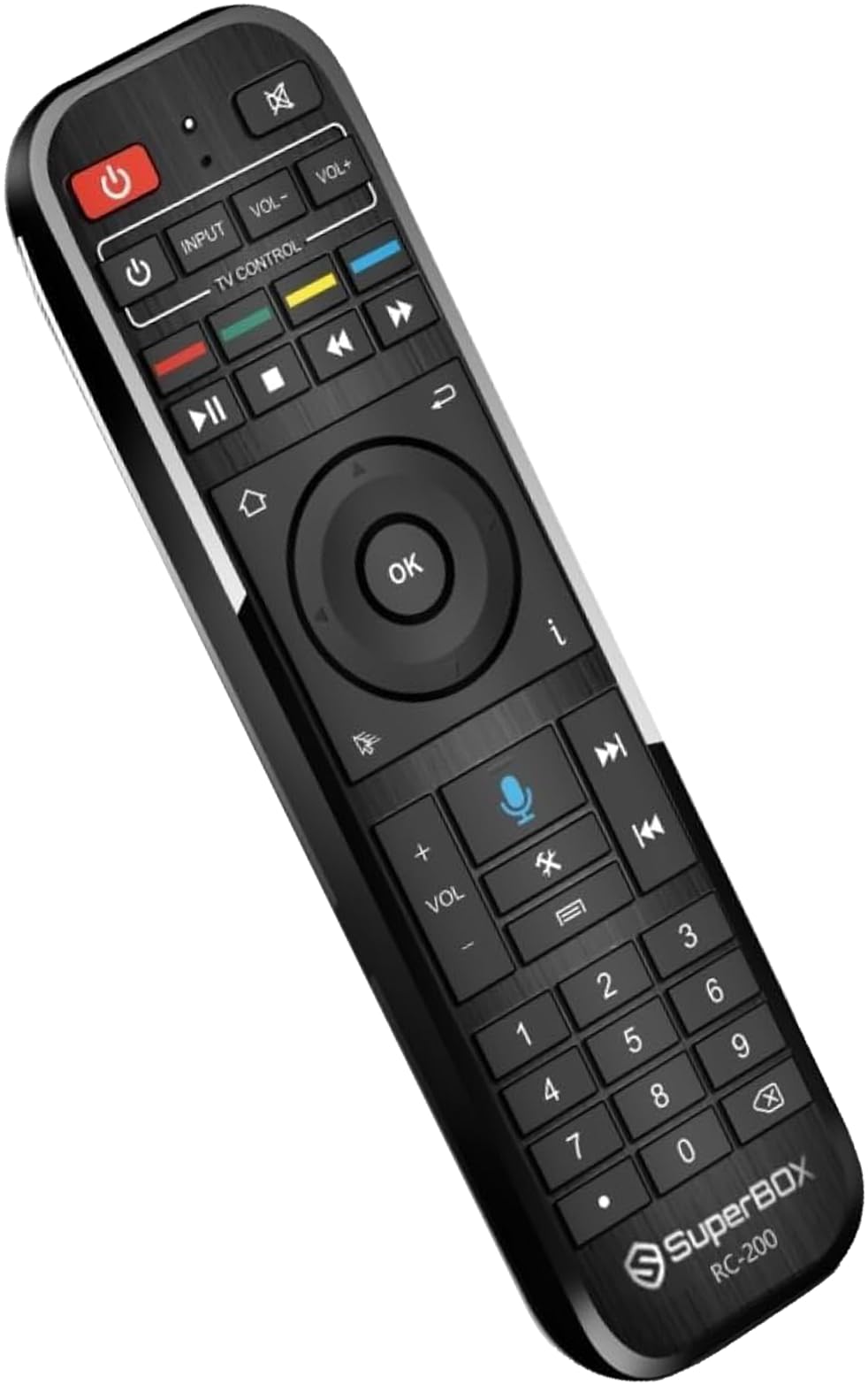
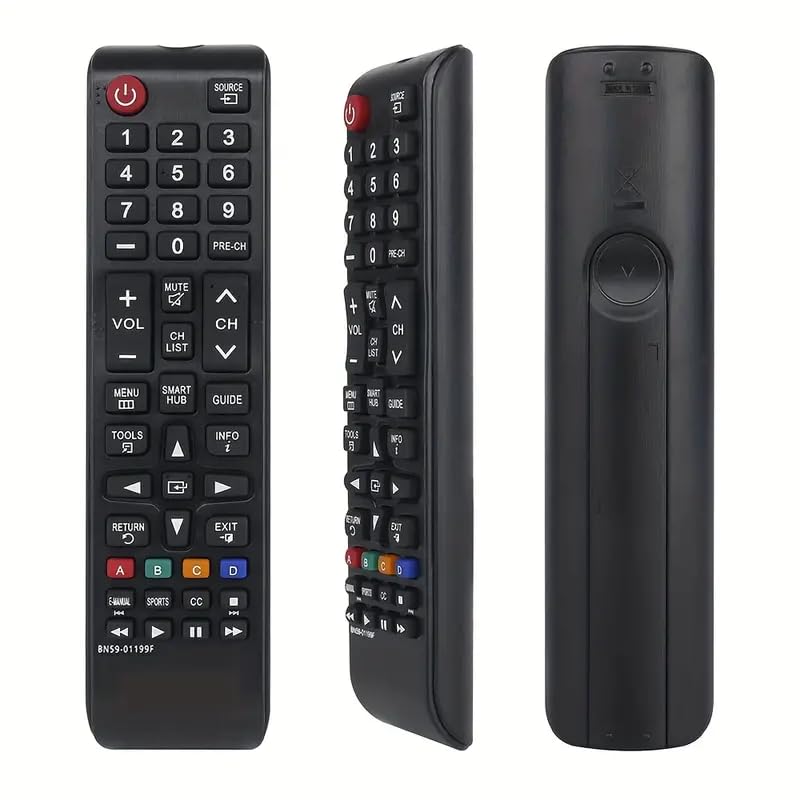


Original RC813 FMB1 FMB3 Remote Control Compatible with TCL Smart TV - Bluetooth Voice Control for Model 32S334 | Hands-Free Voice Search, Easy Setup, Ergonomic Design |
Disponibilidad
En stock
En stock
Peso con empaque
0.20 kg
0.20 kg
Devolución
Sí
Sí
Condición
Nuevo
Nuevo
Producto de
Amazon
Amazon
Sobre este producto
- Compatibility: Specifically designed for select Smart TV models, including 32S334.
- Bluetooth Voice Control: Use your voice to search for content, change channels, and control your TV without lifting a finger.
- 1. Insert Batteries: Open the battery compartment on the back of the RC813 FMB1 remote and insert two AAA batteries (not included). 2. Turn on Your TV: Power on your Smart TV using the power button on the TV or the existing remote. 3. Pair the Remote: Press and hold the Home button on the remote for about 3 seconds until the LED light blinks. The remote will automatically enter pairing mode and search for your TV. Once paired, the LED light will stop blinking and remain on.
- 4. Activate Voice Control: To use voice search, simply press and hold the Voice Control button (usually indicated by a microphone icon). Speak clearly into the remote, and your Smart TV will respond to your commands. 5. Enjoy Your TV: Now you can search for shows, adjust settings, and control your TV using just your voice!
$92,70
49% OFF
$47,54
IMPORT EASILY
By purchasing this product you can deduct VAT with your RUT number
$92,70
49% OFF
$47,54
Envío gratis
Llega en 5 a 12 días hábiles
Con envío
 Tienes garantia de entrega
Este producto viaja
de USA ![]() a tus manos en
a tus manos en
![]()
 a tus manos en


Compra protegida
Disfruta de una experiencia de compra segura y confiable
![]() Garantía de entrega
Garantía de entrega
Con Tiendamia todas tus compras cuentan con Garantía de Entrega o devolución total de tu dinero.
Compras 100% seguras y garantizadas, para que pidas lo que sueñas y lo recibas del mundo a tu puerta.
Tarjetas de Débito y Crédito

Visa

Mastercard

American Express

Dinners

Discover

Alias
Pagos a través de PayPal
Compra procesada en dólares con dinero en cuenta o tarjetas internacionales.

PayPal
Conoce más detalles
Original RC813 FMB1 Remote Control - Bluetooth Voice Control Compatible with Smart TVs (Model 32S334) Upgrade your viewing experience with the Original RC813 FMB1 Remote Control, designed specifically for select Smart TVs, including model 32S334. This state-of-the-art remote features Bluetooth voice control capabilities, allowing you to navigate your favorite shows and apps effortlessly. Say goodbye to the hassle of traditional remotes and embrace the convenience of voice-activated technology! ▎Key Features: Compatibility: Specifically designed for select Smart TV models, including 32S334. Bluetooth Voice Control: Use your voice to search for content, change channels, and control your TV without lifting a finger. User -Friendly Design: Ergonomically designed for comfortable use, with easy-to-read buttons and a sleek finish. Easy Setup: Plug-and-play functionality ensures a hassle-free installation process. ▎How to Set Up Voice Search with Your Smart TV: 1. Insert Batteries: Open the battery compartment on the back of the RC813 FMB1 remote and insert two AAA batteries (not included). 2. Turn on Your TV: Power on your Smart TV using the power button on the TV or the existing remote. 3. Pair the Remote: Press and hold the Home button on the remote for about 3 seconds until the LED light blinks. The remote will automatically enter pairing mode and search for your TV. Once paired, the LED light will stop blinking and remain on. 4. Activate Voice Control: To use voice search, simply press and hold the Voice Control button (usually indicated by a microphone icon). Speak clearly into the remote, and your Smart TV will respond to your commands. 5. Enjoy Your TV: Now you can search for shows, adjust settings, and control your TV using just your voice! ▎Why Choose the RC813 FMB1 Remote Control? Enhanced Functionality: Streamline your entertainment experience with advanced features tailored for Smart TVs. Durability: Built to last with high-quality materials, ensuring long-term use. Satisfaction Guaranteed: We stand behind our product with a satisfaction guarantee. If you’re not completely happy, contact us for a hassle-free return. --- Elevate your home entertainment with the Original RC813 FMB1 Remote Control. Experience the future of television with seamless voice control and compatibility with your Smart TV today!

