
















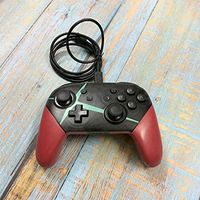

SKU/Artículo: MKT-2049260_C7E9E5F1
Nintendo
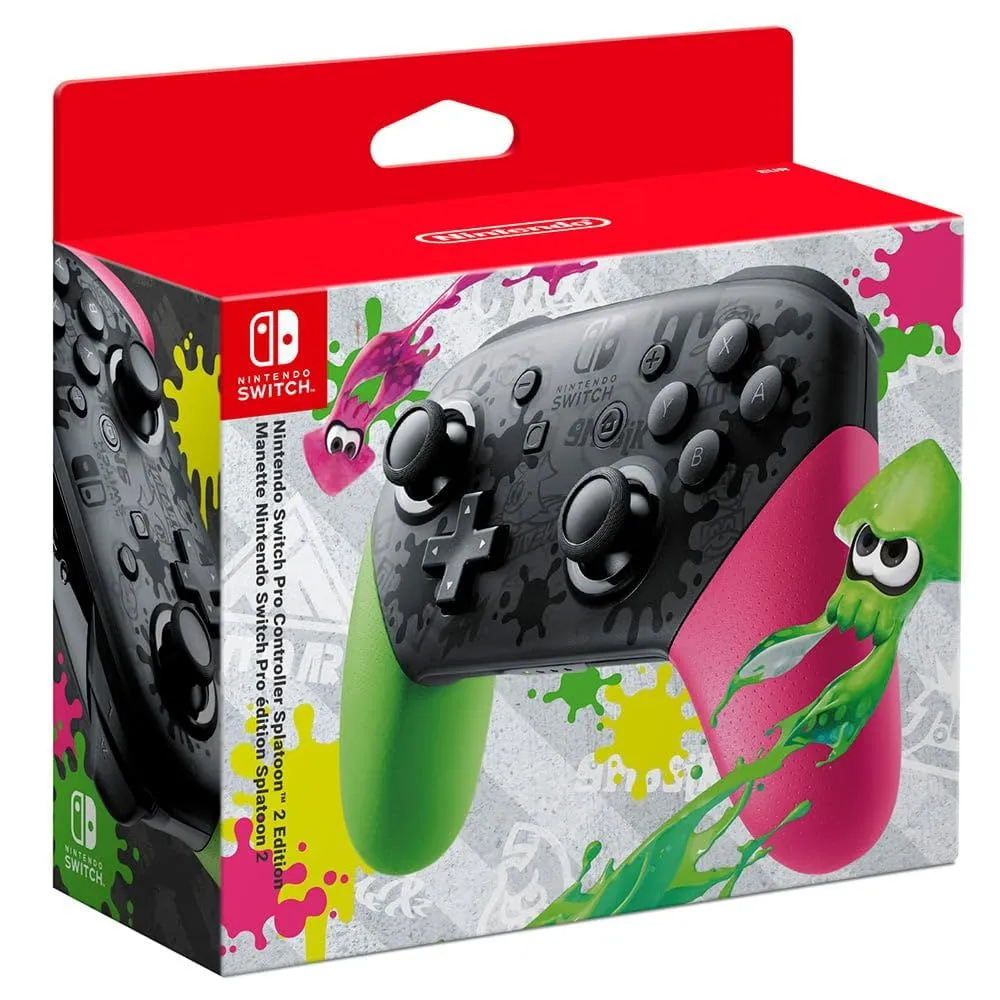
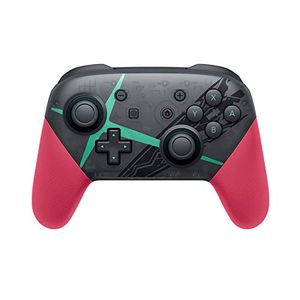
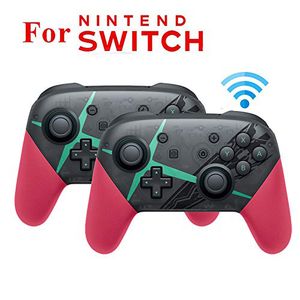
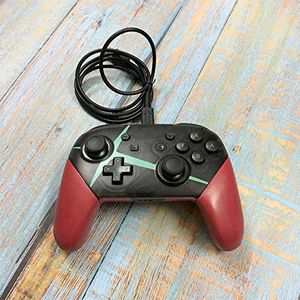
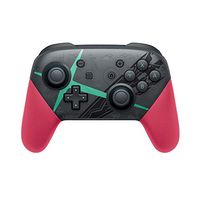
Nintendo Pro Controller Xenoblade Chronicles 2 Edition - Nintendo Switch
Color Electronics:
Multicolor
Product Condition:
Premium Refurbished
Material:
Plastic
Connectivity technology:
Bluetooth
Detalles del producto
Disponibilidad:
En stock
En stock
Peso con empaque:
0.25 kg
0.25 kg
Devolución:
No
No
Condición
Refurbished
Refurbished
Producto de:
Vendedor Verificado
Vendedor Verificado
Viaja desde
China
China
Sobre este producto
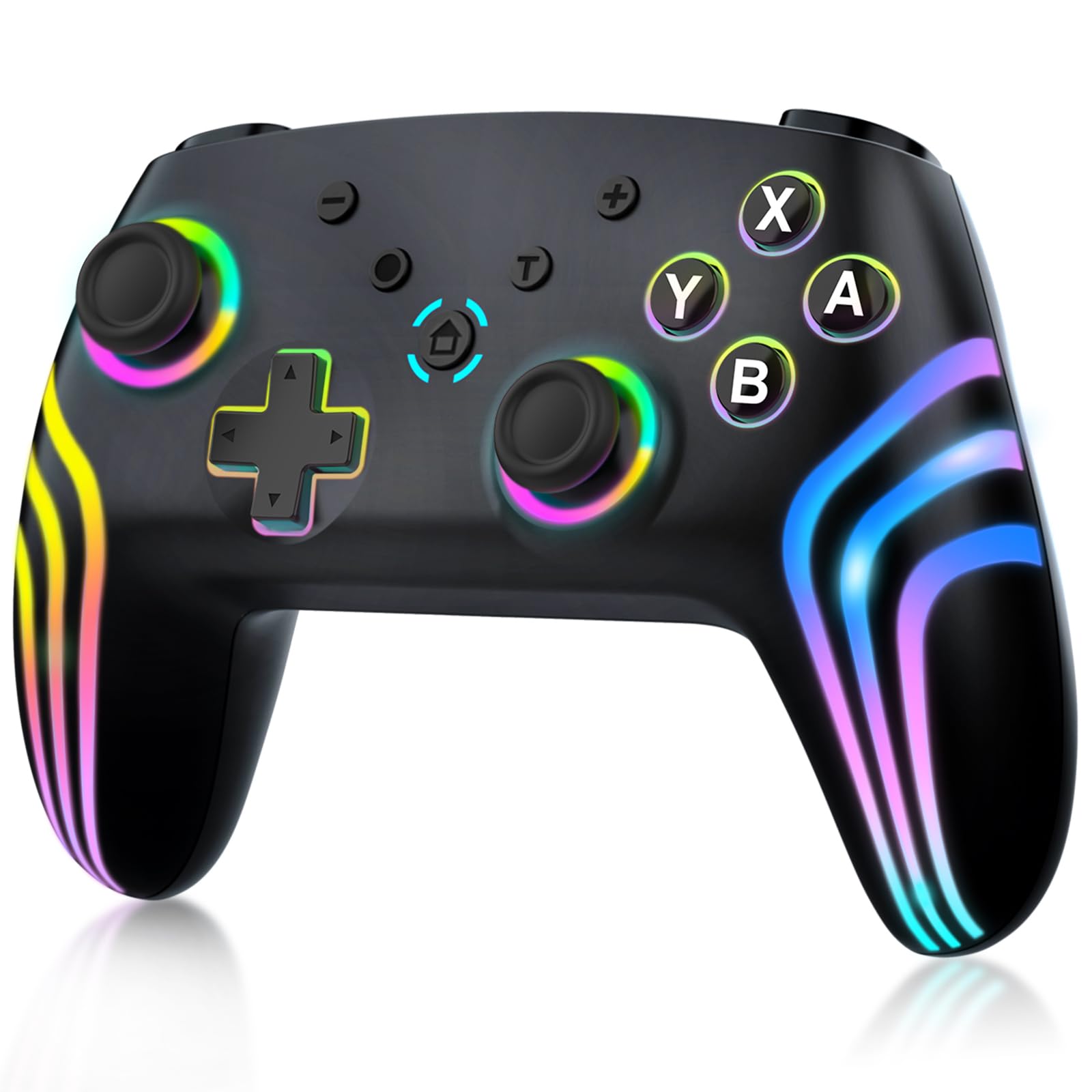
- Dual motor. Bluetooth connection With screen recording function and vibration function, without NFC.
AR$208.402
31% OFF
AR$143.729
IMPORT EASILY
By purchasing this product you can deduct VAT with your RUT number
AR$208.402
31% OFF
AR$143.729
 Llega en 23 a 33 días hábiles
con envío
 Tienes garantía de entrega
Este producto viaja
de China ![]() a tus manos en
a tus manos en
![]()
 a tus manos en

Conoce más detalles
Low voltage alarm. When the battery voltage is lower than 3.55V ± 0.1V, the current channel light flashes quickly and the voltage is low. When the battery voltage is lower than 3.45V ± 0.1V, it will automatically turn on. Bluetooth operating instructions (English language not guaranteed). Switch Settings (1) To connect the Bluetooth controller, the option should be "On" or "Flight Mode" " disable". (2) On the home page, select "Controller "Change Handle", search for the Bluetooth device status (this process is not required for connection). (3) Note: If the console is difficult to connect to the controller, you will need to manually delete the Bluetooth (system setting controller and sensor DisConnect controller) due to the console that other Bluetooth devices have connected often. The controller connects to the console When the controller is off, press and hold the small button next to the TYPE USB for 3 seconds to enter the code status. The 4 LEDs are in the state of fast running light. The channel display according to the successful connection is always active. Automatically turns on if no synchronization takes place within 1 minute. When the Bluetooth connection is successful, the corresponding channel indicator LED is always on (switching assignment).
Compra protegida
Disfruta de una experiencia de compra segura y confiable
Tarjetas de Crédito y Débito

Visa

Mastercard

American Express
Pagos a través de PayPal
Compra procesada en dólares con dinero en cuenta o tarjetas internacionales.

Paypal
Pagos a través de MODO
Compra procesada en pesos desde la App de tu banco.

PayPal

