









Ugtenversi
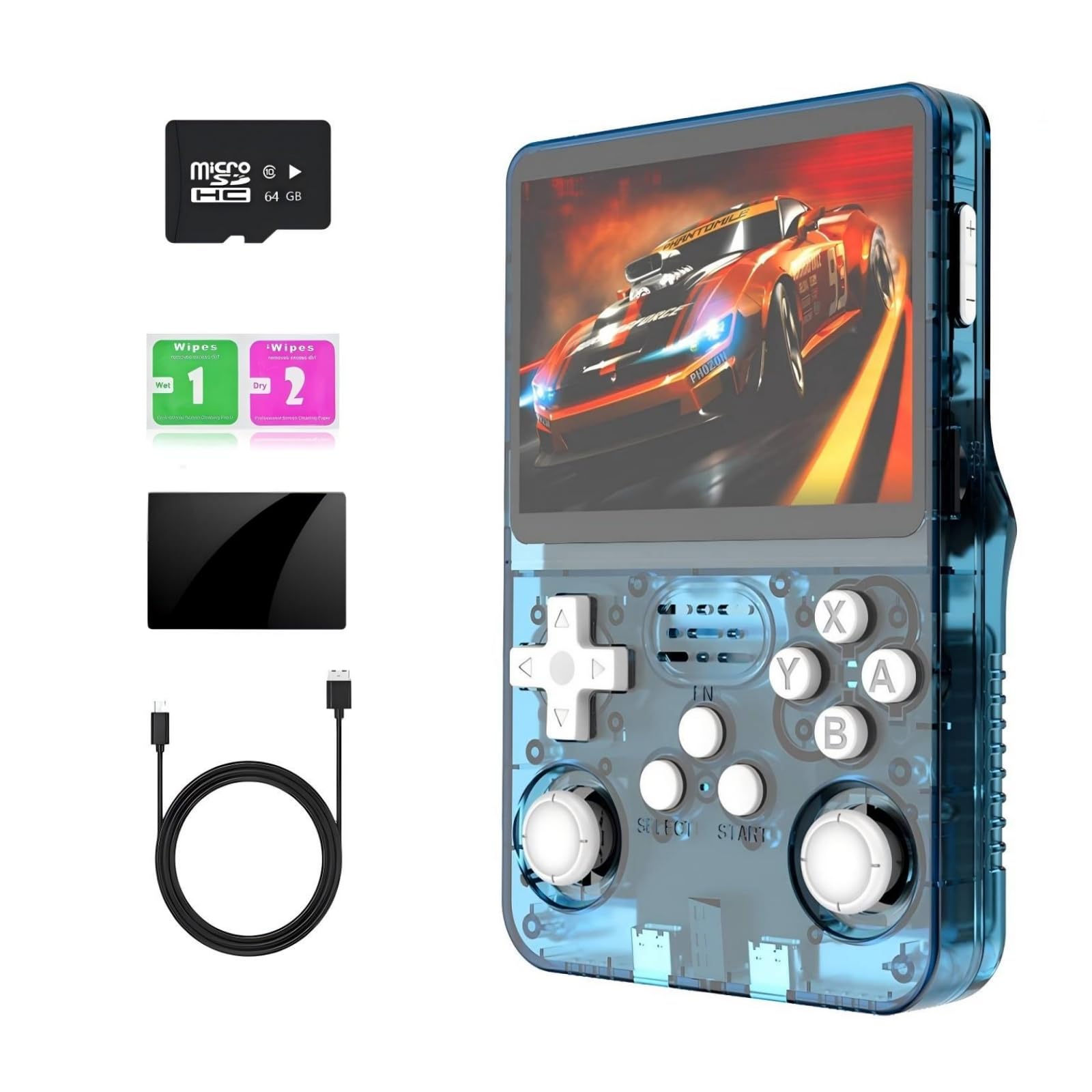
R36s Handheld Game Console Preload 20000+ Games 12+Emulators , Retro Gaming Console 3.5-inch IPS Screen (Lake Blue)
Color:
Lake Blue


Disponibilidad:
En stock
En stock
Peso con empaque:
0.49 kg
0.49 kg
Devolución:
No
No
Condición
Nuevo
Nuevo
Producto de:
Amazon
Amazon
Sobre este producto
- 【R36S Portable Game Console】: game emulator handheld Linux System,Professional Gaming CPU: RK3326, 1.5HZ, 64-bit Gaming System, can easily run large 2D and some 3D games,r36s retor handheld game console Equipped with OTG interface to support connecting game controllers
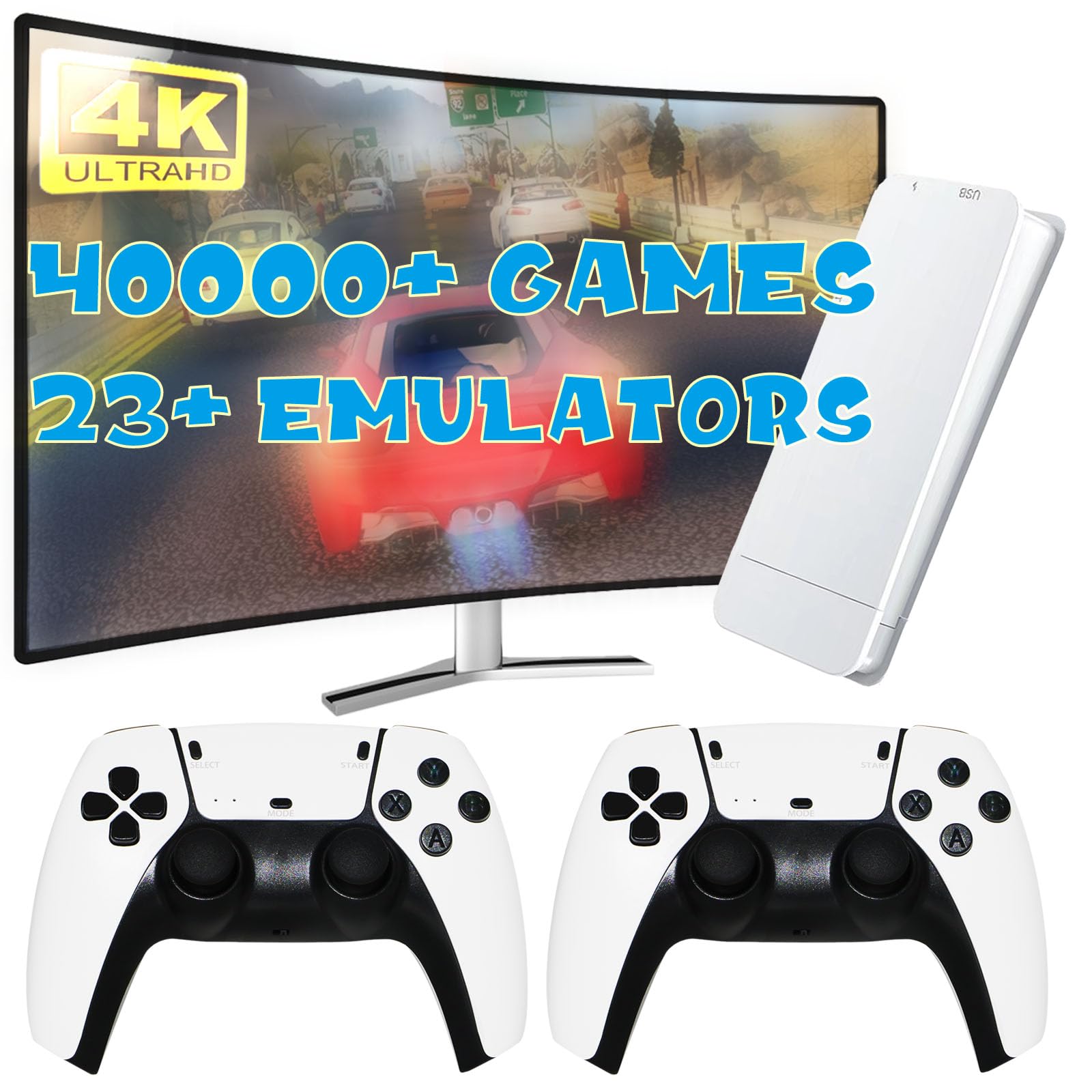
- 【LINUX system retro game console】: handheld emulato console support 12+ emulators, Built in pre installed 15000+game 64G TF Ccard, you can start your gaming journey right out of the box
- 【High capacity 3200 mAH battery】: retro handheld gaming console is equipped with a 3200 mAH high sex battery with safer two-way protection charging/discharging mode, fully charged for up to 4 hours of smooth pla
- 【Improved OTG folding port】: r36s retro game console through the folding line, can be a large screen output, but also through the adapter cable connected to the handle to realize two-player games
- 【 Dual 3D Joystick 】: video game console is equipped with a cross key game joystick. You can choose the best button combination according to different games, enhancing the gaming experience. If you encounter any problems during use, you can contact us at any time, and we will solve them for you at the fastest speed
AR$131,110
31% OFF
AR$90,420
IMPORT EASILY
By purchasing this product you can deduct VAT with your RUT number
AR$131,110
31% OFF
AR$90,420
Llega en 18 a 28 días hábiles
con envío
 Tienes garantía de entrega
Este producto viaja
de USA ![]() a tus manos en
a tus manos en
![]()
 a tus manos en


Compra protegida
Disfruta de una experiencia de compra segura y confiable
Tarjetas de Crédito y Débito

Visa

Mastercard

American Express
Pagos a través de PayPal
Compra procesada en dólares con dinero en cuenta o tarjetas internacionales.

Paypal
Pagos a través de MODO
Compra procesada en pesos desde la App de tu banco.

PayPal
Conoce más detalles
R36s handheld game console open source LINUX system, supports 12+emulators This handheld game console is single card, with the system and games all installed on a 64GTF card The weight of the game simulation console body is about 0.5 pounds, making it convenient to carry when going out The retro game console is equipped with a 3200mAh battery, which can work for 4-6 hours on a full charge It uses a type-c charging port interface and also has an OTG interface for easy connection to a computer We provide a screen protector for each handheld game console. After receiving the product, the buyer needs to stick it on themselves The correct shutdown method for R36S: Please do not directly press the power button to turn off the power, but enter the shutdown from the main menu interface. This can prevent system damage

