









Fuhaya
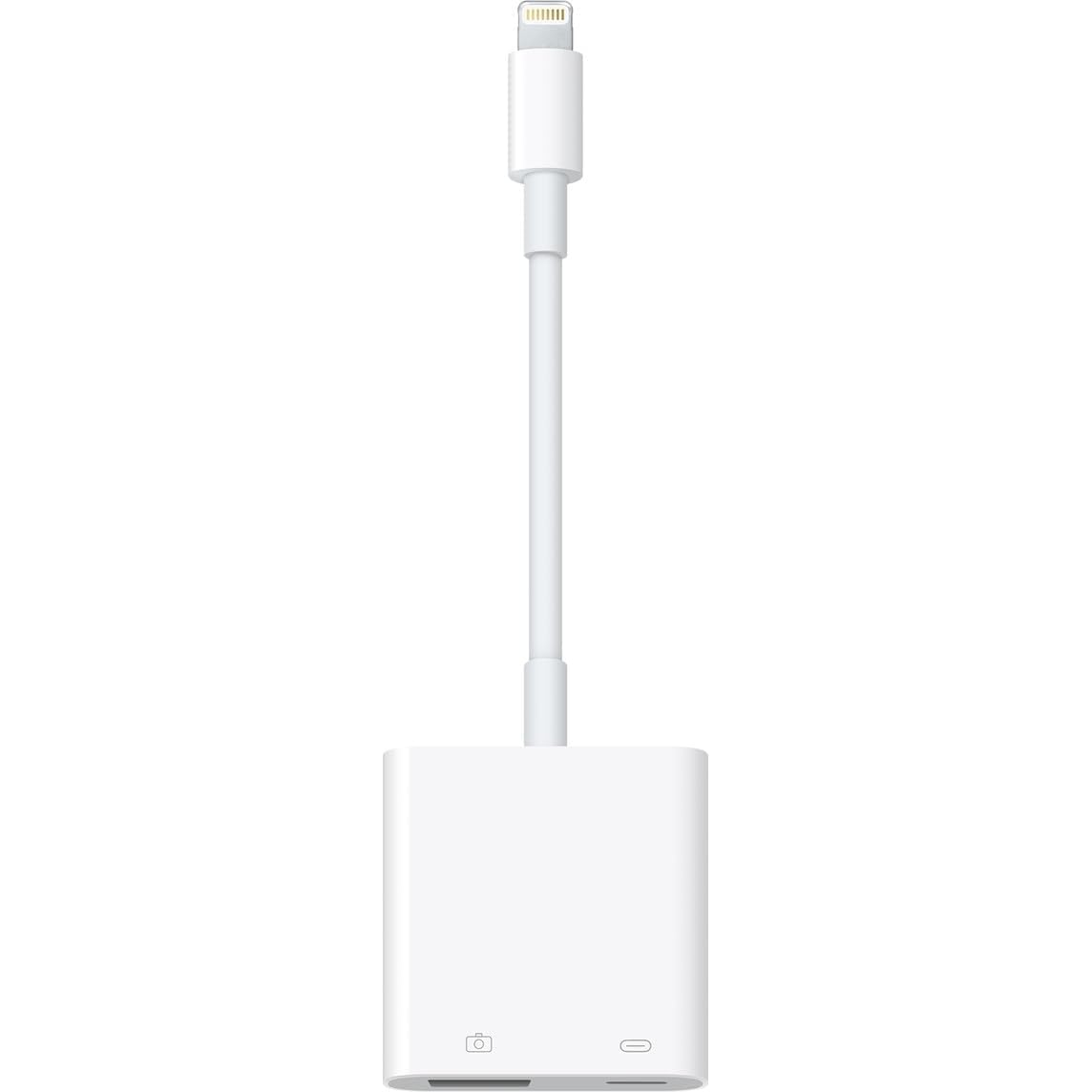
Lightning and USB C to Ethernet Adapter, [Apple MFi Certified] 2 in 1 RJ45 Ethernet LAN Network Adapter with Charge Port for iPhone 17 16 15 14 13 12 11 XS XR X 8, Supports 100Mbps Ethernet Network
Disponibilidad:
En stock
En stock
Peso con empaque:
0.33 kg
0.33 kg
Devolución:
Sí
Sí
Condición
Nuevo
Nuevo
Producto de:
Amazon
Amazon
Sobre este producto
- 【2 in 1 RJ45 Ethernet Adapter for iPhone 17 16 15 14】 This 2 in 1 Lightning/USB C to RJ45 Ethernet LAN wired network port + charging port supports Internet access and charging at the same time. You can connect the network cable to your iPhone/iPad for wired network access, providing ultra-high-speed Internet access speed, allowing you to watch videos, play games or live broadcast connections more smoothly and get a smoother Internet experience.
- 【Universal Compatibility】 The ethernet to lightning adapter works well with all lightning or usb c devices, such as iPhone 17/Air/17 Pro/17 Pro Max/16/16 Plus/16 Pro/16 Pro Max/15/15 Plus/15 Pro/15 Pro Max/14/14 Plus/14 Pro/14 Pro Max/13/13 Mini/13 Pro/13 Pro Max/12/12 Mini/12 Pro/12 Pro Max/11/11 Pro/11 Pro Max/XS/XS Max/XR/8/8 Plus, iPad Air/Mini/Pro, Galaxy S25/S24/S23/S22/S21/S20 series, Pixel 9/8/7/6 series, MacBook Air/Mini/Pro and more lightning or usb c devices.
- 【Fast and Stable Ethernet Network】 This iPhone to ethernet adapter supports fast Internet transmission of up to 10Mbps/100Mbps Ethernet LAN wired network. The Ethernet port can be used alone, or both the Ethernet port and the charging port can be used at the same time! No longer buffer and disconnect like WiFi or LTE.
- 【Plug and Play】 Easy to use, the usb c and lightning to RJ45 Ethernet adapter does not require additional applications or software, just plug it in to enjoy fast Internet speed anytime, anywhere. When connected to your mobile phone and network, the blue light will light up and flash, which greatly facilitates your use, so you don't have to worry about whether the adapter is ready to work.
- 【What You Get】 You will get 1 Pack 2-in-1 Lightning and USB C to Ethernet Adapter, we also provide a 36-month worry-free warranty and 24/7 friendly customer service. Any questions about the RJ45 Ethernet adapter for iPhone 17 16 15 14 Pro Max, please feel free to contact us and we will reply within 12 hours.
AR$53,284
44% OFF
AR$29,604
IMPORT EASILY
By purchasing this product you can deduct VAT with your RUT number
AR$53,284
44% OFF
AR$29,604
Llega en 8 a 12 días hábiles
con envío
 Tienes garantía de entrega
Este producto viaja
de USA ![]() a tus manos en
a tus manos en
![]()
 a tus manos en


Compra protegida
Disfruta de una experiencia de compra segura y confiable
Tarjetas de Crédito y Débito

Visa

Mastercard

American Express
Pagos a través de PayPal
Compra procesada en dólares con dinero en cuenta o tarjetas internacionales.

Paypal
Pagos a través de MODO
Compra procesada en pesos desde la App de tu banco.

PayPal
Conoce más detalles
[Apple MFi Certified] 2 in 1 Lightning/USB C to RJ45 Ethernet Adapter with Fast Charging Port Compatible for iPhone 17 16 15 14 13 12 11 iPad, Portable RJ45 Ethernet Adapter, Plug and Play, Supports fast Internet transmission of up to 100Mbps Ethernet LAN Wired Network. Advantage of this iPhone iPad Ethernet Adapter: Connect to theinternet instantly, and enjoy stable connection speeds of up to 1 Gbps. The slim design makes this LAN adapter is lightweight and easy to carry around. It won't take too much space off your desktop or briefcase. No additional driver or applications are needed. Compatible Lists: iPhone 17/Air/17 Pro/17 Pro Max iPhone 16/16 Plus/16 Pro/16 Pro Max iPhone 15/15 Plus/15 Pro/15 Pro Max iPhone 14 Plus/14/14 Pro/14 Pro Max iPhone 13 Mini/13/13 Pro/13 Pro Max iPhone 12 Mini/12/12 Pro/12 Pro Max iPhone 11/11 Pro/11 Pro Max iPhone XR/XS/XS/X iPhone 8/8 Plus/7/7 Plus iPhone 6/6 Plus/6s/6s Plus iPhone 5c/SE 2020 iPad, etc. Galaxy S25/S25+/S25 Ultra/S24/S24+/S24 Ultra/S23/S22/S21/S20 series Pixel 9/9 Pro/9 Pro XL/9 Pro Fold/8/8A/8 Pro/7/7A/7 Pro/6/5/4/3/2 XL Compatible with more iOS systems, iOS 10.3 above (including new iOS 18 or later). How to Use? 1. Turn off WiFi on your iPad or iPhone. 2. Insert your router-connected Ethernet cable into Ethernet port of adapter, and connect the Iightning/USB C end into your iPad or iPhone. 3. Go to"Setting" in your iPad or iPhone and Click the "Ethernet" to obtain an IP address. 4. Open Safari and check whether the network can be used normally. What You Get 1 x 2 in 1 Lightning/USB C to RJ45 Ethernet Adapter for iPhone 17 16 15 14 1 x User Manual A 36-month worry-free warranty and 24/7 friendly customer service

