











SKU/Artículo: AMZ-B0DWXSGWWR
iurgnimzz
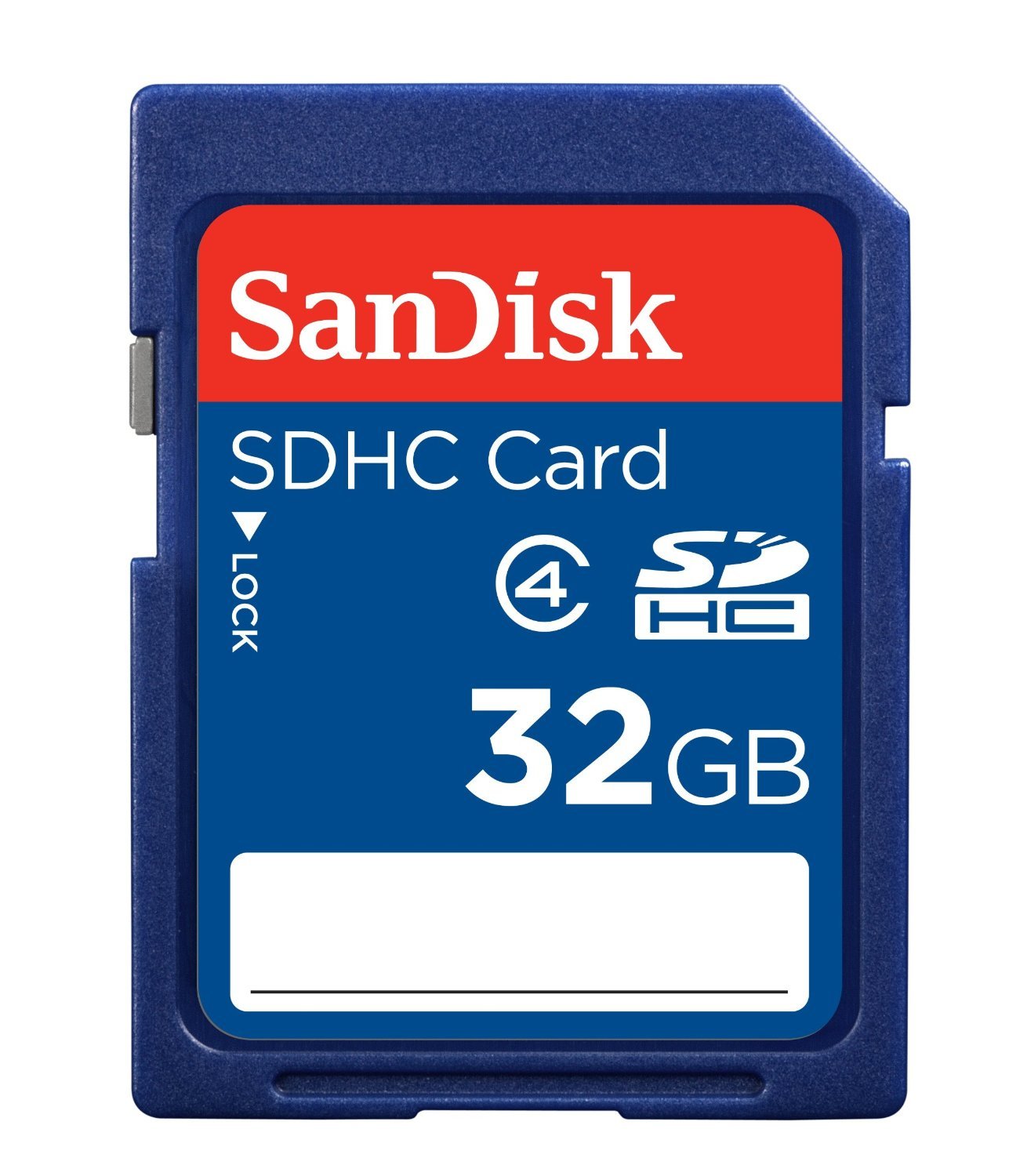
32GB - Bootable USB Driver 3.2 for Windows 11 & 10, Password Reset, Network Drives (WiFi & LAN), No TPM Required, Reinstall,Recovery Windows, Supported UEFI and Legacy, Compatible All Computers
Detalles del producto
Disponibilidad:
En stock
En stock
Peso con empaque:
0.15 kg
0.15 kg
Devolución:
Sí
Sí
Condición
Nuevo
Nuevo
Producto de:
Amazon
Amazon
Viaja desde
USA
USA
Sobre este producto
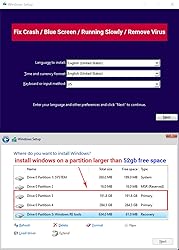
- Included: 32GB Bootable USB drive 3.2 , Supported UEFI and Legacy mode Video instructions for Installing Windows Built-in Utilities: Password Recovery、Network Drives ( WiFi & Lan )、Data Recovery、Hard Drive Partitioning、Hardware Testing...etc Q: What kind of people is this USB Drive suitable for? -You're a Beginner and need Video tutorials and technical support -The computer is running slowly -You're used to reinstalling windows every once in a while -the computer crashes and won't boot -The computer has virus and needs to be cleaned and reinstalled windows Boot Menu instruction(refer to user manual): 1. Plug-in USB Drive 2. Power on and Press boot menu key repeatedly (Boot Menu Key below) 3. boot menu will appear (Ensure "USB boot" is enable in BIOS) 4. choose usb drive from boot menu, “UEFI USB" is preferred selection
AR$53.847
49% OFF
AR$27.615
IMPORT EASILY
By purchasing this product you can deduct VAT with your RUT number
AR$53.847
49% OFF
AR$27.615
 Llega en 8 a 12 días hábiles
con envío
 Tienes garantía de entrega
Este producto viaja
de USA ![]() a tus manos en
a tus manos en
![]()
 a tus manos en

Conoce más detalles
✅ If you are a beginner, please refer to Image-7 for a video tutorial on booting, Support UEFI and Legacy ✅Bootable USB 3.2 designed for installing Windows 11/10, ( 64bit Pro/Home/Education ) , Latest Version, key not include, No TPM Required ✅ Built-in utilities: Network Drives (WiFi & Lan), Password Reset, Hard Drive Partitioning, Backup & Recovery, Hardware testing, and more. ✅To fix boot issue/blue screen, use this USB Drive to Reinstall windows , cannot be used for the "Automatic Repair" ✅ You can backup important data in this USB system before installing Windows, helping keep files safe. ✅For Reset windows Password: Disable BitLocker before resetting the Windows password. ✅ If you run into any tech issues, just let me know. Sometimes it could be a hardware problem, and I’m happy to help figure it out and fix it.
Compra protegida
Disfruta de una experiencia de compra segura y confiable
Tarjetas de Crédito y Débito

Visa

Mastercard

American Express
Pagos a través de PayPal
Compra procesada en dólares con dinero en cuenta o tarjetas internacionales.

Paypal
Pagos a través de MODO
Compra procesada en pesos desde la App de tu banco.

PayPal

