













Ncomputing
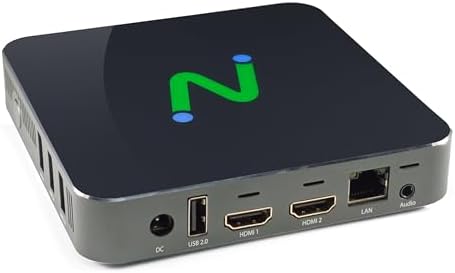
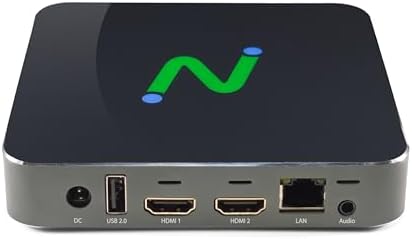
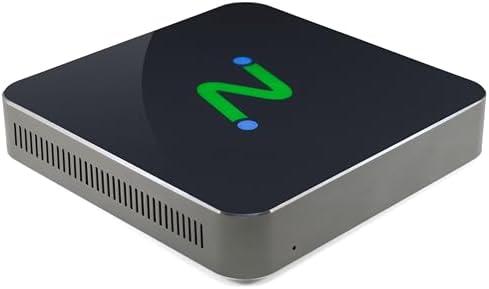
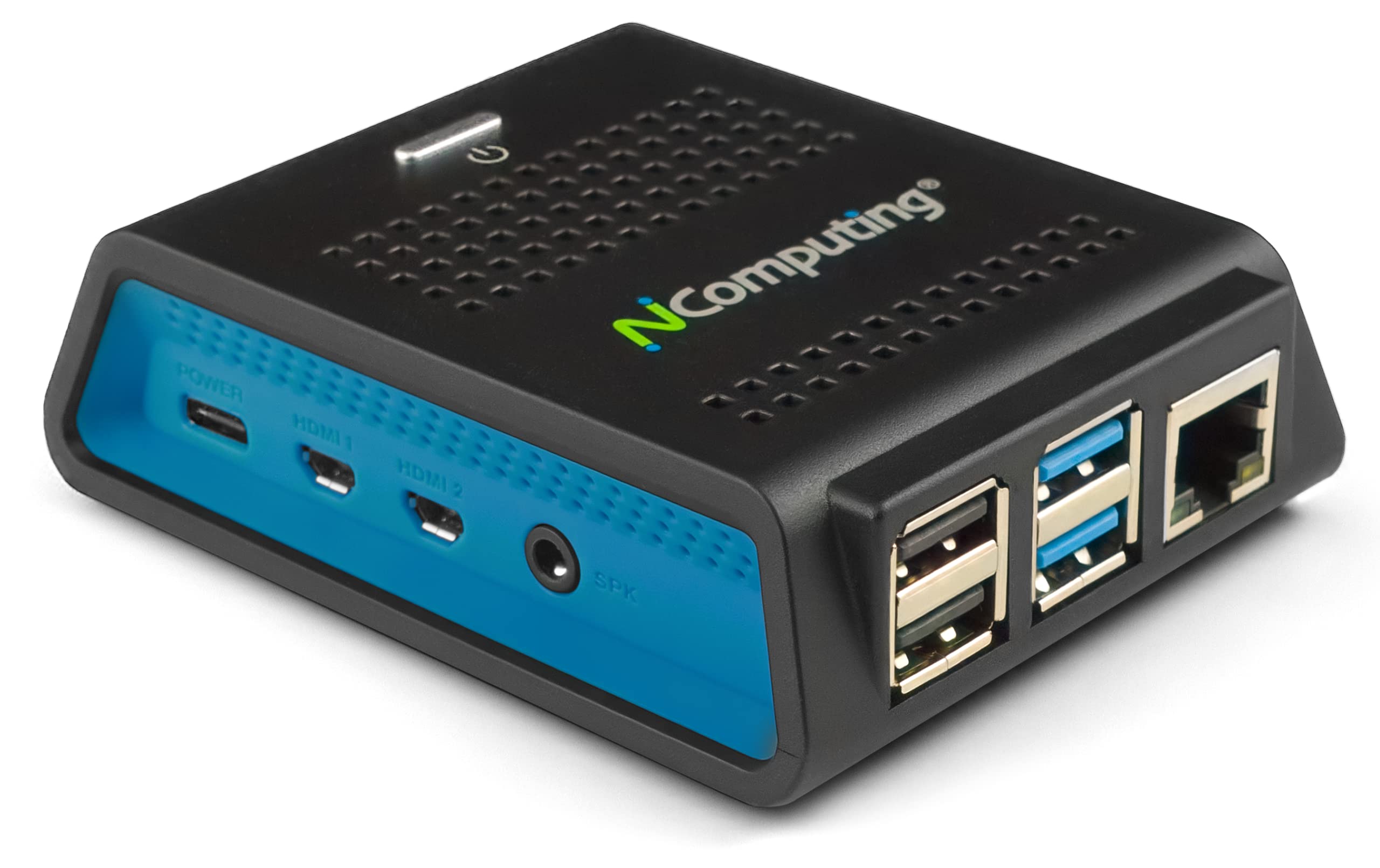
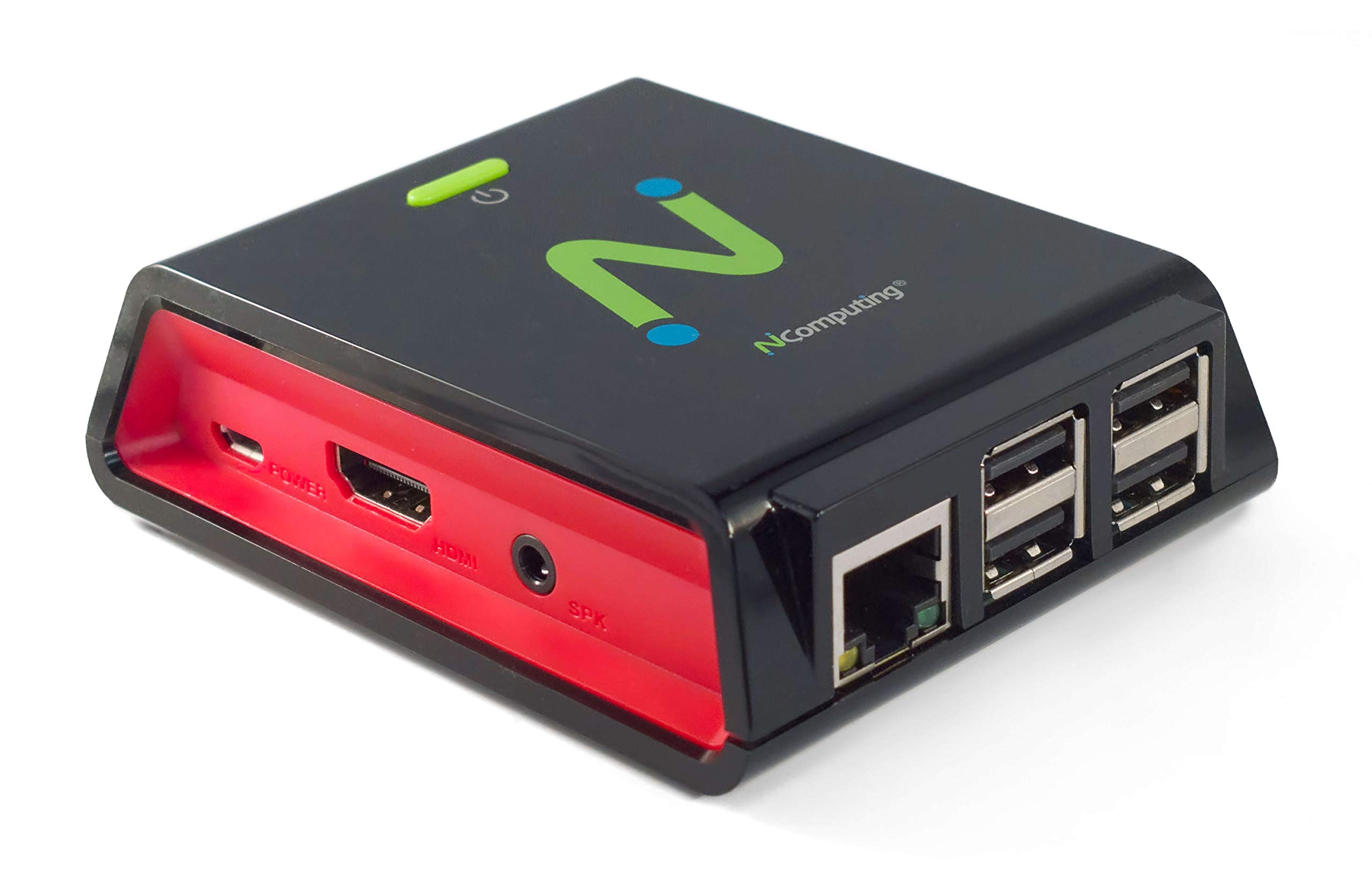
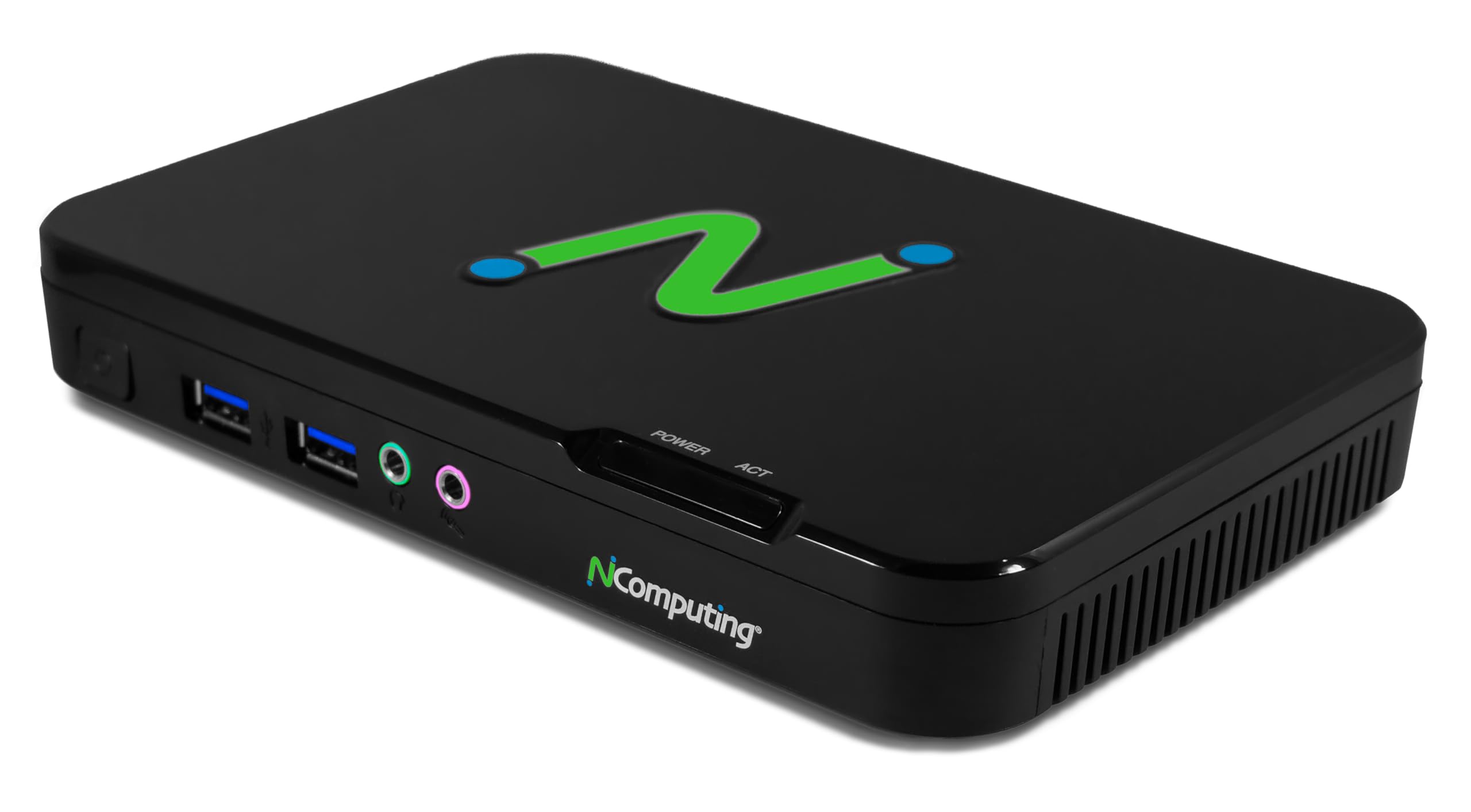
NComputing EX500W Thin Client Compatible with Microsoft, Citrix, VMware Horizon, Amazon WorkSpaces, vSpace Pro and Verde VDI virtualization Platforms.
Disponibilidad:
En stock
En stock
Peso con empaque:
0.64 kg
0.64 kg
Devolución:
Sí
Sí
Condición
Nuevo
Nuevo
Producto de:
Amazon
Amazon
Sobre este producto
- Compatible with Citrix HDX (Virtual Apps and Desktops), Microsoft (AVD, Windows 365, RDS), Amazon WorkSpaces, VWmware Horizon, and NComputing (VERDE VDI, VERDE Remote Access, vSpace Pro Enterprise).
- Powered by Intel Quad-Core N5095 2.0 GHz (2.9 GHz Burst Frequency) with 64GB eMMC and 8GB DDR SDRAM; Native dual monitor ports up to 4096x2160 @ 60hz; USB 3.0 (2 ports) and USB 2.0 (2 ports) with transparent redirection
- 5GHz and 2.4GHz 802.11 ax Wi-Fi with Personal and Enterprise 802.1x security; 10/100/1000 Ethernet (RJ45 port)
- Local application support for direct access without a full VDI desktop.
- Remotely manageable with NComputing's PMC Endpoint Manager.
- Includes an activated LEAF OS perpetual license, 1-year of Device AMP coverage (software updates & support), and PMC Endpoint Manager
- Power supply and VESA mounting kit included.
AR$1.593.520
55% OFF
AR$724.327
IMPORT EASILY
By purchasing this product you can deduct VAT with your RUT number
AR$1.593.520
55% OFF
AR$724.327
 Llega en 8 a 12 días hábiles
con envío
 Tienes garantía de entrega
Este producto viaja
de USA ![]() a tus manos en
a tus manos en
![]()
 a tus manos en

Conoce más detalles
The EX500W thin client offers high-performance connectivity to multiple virtualization platforms, powered by an x86-64 CPU architecture. It supports 4K Ultra HD video, dual monitors, gigabit Ethernet, WiFi, and a wide range of peripherals. Running on LEAF OS, a secure Linux-based operating system, the EX500W enables seamless access to virtual desktops and cloud workspaces. Its management is streamlined through PMC Endpoint Manager, which allows remote configuration and updates for devices across various networks. LEAF OS also supports select local applications, such as web browsing, Microsoft Teams, and Zoom, to enhance functionality and eliminate virtualization lag.
Compra protegida
Disfruta de una experiencia de compra segura y confiable
Tarjetas de Crédito y Débito

Visa

Mastercard

American Express
Pagos a través de PayPal
Compra procesada en dólares con dinero en cuenta o tarjetas internacionales.

Paypal
Pagos a través de MODO
Compra procesada en pesos desde la App de tu banco.

PayPal

