















Suidek
HDMI KVM Switch 2 Monitors 2 Computers, Dual Monitor KVM USB Switcher 4K@60Hz, HDMI Extended/Mirror Display for 2 PC Share 2 Monitors, with 3 USB 3.0 Port, Desktop Controller and 2 USB Cables
Color:
Dark Grey-HDMI+HDMI 2 in 2 Out


Disponibilidad:
En stock
En stock
Peso con empaque:
0.67 kg
0.67 kg
Devolución:
Sí
Sí
Condición
Nuevo
Nuevo
Producto de:
Amazon
Amazon
Sobre este producto
- To meet your requirements for different cable lengths and quality, HDMI cables need to be purchased separately, allowing you to select the cable best suited to your work environment.
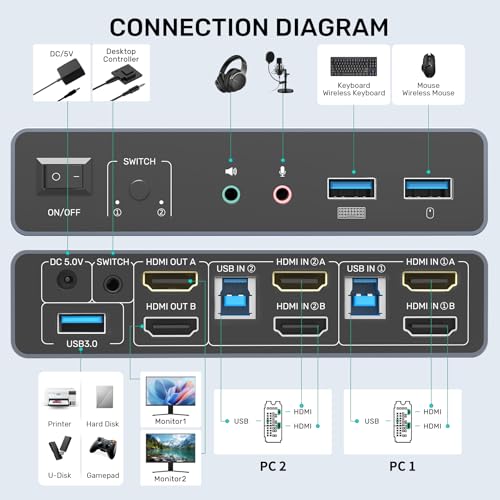
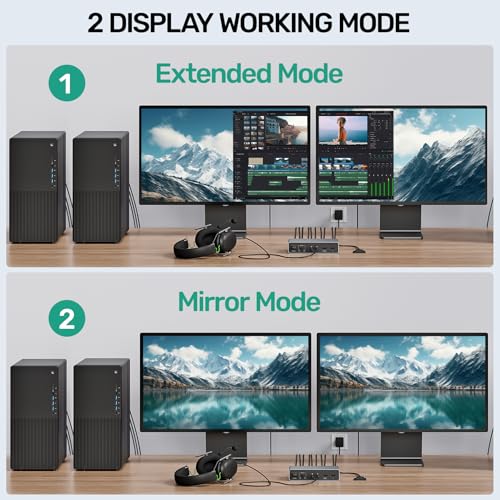
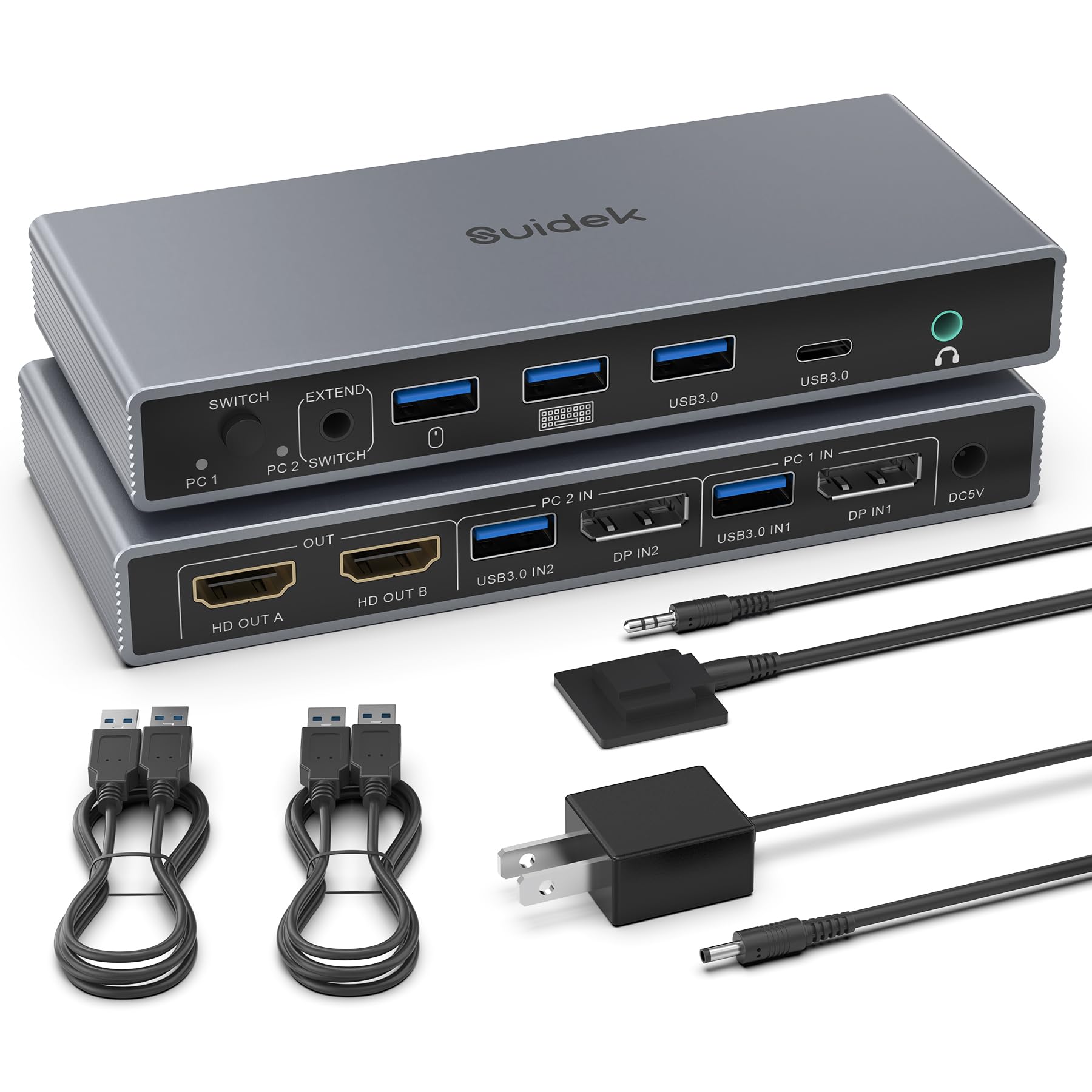
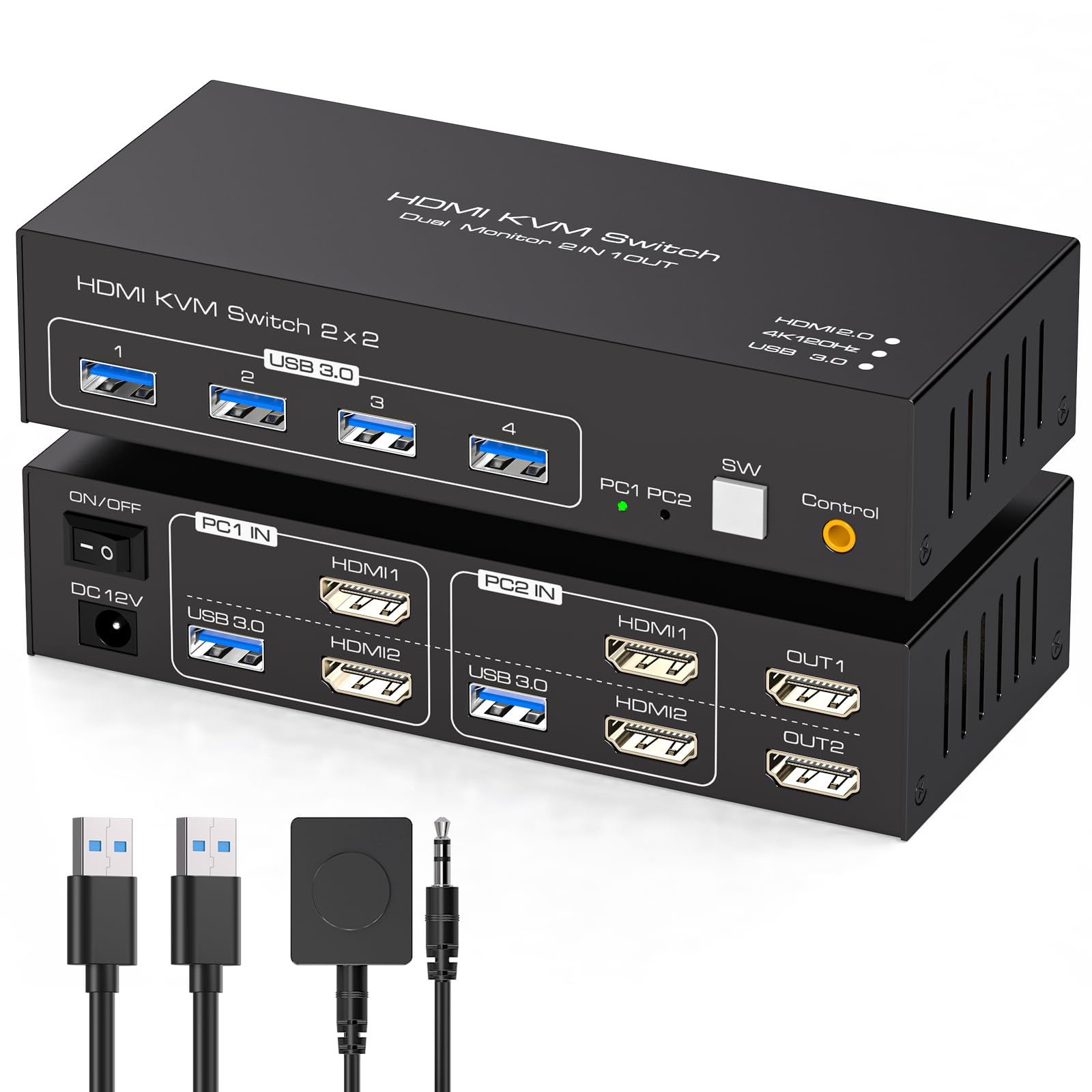
- KVM Switches 2 Monitors 2 Computers: This HDMI KVM Switch allows the connection of 2 computers and 2 monitors. 2 computer input ports support 2 HDMI ports. The 2 monitor outputs support 2 HDMI monitors. And supports extended and mirrored modes.(NOTE:1. Cannot be used when connecting a laptop while outputting two monitors at the same time.2.Note: EDID is not supported. )
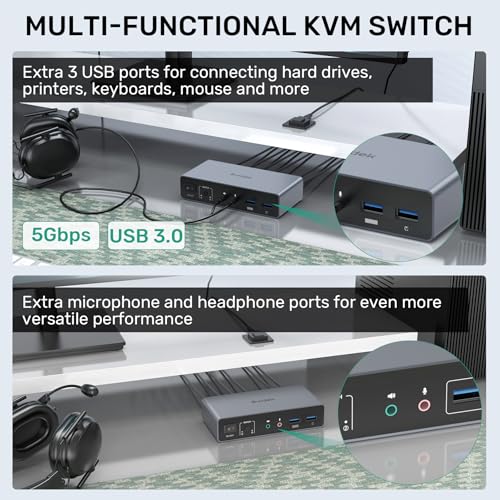
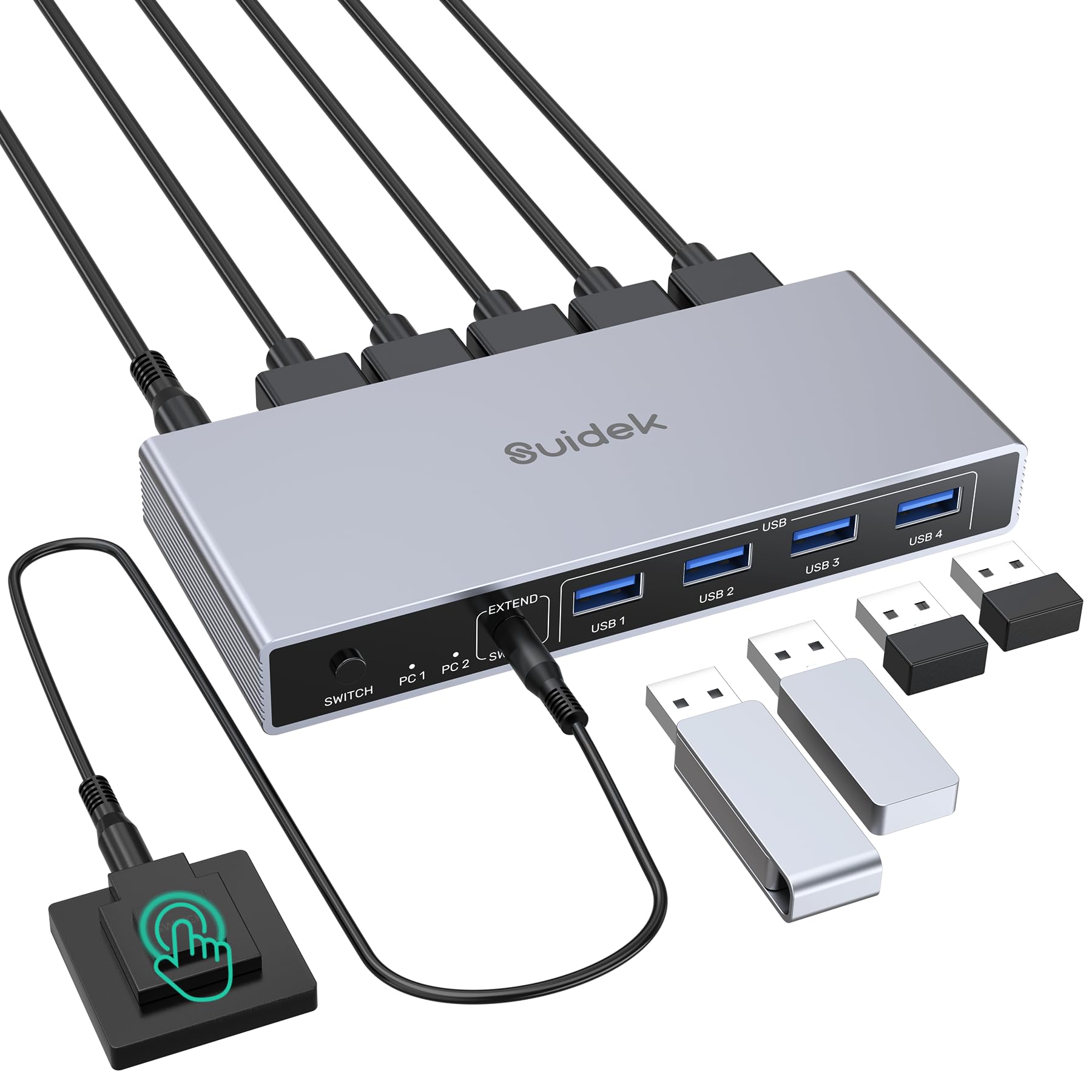
- Audio and Microphone Interface & USB A Port: This HDMI monitor switch for 2 computers has audio and microphone ports and has 3 extra USB A ports. It also supports the connection of USB A devices such as mouse, keyboard, printer, hard disk, and more. You only need to use one set of mouse and keyboard to control 2 computers.USB 3.0 transfer speed is up to 5Gbps.
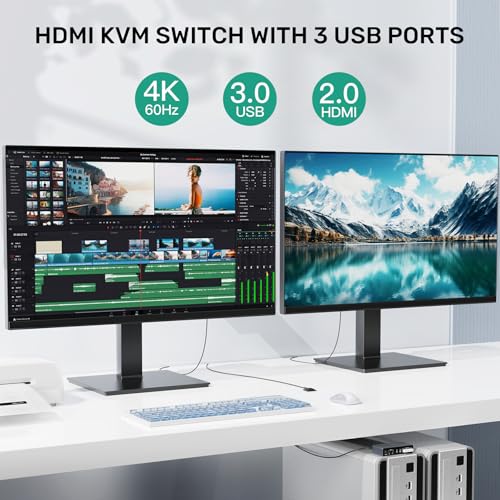
- 4K@60Hz High Definition: The HDMI KVM switches 2 monitors 2 computers supports up to 4K@60Hz screen display. Backward compatible with 4K@30Hz,1080P. Note: To achieve 4K output, you need to connect the cable supporting up to 4K output. And make sure the resolution of the input and output are the same.
- 2 Ways to Switch: This HDMI KVM switch dual monitor supports Mirror Mode and Extended Mode. When you connect two monitors, please select the corresponding mode in "System - Screen Settings". And it has 2 ways of switching, button switching and desktop controller switching. Make your desktop more tidy. And make you more convenient in the process of using. NOTE: The network interface is not included. NOTE: Switching is not supported in sleep mode.
- Note: 1. This HDMI KVM switch DOES NOT support DP interface devices, and NOT recommended to use DP to HDMI conversion cable. 2. Please keep the 5V power adapter connected during use. Don't use any over 5V power adapter. 3. It is recommended to remove the protective film before use. 4. Make sure that the HDMI cable is of HDMI 2.0 standard or higher, and its length should be less than 5M. 5. Please make sure that both HDMI/USB IN are connected to work properly.
- Package Content: 1 x USB HDMI KVM Switch, 2 x USB A to B cable, 1 x Desktop Controller, 1 x DC 5V Power Adapter, 1 x User Manual. Please contact us if you have any questions before purchase or during use. We provide 24-hour customer-friendly support service.
AR$116,691
33% OFF
AR$77,788
IMPORT EASILY
By purchasing this product you can deduct VAT with your RUT number
AR$116,691
33% OFF
AR$77,788
Llega en 8 a 12 días hábiles
con envío
 Tienes garantía de entrega
Este producto viaja
de USA ![]() a tus manos en
a tus manos en
![]()
 a tus manos en


Compra protegida
Disfruta de una experiencia de compra segura y confiable
Tarjetas de Crédito y Débito

Visa

Mastercard

American Express
Pagos a través de PayPal
Compra procesada en dólares con dinero en cuenta o tarjetas internacionales.

Paypal
Pagos a través de MODO
Compra procesada en pesos desde la App de tu banco.

PayPal

