






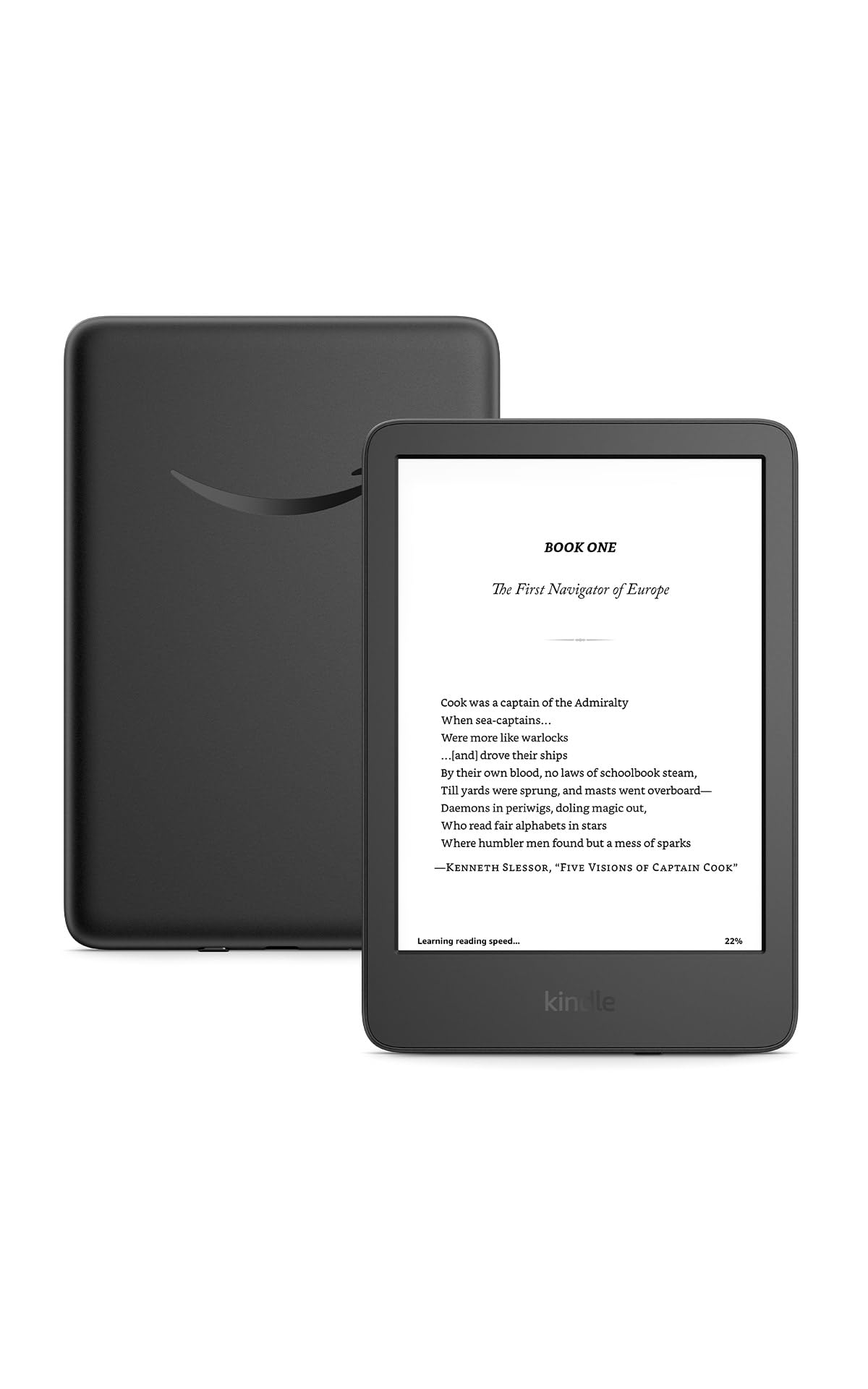


SKU/Artículo: AMZ-B0C47LSCXF
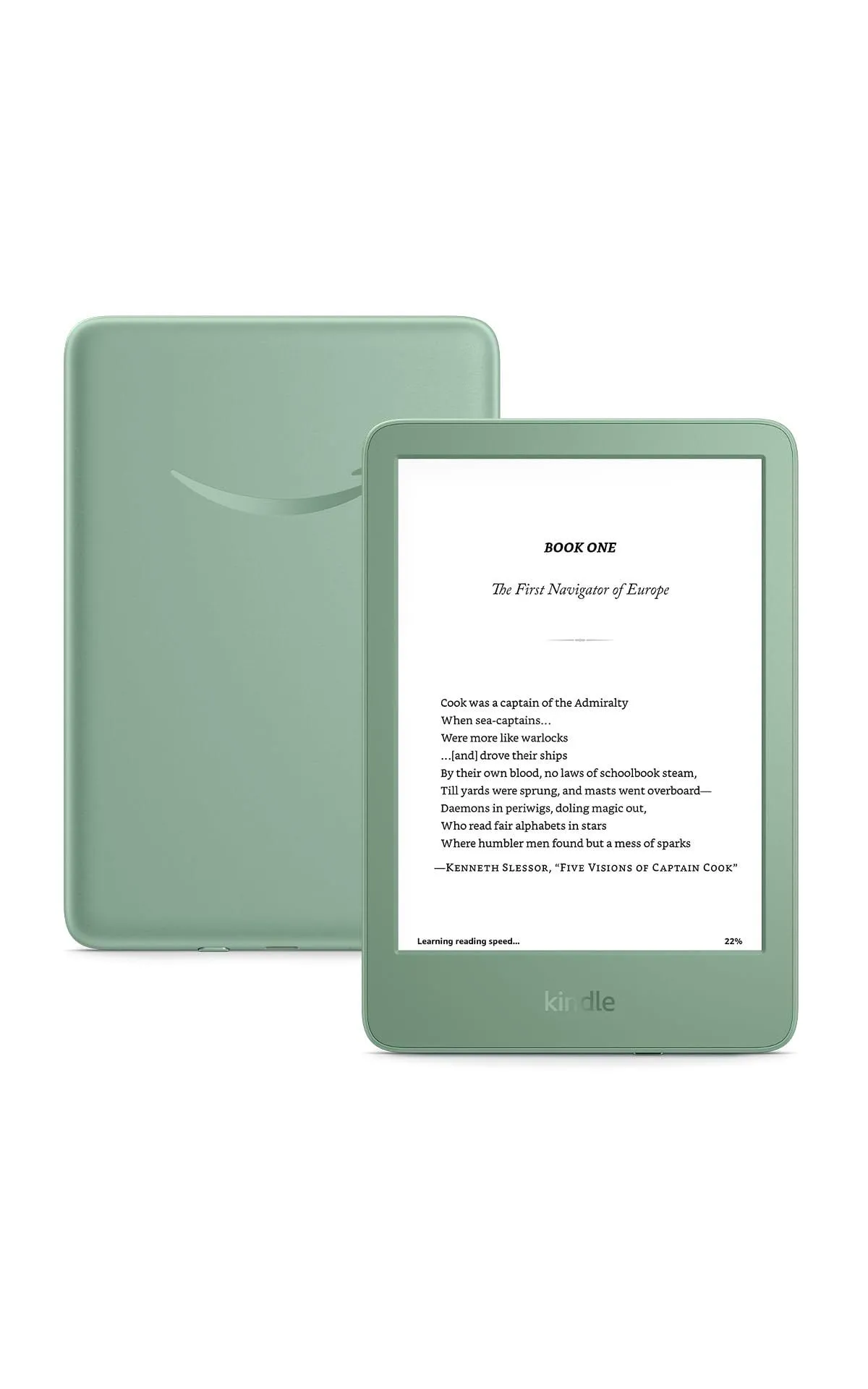
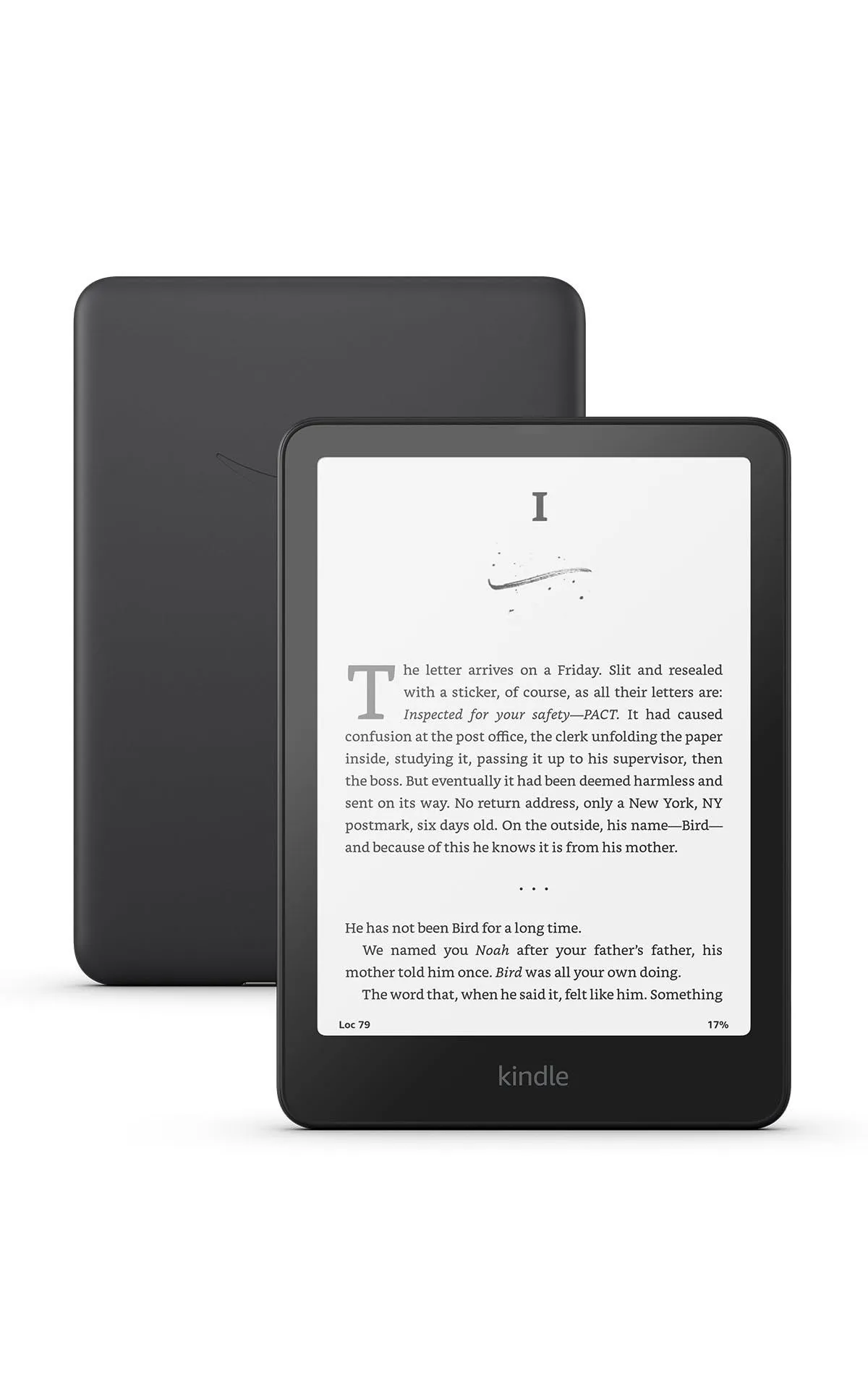
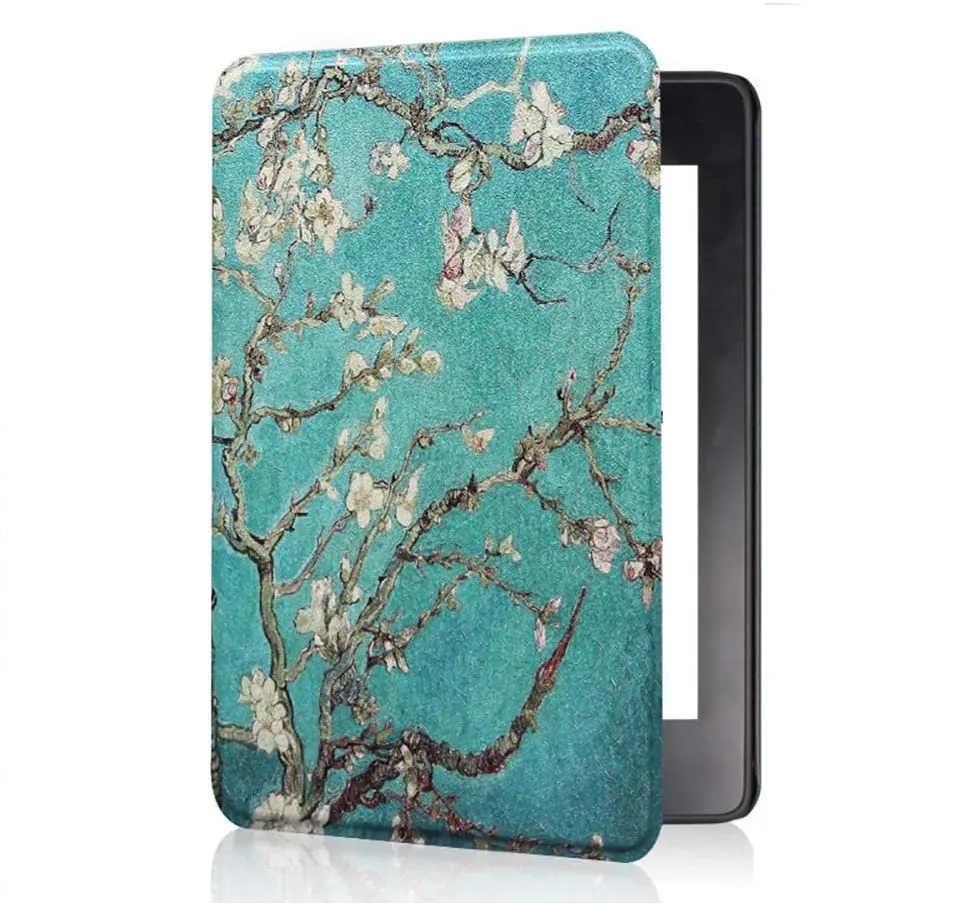
Kindle Scribe 1st Generation User Guide: A Comprehensive Step-by-Step Guidebook for Beginners to Gaining Proficiency in the Most Recent Kindle Scribe e-reader, Plus How to Troubleshoot Common Problems
Format:
Paperback
Detalles del producto
Disponibilidad:
En stock
En stock
Peso con empaque:
0.35 kg
0.35 kg
Devolución:
Sí
Sí
Condición
Nuevo
Nuevo
Producto de:
Amazon
Amazon
Viaja desde
USA
USA
Sobre este producto
- If you've been longing for a Kindle e-reader that comes with a writing function, the 1st generation Amazon Kindle Scribe device is the perfect choice. This user guide covers all the functions of the Kindle Scribe tablet and provides beginners with straightforward instructions for navigating the device. In no time, you will set up, customize, troubleshoot, organize, and manage files on the device. You will also learn how to use the various tools available on the device, including the keyboard, screen features, and a range of additional tools. Here is a list of some topics covered in the user guide:Introducing Amazon Kindle Scribe—the First Kindle Designed for Reading and WritingWorld's Best ebook StoreAnalysis in comparison with other electronic ink devicesWhy you should appreciate the Scribe deviceReasons you should purchase the devicePricing and AvailabilityTips on what you Need to Know About Amazon's New E-reader: Kindle ScribeHow to unbox and setup your Kindle ScribeNavigating your KindleMaking use of the Notebooks sectionAnnotating your Kindle with Handwritten Notes using the Scribe featureHow to use the toolbarHow to customize the shortcut for your Premium PenInstructions for adding additional pages to your Scribe device notebookInstructions on how to upload personal files to your Scribe deviceHow to make your Scribe device notes available to othersHow to annotate Kindle ebooksHow to get documents, PDFs on the Scribe deviceUsing other devices to access NotebooksHow to Perform a Manual Software Update on Your Kindle E-ReaderWhat is included in the most recent update?Go to Page feature in the notebookDownloading Audiobooks on Your Scribe deviceGuide to Pairing Your Bluetooth Device with your Scribe DeviceOther Fantastic Features of the Scribe deviceManaging your Amazon HouseholdRead books while chargingRemove the kindle from your desktop or computerFilter results based on reading statusItems you own and items you shareAdding or removing items at a later timeDownload articles on your kindleView all content associated with your accountSee only downloaded content on your kindleDownload your content in the cloudCheck out items on your kindlePreparing to disconnect or go offlineTransfer content from another kindleDownload cloud-based media to your new kindleSending non-email personal content from your kindle to another deviceExport annotation, highlight documents and notebooksExport annotations in a bookExporting marked-up DocsExport standalone notebookSwitching to list view from grid viewLandscape and Portrait modes on the Kindle scribeFlipping your book pages while readingBrowsing a bookFlipping or turning a pageSee the previously read historyFrequently Asked Questions related to Kindle ScribeHow to customize your Scribe settingsThe Settings contextual menuKindle scribe TroubleshootingUsing a basic or premium stylus penAnd many more...Follow the Step-by-Step directions in this Guidebook to get the most out of your Kindle Scribe So what are you waiting for? Scroll up and Click the Orange - BUY NOW WITH 1-CLICK BUTTON- on the top right corner and Download Now!!! You won’t regret you did See you inside!!!

Producto prohibido
Este producto no está disponible
Este producto viaja
de USA ![]() a tus manos en
a tus manos en
![]()
 a tus manos en

Compra protegida
Disfruta de una experiencia de compra segura y confiable
Tarjetas de Crédito y Débito

Visa

Mastercard

American Express
Pagos a través de PayPal
Compra procesada en dólares con dinero en cuenta o tarjetas internacionales.

Paypal
Pagos a través de MODO
Compra procesada en pesos desde la App de tu banco.

PayPal

 Tienes garantía de entrega