







SKU/Artículo: AMZ-B0BPM7P22D
AULCMEET
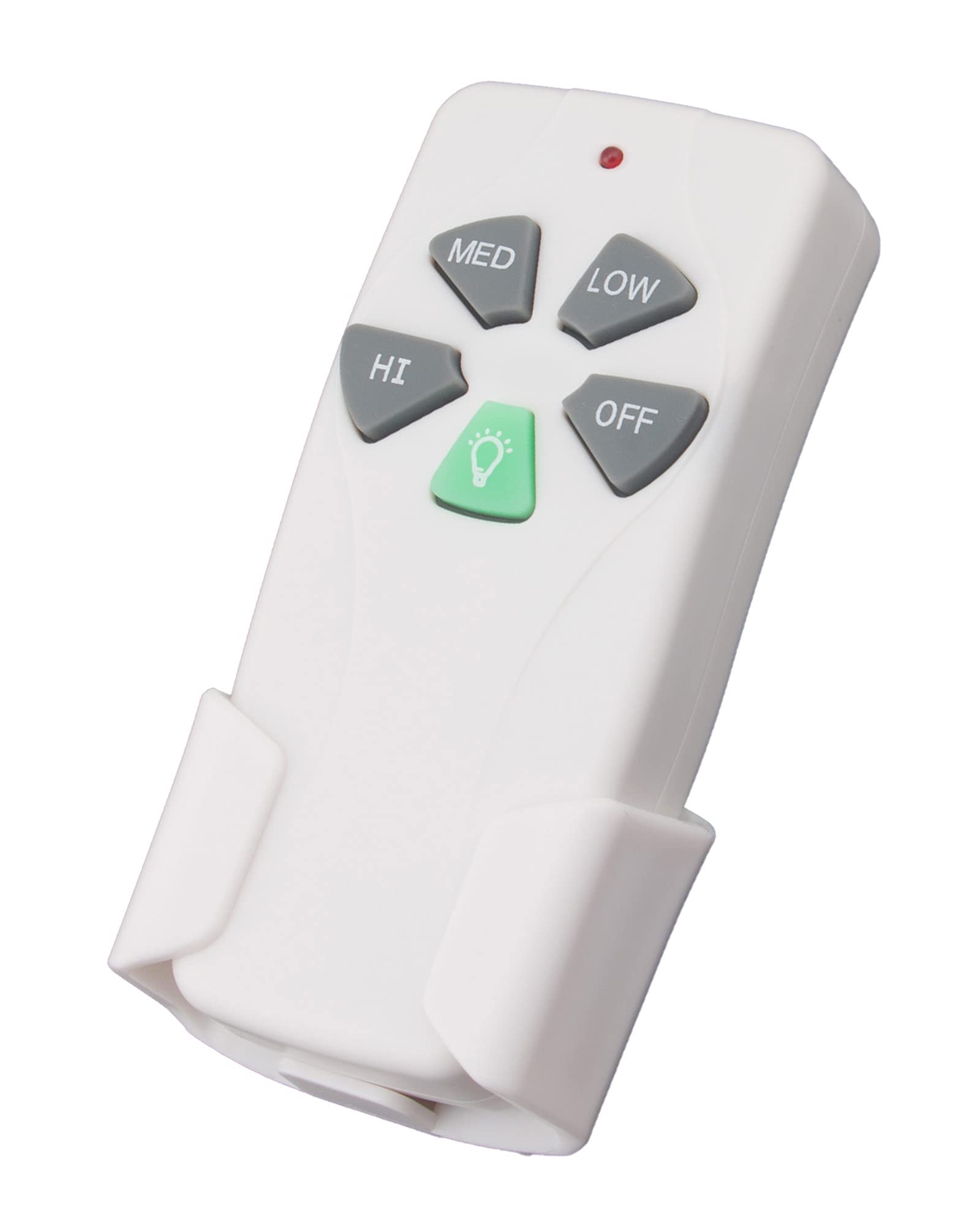
AULCMEET Replace Remote Control Compatible with NAKAMICHI NK6 NK 6 Sound Bar Speaker Home Theater
Detalles del producto
Disponibilidad:
En stock
En stock
Peso con empaque:
0.15 kg
0.15 kg
Devolución:
Sí
Sí
Condición
Nuevo
Nuevo
Producto de:
Amazon
Amazon
Viaja desde
USA
USA
Sobre este producto
- AULCMEET Replace Remote Control Compatible with NAKAMICHI NK6 NK 6 Sound Bar Speaker Home Theater Trouble Shooting for no reaction or no working: Solution: 1.please check your soundbar model number in our list. please try to Install 2pcs new AAA alkaline batteries after you receive the remote. 2.If the remote still does not work or response your soundbar. Solution: please help to try the following trouble shooting steps: 1)Remove the batteries from the remote. 2)Press every button on the remote at least 3-5 second time to drain any residual power. This also helps to check for stuck buttons. 3) kindly please help to check whether the IR sensor area of your soundbar is clean, sometimes the dust will effect the IR sensor connection. 4) kindly please make sure nothing is blocking on the front of your soundbar , make sure it does not have any barriers between your soundbar and remote; please point the remote control toward the remote control sensor on the soundbar . 5) Insert 2pcs new AAA alkaline batteries into the remote, please do not use AA batteries, please do not use rechargeable batteries. Make sure the batteries are correctly installed with the positive and negative ends in the right direction. The correct battery installed way is + to - ; - to + polarity. If install opposite, the remote should not work. 6) Unplug the power supply of your soundbar and then plug it back to restart it. Then try the remote again.
AR$39.586
55% OFF
AR$17.993
IMPORT EASILY
By purchasing this product you can deduct VAT with your RUT number
AR$39.586
55% OFF
AR$17.993
 Llega en 8 a 12 días hábiles
con envío
 Tienes garantía de entrega
Este producto viaja
de USA ![]() a tus manos en
a tus manos en
![]()
 a tus manos en

Conoce más detalles
AULCMEET Replace Remote Control Compatible with NAKAMICHI NK6 NK 6 Sound Bar Speaker Home Theater no need to setup; Battery needed: two Pcs 1.5V AAA Batteries; Note: this is not a universal remote control, please check your compatible model number in our list. If you have any question with it, please leave us message.
Compra protegida
Disfruta de una experiencia de compra segura y confiable
Tarjetas de Crédito y Débito

Visa

Mastercard

American Express
Pagos a través de PayPal
Compra procesada en dólares con dinero en cuenta o tarjetas internacionales.

Paypal
Pagos a través de MODO
Compra procesada en pesos desde la App de tu banco.

PayPal

