






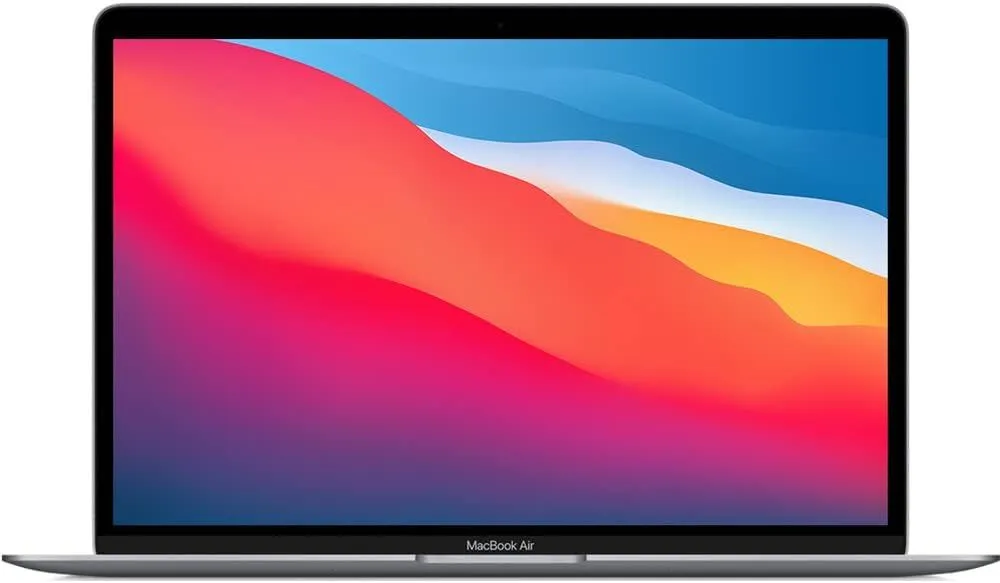
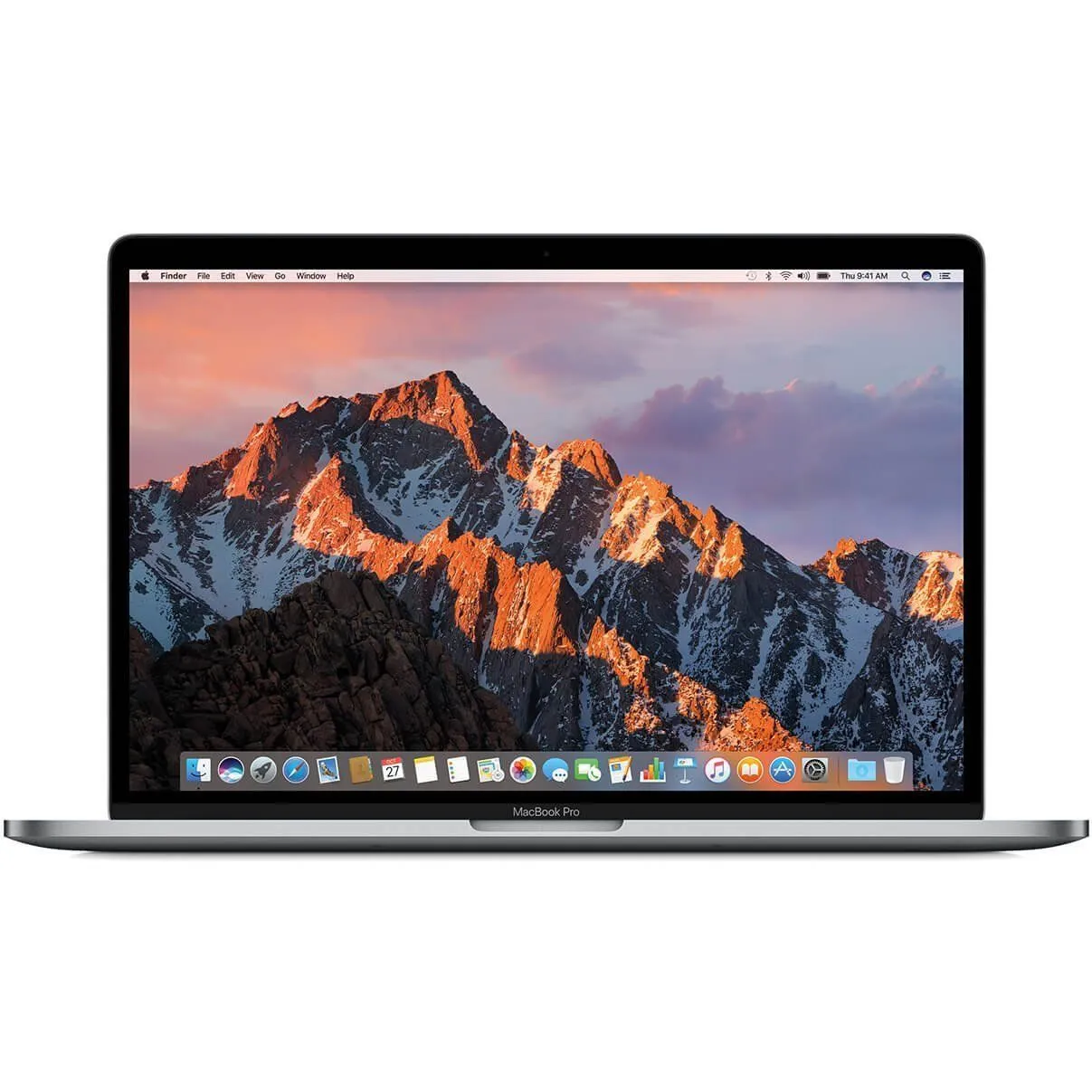

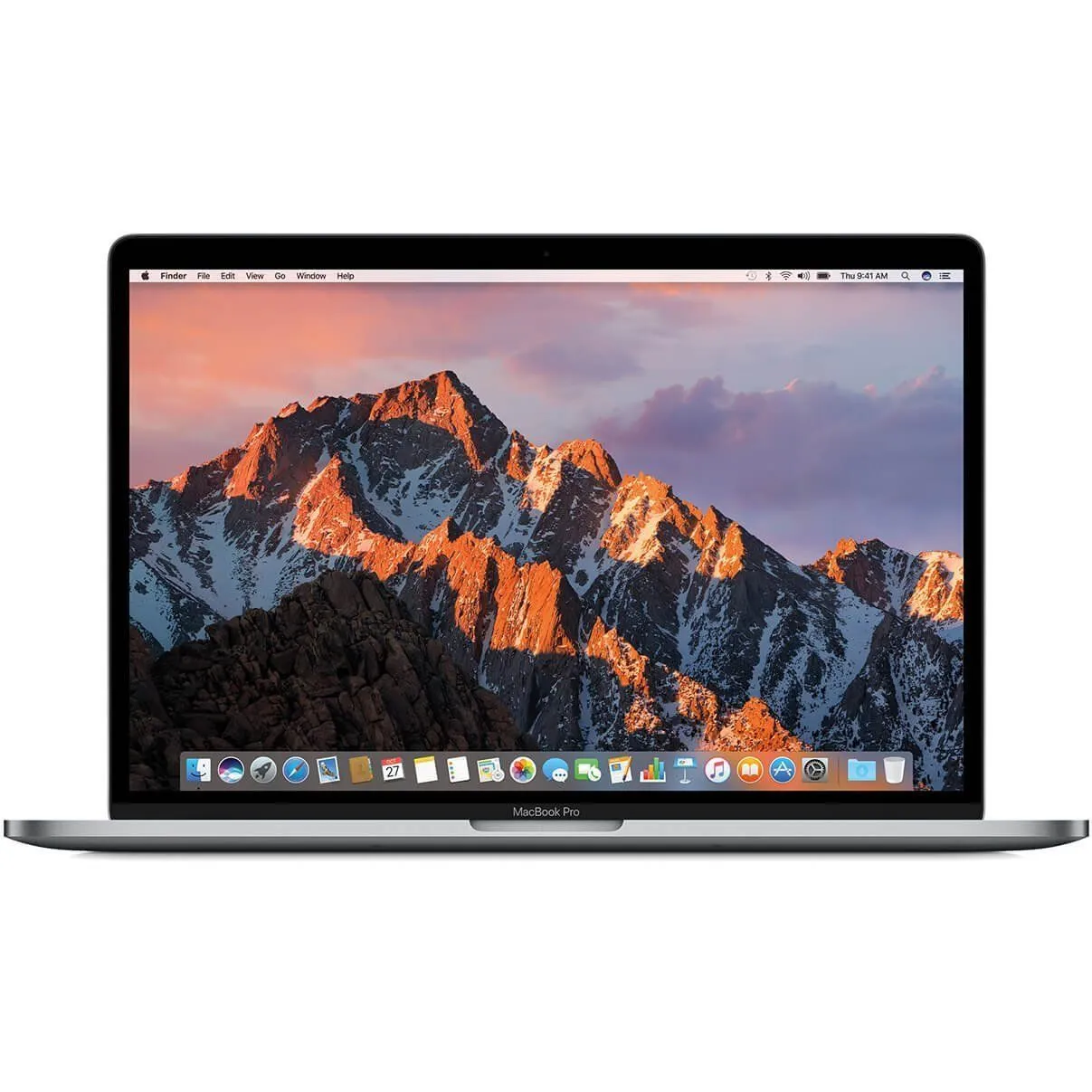

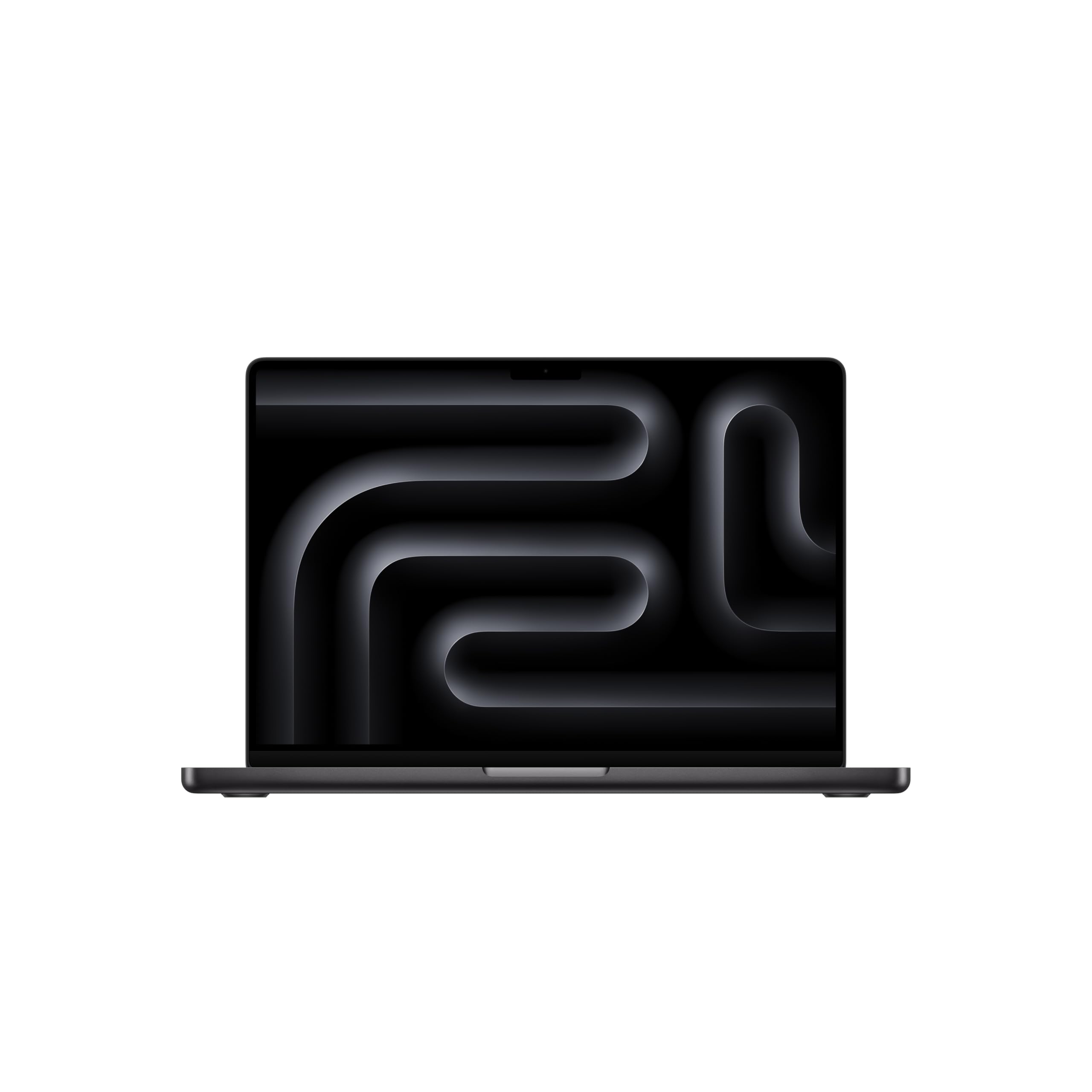


SKU/Artículo: AMZ-B09LGJT4D7
MacBook Pro User Guide: The Complete Step By Step Instruction Manual For Beginners And Seniors To Learn How To Use The New Apple 14 Inch MacBook Pro M1 Pro With macOS Monterey Tips And Tricks 2021
Format:
Paperback
Detalles del producto
Disponibilidad:
Fuera de stock
Fuera de stock
Peso con empaque:
0.27 kg
0.27 kg
Devolución:
Sí
Sí
Condición
Nuevo
Nuevo
Producto de:
Amazon
Amazon
Viaja desde
USA
USA
Sobre este producto
- . A completely different power structure The new MacBook Pro is the first professional laptop to have a system on a chip (SoC). Other professional systems include power-hungry CPUs, discrete GPUs, and several chips that operate independently. M1 Pro and M1 Max are SoCs with unified memory that integrates the CPU, GPU, I/O, and Neural Engine. As a consequence, the M1 Pro and M1 Max not only smash demanding workloads previously unthinkable on a laptop – they also offer exceptional battery life. At the chip, connected. Other professional notebooks require data to be copied back and forth over a slower interface. That is not the case with the new MacBook Pro. Its CPU and GPU have a unified memory pool. This implies that every component of the chip has direct access to data and memory, which means that everything you do is faster and more efficient. Each of the M1 Pro and M1 Max CPUs incorporates up to eight high-performance cores and two high-efficiency cores to give tenfold the performance at a tenth of the power. Their GPUs have access to data with significantly reduced latency and unparalleled power efficiency, resulting in unequaled performance per watt. Dear Friend, there is much more to say about the 2021 MacBook Pro than what is contained on this description page. However, that is why this User Guide is offered. It was created with you in mind, regardless of whether you are a Beginner or a Pro user. Therefore, why not click the Buy Now button and begin?A Brief Examination of the 14-Inch MacBook ProDiscover The Magic Keyboard For The MacBook Pro 14-InchMake Use Of The Touch BarUtilize the TrackPadAdd-ons for the MacBook ProUtilize Wireless AccessoryUtilize A Third-Party DisplayConfigure Your MacBook ProThe Desktop, Menu Bar, and Help Areas of Your MacOn Your Mac, Window ManagementUsing Your Mac's Display OptionsTransferring Your InformationCreating A Mac Backup And Restoring ItUsing Additional Devices with a MacUsing Additional Devices with a MacContinuity CameraUtilize AirDropInstantly Create A Wi-Fi HotspotApprove Tasks and Unlock Your Mac Using Your Apple WatchUtilizing Apple PayUtilize AirPlayTricks And SuggestionsUtilize Shortcuts on the KeyboardSnip A ScreenshotIndeed, the most powerful MacBook Pro has arrived. With the lightning-fast M1 Pro or M1 Max chip – Apple's first professional-grade silicon — you enjoy unprecedented performance and battery longevity. Add a gorgeous Liquid Retina XDR display, the greatest camera and audio ever included in a Mac laptop, and all the connections you'll ever need. This MacBook Pro is a beast! It is the first notebook of its sort! Allow this book to serve as your guide.

Fuera de stock
Selecciona otra opción o busca otro producto.
Este producto viaja
de USA ![]() a tus manos en
a tus manos en
![]()
 a tus manos en

Compra protegida
Disfruta de una experiencia de compra segura y confiable
Tarjetas de Crédito y Débito

Visa

Mastercard

American Express
Pagos a través de PayPal
Compra procesada en dólares con dinero en cuenta o tarjetas internacionales.

Paypal
Pagos a través de MODO
Compra procesada en pesos desde la App de tu banco.

PayPal

 Tienes garantía de entrega