













SKU/Artículo: AMZ-B08THKFB5Z
knntrooler
Timer Outlet, Programmable 110V/220V Pump Timer Switch, Minimum Setting by Seconds, Timing Socket Converter, Power Timing Automatic Control Outlets
Detalles del producto
Disponibilidad:
En stock
En stock
Peso con empaque:
0.15 kg
0.15 kg
Devolución:
Sí
Sí
Condición
Nuevo
Nuevo
Producto de:
Amazon
Amazon
Viaja desde
USA
USA
Sobre este producto
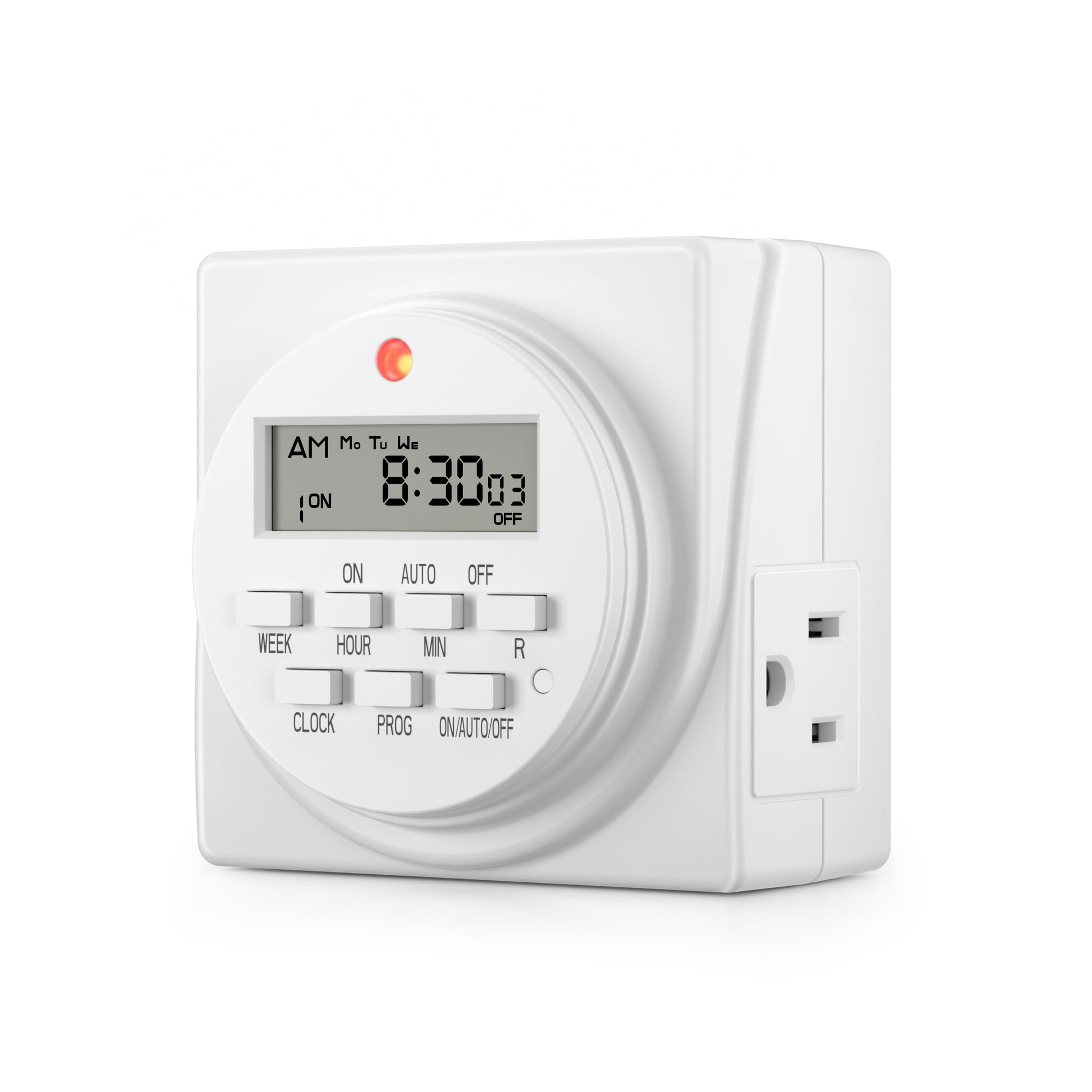
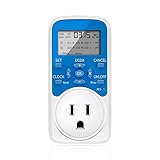
- Product use steps: First enter the clock setting screen through the "CLOCK" button, and adjust the timer clock to the current actual time through the "R/L" and "+/-" button (press the OK key after setting).Then enter the timing setting screen through the "SET" button, and set the timing time required by the user through the ''R/L" and "+/-" button. After setting a group, you can press "Next" button to enter the setting screen of the next group (you cannot press the "OK" button at this time), up to 8 groups of timing, after setting all timing time, press the "OK" button to start execution, very simple. The function of the "ON/OFF" button is to change the current output state of the timer jack. For example, the current jack of the timer is on, if the user wants to change the current output state to off, you need to press the "ON/OFF" button continuously to change the current state, after it becomes "OFF", then press the "OK" button. At this time, the timer's timing function will not be affected, and it will continue to execute as planned. There is a small detail to note here, after the timer has set the timing, it will not automatically determine whether the current jack should be on or off, it will only default to the output state before the set. If the output state of the jack does not correspond to the set time, you can change the output state to the correct output state through the "ON/OFF" button and then press the "OK" button. This feature is to prevent some users from forgetting that someone is operating on the device, at this time, if the setting is changed and the power is automatically turned on and off, it will cause an accident, so our design is for safety.
AR$55.101
31% OFF
AR$37.995
IMPORT EASILY
By purchasing this product you can deduct VAT with your RUT number
AR$55.101
31% OFF
AR$37.995
 Llega en 8 a 12 días hábiles
con envío
 Tienes garantía de entrega
Este producto viaja
de USA ![]() a tus manos en
a tus manos en
![]()
 a tus manos en

Conoce más detalles
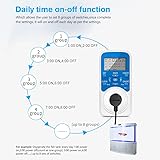
Daily clock timing switch function:This programmable timer allows the user to set 8 groups of switches, once complete the settings, it will automatically on and off each day as per the settings. The on-time and off-time are displayed on the screen at the same time, this outlet timer is very easy to understand. This outlet timer uses the cursor operating system, "L/R" button to move the cursor position, "+/-" button to control number changes, the operation is very simple. When using this outlet timer, the minimum can be set to seconds, which can meet the equipment that needs precise time such as spraying and watering This timing outlet uses a 30A high-power relay, can withstand high-power electrical appliances and without current overload. This timing socket uses the mature circuit design, stable and reliable operation, low failure rate The switch status is displayed intuitively. If the timer jack has electrical output, the current status of the screen is displayed as "ON" and the indicator light is on. If there is no electrical output in the jack, the current status of the screen is displayed as "OFF" and the indicator light is off. The internal rechargeable battery does not need to be replaced. If the screen does not display due to long periods of non-use, plug the timer into the power supply and charge for 30 minutes, and then press the "RES" button to restore the display. After setting the timing, clock or switch state, you need to press the "OK" button to execute, so the "OK" button can also prevent misoperation caused by accidentally touching the button
Compra protegida
Disfruta de una experiencia de compra segura y confiable
Tarjetas de Crédito y Débito

Visa

Mastercard

American Express
Pagos a través de PayPal
Compra procesada en dólares con dinero en cuenta o tarjetas internacionales.

Paypal
Pagos a través de MODO
Compra procesada en pesos desde la App de tu banco.

PayPal

