











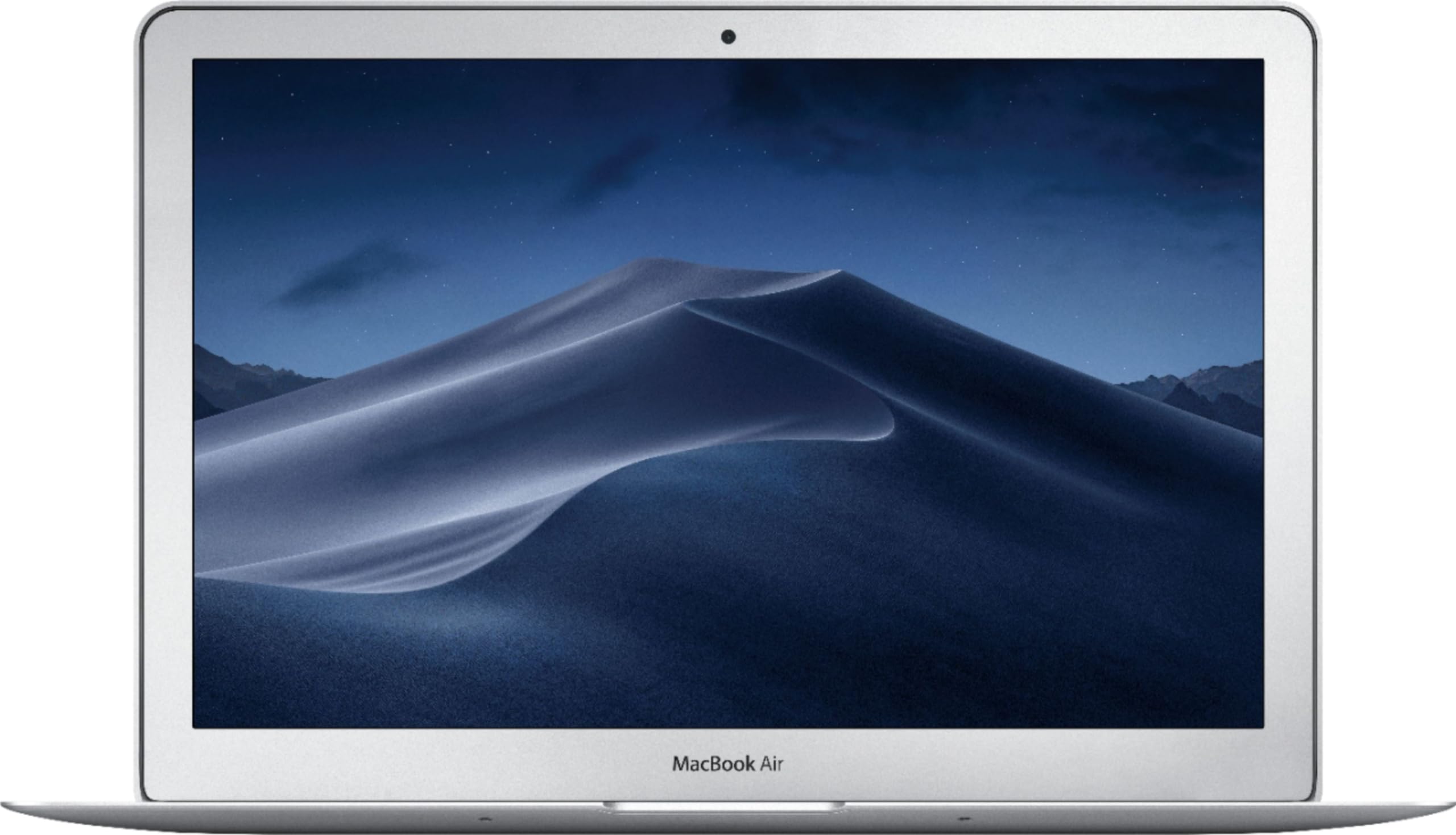


SKU/Artículo: AMZ-1960540076
macOS Sequoia Introduction Quick Reference Guide (Cheat Sheet of Instructions, Tips & Shortcuts - Laminated Guide)
Format:
Pamphlet
Detalles del producto
Disponibilidad:
En stock
En stock
Peso con empaque:
0.15 kg
0.15 kg
Devolución:
Sí
Sí
Condición
Nuevo
Nuevo
Producto de:
Amazon
Amazon
Viaja desde
USA
USA
Sobre este producto
- This 4-page laminated guide for macOS Sequoia provides step-by-step instructions and shortcuts, designed for clarity, accuracy, and ease of use. Whether you're a beginner or an experienced user, this guide helps you navigate macOS Sequoia efficiently with step-by-step instructions and shortcuts. Perfect as a training handout or a handy desktop reference, this guide makes using macOS Sequoia simpler and more productive.Topics Covered:Getting Started: Launching apps, accessing recent files, organizing Launchpad, and working with windowsProductivity Boosters: Using Stage Manager, split-screen views, and keyboard shortcutsFile Management: Navigating Finder, renaming, sorting, previewing, and sharing filesCustomization: Personalizing the Dock, Menu Bar, Light & Dark Mode, and Finder sidebarText & Accessibility Tools: Dictation, Voice Control, spell check, and text shortcutsScreenshots & Displays: Taking screenshots, using Live Text, managing multiple displays, and SpacesCommunication & Sharing: FaceTime links, Siri, Notifications, Widgets, and Control CenterSystem Settings & Security: Managing passwords, iCloud settings, printers, and fast user switchingApp Management: Installing and updating apps, finding alternative app sourcesEnding Your Session: Shutting down, restarting, and logging out securelyBonus Features:Comprehensive list of keyboard shortcutsTrackpad gestures for smooth navigationLinks to in-depth blog posts for advanced topicsDesigned by Beezix, known for creating high-quality, user-friendly guides, this laminated reference sheet ensures you have the most important macOS Sequoia features and shortcuts at your fingertips. Stay productive and maximize your Mac experience!
AR$28.223
55% OFF
AR$12.829
IMPORT EASILY
By purchasing this product you can deduct VAT with your RUT number
AR$28.223
55% OFF
AR$12.829
 Llega en 8 a 12 días hábiles
con envío
 Tienes garantía de entrega
Este producto viaja
de USA ![]() a tus manos en
a tus manos en
![]()
 a tus manos en

Compra protegida
Disfruta de una experiencia de compra segura y confiable
Tarjetas de Crédito y Débito

Visa

Mastercard

American Express
Pagos a través de PayPal
Compra procesada en dólares con dinero en cuenta o tarjetas internacionales.

Paypal
Pagos a través de MODO
Compra procesada en pesos desde la App de tu banco.

PayPal

