




 Garantía de entrega






Artículo: AMZ-B0GHF7918Q
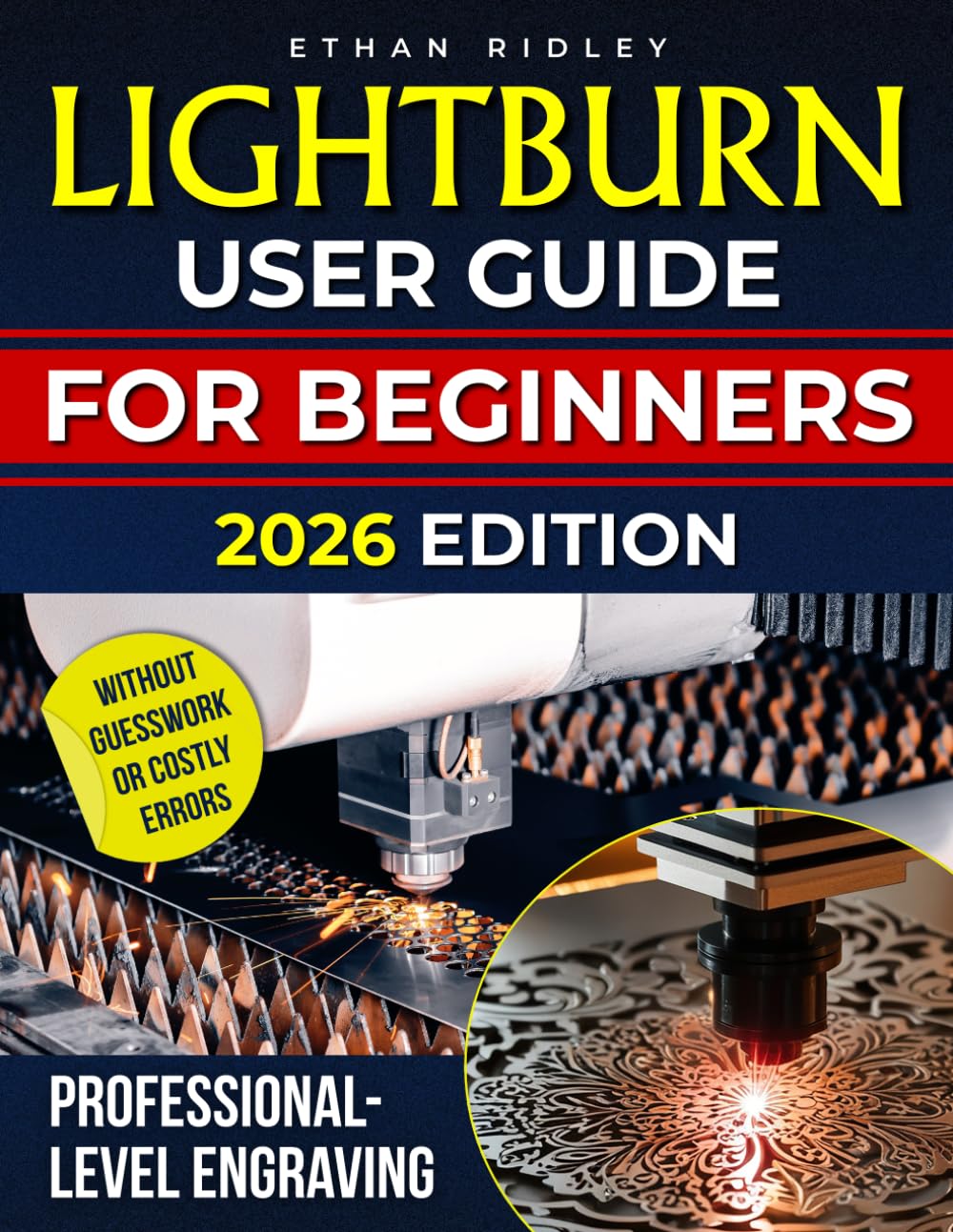
LightBurn User Guide For Beginners: A Step-By-Step Manual for Mastering All the Features with Ease | 20+ Tips and Tricks for Laser Cutting & Engraving | +Bonus Video Guide
Format:
Paperback
Detalles del producto
Disponibilidad
En stock
En stock
Peso con empaque
0.44 kg
0.44 kg
Devolución
Sí
Sí
Condición
Nuevo
Nuevo
Producto de
Amazon
Amazon
Viaja desde
USA
USA
Sobre este producto
- MASTER THE POWER OF YOUR LASER CUTTING MACHINE — THE COMPLETE GUIDE WITH EXCLUSIVE TIPS & TRICKS! Congratulations on choosing a laser cutting machine! Whether you are a beginner or a seasoned user, the capabilities of a laser cutter are truly amazing. However, there is one problem: Your machine did not come with a comprehensive user guide that breaks down all the features, settings, and tips for getting the best results. If you are new to laser cutting or engraving, or if you are upgrading from another machine or software, the many settings, options, and tools available can feel overwhelming. You know your laser cutter can do incredible things, but you are not sure where to start. That is exactly why we wrote this book. This comprehensive guide is designed specifically for beginners and those looking to improve their skills in laser cutting and engraving. We have stripped away the confusing jargon and technical language to give you everything you need to know to use your laser cutter with confidence. What You Will Learn: The Initial Setup: How to set up your laser cutter and connect it to your computer or network. Mastering Software: Step-by-step guidance on using the software to create and import designs, and how to optimize them for laser cutting and engraving. Understanding Materials: Detailed tips on how to adjust settings for different materials like wood, acrylic, leather, and metals for optimal results. Perfecting Your Cuts and Engravings: How to select the right power and speed for different materials to ensure precision and high-quality outcomes. Advanced Techniques: Learn how to use advanced tools such as pathfinder operations, node editing, and the trace tool to refine your designs. Common Issues and Solutions: Simple fixes for common problems like connectivity issues, inconsistent cuts, or engraving problems. Exclusive Tips & Tricks: A dedicated section for hidden features, shortcuts, and hacks that will make you an expert in no time. Safety & Maintenance: Best practices for maintaining your laser cutter and keeping it in good working order for long-term use. Troubleshooting: Step-by-step solutions to address any issues with your laser cutter or software, including connectivity problems, misalignments, or software crashes And as a BONUS, you will get access to exclusive video guides that walk you through key concepts and techniques, helping you visualize and apply what you have learned in the book. These video tutorials will fast-track your learning process and take your skills to the next level. Whether you want to create detailed engravings, precision cuts, or intricate designs, this guide is packed with the knowledge you need to get the most out of your laser cutter. Unlock the Full Potential of Your Laser Cutter! Don't let your machine sit idle — get started now and bring your creative visions to life!
$38,84
31% OFF
$26,79
IMPORT EASILY
By purchasing this product you can deduct VAT with your RUT number
$38,84
31% OFF
$26,79
Envío gratis
 Llega en 5 a 12 días hábiles
Con envío
 Tienes garantia de entrega
Este producto viaja
de USA ![]() a tus manos en
a tus manos en
![]()
 a tus manos en

Compra protegida
Disfruta de una experiencia de compra segura y confiable
![]() Garantía de entrega
Garantía de entrega
Con Tiendamia todas tus compras cuentan con Garantía de Entrega o devolución total de tu dinero.
Compras 100% seguras y garantizadas, para que pidas lo que sueñas y lo recibas del mundo a tu puerta.
Tarjetas de Débito y Crédito

Visa

Mastercard

American Express

Dinners

Discover

Alias
Pagos a través de PayPal
Compra procesada en dólares con dinero en cuenta o tarjetas internacionales.

PayPal

.svg)
