








 Garantía de entrega




Artículo: AMZ-B0D3LMFSHJ
Anycash
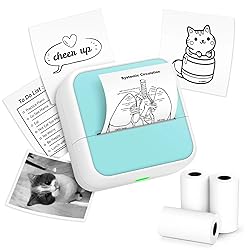
Sticker Printer - Printpods Mini Printer with Stickers, Print Pod, Bluetooth Inkless Printers, Sticker Maker, Portable Thermal Printer for iphone, Impresora Portátil for Notes, Journal, DIY, Kids Gift
Detalles del producto
Disponibilidad
En stock
En stock
Peso con empaque
4.05 kg
4.05 kg
Devolución
Sí
Sí
Condición
Nuevo
Nuevo
Producto de
Amazon
Amazon
Viaja desde
USA
USA
Sobre este producto
- Sticker Printer - Printpods Mini Printer with Stickers, Print Pod, Bluetooth Inkless Printers, Sticker Maker, Portable Thermal Printer for iphone, Impresora Portátil for Notes, Journal, DIY, Kids Gift
$56,89
49% OFF
$29,18

Producto no disponible
Este producto no está permitido por la aduana del país en categoria 4x4
Este producto viaja
de USA ![]() a tus manos en
a tus manos en
![]()
 a tus manos en

Conoce más detalles
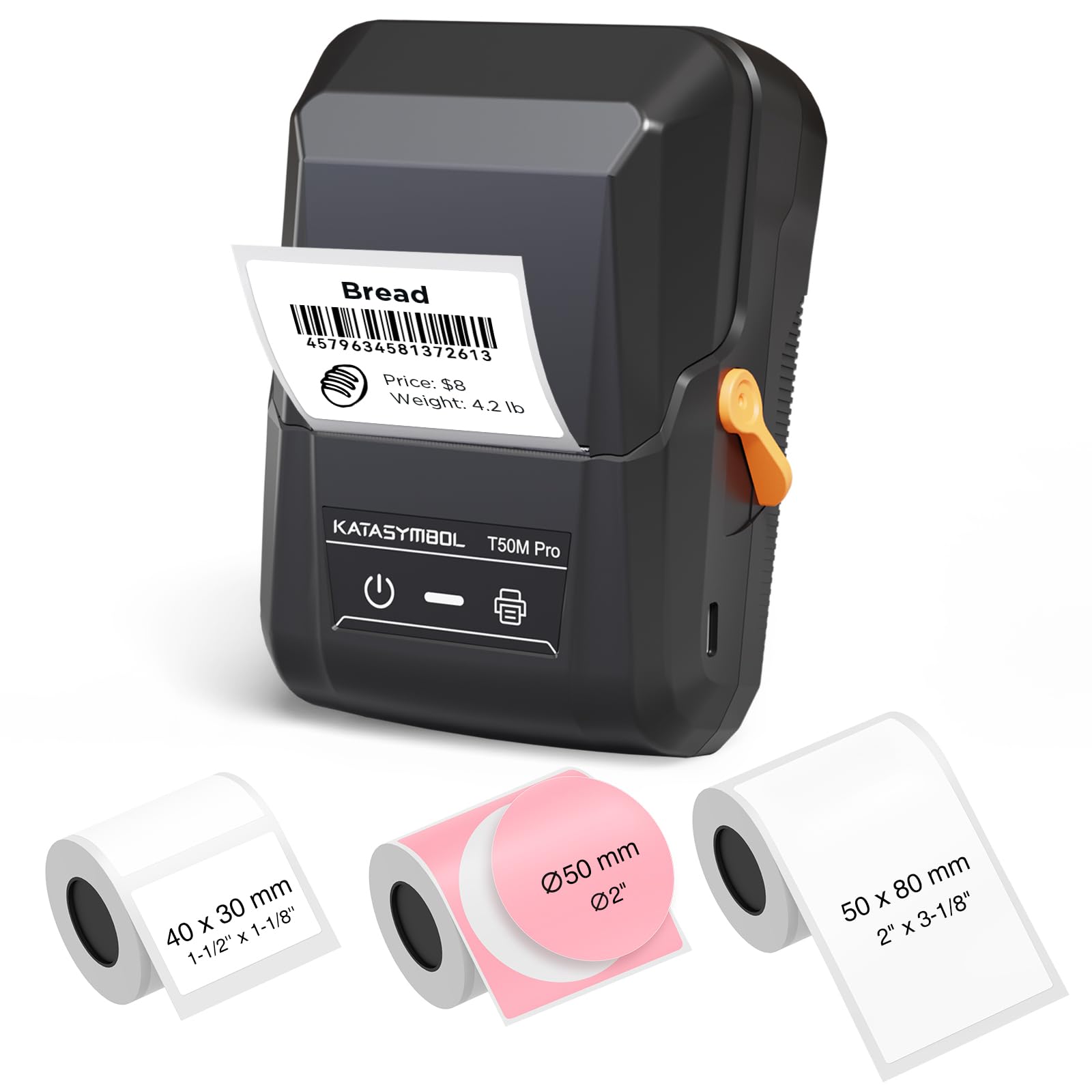
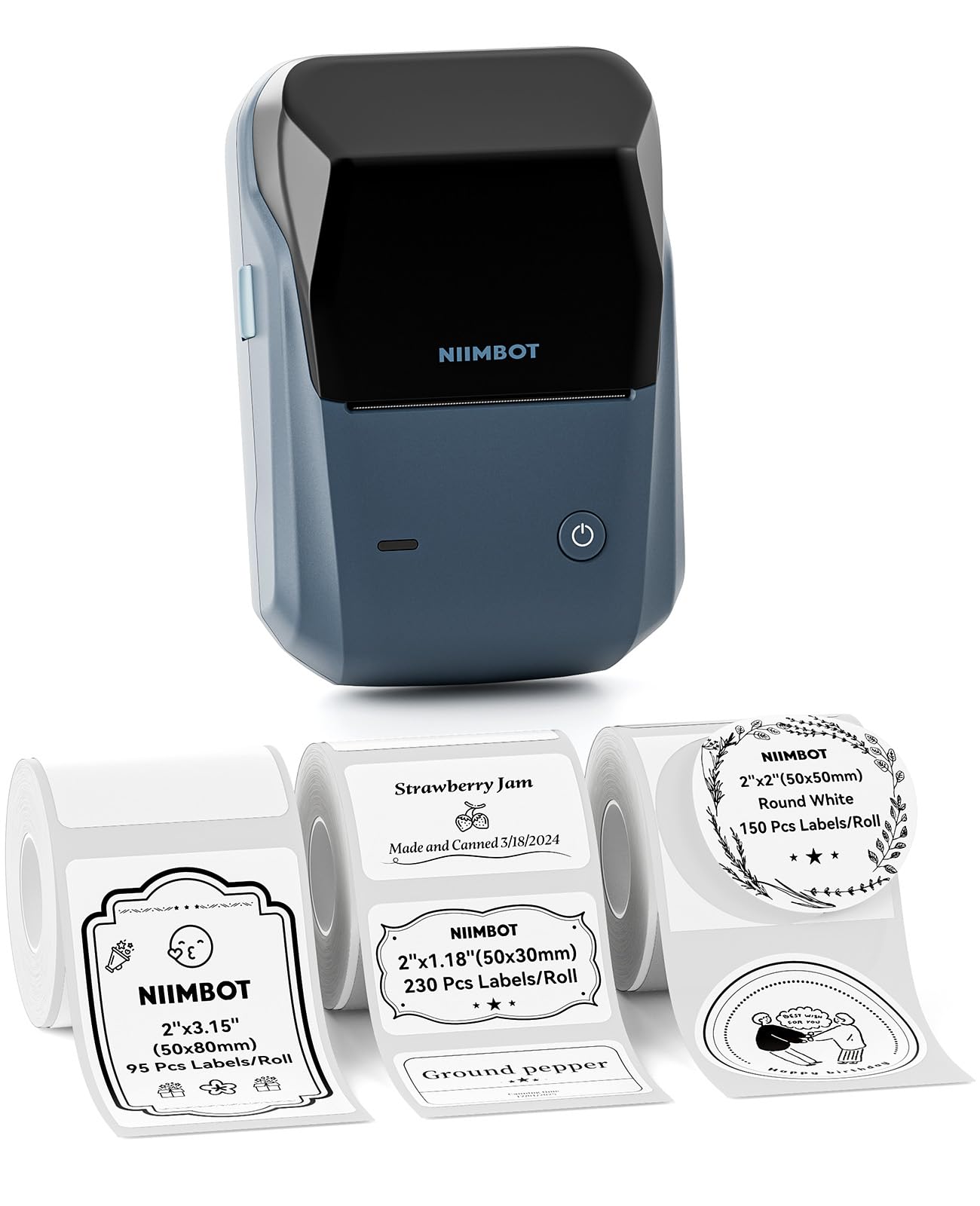
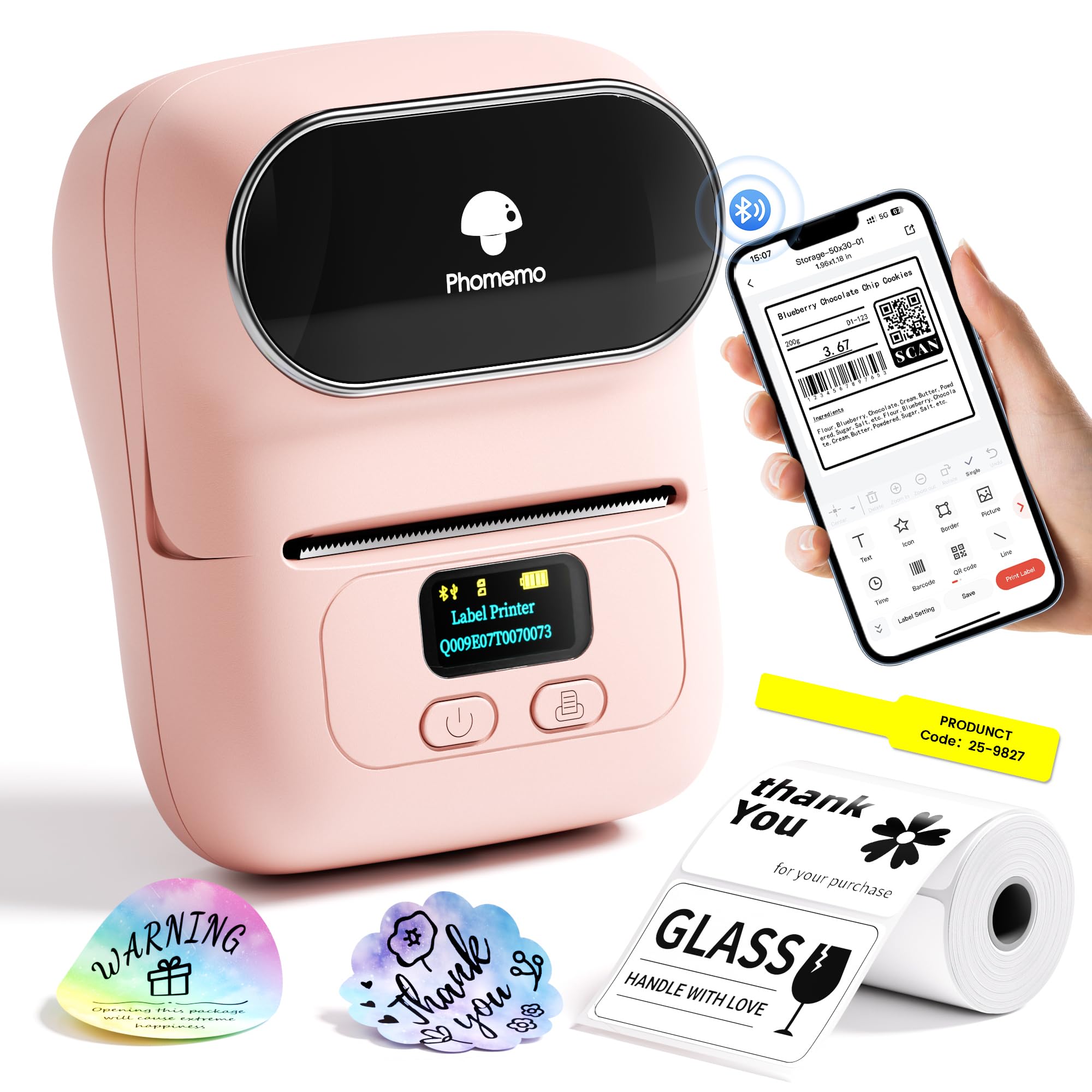
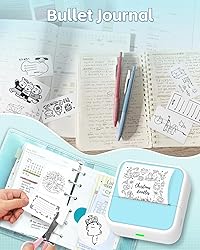
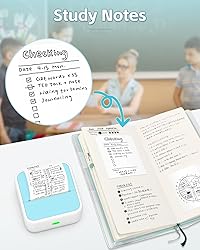
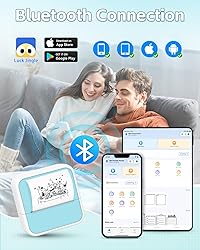
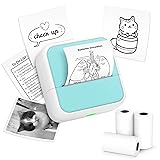
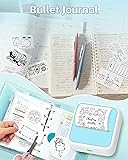
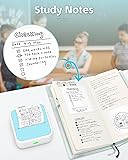
Portable Thermal Printer: Delightfully compact and lightweight, this Mini Printer easily fits into your pocket, making on-the-go printing tasks hassle-free. Perfect for printing tickets, labels, and other thermal printing tasks anytime, anywhere. Mini Printer with 3 Rolls of Stickers: Incorporates unique sticker printing capabilities, allowing you to create a variety of stickers with ease. Personalize your belongings and print your memories as stickers within seconds. Inkless Sticker Maker: Enjoy stickers printing with Luck Jingle App at your fingertips. Perfect for printing out your favourite moments and turning them into lasting memories. You can now printout your ideas wherever you go! Cute Design: Its adorable appearance design makes it a fun and engaging printing gadget for people alike. It is an enjoyable tool to foster creativity and make printing a fun experience. Perfect Gift Choice: Whether for Christmas or a birthday celebration, this Sticker Printer serves as an excellent gift choice. Ideal for individuals who love taking notes or cherish documenting memories. How to Print QR Code: Open Luck Jungle App - Select Label Print - Confirm Setting Szie - Select QR code - Input your content - Print How to Print: 1. Long press the power button to turn on 2. Connect the printer in the Lucky Jungle App 3. Select the corresponding printer model 4. Input your content - Print
Compra protegida
Disfruta de una experiencia de compra segura y confiable
![]() Garantía de entrega
Garantía de entrega
Con Tiendamia todas tus compras cuentan con Garantía de Entrega o devolución total de tu dinero.
Compras 100% seguras y garantizadas, para que pidas lo que sueñas y lo recibas del mundo a tu puerta.
Tarjetas de Débito y Crédito

Visa

Mastercard

American Express

Dinners

Discover

Alias
Pagos a través de PayPal
Compra procesada en dólares con dinero en cuenta o tarjetas internacionales.

PayPal

.svg)
 Garantía de entrega