








 Garantía de entrega


Artículo: AMZ-B0BWJ7C9LN
Phomemo
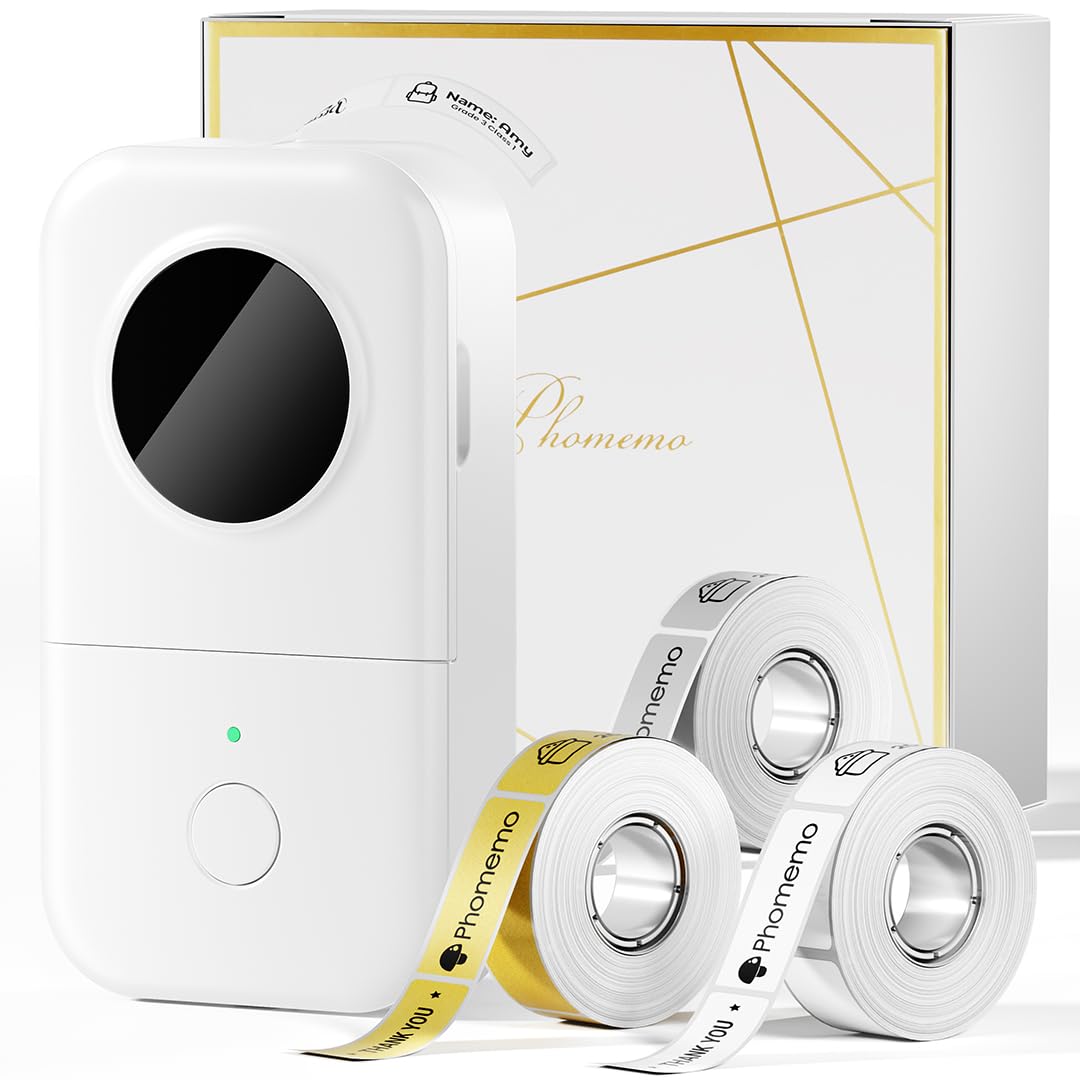
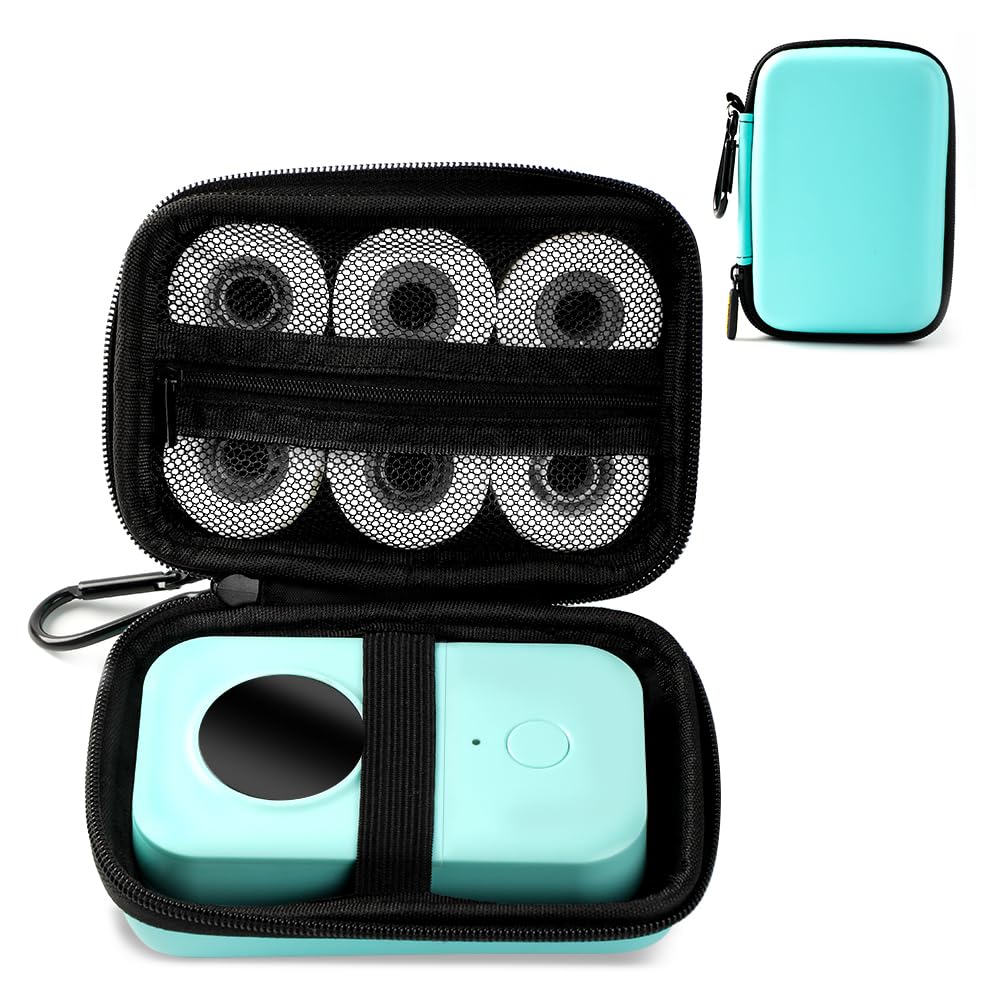
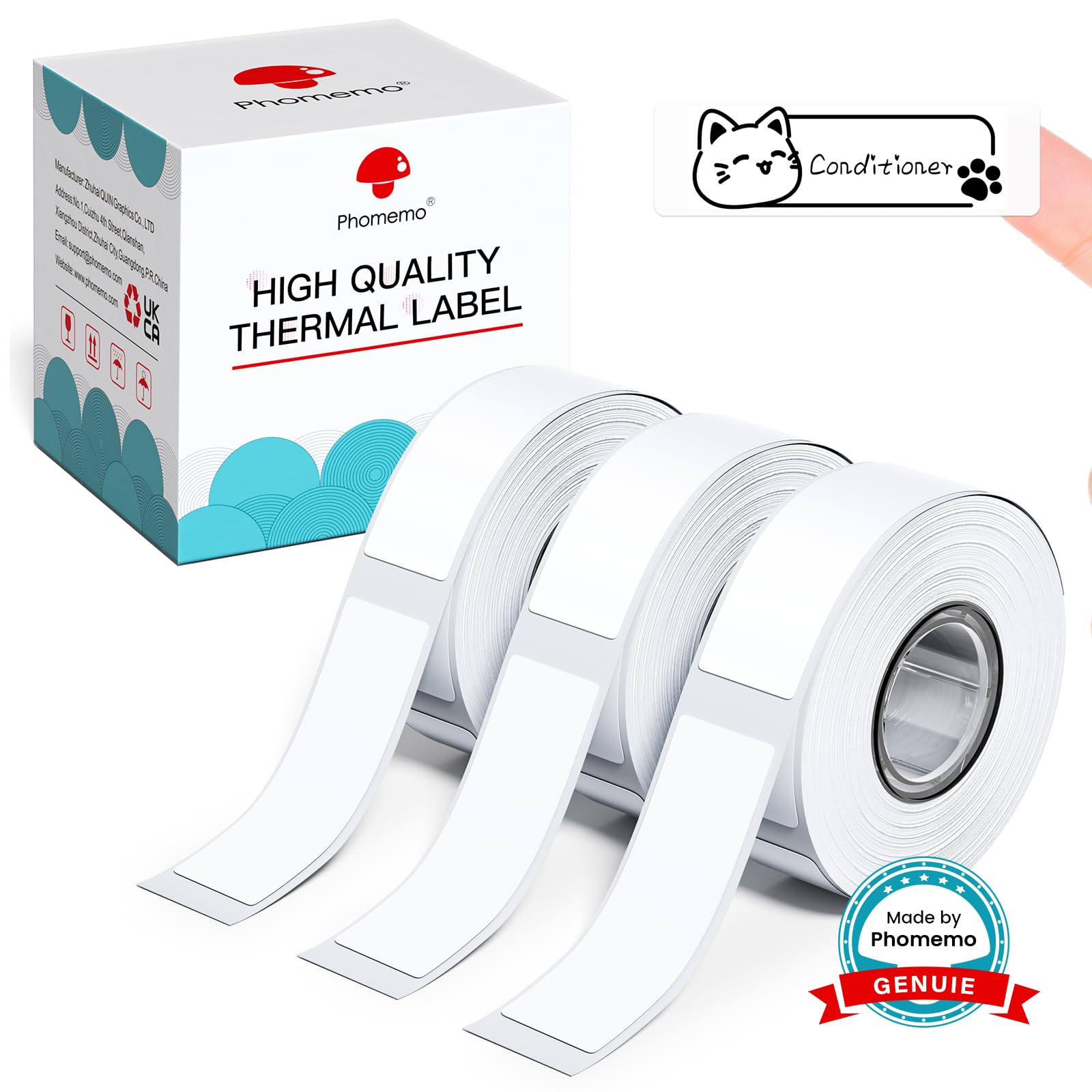
Phomemo Label Maker, M220 Thermal Label Printer, 80mm Portable Bluetooth Barcode Printer Compatible with Andriod/iOS for Home, Office, Small Business, with 3 Packs Label & Case
Color:
Black
Style:
1 Printer + 3 Roll Labels + 1 Case
Detalles del producto
Disponibilidad
En stock
En stock
Peso con empaque
0.53 kg
0.53 kg
Devolución
Sí
Sí
Condición
Nuevo
Nuevo
Producto de
Amazon
Amazon
Viaja desde
USA
USA
Sobre este producto
- Portable Mobile Thermal Printer - The label maker machine design compact and small, adopt stable Bluetooth transper technology, easily print form Phone and tablet with the App " Print Master".
$200,35
55% OFF
$91,07
IMPORT EASILY
By purchasing this product you can deduct VAT with your RUT number
$200,35
55% OFF
$91,07
Envío gratis
 Llega en 5 a 12 días hábiles
Con envío
 Tienes garantia de entrega
Este producto viaja
de USA ![]() a tus manos en
a tus manos en
![]()
 a tus manos en

Conoce más detalles
Ultra-Portable Design: The Phomemo M220 label maker is compact and lightweight, featuring stable Bluetooth technology for easy printing from smartphones and tablets using the "Print Master" app. The label maker support print thermal label width rang from 0.78'' to 3.14'', NOT support print 4 x 6 shipping labels,Charging with 5V 2A, Don't use the charger that output above 5V Inkless and Cost-Effective: Utilize upgraded thermal technology for inkless printing, eliminating the need for ink, toner, or ribbons, and reducing costs compared to traditional label printers. Versatile Compatibility: The M220 label maker is compatible with Android, iOS, iPad, Windows 10/11, and Mac, making it suitable for both mobile and desktop use in various settings like home, office, and small businesses. User-Friendly Operation: Simply download the "Print Master" app, connect via Bluetooth, and start creating labels with the M220 thermal printer. For PC users, download the driver from the Phomemo website for seamless printing. Diverse Applications: Print text, barcodes, QR codes, images, addresses, and more with the "Print Master" app, which offers a vast library of icons and templates to simplify label creation. The Label Maker Complete Package - The box includes one Phomemo M220 label maker machine black, one M220 label maker storage case, an instruction manual, a USB data cable, one roll 40mm x 30mm thermal labels, one roll 60mm x 40mm thermal labels, one roll 70mm x 80mm thermal labels. Phone and Tablet Start Printing - Step 1: Download the App 'Print Master'. Step 2: Turn on the M220 label maker and your phone's or tablet's Bluetooth. Step 3: Click the 'Printer' icon in the App to search for the M220 portable label printer, connect it via Bluetooth in the App, select the label size, and edit the content to start printing Laptop/PC Starts Printing - Step 1: Please check your laptop/PC's operating system (OS) and download and install the correct M220 driver and the 'Labelife' app from the Phomemo website. Step 2: Use the USB data cable to connect the M220 label maker to your computer. Step 3: Select the label size, edit the content, and choose M220 from the printer list How to Clean the Print Head - Wipe the cut parts of the label maker, especially the black lines, with alcohol cotton to ensure that there is no adhesive or foreign object on the print head. Note: Do not scratch the print head with any hard objects
Compra protegida
Disfruta de una experiencia de compra segura y confiable
![]() Garantía de entrega
Garantía de entrega
Con Tiendamia todas tus compras cuentan con Garantía de Entrega o devolución total de tu dinero.
Compras 100% seguras y garantizadas, para que pidas lo que sueñas y lo recibas del mundo a tu puerta.
Tarjetas de Débito y Crédito

Visa

Mastercard

American Express

Dinners

Discover

Alias
Pagos a través de PayPal
Compra procesada en dólares con dinero en cuenta o tarjetas internacionales.

PayPal

.svg)
