








 Garantía de entrega


Artículo: AMZ-B08HCV1JGB
TOUR BOX
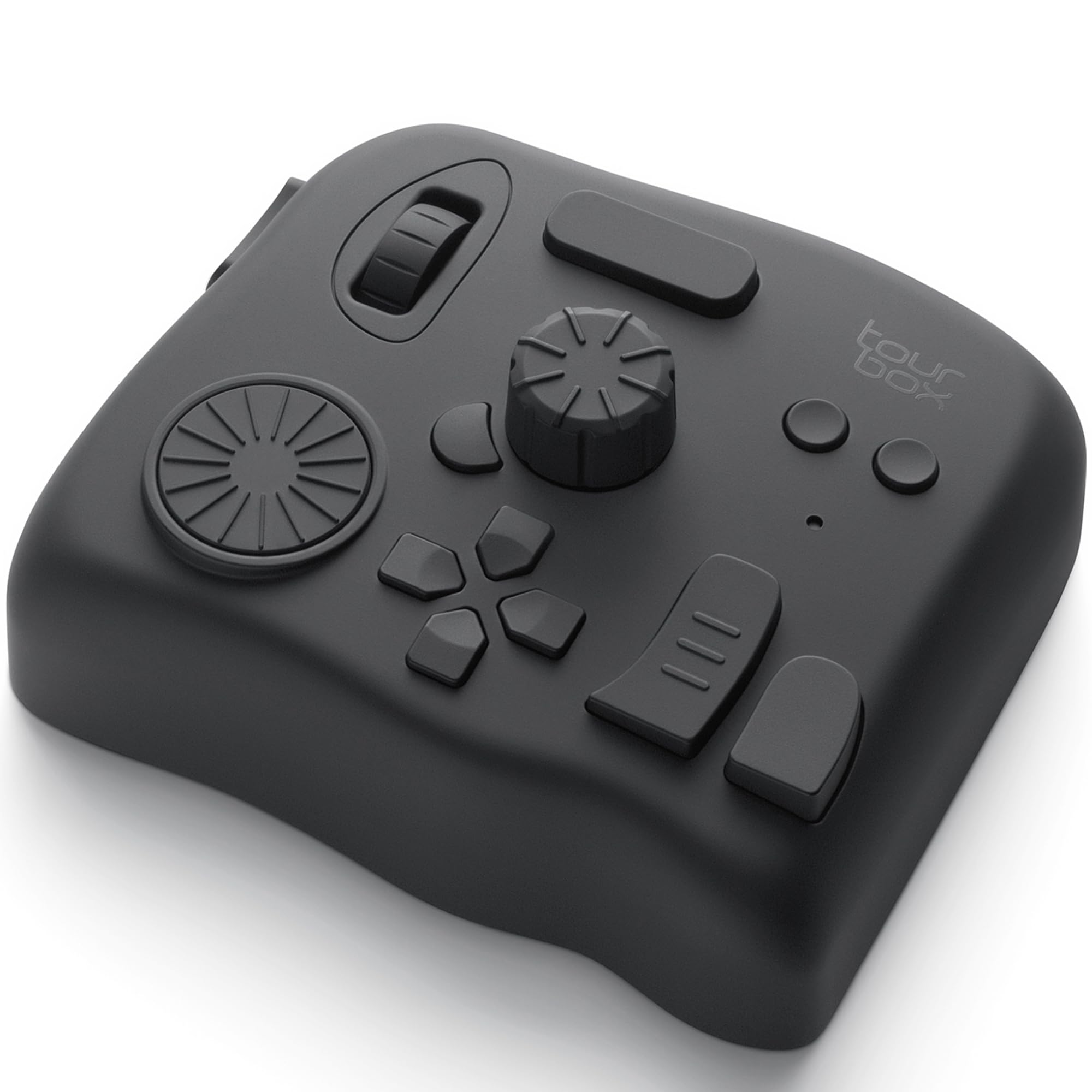
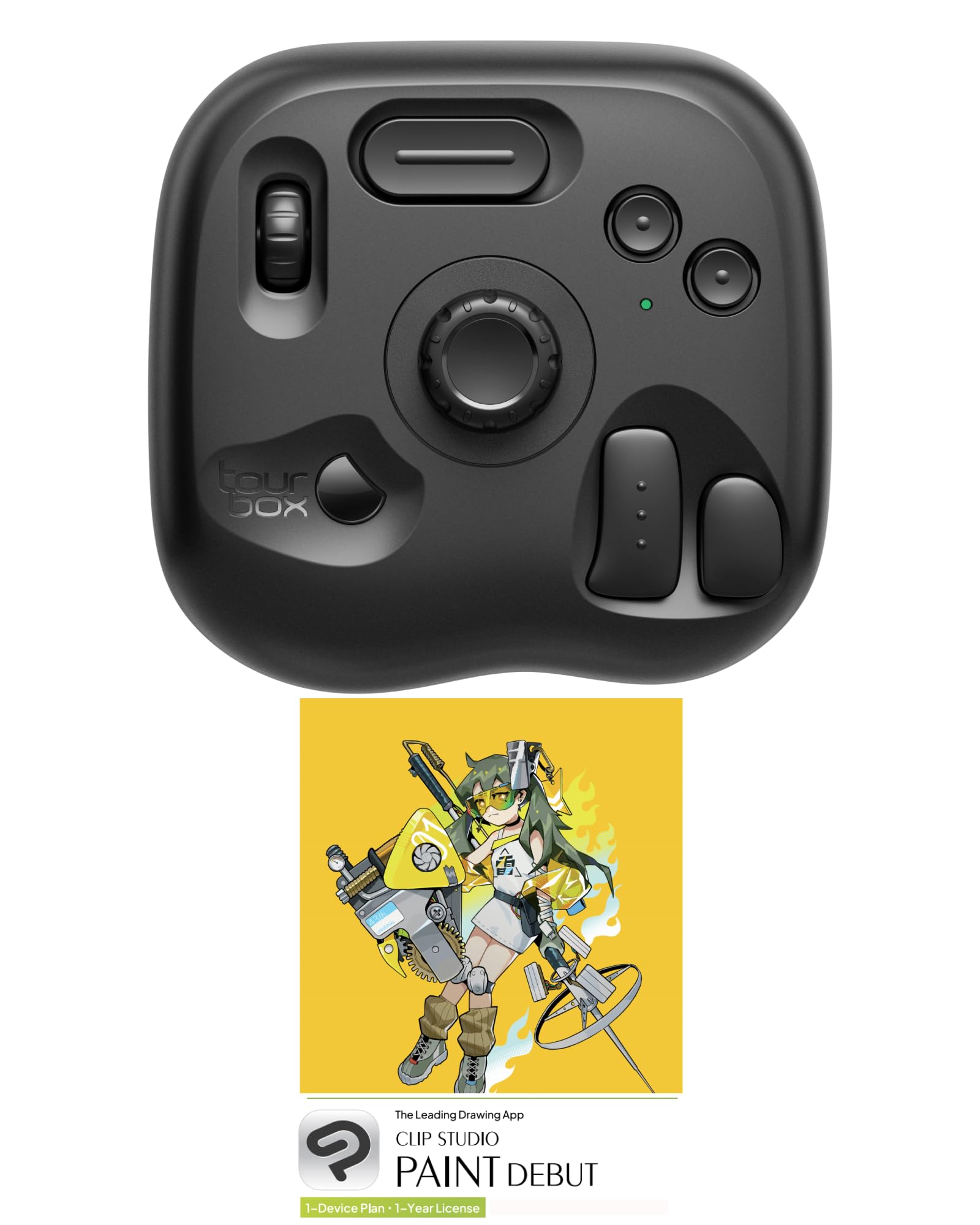
TourBox NEO - Customizable Editing Controller, Photo Color Grading Illustration Speed Editor, Intuitive Control Boost Productivity, Programmable Keyboard for Adobe CSP and More, Works with Mac/PC
Size:
Includes: Device Only
Detalles del producto
Disponibilidad
En stock
En stock
Peso con empaque
0.45 kg
0.45 kg
Devolución
Sí
Sí
Condición
Nuevo
Nuevo
Producto de
Amazon
Amazon
Viaja desde
USA
USA
Sobre este producto
- - TourBox NEO, Your First TourBox Console - Compatible with All, Limitless Creation Compatible with Windows and Mac OS—ideal for laptops, PCs, and graphic tablets. Perfect for hand-draw artists, digital illustrators, photographers, colorists, creators, animators, and audio/video editors! (Not for i Pad) Designed for Creative Workflows Compatible with DaVinci Resolve, Adobe Premiere Pro, Photoshop, Lightroom, Final Cut Pro, Autodesk Maya, Blender, Audition, Animate, and more—boost your productivity! The Ideal Stream Controller Perfect as a mini panel, macro pad, and auto hotkey—make live work and creation a breeze! A compact and ergonomic design that keeps you in control during live sessions!
$432,28
49% OFF
$221,68
IMPORT EASILY
By purchasing this product you can deduct VAT with your RUT number
$432,28
49% OFF
$221,68
Envío gratis
 Llega en 5 a 12 días hábiles
Con envío
 Tienes garantia de entrega
Este producto viaja
de USA ![]() a tus manos en
a tus manos en
![]()
 a tus manos en

Conoce más detalles
TourBox NEO is a standard wired version. No charging, no dropouts, stable zero-latency. Engineered for macOS and Windows to deliver the ultimate desktop creative experience. (Please note: Not compatible with Linux and mobile devices like iPad or Android tablets.) ENTRY-LEVEL CREATIVE SOFTWARE CONTROLLER: Speed up and elevate content creators' experience in drawing, photo retouching and color enhancement, and video editing with color grading. It simplifies the creative process, making it more efficient and seamless EXTENSIVE COMPATIBILITY: Supports creative software like Photoshop, Lightroom, Capture One, Premiere Pro, Final Cut Pro, DaVinci Resolve, Clip Studio Paint, SAI, Camera Raw, AutoCAD, Blender, and more MUST-HAVE DRAWING ASSISTANT: For novices and professionals. Seamlessly supports graphics tablets and pen displays. Use the same knob to manage brush parameters like size, flow, opacity, hardnes, canvas rotation, movement, zooming, and tool switching FOR PHOTOGRAPHY POST-PROCESSING: The unique button layout and updated screen menu allow one-handed control of image selection, color grading, and adjustments. The dial simplifies image selection, while the knobs provide precise color control INTUITIVE VIDEO EDITING & COLOR GRADING: With a dial, knobs, and scroll wheel inspired by over 1,000 editors, gain precise and intuitive control over your timeline. Our exclusive panel makes color adjustments simpler and more intuitive
Compra protegida
Disfruta de una experiencia de compra segura y confiable
![]() Garantía de entrega
Garantía de entrega
Con Tiendamia todas tus compras cuentan con Garantía de Entrega o devolución total de tu dinero.
Compras 100% seguras y garantizadas, para que pidas lo que sueñas y lo recibas del mundo a tu puerta.
Tarjetas de Débito y Crédito

Visa

Mastercard

American Express

Dinners

Discover

Alias
Pagos a través de PayPal
Compra procesada en dólares con dinero en cuenta o tarjetas internacionales.

PayPal

.svg)
