









 Garantía de entrega


Artículo: AMZ-B07H79NYPT
JOYACCESS
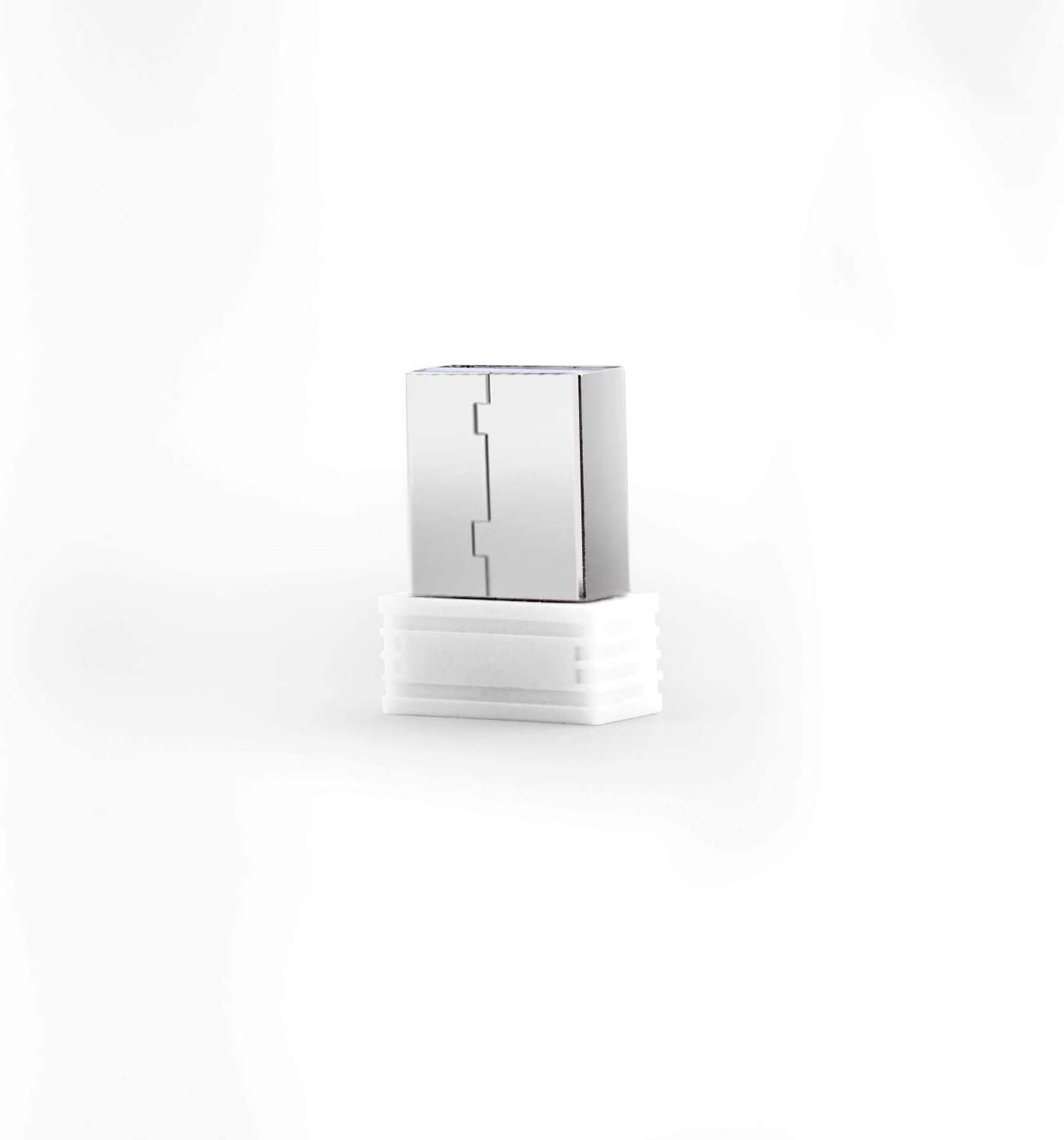
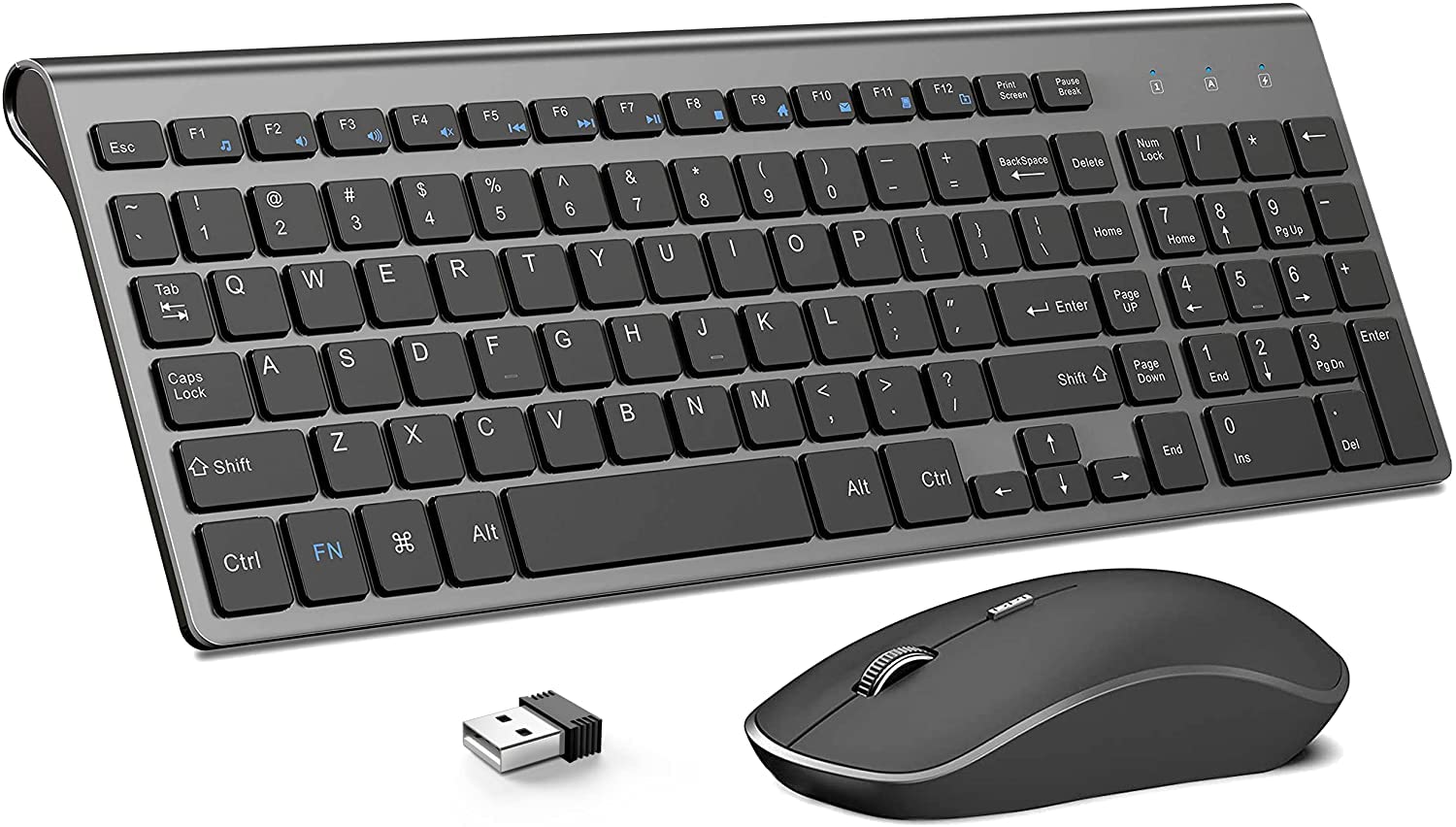
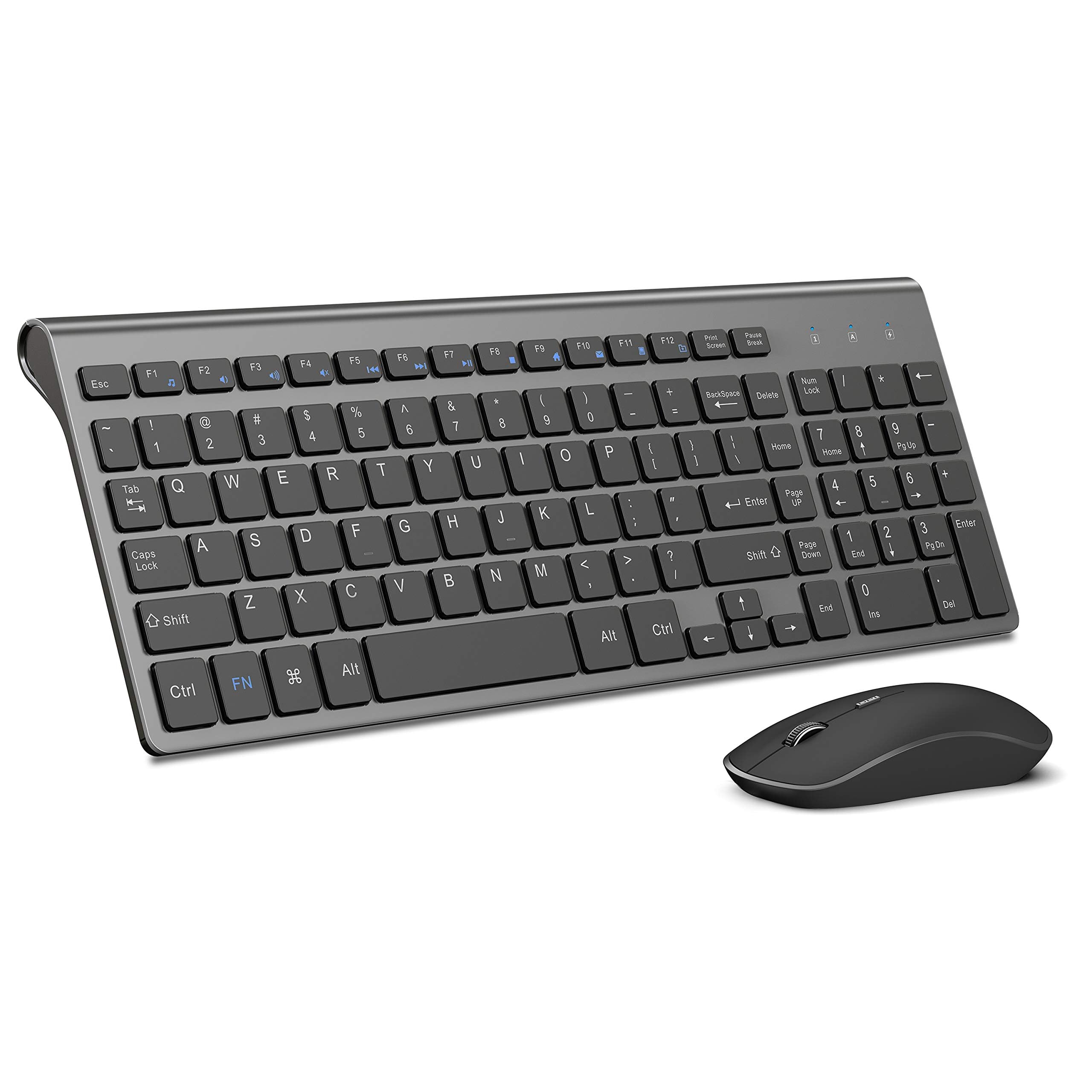
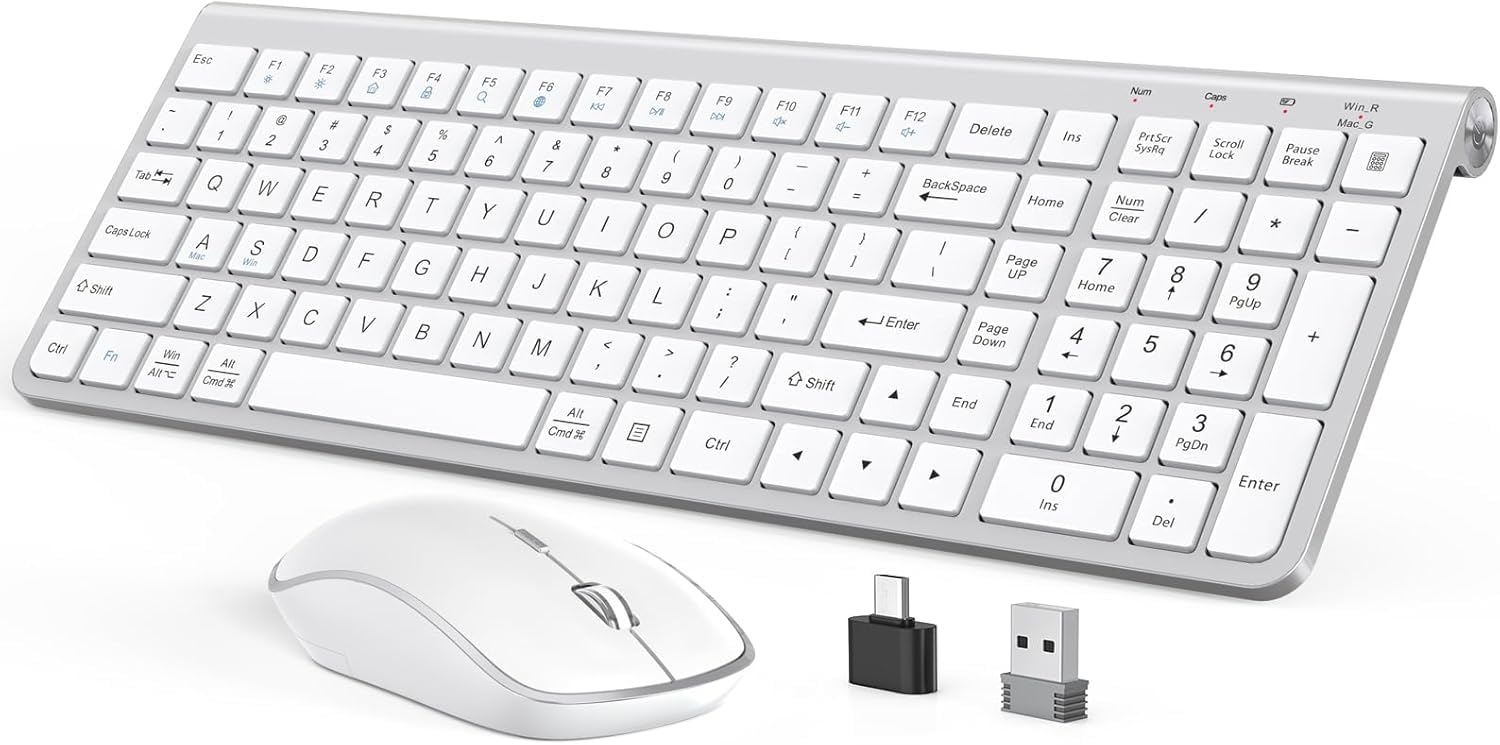
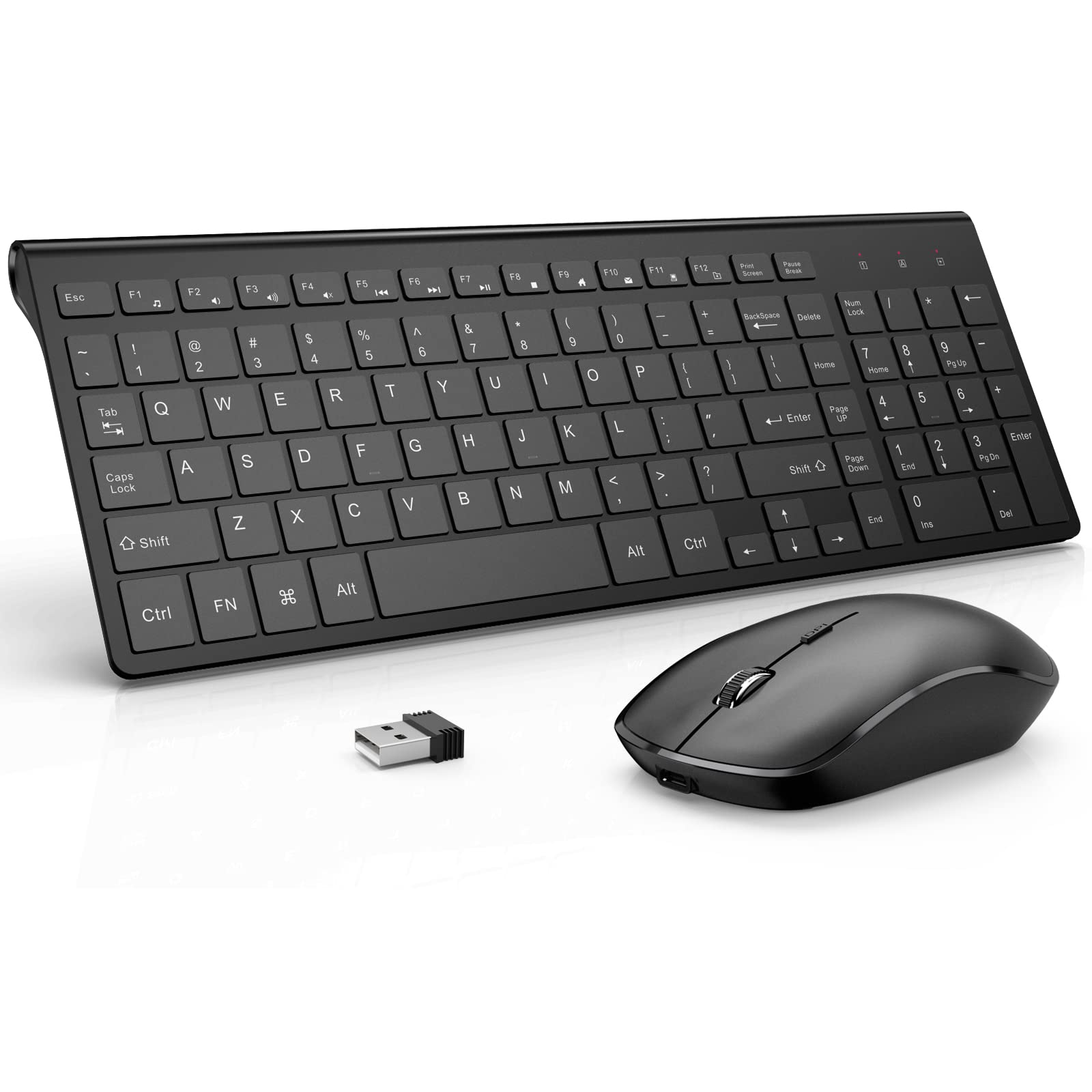
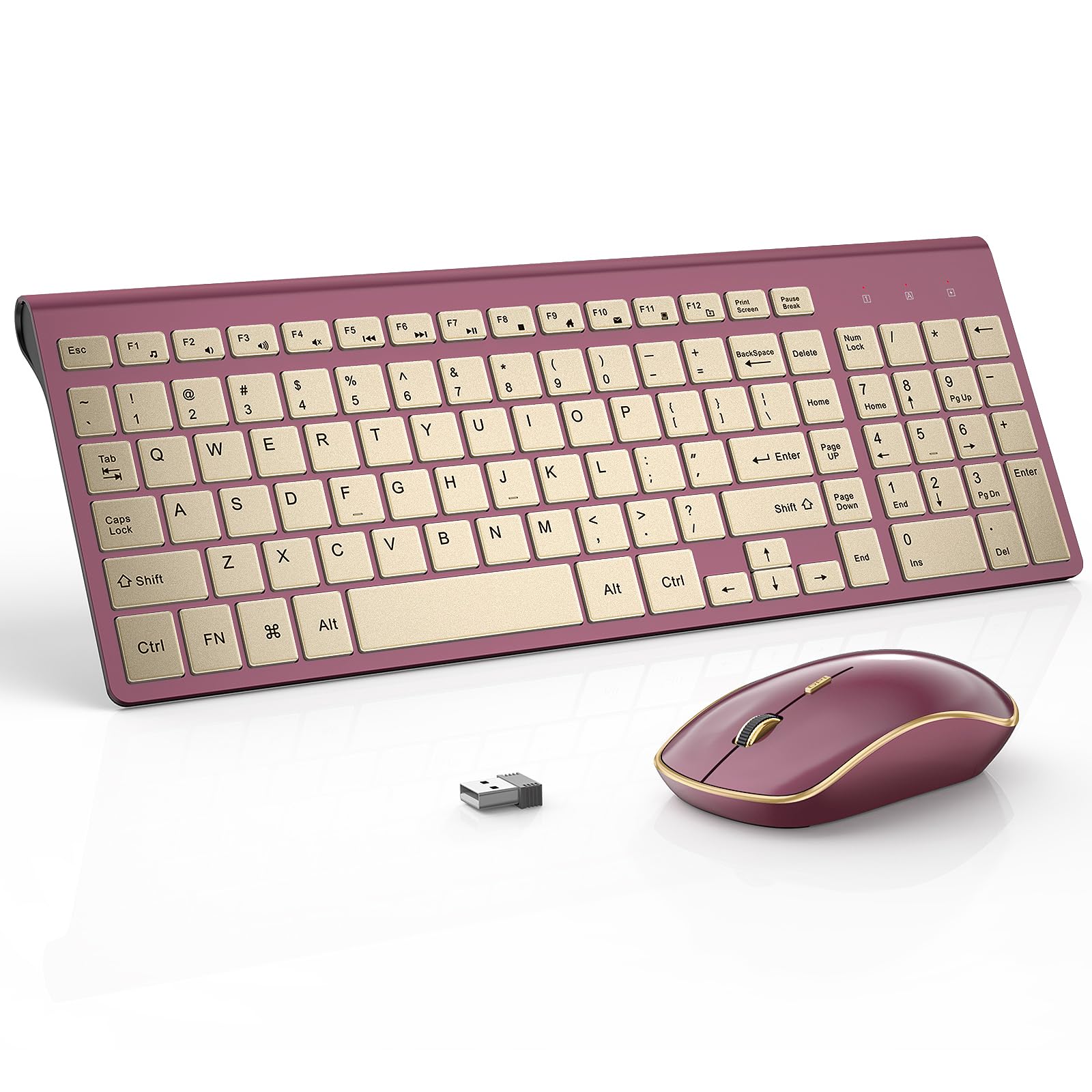
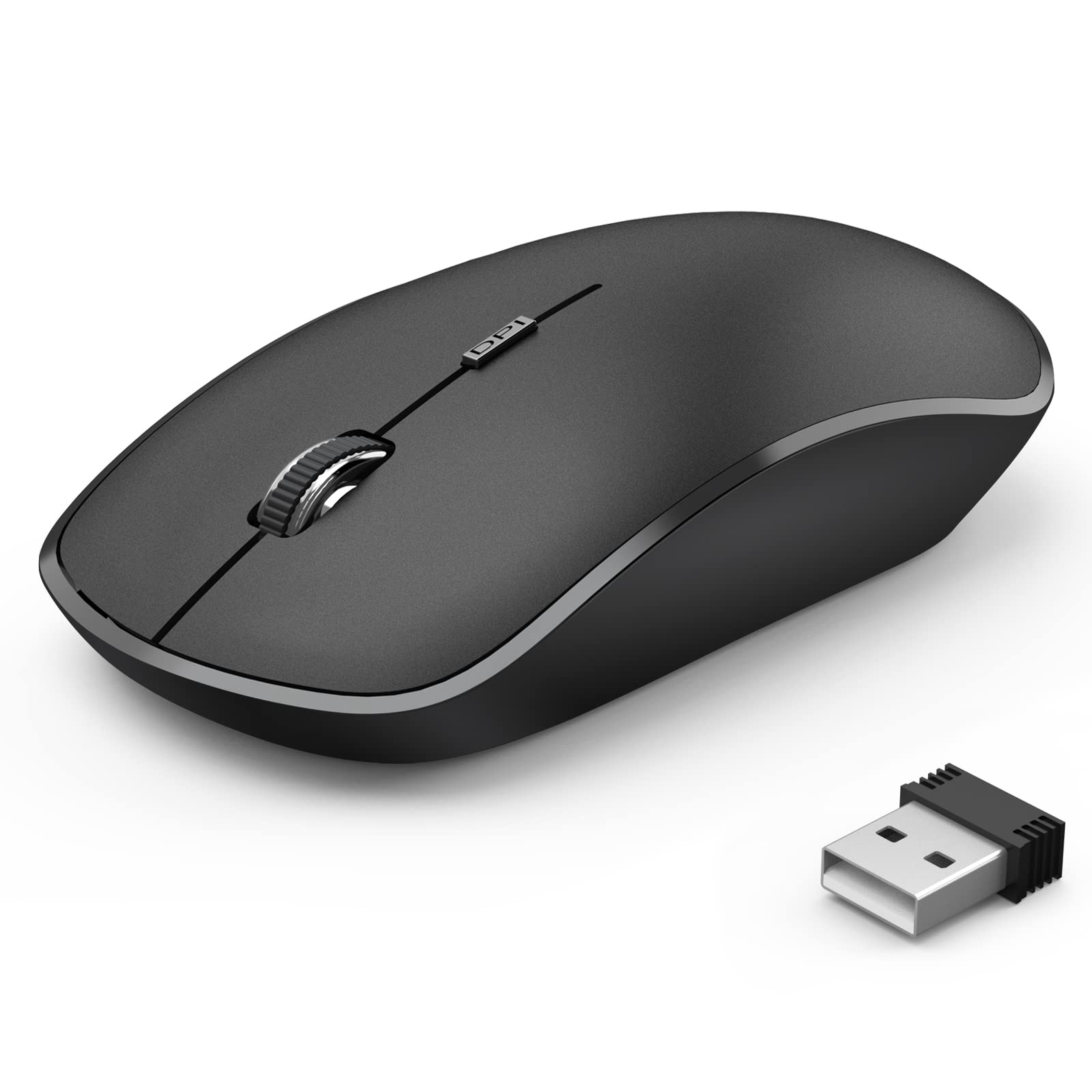
USB Receiver for JOYACCESS Keyboard and Mouse Combo(for Model No.: JA-CB2, JA-CB2R) -New Version Since July.2018
Detalles del producto
Disponibilidad
En stock
En stock
Peso con empaque
0.20 kg
0.20 kg
Devolución
Sí
Sí
Condición
Nuevo
Nuevo
Producto de
Amazon
Amazon
Viaja desde
USA
USA
Sobre este producto
- JOYACCESS USB Receiver for JOYACCESS Keyboard and Mouse Combo(Work for New Model: JA-CB2, JA-CB2R) VERY IMPORTANY! PLEASE CONTACT OUR CUSTOMER SERVICE TO CONFIRM THE KEYBOARD AND MOUSE VERSION. USUSALLY WE WILL SEND YOU FROM CHINA IF YOU BUY BEFORE JULY.2018
$16,01
31% OFF
$11,04
IMPORT EASILY
By purchasing this product you can deduct VAT with your RUT number
$16,01
31% OFF
$11,04
Envío gratis
 Llega en 5 a 12 días hábiles
Con envío
 Tienes garantia de entrega
Este producto viaja
de USA ![]() a tus manos en
a tus manos en
![]()
 a tus manos en

Conoce más detalles
VERY IMPORTANY! PLEASE CONTACT OUR CUSTOMER SERVICE TO CONFIRM THE KEYBOARD AND MOUSE VERSION. USUSALLY WE WILL SEND YOU FROM CHINA IF YOU BUY BEFORE JULY.2018 VERY IMPORTANY! PLEASE CONTACT OUR CUSTOMER SERVICE TO CONFIRM THE KEYBOARD AND MOUSE VERSION. USUSALLY WE WILL SEND YOU FROM CHINA IF YOU BUY BEFORE JULY.2018 Please ensure if the third led of keyboard will light when install batteries and turn on power switch If the third led of keyboard will light but no response, the keyboard lose connection with USB receiver. Pls try to pair them with USB receiver as follow: a. turn off keyboard power and unplug the USB receiver; b. press and hold ESC & "=+"; c. turn on keyboard power, you will find the power led keep flashing(it means keyboard are searching the USB) d. plug USB receiver to USB ports quickly, pls move keyboard closer to receiver within 7 INCHES e. Release ESC & "=+"
Compra protegida
Disfruta de una experiencia de compra segura y confiable
![]() Garantía de entrega
Garantía de entrega
Con Tiendamia todas tus compras cuentan con Garantía de Entrega o devolución total de tu dinero.
Compras 100% seguras y garantizadas, para que pidas lo que sueñas y lo recibas del mundo a tu puerta.
Tarjetas de Débito y Crédito

Visa

Mastercard

American Express

Dinners

Discover

Alias
Pagos a través de PayPal
Compra procesada en dólares con dinero en cuenta o tarjetas internacionales.

PayPal

.svg)
