








 Garantía de entrega





Artículo: AMZ-B07BRVK7B4
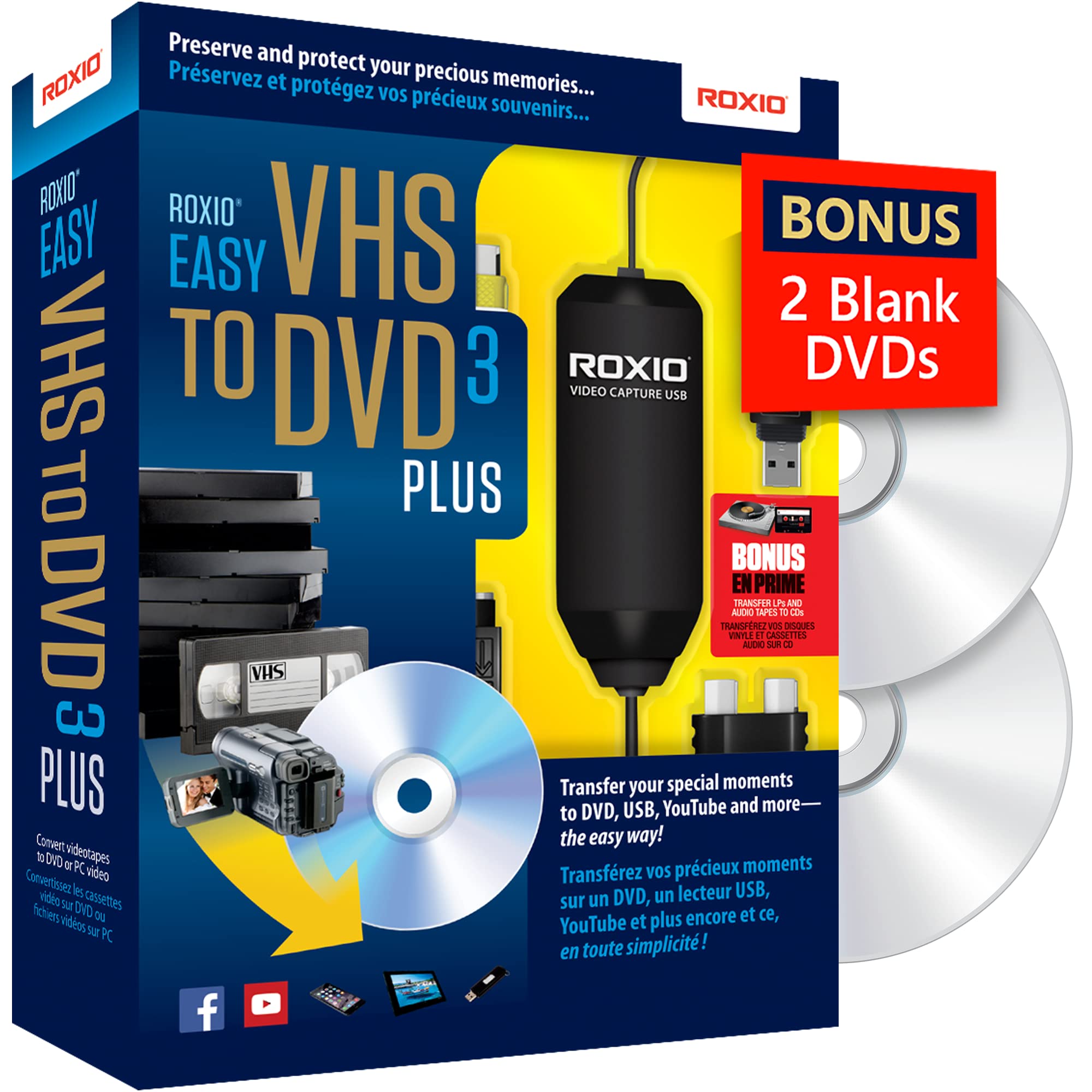
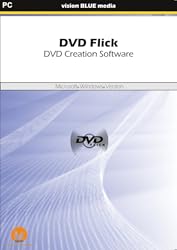
DVD Flick - DVD Creation Software - Download Version [Download]
Detalles del producto
Disponibilidad
En stock
En stock
Peso con empaque
0.20 kg
0.20 kg
Devolución
No
No
Condición
Nuevo
Nuevo
Producto de
Amazon
Amazon
Viaja desde
USA
USA
Sobre este producto
- Convert Almost Any Video File To DVD to play on your DVD player. Save upto over $70 against competing products. Microsoft Windows Compatible. PC Minimum System Requirements:PC Recommended System Requirements:Processor: 1GhzRAM: 256 MB RAM, 512 MB+ for Vista and above.Hard Disk: DVD Flick 42.8MB | DVD Flick Control Console 466.1MB | Total 508.9MBVideo Card: N/ASupported OS: Windows 10, Windows 8, Windows 8.1, Windows 7, Windows Vista, Windows XP, Windows 2000Additional Requirements: DVD Flick: Included Version: 1.3.0.7 System Windows Compatible Personal Computer (PC) 32 bit program, runs on 32 bit systems natively, and 64 bit systems using the native WOW64 x86 emulator. Processor A Pentium MMX or compatible AMD processor, or better. A Pentium IV or later is recommended, the faster the better. Multithreading is supported. Operating systems Windows 2000 Professional, or any edition of Windows XP, Windows Vista or Windows 7. Hardware Memory (RAM) At least 256 MB of free physical RAM, 512 MB or more is recommended. When using Windows Vista, at least 512 MB is required. Hard Drive Space 42.8MB DVD Flick Control Console: System Windows Compatible Personal Computer (PC) 32 bit program, runs on 32 bit systems natively, and 64 bit systems using the native WOW64 x86 emulator. Operating Systems Microsoft Windows 95 and above. Hard Drive Space 466.1MBProcessor: 2GhzRAM: 2GBHard Disk: DVD Flick 42.8MB | DVD Flick Control Console 466.1MB | Total 508.9MBVideo Card: N/A

Producto prohibido
Este producto no está disponible
Este producto viaja
de USA ![]() a tus manos en
a tus manos en
![]()
 a tus manos en

Conoce más detalles
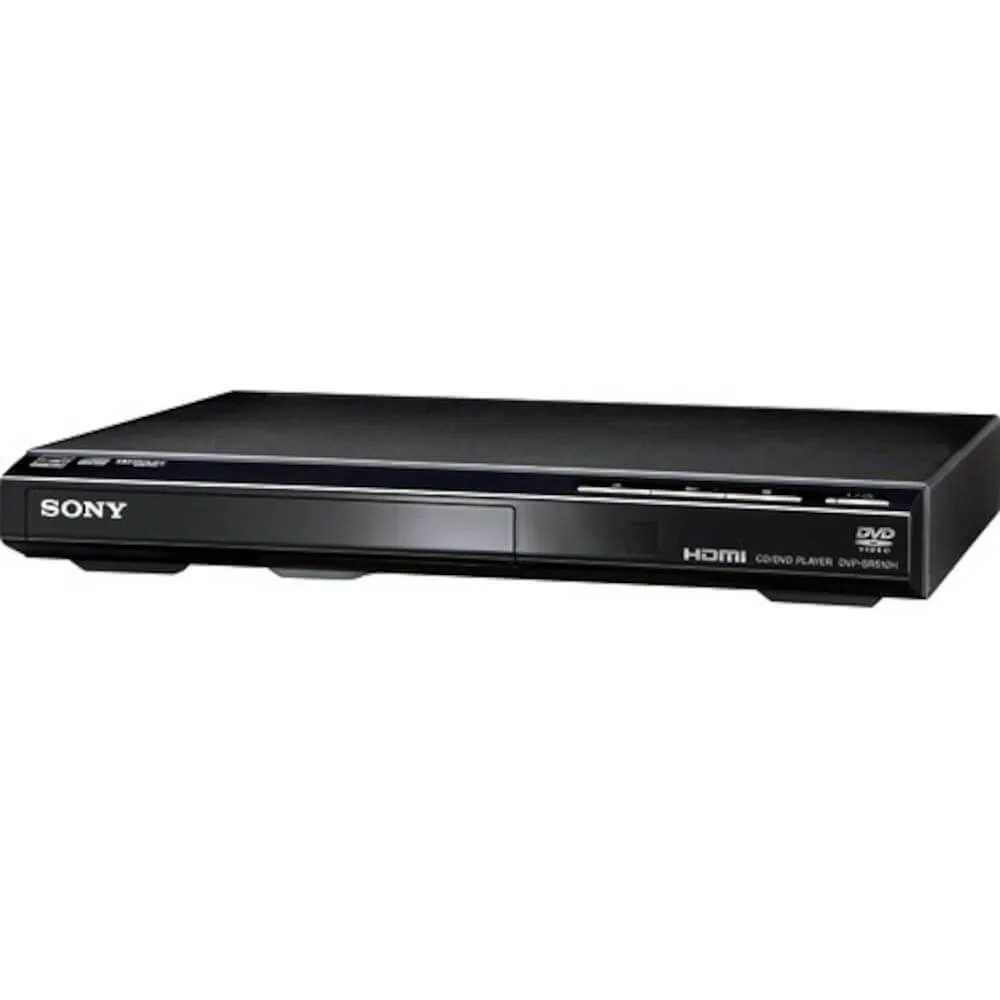
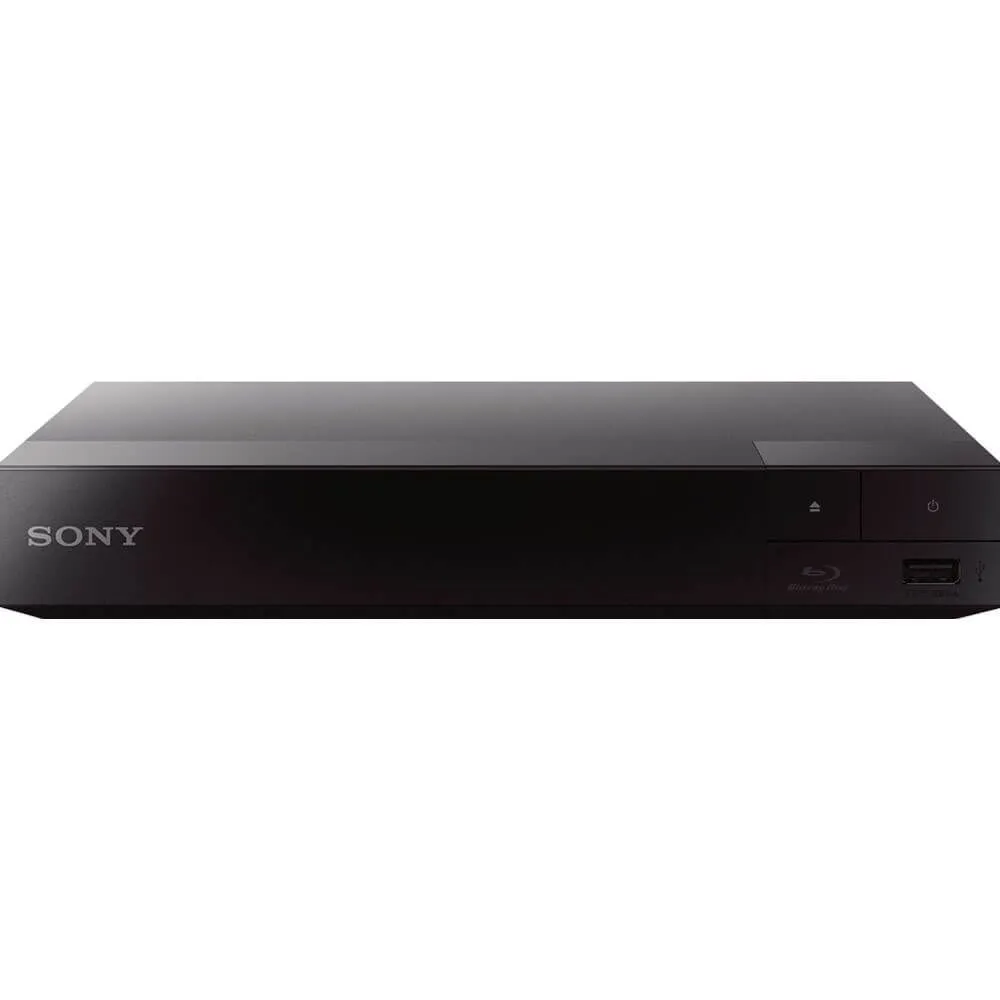
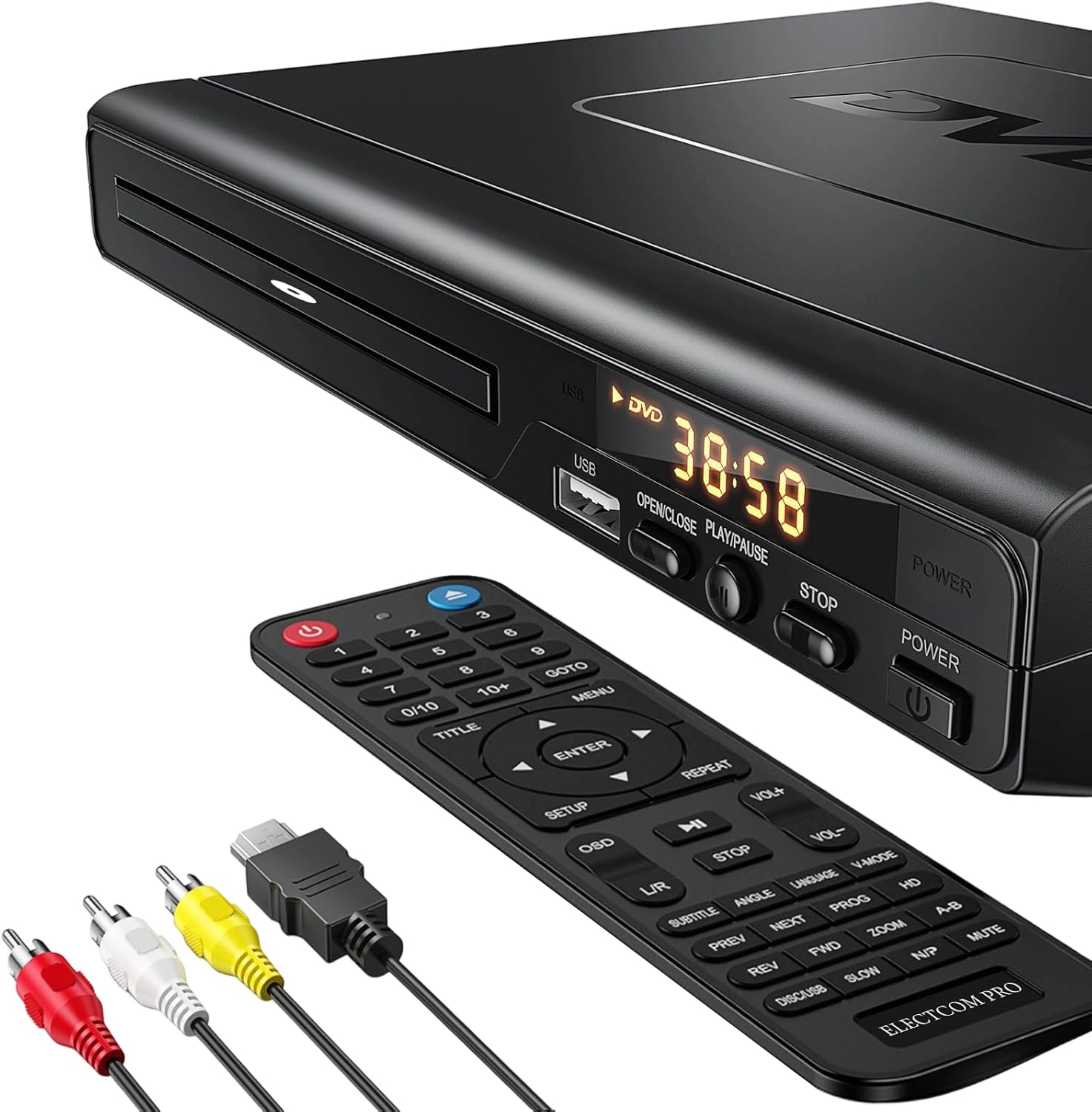
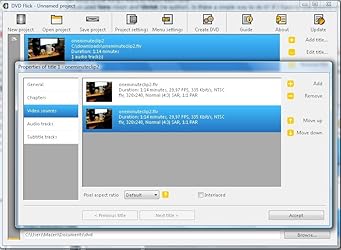
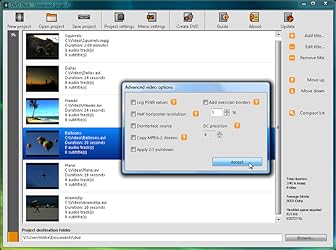
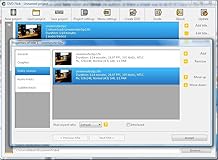
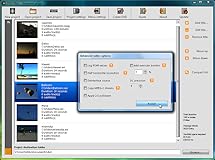
This software aims to be a simple but at the same time, powerful DVD Authoring application. It can take a number of video files stored on your computer and turn them into a DVD that will play back on your DVD player, Media Centre or Home Cinema Set. You can add additional custom audio tracks, subtitles as well as a menu for easier navigation. Simply burn your project to disc after encoding.
Compra protegida
Disfruta de una experiencia de compra segura y confiable
![]() Garantía de entrega
Garantía de entrega
Con Tiendamia todas tus compras cuentan con Garantía de Entrega o devolución total de tu dinero.
Compras 100% seguras y garantizadas, para que pidas lo que sueñas y lo recibas del mundo a tu puerta.
Tarjetas de Débito y Crédito

Visa

Mastercard

American Express

Dinners

Discover

Alias
Pagos a través de PayPal
Compra procesada en dólares con dinero en cuenta o tarjetas internacionales.

PayPal

.svg)
 Garantía de entrega