













 Garantía de entrega


Artículo: AMZ-1801075042
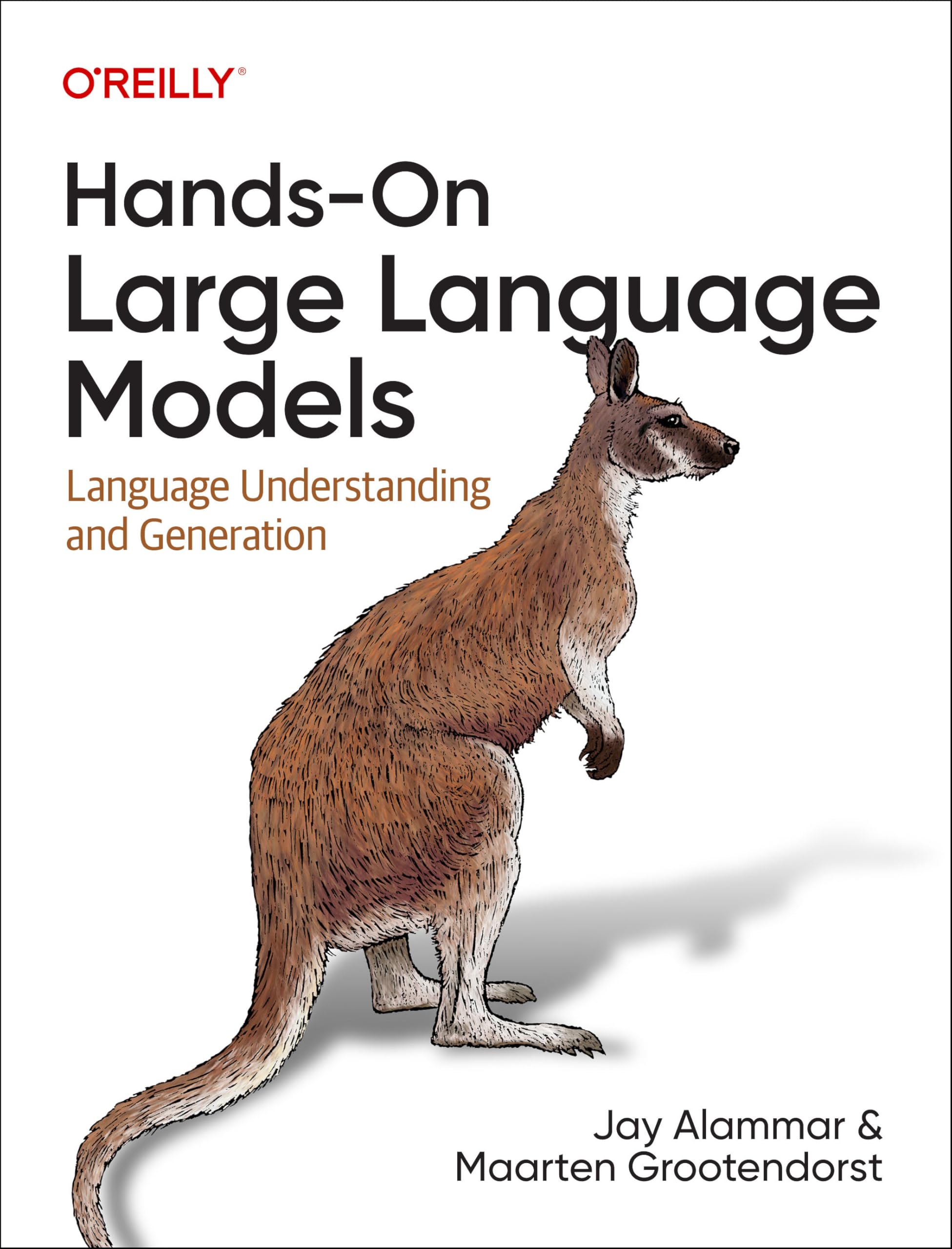
Hands-On Microsoft Lists: Create custom data models and improve the way data is organized using Lists in Microsoft 365
Format:
Paperback
Detalles del producto
Disponibilidad
En stock
En stock
Peso con empaque
0.69 kg
0.69 kg
Devolución
Sí
Sí
Condición
Nuevo
Nuevo
Producto de
Amazon
Amazon
Viaja desde
USA
USA
Sobre este producto
- Prepare to be a Microsoft Lists advocate and transform the way data is harnessed in your organizationKey FeaturesGet to grips with Microsoft Lists and organize your data efficientlyDiscover best practices and real-world scenarios to track information, events, and issues in your organizationTake control of your data by creating custom data models using Microsoft ListsBook DescriptionMicrosoft Lists is an extremely flexible and powerful platform for creating custom data models. Hands-On Microsoft Lists is an easy-to-read guide for those who want to get started with Lists, as well as those who are already familiar with the basic concepts and want to create custom and flexible Lists that are easily available through a web interface.This comprehensive introduction to Lists will show you how to get up to speed in no time with the help of practical guidance and examples. Complete with hands-on tutorials and projects, you’ll understand how to use and implement Microsoft Lists effectively. You’ll start by covering all the basic concepts that will help you to build your Microsoft Lists and get the most out of the platform. As you progress, you’ll explore how to customize Microsoft Lists layouts and forms. Later chapters will guide you through integrating Microsoft Lists with the Power Platform. Throughout the book, you’ll work with practical scenarios that you can use daily to improve the collaboration in your organization.By the end of this Microsoft book, you’ll have learned how to create custom data models to improve the way your data is put together, managed, and consumed in your workplace.What you will learnUse the Lists platform effectively in the modern workplaceGet to grips with data privacyDiscover how to customize Microsoft Lists data and formsAutomate processes using Microsoft ListsExtend the default features of Microsoft Lists using the SharePoint frameworkCreate custom list templates using PnP PowerShellExtend Microsoft Lists using Power PlatformWho this book is forThis book is for business professionals and end users working with Microsoft 365 tools such as Microsoft SharePoint and Microsoft Teams who are looking to improve the way their data is structured, managed, and consumed inside an organization. Basic knowledge of SharePoint and Excel is assumed.Table of ContentsGetting Started with Microsoft ListsCreating Your First ListMicrosoft Lists Core FeaturesCollaborating on Microsoft ListsCreating Microsoft Lists ViewsCustomizing Microsoft ListsCustomizing Microsoft Lists ViewsCustomizing Microsoft Lists FormsIntegrating Microsoft Lists with the Power PlatformMicrosoft Lists for Admins and Advanced UsersExtending Microsoft Lists Using SPFx
$60,44
31% OFF
$41,69
IMPORT EASILY
By purchasing this product you can deduct VAT with your RUT number
$60,44
31% OFF
$41,69
Envío gratis
 Llega en 5 a 12 días hábiles
Con envío
 Tienes garantia de entrega
Este producto viaja
de USA ![]() a tus manos en
a tus manos en
![]()
 a tus manos en

Compra protegida
Disfruta de una experiencia de compra segura y confiable
![]() Garantía de entrega
Garantía de entrega
Con Tiendamia todas tus compras cuentan con Garantía de Entrega o devolución total de tu dinero.
Compras 100% seguras y garantizadas, para que pidas lo que sueñas y lo recibas del mundo a tu puerta.
Tarjetas de Débito y Crédito

Visa

Mastercard

American Express

Dinners

Discover

Alias
Pagos a través de PayPal
Compra procesada en dólares con dinero en cuenta o tarjetas internacionales.

PayPal

.svg)
