














Wishiot
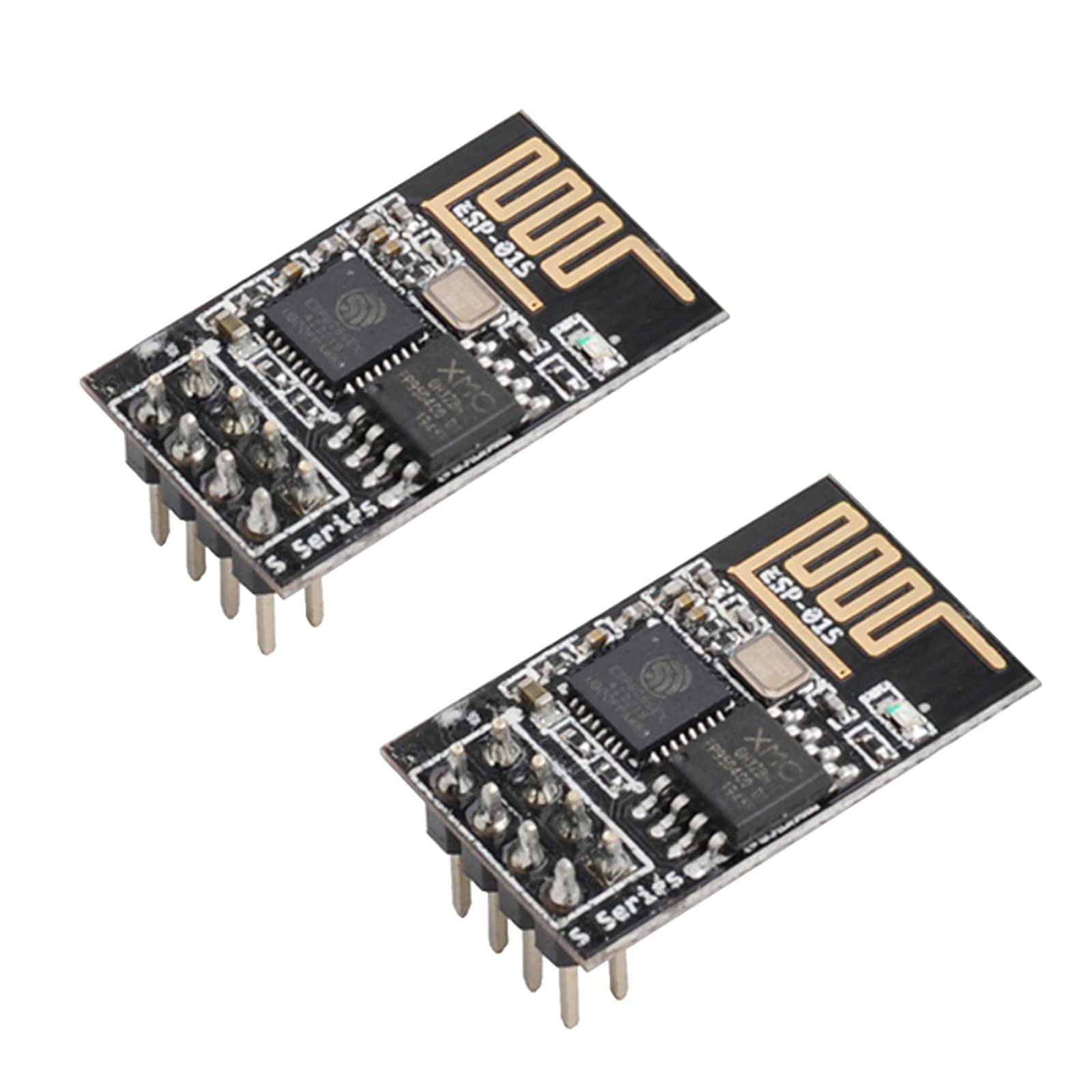
2pcs ESP32 C3 Mini Development Board ESP32-C3 Supermini Module Wi-Fi&BLT 5 ESP32C3FN4 32bit Single-core Processor 160 MHz 4M Flash
Disponibilidad:
En stock
En stock
Peso con empaque:
0.33 kg
0.33 kg
Devolución:
Sí
Sí
Condición
Nuevo
Nuevo
Producto de:
Amazon
Amazon
Sobre este producto
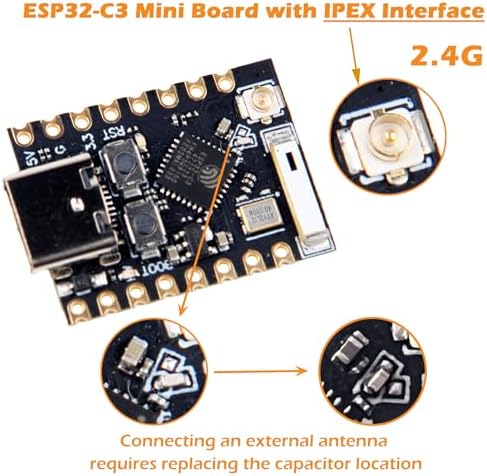
- 1. Antenna interface: upgraded model with external antenna interface, can be used with antennas
- 2. Powerful CPU: ESP32-C3, 32-bit RISC-V single-core processor, running at up to 160 MHz
- 3. Dual Function: Supports WiFi and Bluetooth Dual Function
- 4. Rich interfaces: 1xI2C, 1xSPI, 2xUART, 11xGPIO(PWM), 4xADC / Rich board resources: 400KB SRAM, 384KB ROM 4Mflash built-in
- 5. you will get: only 2pcs ESP32-C3 Mini Development Board
AR$49,828
44% OFF
AR$27,684
IMPORT EASILY
By purchasing this product you can deduct VAT with your RUT number
AR$49,828
44% OFF
AR$27,684
Llega en 8 a 12 días hábiles
con envío
 Tienes garantía de entrega
Este producto viaja
de USA ![]() a tus manos en
a tus manos en
![]()
 a tus manos en


Compra protegida
Disfruta de una experiencia de compra segura y confiable
Tarjetas de Crédito y Débito

Visa

Mastercard

American Express
Pagos a través de PayPal
Compra procesada en dólares con dinero en cuenta o tarjetas internacionales.

Paypal
Pagos a través de MODO
Compra procesada en pesos desde la App de tu banco.

PayPal
Conoce más detalles
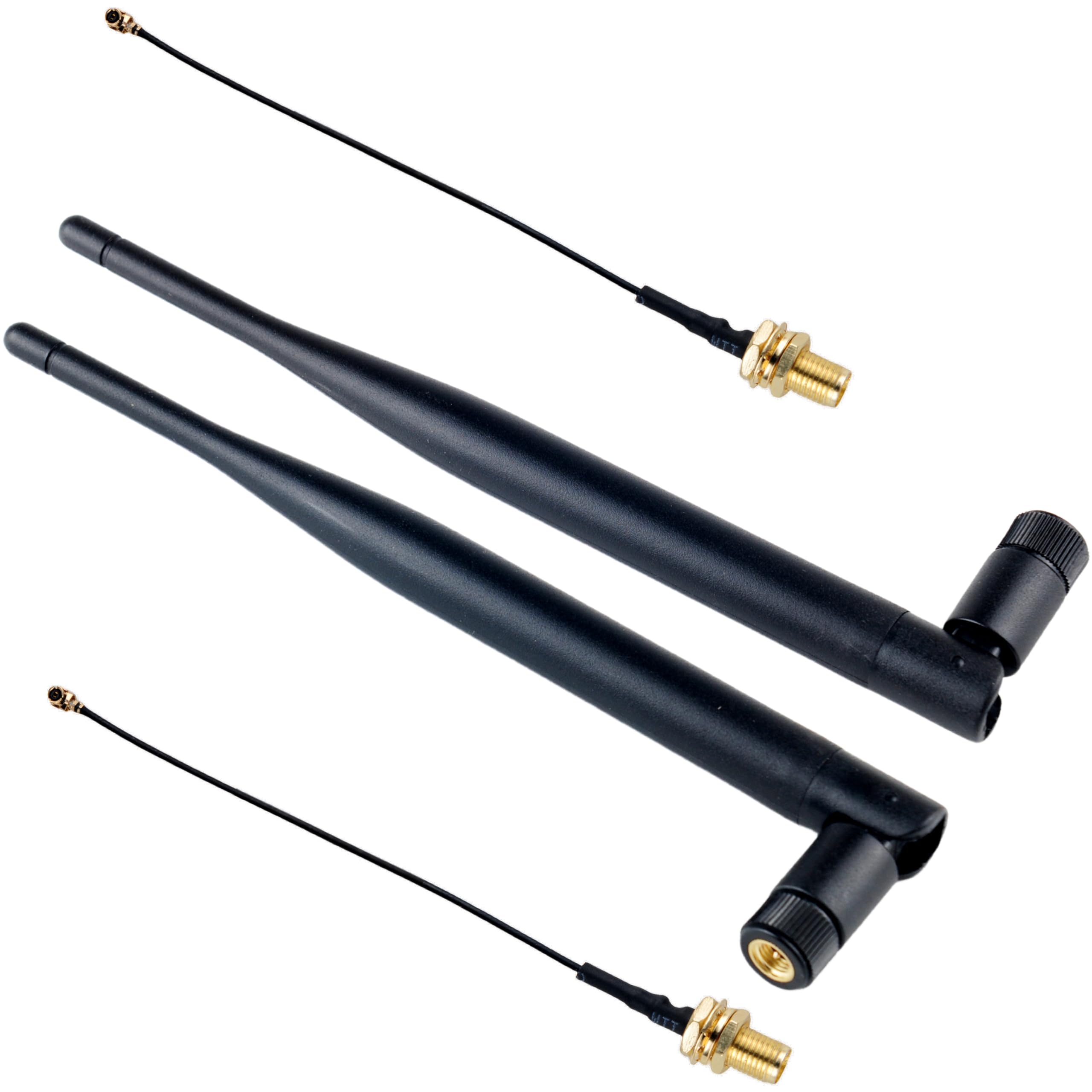
There is an IPEX antenna holder on the top of the board, which can be connected to an external 2.4G antenna. (External antenna requires replacement of capacitor location) The ESP32-C3 Super Mini is an IoT mini development board based on the ESP32-C3 Wi-Fi/Blue-tooth dual-mode chip. The ESP32-C3 is a 32-bit RISC-V CPU containing a FPU (Floating Point Unit) for 32-bit single-precision arithmetic with powerful computational capabilities. It has excellent RF performance and supports IEEE 802.11 b/g/n WiFi and Bluetooth 5 (LE) protocols. The board comes with an external antenna to enhance signal strength for wireless applications. It also features a small and compact form factor combined with a single-sided surface mount design. It is equipped with a rich set of interfaces, with 11 digital I/Os that can be used as PWM pins and 4 analogue I/Os that can be used as ADC pins, and it supports four serial interfaces, including UART, I2C and SPI. There is also a small reset button and a bootloader mode button on the board. Taken together, the ESP32 C3 Super Mini is positioned as a high-performance, low-power, cost-effective IoT mini development board for low-power IoT applications and wireless wearable applications. Product Parameters Powerful CPU: ESP32-C3, 32-bit RISC-V single-core processor, running at up to 160 MHz. WiFi: 802.11b/g/n protocol, 2.4GhHz, supports Station mode, SoftAP mode, SoftAP+Station mode, Mixed mode Blue-tooth: Blue-tooth 5.0 Ultra-low power consumption: deep sleep power consumption of about 43μA Rich board resources: 400KB SRAM, 384KB ROM 4Mflash built-in. Chip Model : ESP32C3FN4 Ultra-small size: as small as a thumb (22.52x18mm) in a classic form factor for wearables and small projects. Reliable security features: cryptographic hardware accelerator with support for AES-128/256, hash, RSA, HMAC, digital signature and secure boot Rich interfaces: 1xI2C, 1xSPI, 2xUART, 11xGPIO(PWM), 4xADC Single-sided components, surface mount design On-board LED blue light: GPIO8 pinout External power supply If you need external power supply just connect the external power supply + level to the 5V position and GND to the negative terminal. (Support 3.3~6V power supply). Remember that when connecting the external power supply, you can not access the USB, USB and external power supply can only choose one. Note: When welding, please be careful not to short-circuit the positive and negative terminals and burn the battery and equipment. Q: Com port not recognized on Arduino A: Enter download mode: Way 1: Press and hold BOOT to power up. Way 2: Press and hold the BOOT button of ESP32C3, then press the RESET button, release the RESET button, then release the BOOT button, at this time, ESP32C3 will enter the download mode. (You need to re-enter the download mode every time you connect, sometimes press it once, the port is unstable and will be disconnected, you can judge it by the port recognition sound) Q: The program can not run after uploading A: You need to press the Reset button to execute the program after successful upload. Q: The serial port of ESP32C3SuperMini Arduino can not be printed. A: You need to set the USB CDC On Boot in the toolbar to Enabled.

